
SeriousSamAlphaRemake
Serious Sam Alpha Remake open source project based on https://github.com/Croteam-official/Serious-Engine and linux port https://github.com/icculus/Serious-Engine. Zdzichu official repo: https://github.com/GrlPwr-Zdzichu/SeriousSamAlphaRemake-Legacy
Install / Use
/learn @tx00100xt/SeriousSamAlphaRemakeREADME
Serious Sam Alpha Remake




What is Serious Sam Alpha Remake?
This is a modification for Serious Sam Classic The First Encounter.
This mod required https://github.com/tx00100xt/SeriousSamClassic or https://github.com/tx00100xt/SeriousSamClassic-VK to run.
Serious Sam Alpha Remake was created by fans of the game Serious Sam TFE and is distributed for free.
Description: (From the author of mod)
This is remake based on all code leftovers and original assets from alpha build. They are fixed and ported to game.
Author:
Zdzichu is author this mod for Windows, which is available here.
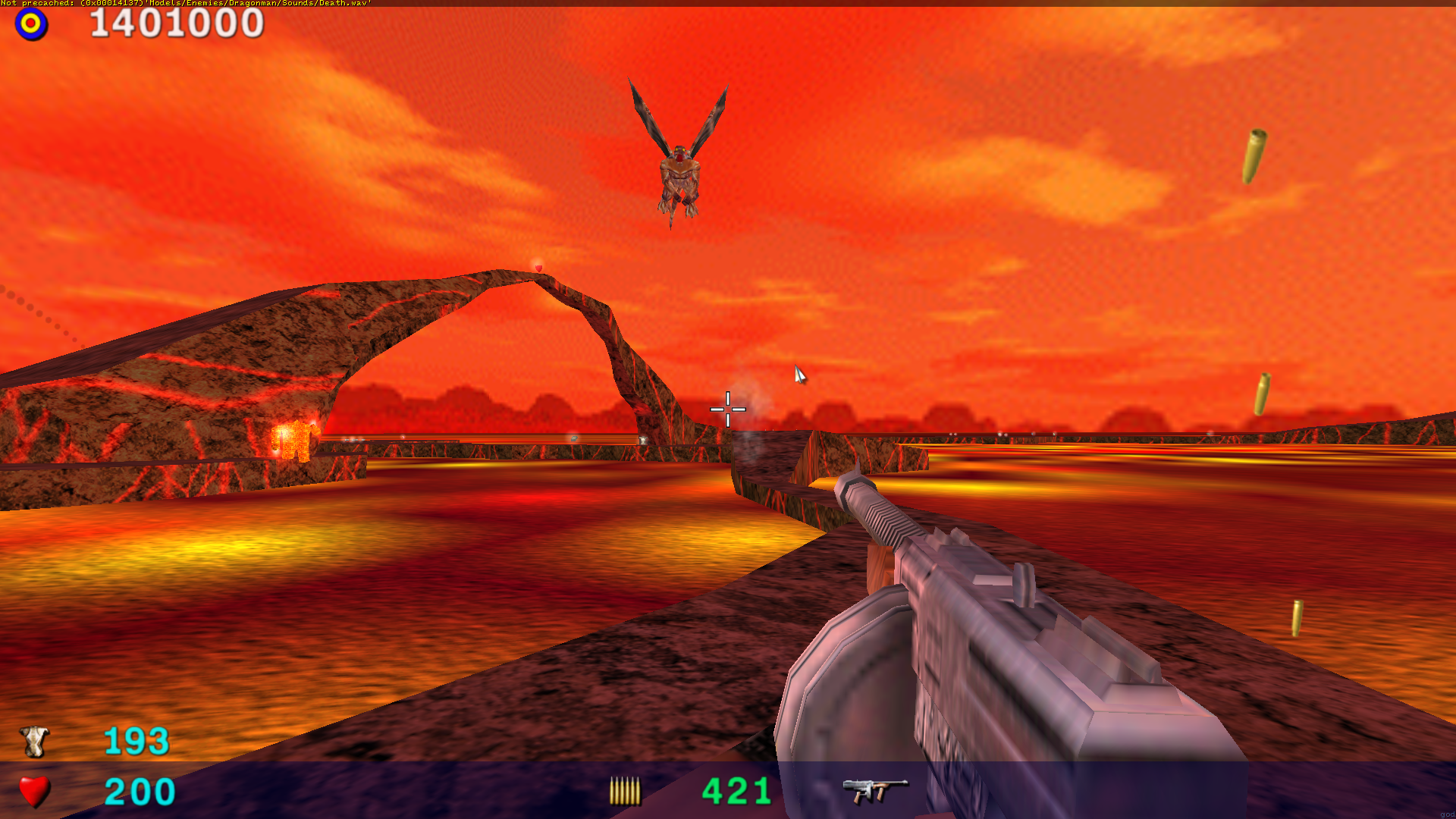
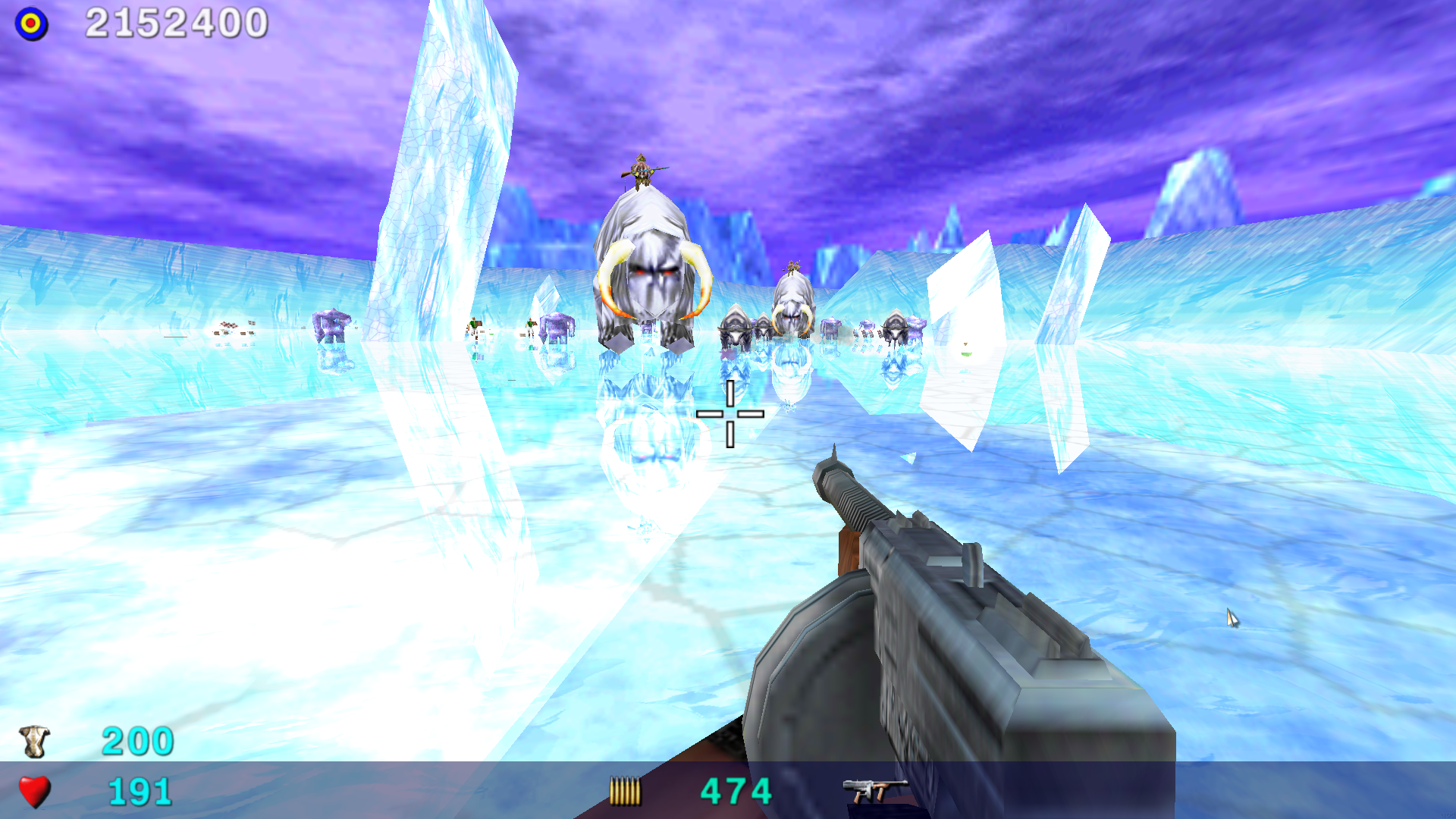
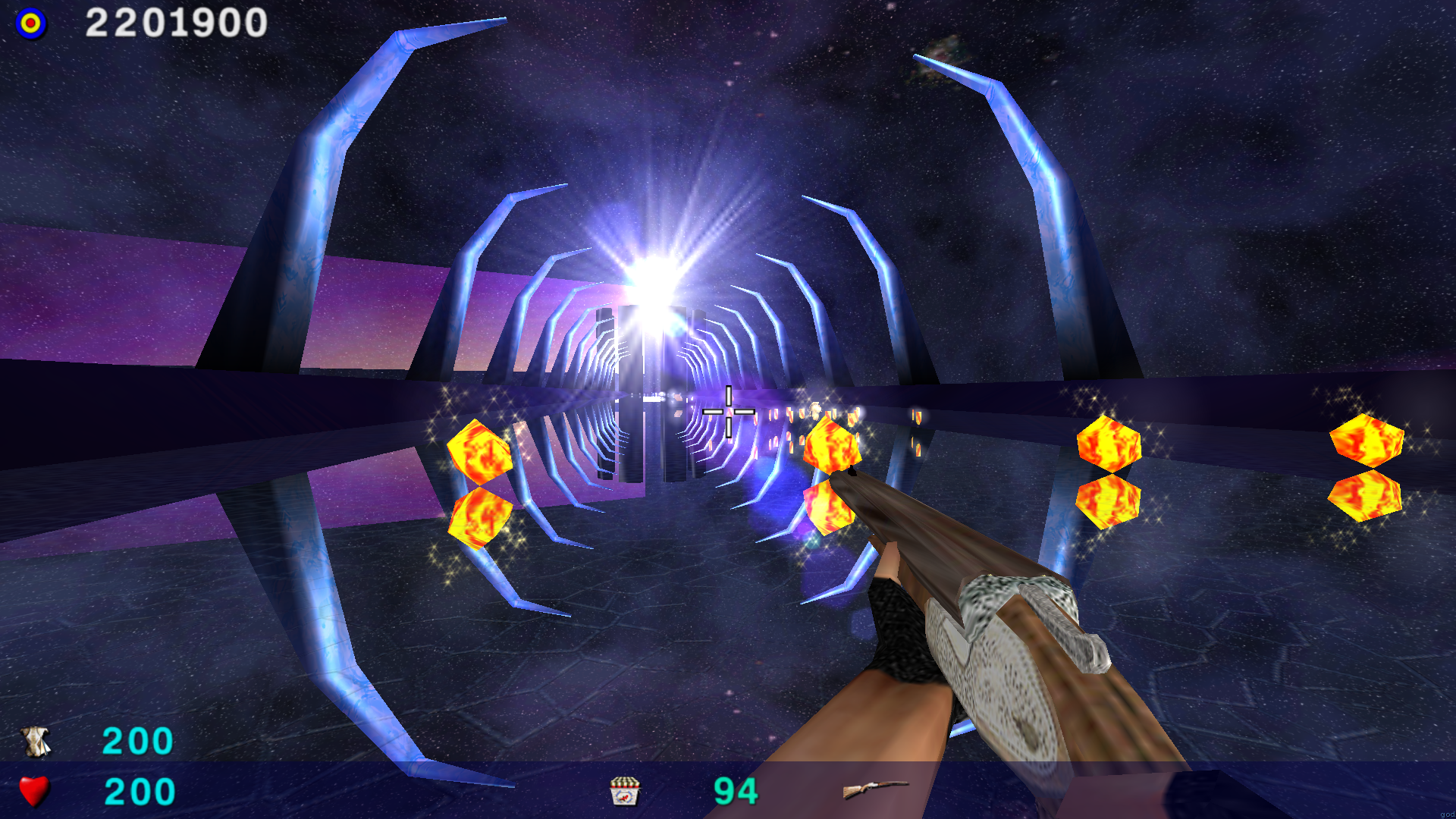
Download SeriousSamAlphaRemake_v1.5.7z archive and unpack to SeriousSamClassic/SamTFE/ directory. You can also download the archive using curl or wget:
wget https://archive.org/download/serious-sam-alpha-remake-data/SeriousSamAlphaRemake_v1.5.tar.xz
To start the modification, use the game menu - item Modification.
Building Serious Sam Alpha Remake.
Linux
Type this in your terminal:
git clone https://github.com/tx00100xt/SeriousSamAlphaRemake.git SeriousSamAlphaRemake
cd SeriousSamAlphaRemake/Sources
./build-linux64.sh					# use build-linux32.sh for 32-bits
After that , libraries will be collected in the Mods directory . Copy them to SeriousSamClassic/SamTFE/Mods/SSA/Bin folder.
Ubuntu
Instead of building you can install packages from ppa by adding ppa:tx00100xt/serioussam to your system's Software Sources.
sudo add-apt-repository ppa:tx00100xt/serioussam
sudo apt update
This PPA can be added to your system manually by copying the lines below and adding them to your system's software sources.
deb https://ppa.launchpadcontent.net/tx00100xt/serioussam/ubuntu YOUR_UBUNTU_VERSION_HERE main
deb-src https://ppa.launchpadcontent.net/tx00100xt/serioussam/ubuntu YOUR_UBUNTU_VERSION_HERE main
After adding ppa, run the commands:
sudo apt install serioussamclassic serioussam-alpha
or
sudo apt install serioussamclassic-vk serioussam-alpha
Gentoo
To build a game for gentoo, use a https://github.com/tx00100xt/serioussam-overlay containing ready-made ebuilds for building the game and add-ons.
Arch Linux
To build a game under Arch Linux you can use the package from AUR: https://aur.archlinux.org/packages/serioussam
Raspberry Pi
The build for raspberry pi is similar to the build for Linux, you just need to add an additional build key.
cd SeriousSamAlphaRemake/Sources
./build-linux64.sh -DRPI4=TRUE		# use build-linux32.sh for 32-bits
FreeBSD OpenBSD NetBSD
To build a binary package for installation on the system use the template:
https://github.com/tx00100xt/SeriousSamAlphaRemake/tree/main/templates
After installation unpack the add-on archive into the directory:
~/.local/share/Serious-Engine/serioussam/
macOS
Install dependes
brew install bison flex sdl2 libogg libvorbis zlib-ng cmake git
Type this in your terminal:
git clone https://github.com/tx00100xt/SeriousSamAlphaRemake.git
cd SeriousSamAlphaRemake/Sources
mkdir build
cd build
cmake -DCMAKE_BUILD_TYPE=Release -DTFE=TRUE ..
make ecc
make -j4
make install
After that , libraries will be collected in the Mods directory . Copy them to SeriousSamClassic/SamTFE/Mods/SSA/Bin folder.
Windows
- This project can be compiled starting from Windows 7 and higher.
- Download and Install Visual Studio 2015 Community Edition or higher.
- Download and Install Windows 10 SDK 10.0.14393.795 or other.
- Open the solution in the Sources folder, select Release x64 or Release Win32 and compile it.
Supported Architectures
x86aarch64e2k(elbrus)
Supported OS
LinuxFreeBSDOpenBSDNetBSDWindowsRaspberry PI OSmacOS
Build status
|CI|Platform|Compiler|Configurations|Platforms|Status|
|---|---|---|---|---|---|
|GitHub Actions|Windows, Ubuntu, FreeBSD, Alpine, Raspberry PI OS Lite, macOS|MSVC, GCC, Clang|Release|x86, x64, armv7l, aarch64, riscv64, ppc64le, s390x|
You can download a the automatically build based on the latest commit.
To do this, go to the Actions tab, select the top workflows, and then Artifacts.
License
- Serious Engine is licensed under the GNU GPL v2 (see LICENSE file).
Some of the code included with the engine sources is not licensed under the GNU GPL v2:
- zlib (located in
Sources/Engine/zlib) by Jean-loup Gailly and Mark Adler
Related Skills
node-connect
349.0kDiagnose OpenClaw node connection and pairing failures for Android, iOS, and macOS companion apps
frontend-design
109.4kCreate distinctive, production-grade frontend interfaces with high design quality. Use this skill when the user asks to build web components, pages, or applications. Generates creative, polished code that avoids generic AI aesthetics.
openai-whisper-api
349.0kTranscribe audio via OpenAI Audio Transcriptions API (Whisper).
qqbot-media
349.0kQQBot 富媒体收发能力。使用 <qqmedia> 标签,系统根据文件扩展名自动识别类型(图片/语音/视频/文件)。
