
Shapedrawer
A library for libGDX that draws simple shapes using a batch.
Install / Use
/learn @earlygrey/ShapedrawerREADME
Shape Drawer

A library for libGDX, an open-source game development application framework written in java.
Draws simple shapes like libGDX's ShapeRenderer does, but uses a Batch to perform the drawing. This means it can be used in between Batch#begin() and Batch#end() without needing to flush the Batch.
Comes with overloaded methods to draw lines, paths, ellipses, regular polygons and rectangles.
Just needs to be provided with a Batch and a TextureRegion. However, note that if you want to draw filled shapes, it is more efficient to use a batch that implements PolygonBatch (eg a PolygonSpriteBatch) instead of a Batch that does not (eg a SpriteBatch).
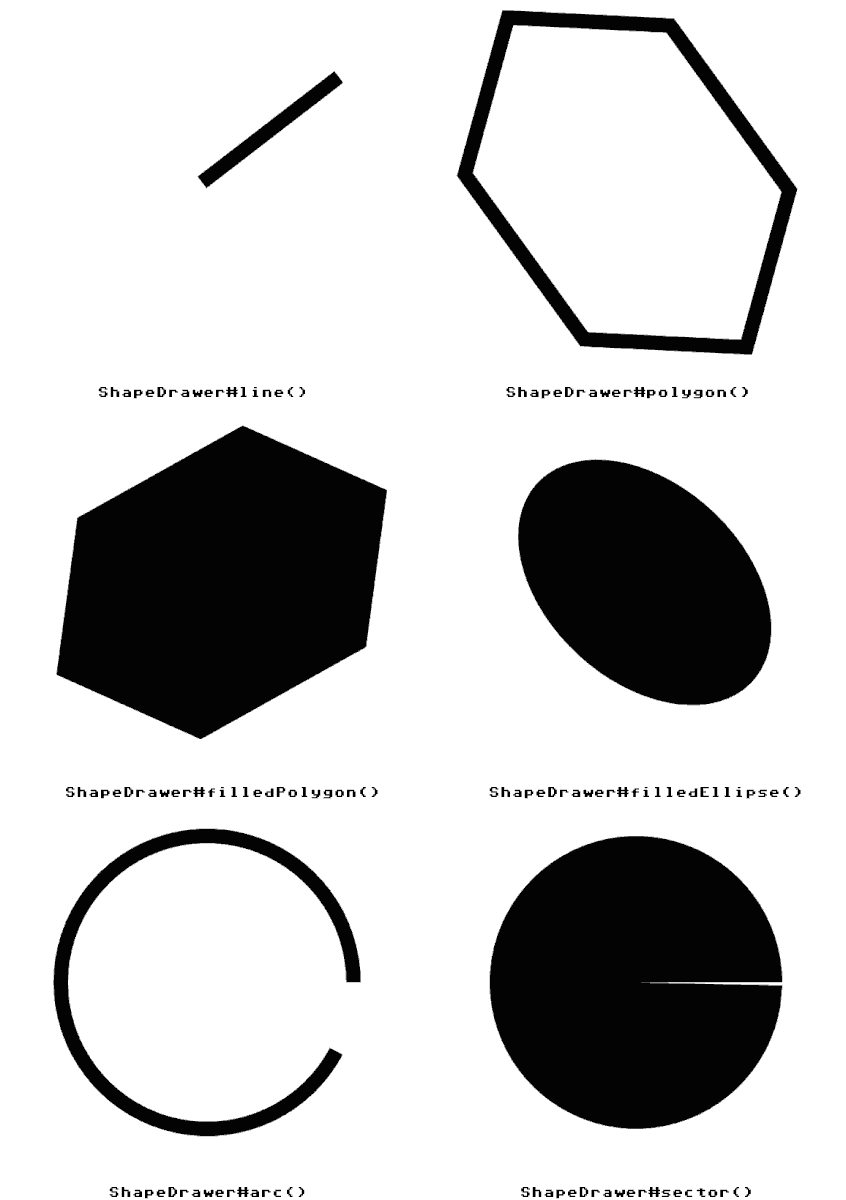
Including in Project
To use this in your gradle project, add the version number and jitpack repository information to your root build.gradle file:
allprojects {
    ext {
    	...
        shapedrawerVersion = '2.5.0'
    }
    repositories {
	...
	maven { url 'https://jitpack.io' }
    }
}
And in your core project add the dependency:
dependencies {
    implementation "space.earlygrey:shapedrawer:$shapedrawerVersion"
}
For HTML5/GWT support, add the dependency to the html project:
project(":html") {
    apply plugin: "gwt"
    apply plugin: "war"


    dependencies {
        ...
        implementation "space.earlygrey:shapedrawer:$shapedrawerVersion:sources"
    }
}
And add the following line to the GdxDefinition.gwt.xml file in the HTML project:
<inherits name="space.earlygrey.shapedrawer"/>
See the jitpack website for more info.
Alternatively, if you're using gdx-liftoff to create your project you can find shape drawer under the "third-party" tab.
Usage
To create a ShapeDrawer instance you just need a Batch and a TextureRegion. Typically this is a single white pixel so that you can easily colour it, and is best packed into an atlas with your other textures.
To instantiate a ShapeDrawer, use:
ShapeDrawer drawer = new ShapeDrawer(batch, region);
And to use it, simply call its drawing methods in between Batch#begin() and Batch#end(). Something like this:
batch.begin();
drawer.line(0, 0, 100, 100);
batch.end();
That's it!
Check the wiki for more info, including:
Test application uses the Commodore 64 UI Skin created by Raymond "Raeleus" Buckley under the CC BY license. Check out the others!
