
WinKeyboard
A tiny Java helper for Windows for emulating keyboard via scan codes.
Install / Use
/learn @UmerCodez/WinKeyboardREADME
winKeyboard (JNI)
A tiny Java helper for Java applications running under Windows for emulating keyboard via scan codes.
If a Java application sends keystroke to the game using java.awt.Robot, then games which uses DirectInput API for reading keyboard input (scancodes) may have no effect.
Here is a simple Java helper for Windows which allow Java applications to send keystrokes to the game/application by generating keyboard scancode using Java Native Interface (JNI)
Keyboard keyboard = new Keyboard();
keyboard.winKeyPress(ScanCode.DIK_UP);
//Thread.sleep(1000);
keyboard.winKeyRelease(ScanCode.DIK_UP);
To send combination (e.g LEFT_SHIFT+A )
 kb.winPressCombination(ScanCode.DIK_LSHIFT,ScanCode.DIK_A);
 kb.winReleaseCombination(ScanCode.DIK_LSHIFT,ScanCode.DIK_A);
LEFT_CTRL+LEFT_SHIFT+A
 kb.winPressCombination(ScanCode.DIK_LCONTROL,ScanCode.DIK_LSHIFT,ScanCode.DIK_A);
 kb.winReleaseCombination(ScanCode.DIK_LCONTROL,ScanCode.DIK_LSHIFT,ScanCode.DIK_A);
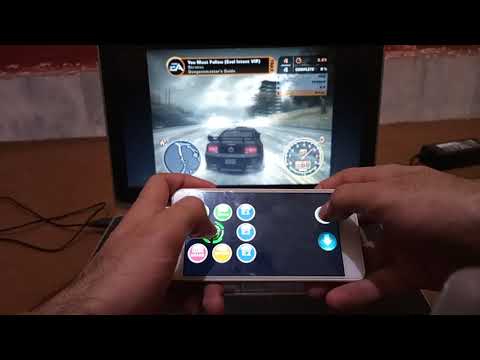
See this in action in this video
Important
make sure you place SCGen32.dll and SCGen64.dll in java library path otherwise java.lang.UnsatisfiedLinkError will be thrown
