EpicGamesLibraryImporter
A tool that allows to import previously installed games, mostly useful when they disappeared from the library after a reinstall. ALL CREDIT GOES TO https://github.com/FFouetil/EpicGamesImportTool!
Install / Use
/learn @Letoonik/EpicGamesLibraryImporterREADME
Epic Games Launcher Import Tool


A tool that allows to import previously installed games, mostly useful when they disappeared from the library after a reinstall.
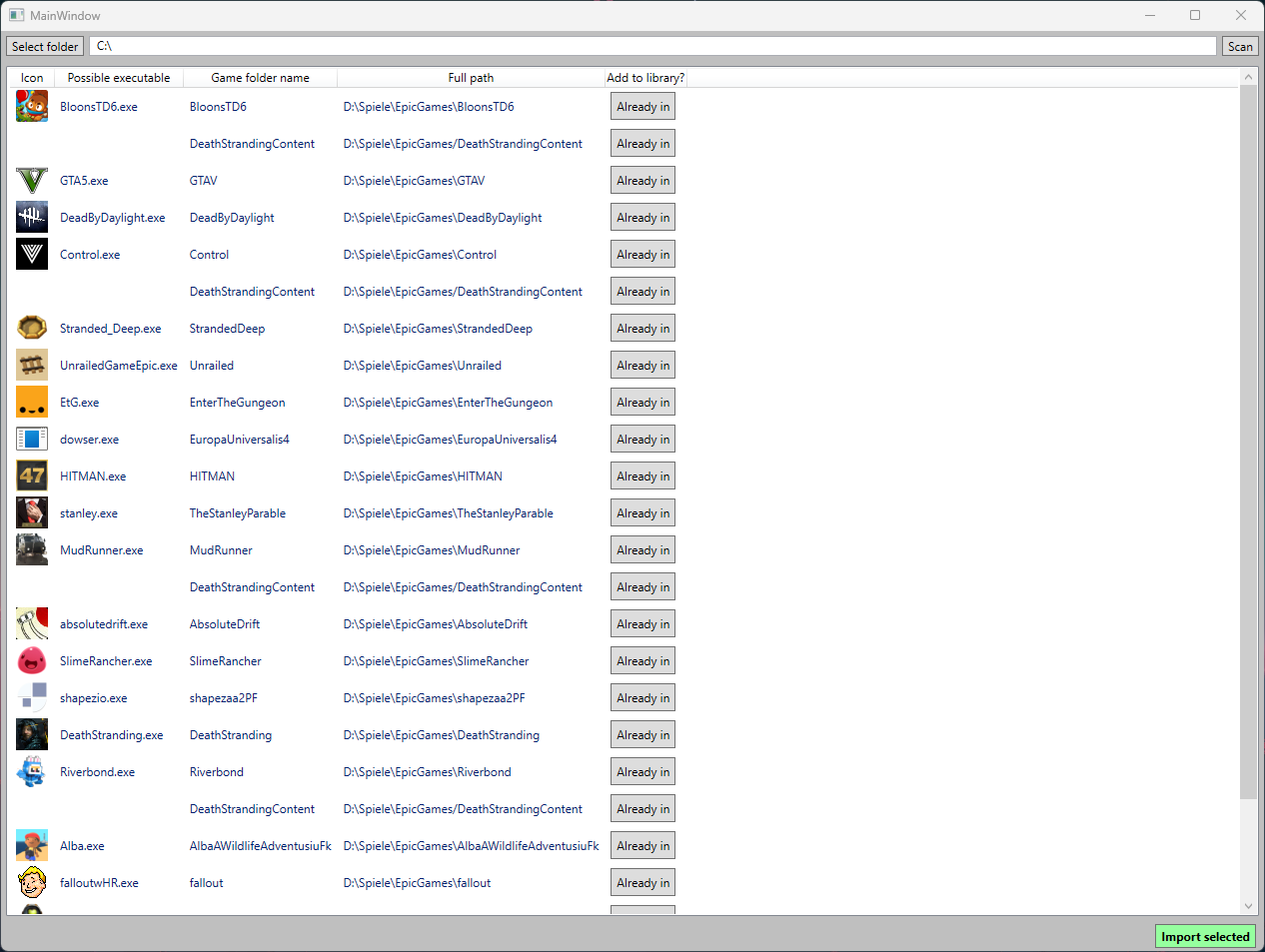
- Pick a folder with "Select folder" and click "Scan" to search for Epic Game entries in all subfolders.
- Select all games (Ctrl + A) and click "Import selected" to add all found games to your Epic Games Launcher library.
When you open the Epic Game Launcher afterwards and go into your library, it will take a little while to scan, validate, and fix missing metadata for every game you just added.
Note: Probably doesn't work for Unreal Engine Installations (at least it didnt work for me).
How to compile
- Install the C# 8.0 .NET SDK
- Download the repo and run
dotnet build --configuration=Releasein Command Prompt - The binary will appear in
..\EpicGamesImportTool-main\EGSIT.UI\bin\Release\net6.0-windows\EGSIT.UI.exe
This repo was forked from https://github.com/FFouetil/EpicGamesImportTool. It was a little broken, so I fixed it (by randomly adding some imports in the C# files) and provided propper binaries in a zip file. All credit goes to FFouetil.