KkTerminal
A terminal for Web SSH connection
Install / Use
/learn @zyyzyykk/KkTerminalREADME
kkTerminal
<p align="center"><a href="https://ssh.kkbpro.com/" target="_blank" rel="noopener noreferrer"><img width="100" src="https://kkbapps.oss-cn-shanghai.aliyuncs.com/logo/terminal.svg" alt="kkTerminal"></a></p> <p align="center"> <a href="https://hub.docker.com/repository/docker/zyyzyykk/kkterminal/general"><img src="https://img.shields.io/docker/pulls/zyyzyykk/kkterminal?logo=docker" alt="Docker Image"></a> <a href="https://www.oracle.com/cn/java/technologies/downloads/#java8-windows"><img src="https://img.shields.io/badge/jdk-21-orange?logo=openjdk&logoColor=%23e3731c" alt="JDK Version"></a> <a href="https://spring.io/projects/spring-boot"><img src="https://img.shields.io/badge/springboot-3.5.10-green?color=6db33f&logo=springboot" alt="SpringBoot Version"></a> <a href="https://cn.vuejs.org/"><img src="https://img.shields.io/badge/vue-3.x-green?color=42b883&logo=vue.js" alt="Vue Version"></a> <a href="https://www.apache.org/licenses/"><img src="https://img.shields.io/badge/licence-Apache-red?logo=apache&logoColor=%23D22128" alt="Apache Licence"></a> <a href="https://github.com/zyyzyykk/kkTerminal"><img src="https://img.shields.io/github/stars/zyyzyykk/kkterminal" alt="GitHub"></a> </p> <p align="center">English | <a href="./doc/zh_CN/README.md" >简体中文</a></p>A terminal for Web SSH connection
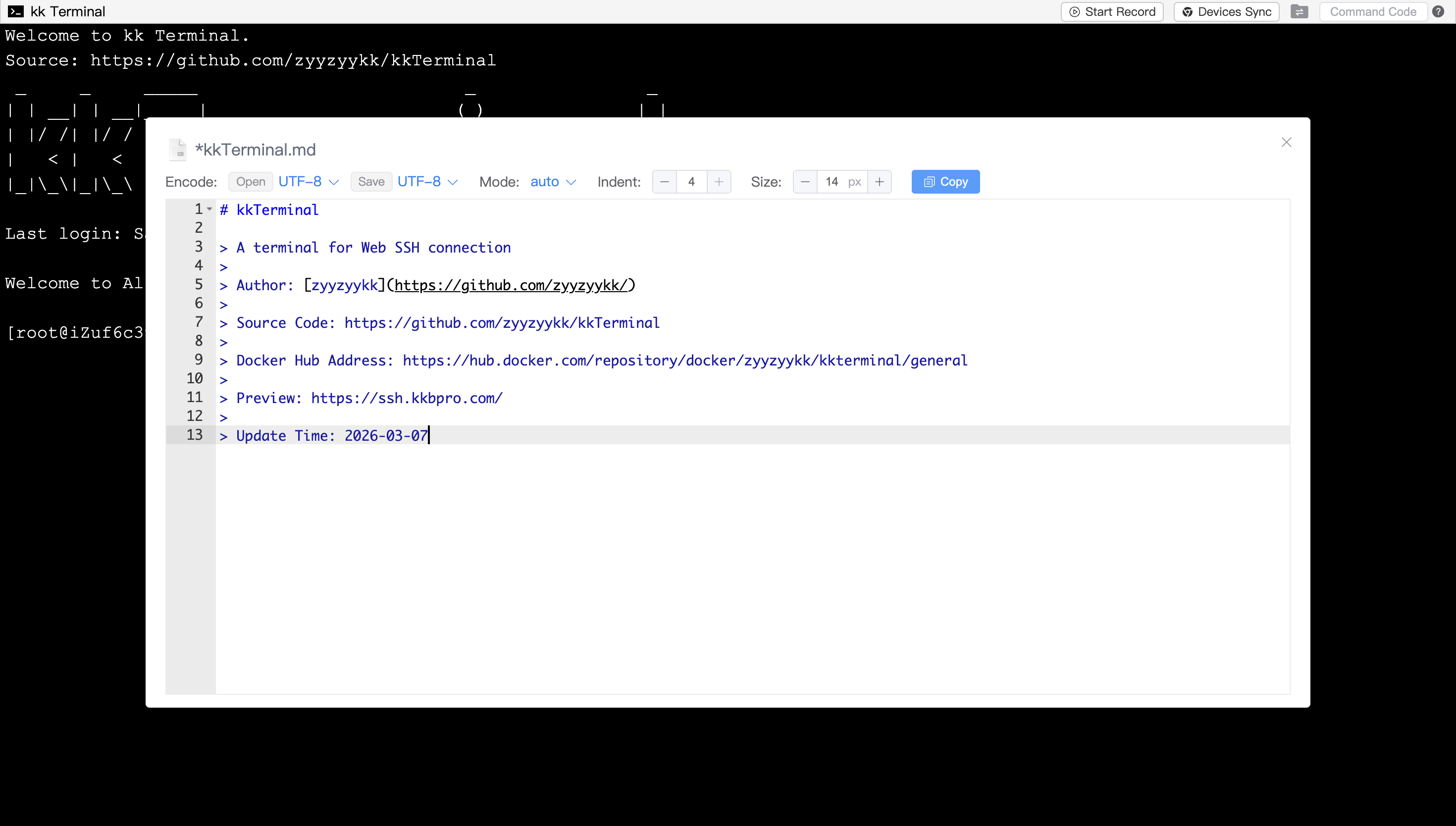
Author: zyyzyykk
Source Code: https://github.com/zyyzyykk/kkTerminal
Docker Hub Address: https://hub.docker.com/repository/docker/zyyzyykk/kkterminal/general
Preview: https://ssh.kkbpro.com/
Update Time: 2026-03-07
⚡ Quick integration
Using the HTML tag iframe in web pages to quick integration:
<iframe src="https://ssh.kkbpro.com/" height="600px" width="800px" ></iframe>
🐳 Deploy with Docker
- Pull image:
docker pull zyyzyykk/kkterminal
- Create and run a container:
docker run -d --name kkterminal \
-p 3000:3000 \
-e BANNER="kkTerminal" \
-e STORAGE="P5P1SIqVe6kaOxMX" \
-e PASSWORD="" \
-v /data/kkterminal/cloud:/cloud \
-v /data/kkterminal/log:/log \
-v /data/kkterminal/temp:/temp \
zyyzyykk/kkterminal
- Accessing in browser:
http://<server ip>:3000/
👀 Preview
Visit this website: https://ssh.kkbpro.com/
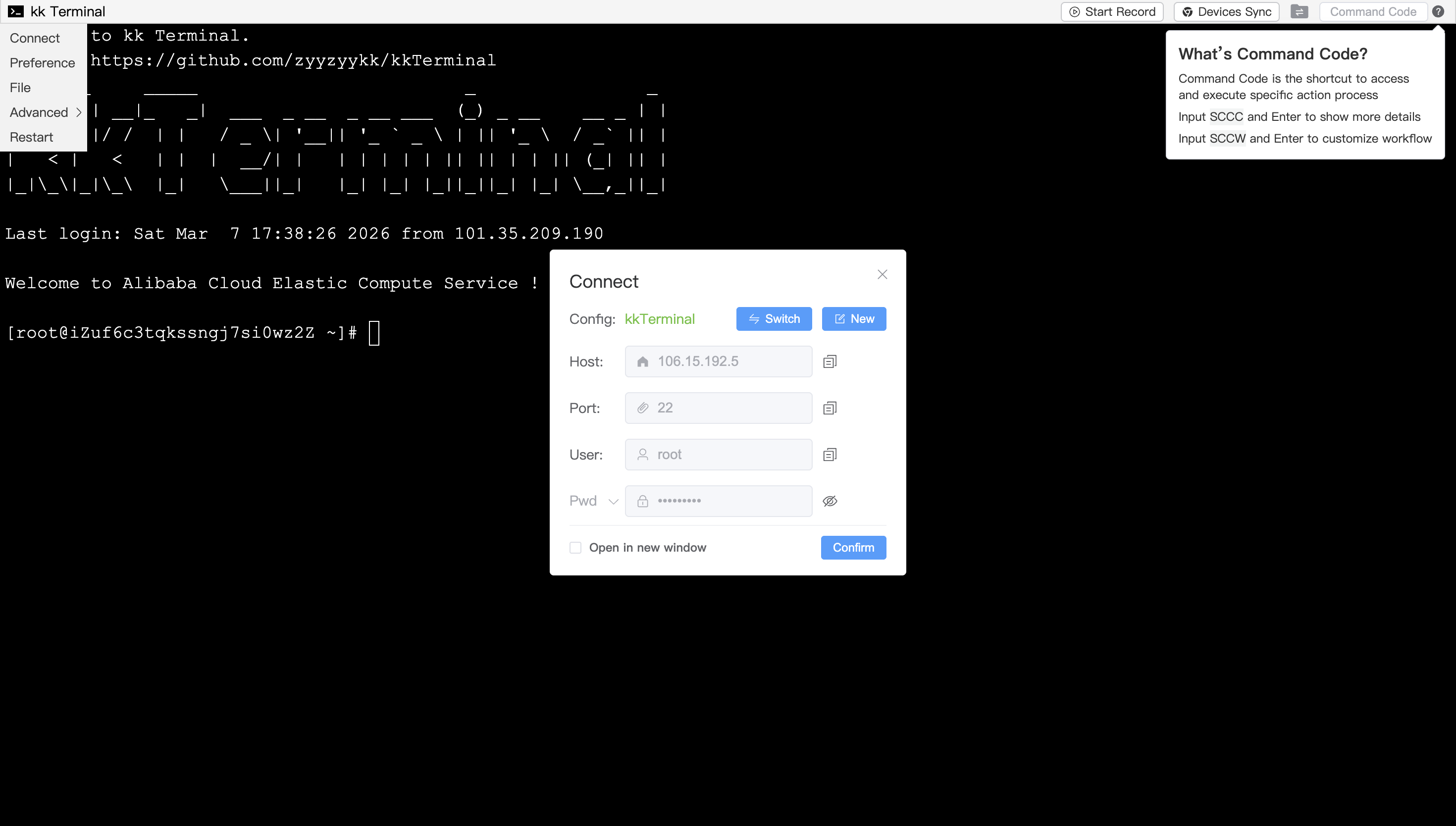
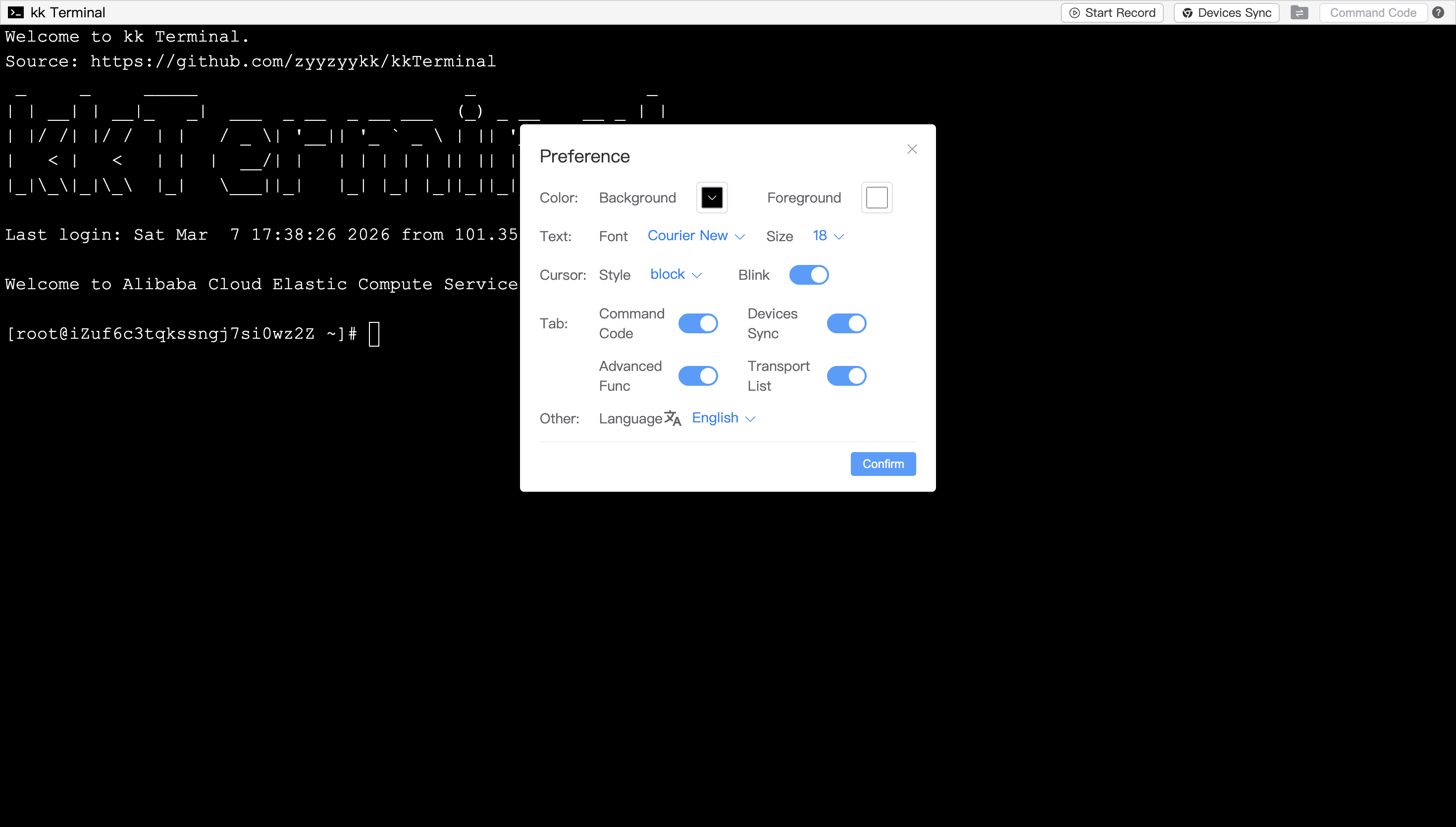
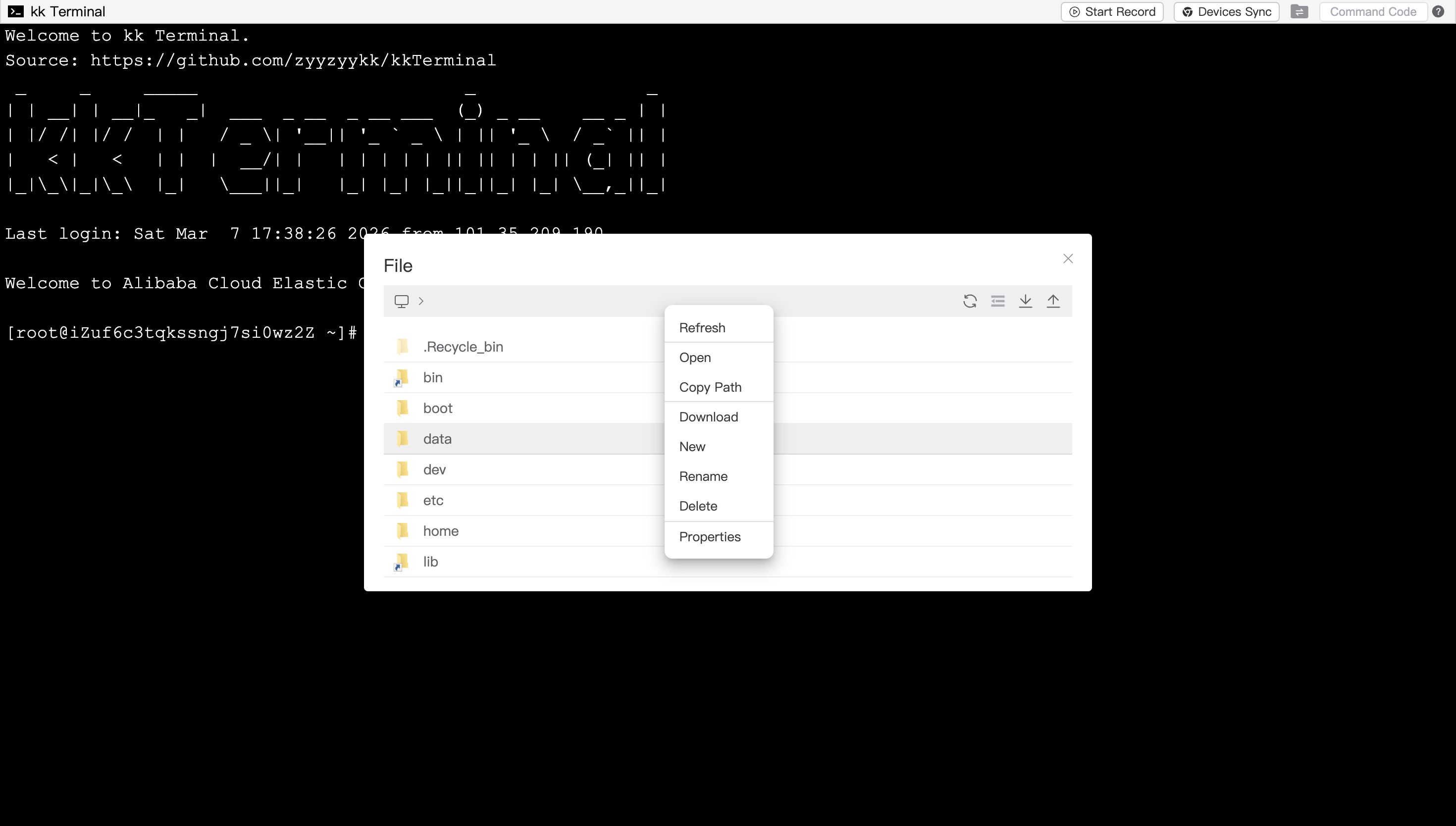
💡 Function Description
- Click on the upper-left terminal icon and select Connect to establish an SSH connection
- Support the usage of
iframetag in web pages for quick integration into third-party websites - Support customizing terminal configuration through URL Parameters
- Support internationalization and language switching between Chinese and English
- Support local PC operation which browser window will be auto-opened upon startup
- Support adaptive window size and Chinese input
- Support preference settings, such as choosing the terminal background/foreground color, font size, cursor display style, etc
- Support automatically/manually restart
- Support automatic copy on selection and right-click paste
- Support file management, open the File module to view, decompress, upload and download files/folders
- Support shortcut key operations such as multiple/all file selection, copy and paste, cut, selection switch, open, delete, etc
- Support file browsing and editing, modify your file and save it to the remote server by using
ctrl+s - Support Command Code,which can execute customized workflow
- Support operation recording and devices synchronization functions
- Support Cooperate, Monitor and Docker functions
- Support password verification for access
👨💻 Update Records
zyyzyykk/kkterminal:3.8.0
- Docker module adds container details display and app store updates
- Enhance compatibility of non-secure context and lower versions
- Upgrade project jdk and springboot version
- Refactoring some codes and optimizing UI display
zyyzyykk/kkterminal:3.7.6
- Support more URL parameters
- Optimize file transfer process
- Add access verify function
- User Command Code file module adds API
- Docker module adds viewing container details
- Fix bug of data request exception in Docker module
- Optimize page display
- Enhance some functions
zyyzyykk/kkterminal:3.6.8
- Add file transport list
- Add docker appStore
- Add logging function
- Optimize the overall encryption logic
- Some dialogs support left and right stretching to adjust width
- Optimize the encoding format for opening and saving in file editor
- User Command Code adds reserved values and file module API
- Refactoring some codes and optimizing UI display
🧬 Architecture
+---------+     http      +-------------+    ssh     +---------------+
| browser | <===========> | kk Terminal | <========> | remote server |
+---------+   websocket   +-------------+    sftp    +---------------+
Vue + Xterm              SpringBoot + SSHJ                Linux OS
🏘️ About this project
[!Important]
kkTerminal will not actively record any information such as passwords, files, commands, etc which related to remote servers
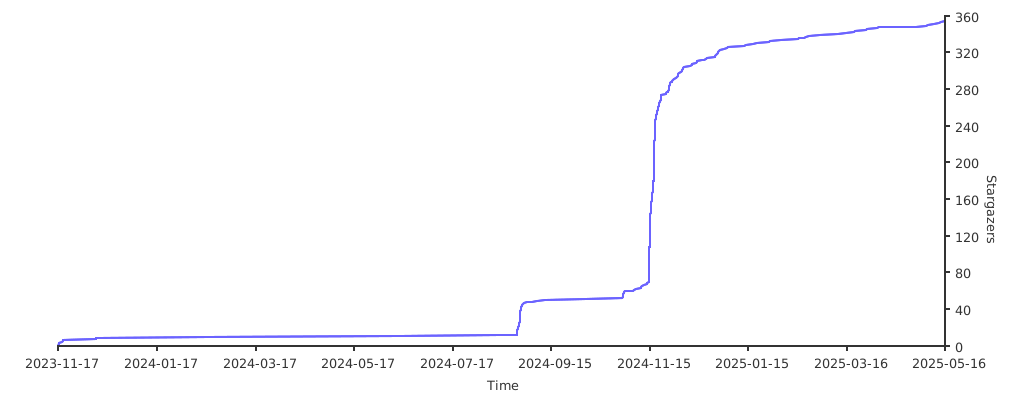
🌟 Stars