
Vtdd
vite,ts,mock,pinia,i18,unocss,starport,eslint,prettier,新的东西总在进步
Install / Use
/learn @zhuhaobam/VtddREADME
WEB 应用名 VTDD
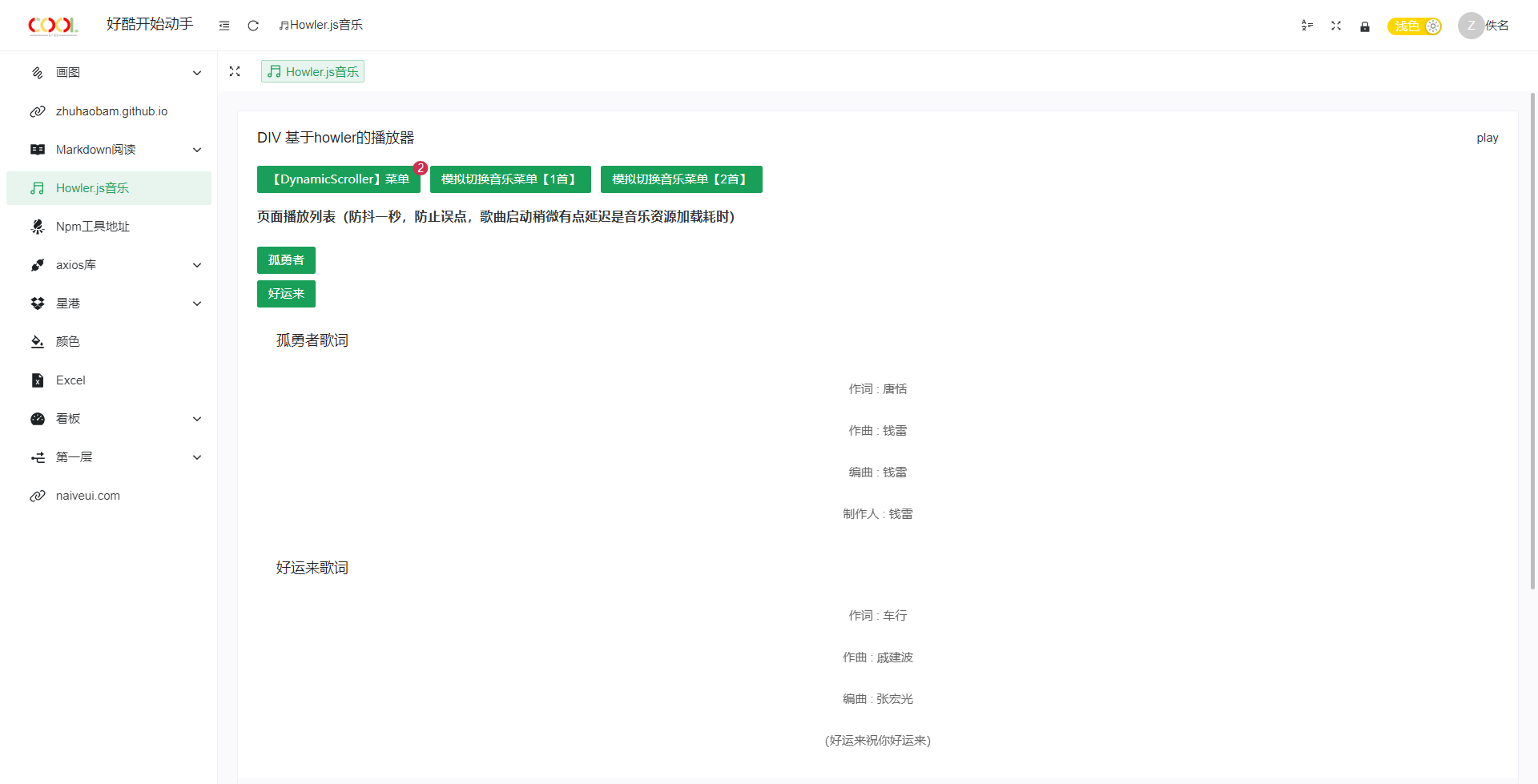
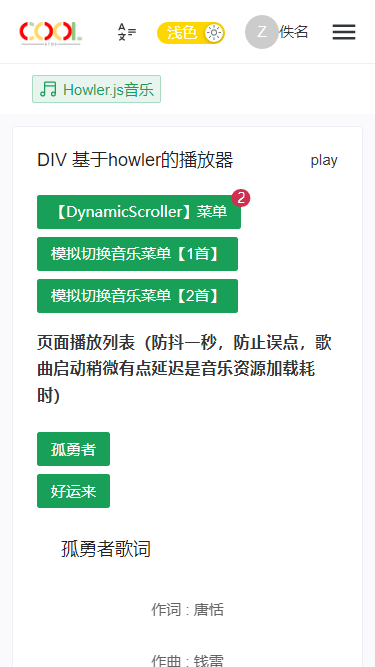
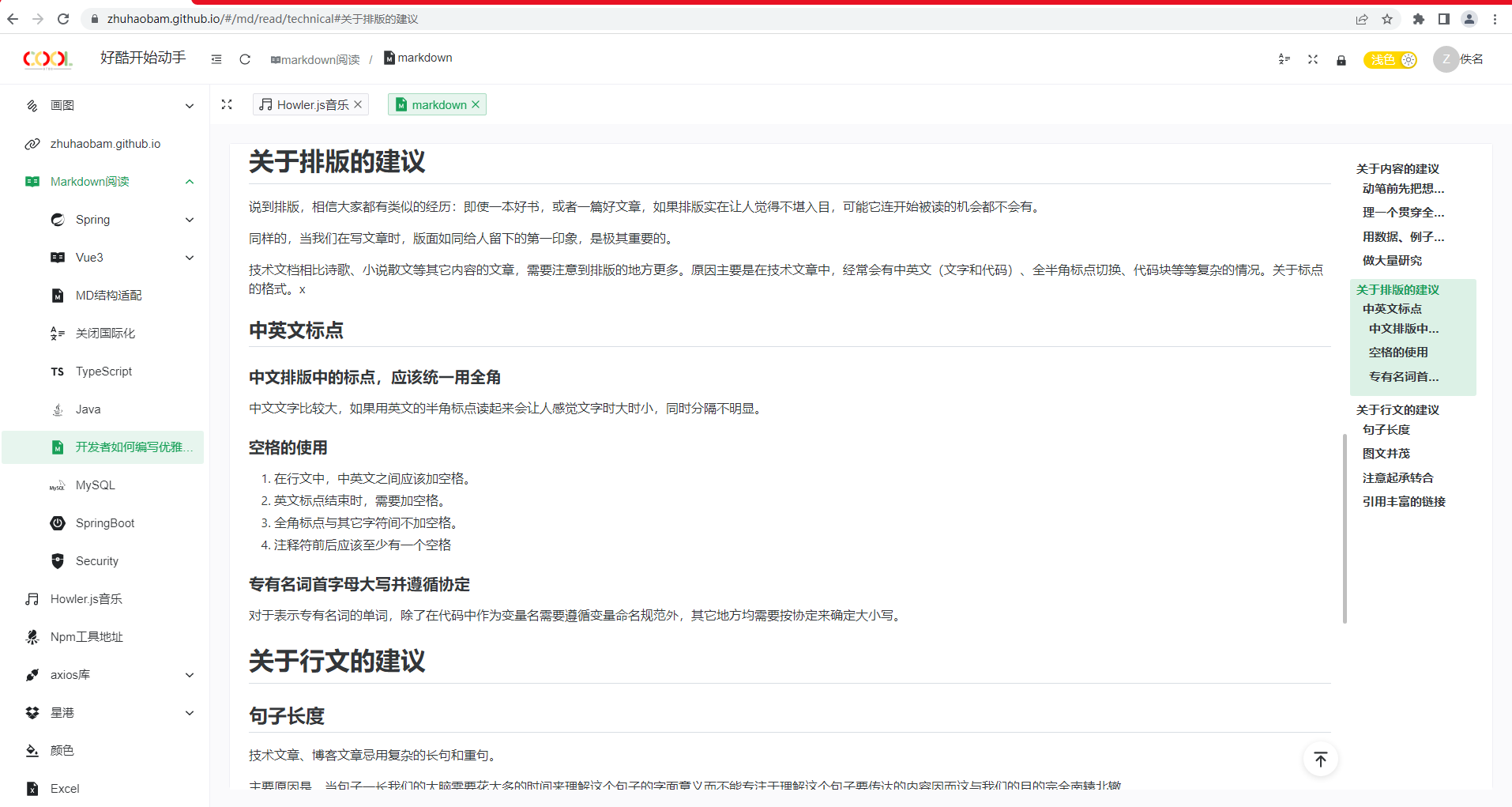
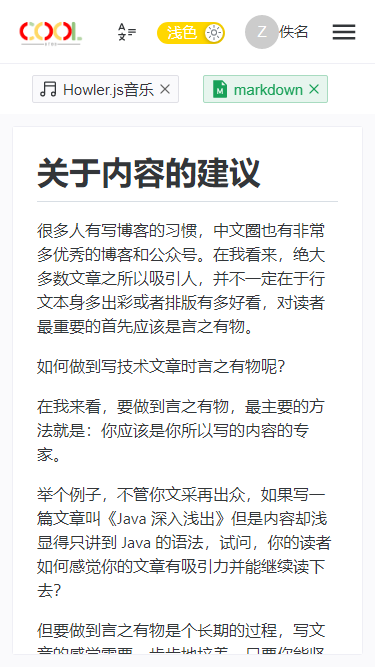
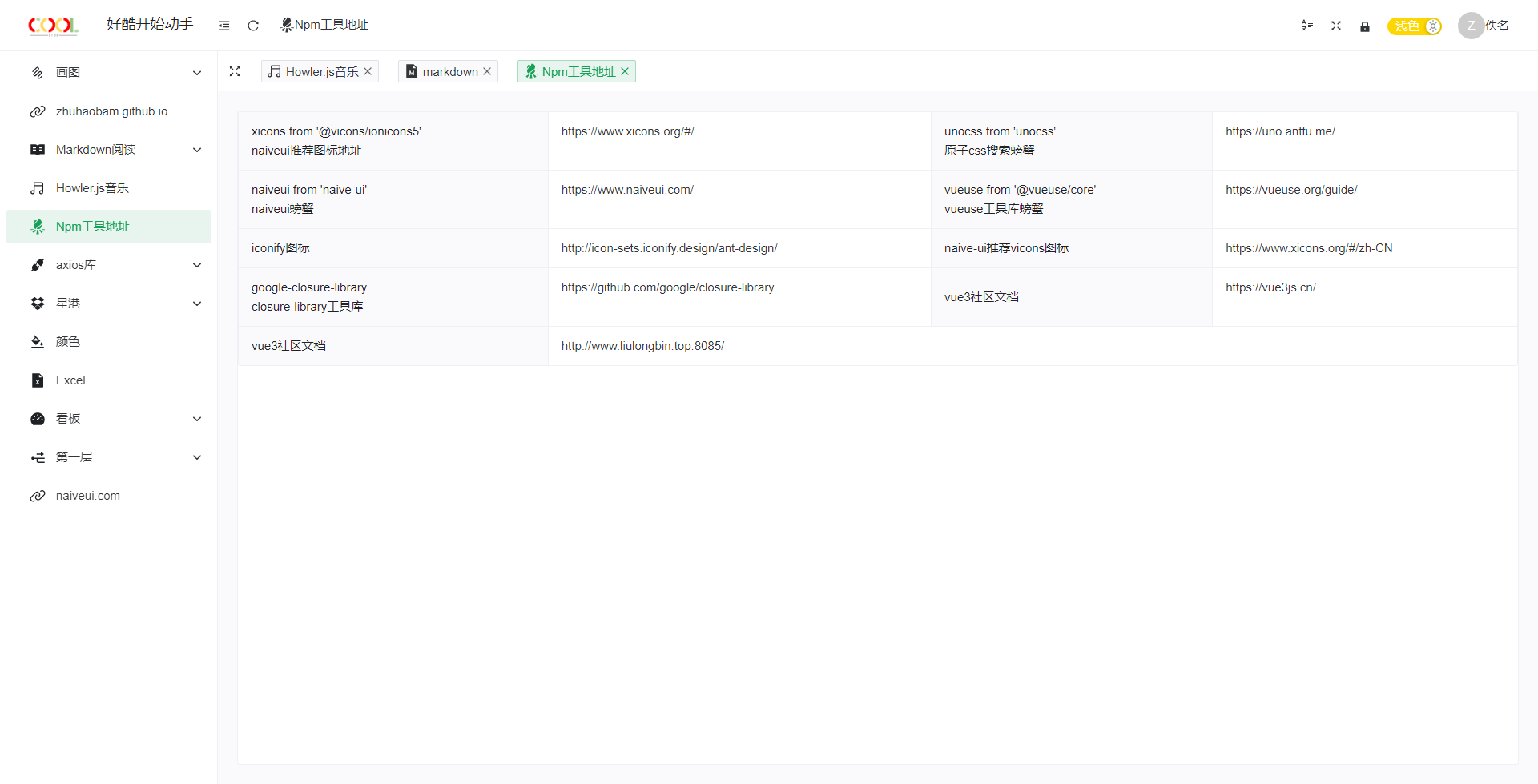
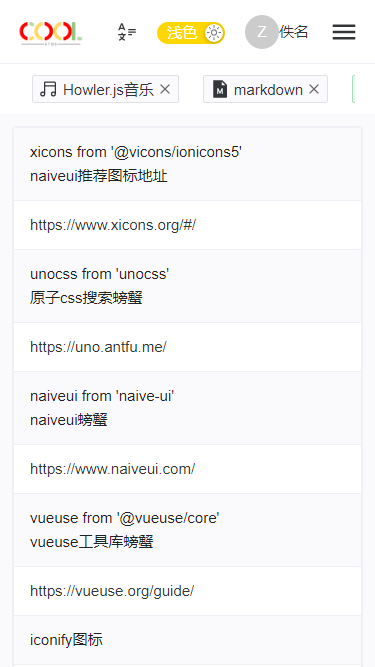
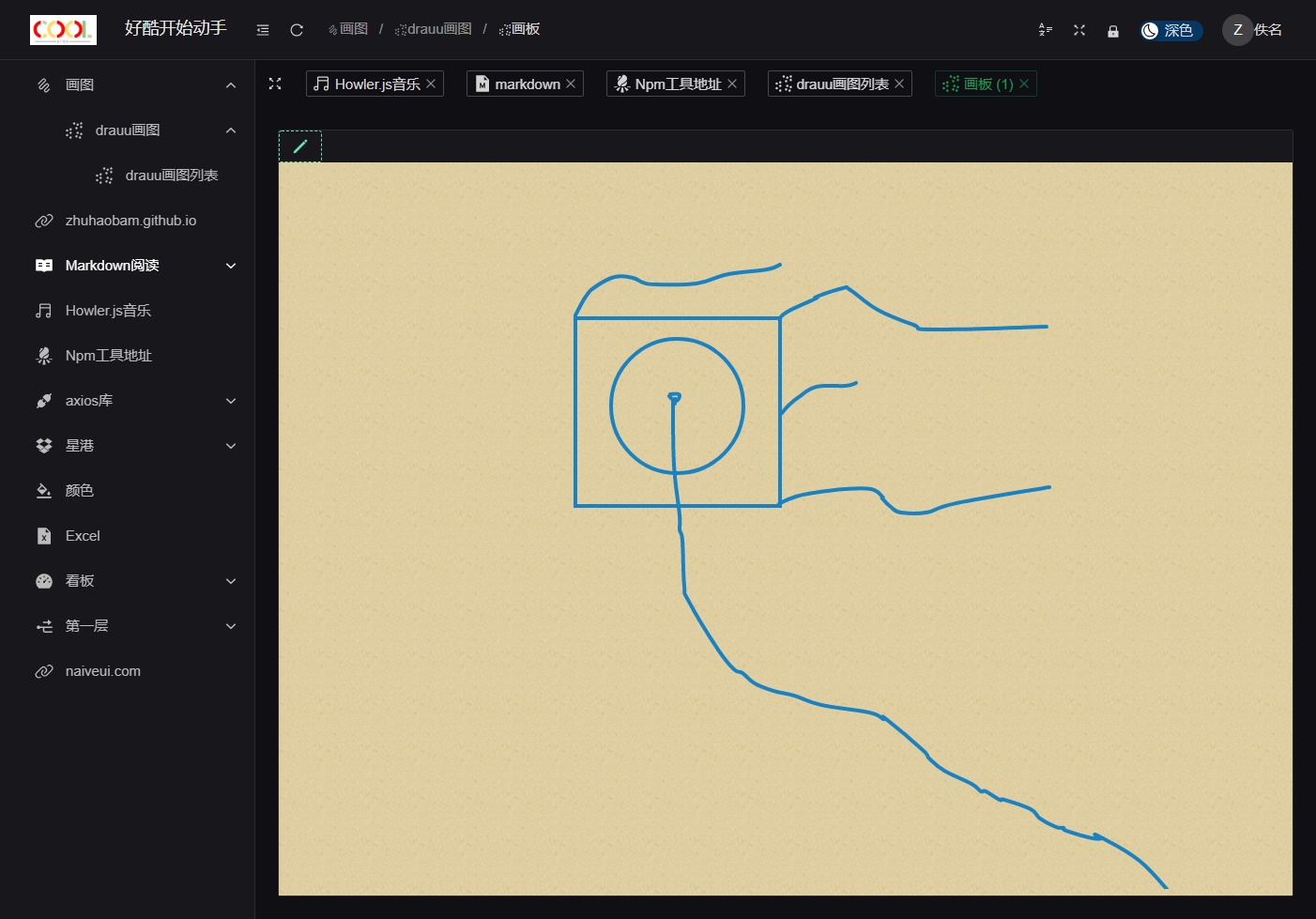
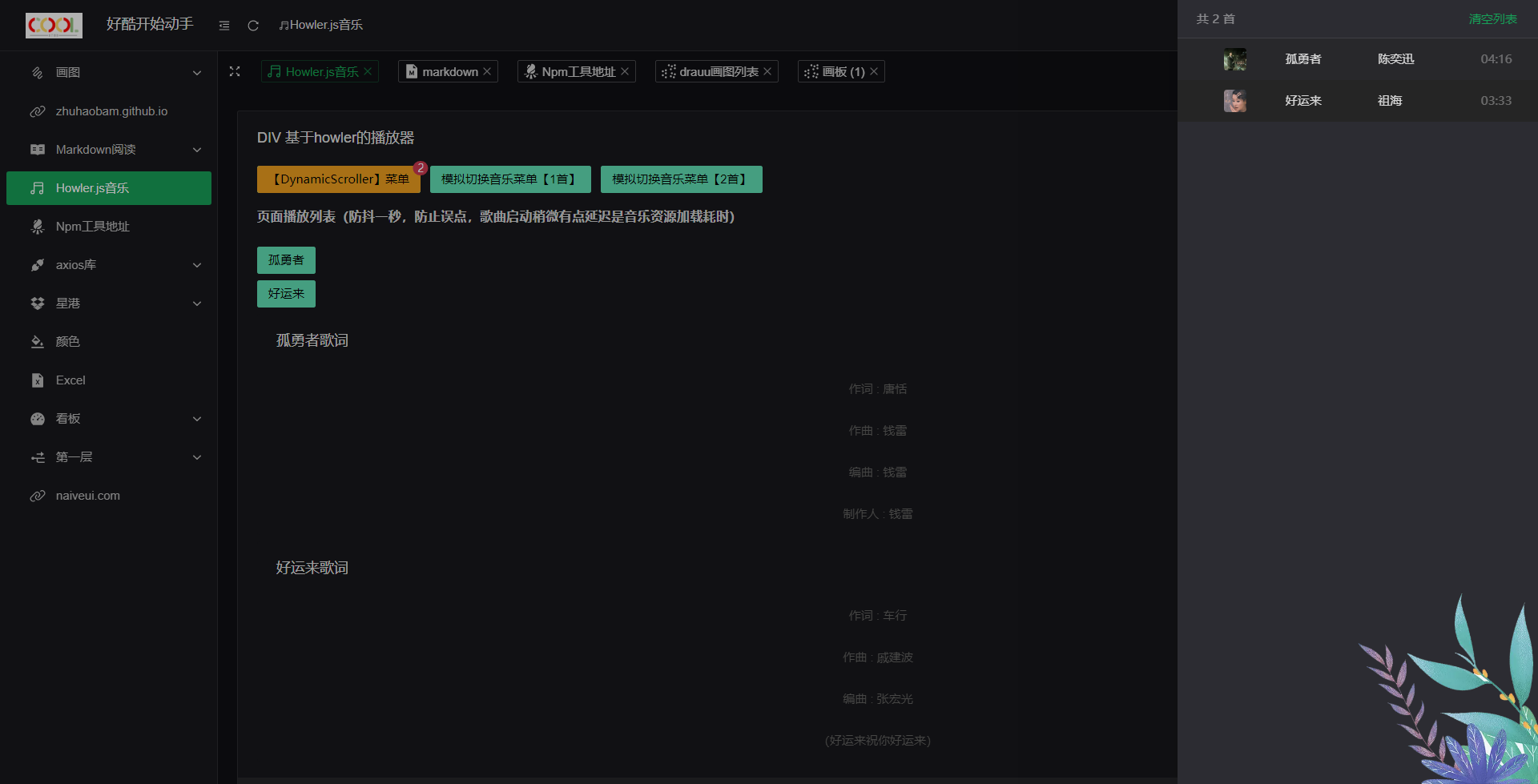
适配 PC、平板、手机,拖到底部查看截图,或者直接预览地址查看,代码提交前本地已经通过格式检查,build 检查,预览检查
项目在线预览地址
https://zhuhaobam.github.io
WEB 应用主要配方
| 类型 | 物料 | 版本 | 补充 | | :-------------------------: | :-----: | :----: | :--------------------------------------------------------------------------------------------------------------------------------------------------------------------------------------------------------------------------------------------------------: | | 非构建式原生 ESM 开发服务器 | Vite | 3.0.9 | Vite 选择了与单个打包器(Rollup)进行更深入的集成。Vite 还支持一套 通用插件 API 扩展了 Rollup 的插件接口,开发和构建两种模式都适用。Vite 使用 Esbuild 而不是 Rollup 来进行依赖预构建。这为开发服务器冷启动和依赖项失活的重新构建方面带来了显著的性能改进。 | | 生产构建器 | Esbuild | | | | Vue 3 组件库 | NaïveUI | 2.33.2 | 比较完整,主题可调,使用 TypeScript |
项目使用
| 使用 | 建议 | 补充 |
| :---------------------: | :------------------------------------------------------------------------------------------------------------------------------------------------------------------------------------------------------------------------------------------------------------------------------------------------------------------------------------------: | :----------------------------------------------------------------------------------------------------------------------------------------------------------------: |
| pinia 本地存储 | 浏览器的 Application 下的 all Storage 可以先清空保证后续项目运行状况 | 例如主题亮与暗、国际化等等 |
| 项目使用 pnpm | | 快速的,节省磁盘空间的包管理工具 |
| src/md 和 src/view | 这个目录下面为 md 文件,和 src/view 使用起来一样,只是前者是 md,md 头部的---... ... ---中间的配置类型于 vue 页面结尾的<route lang="yaml">,我对这两个配置的地方都做了扩展 | md 和 view 两个文件夹转换为路由请阅读vite-plugin-pages,路由布局请阅读vite-plugin-vue-layouts,md 解析请阅读vite-plugin-md,插件配置参考vite/plugins文件夹下 |
| md 文件头部配置说明 | title名字,breadcrumb用于国际化,noi18n为 yes 标题就是 title 配置,如果为 false 标题就是 breadcrumb 国际化,icon为图标可以是 assets/icons 下面的 svg,也可以是查看 package.json 里面前缀@iconify-json 的包的图标,也可以在项目启动后的Npm工具地址查看,也可以是查看 package.json 里面前缀@vicons 的包的图标,sort排序,padding内部边距 | |
| vue 尾部 route 配置说明 | breadcrumb国际化,icon同上图标,sort排序,keepAlive,hidden,padding | |
| 想看明白路由生成 | vite-plugin-pages和vite-plugin-vue-layouts需要去src/router打印每一步的结果,还有src/layouts/component/Menu需阅读也包含 vue 页面底部 route 配置,md 文件头部配置可参考src/utils/naiveUiRouter.ts | |
vtdd 源码检查结果

dev、build、preview、lint、prettier、stylelint 以及 github page 均通过
目前 pnpm 一直是最新版本的,依赖包也通过 pnpm update 最新的
提交检验=》控制台先 pnpm run prepare=>再使用 git 那一系列命令
pnpm 包管理器
pnpm run dev
github 源码地址
https://github.com/zhuhaobam/vtdd
gitee 源码地址
https://gitee.com/zhline/vtdd
npm 库
- vite
- ts
- mock
- pinia
- pinia 本地存储
- i18
- unocss
- starport
- eslint
- prettier
- ... ...
vscode 插件
- Prettier-Code formatter
- ESLint
- TypeScript Vue Plugin (Volar)
- Vue Language Features (Volar)
- EditoerConfig for VS Code
- UnoCss
提交规范
<type>(<scope>): <subject>
type
- feat: 新功能
- fix: 修复问题
- docs: 修改文档
- style: 修改代码格式,不影响代码逻辑
- refactor: 重构代码,理论上不影响现有功能
- perf: 提升性能
- test: 增加修改测试用例
- chore: 修改工具相关(包括但不限于文档、代码生成等)
- deps: 升级依赖
scope
修改文件的范围(包括但不限于 doc, middleware, proxy, core, config)
vscode setting.json
{
  "editor.codeActionsOnSave": {
    "source.fixAll.eslint": true,
    "source.fixAll.stylelint": true
  },
  "eslint.alwaysShowStatus": true,
  "eslint.validate": [
    "javascript",
    "typescript",
    "typescriptreact",
    "javascriptreact",
    "jsx",
    "html",
    "vue"
  ],
  "[html]": {
    "editor.defaultFormatter": "esbenp.prettier-vscode"
  },
  "stylelint.validate": ["vue", "less", "css", "html", "scss", "sass"],
  "eslint.options": {
    "overrideConfig": {
      "env": {
        "browser": true,
        "es6": true
      },
      "parserOptions": {
        "ecmaVersion": 2019,
        "sourceType": "module",
        "ecmaFeatures": {
          "jsx": true
        }
      },
      "rules": {
        "no-debugger": "off"
      }
    }
  },
  "[vue]": {
    "editor.defaultFormatter": "Vue.volar"
  },
  "[typescript]": {
    "editor.defaultFormatter": "esbenp.prettier-vscode"
  },
  "[jsonc]": {
    "editor.defaultFormatter": "esbenp.prettier-vscode"
  },
  "[json]": {
    "editor.defaultFormatter": "esbenp.prettier-vscode"
  },
  "settingsSync.ignoredExtensions": [

  ],
  "window.zoomLevel": 2
}
截图
Related Skills
node-connect
352.5kDiagnose OpenClaw node connection and pairing failures for Android, iOS, and macOS companion apps
frontend-design
111.3kCreate distinctive, production-grade frontend interfaces with high design quality. Use this skill when the user asks to build web components, pages, or applications. Generates creative, polished code that avoids generic AI aesthetics.
Writing Hookify Rules
111.3kThis skill should be used when the user asks to "create a hookify rule", "write a hook rule", "configure hookify", "add a hookify rule", or needs guidance on hookify rule syntax and patterns.
review-duplication
100.7kUse this skill during code reviews to proactively investigate the codebase for duplicated functionality, reinvented wheels, or failure to reuse existing project best practices and shared utilities.
