
Hardseed
SEX IS ZERO (0), so, who wanna be the ONE (1), aha?
Install / Use
/learn @yangyangwithgnu/HardseedREADME
##谢谢
捐赠:支付宝 yangyangwithgnu@yeah.net ,支付宝二维码(左),微信二维码(右)
<div align="center"> <img src="https://raw.githubusercontent.com/yangyangwithgnu/yangyangwithgnu.github.io/master/pics/alipay_donate_qr.png" alt=""/> <img src="https://raw.githubusercontent.com/yangyangwithgnu/yangyangwithgnu.github.io/master/pics/wechat_donate_qr.png" alt=""/><br> </div>二手书:书,我提高开发技能的重要手段之一,随着职业生涯的发展,书籍也在不断增多,对我而言,一本书最多读三遍,再往后,几乎没有什么营养吸收,这部分书对我已基本无用,但对其他人可能仍有价值,所以,为合理利用资源,我决定低价出售这些书,希望达到两个目的:0)用售出的钱购买更多新书(没当过雷锋的朋友 (๑´ڡ`๑));1)你低价购得需要的书(虽然二手)。到 https://github.com/yangyangwithgnu/used_books 看看有无你钟意的。
##公告
讨论:任何意见建议移步 https://www.v2ex.com/t/123175
声明:我本人绝对尊重各大爱的论坛,提供的资源不仅优质而且免费,我只是懒、足够的懒。请大家支持这些论坛,多用页面访问、多点击广告、多解囊捐赠。我..在..干..嘛 @_@#
注意
- 代理是一切的先决条件。你可以使用自己的代理工具,用 hardseed 的命令行选项 --proxy 指定本地中转地址及端口,也可以用我为你预配置的 goagent 代理工具,位于 https://github.com/yangyangwithgnu/goagent_out_of_box_yang
##版本
[v0.2.14-1,修正,2016-02-04]:0)行了、行了,我抱歉,不知道有这么多 win 用户需要 hardseed,之前是我狭隘了,只考虑到 unix-like 用户。编译好的 win 版本程序送你,位于 bin\build_4_win.7z;1)另外,osX 下的构建方面进行了细化。新年快乐!
[v0.2.14,修正,2016-01-31]:0)忽略解析 aicheng 站务相关帖子。
[v0.2.13,修正,2016-01-17]:0)修正 caoliu 翻页的错误。
[v0.2.12,优化,2015-05-26]:0)先前 hardseed 中硬编码 aicheng 和 caoliu 论坛入口地址,地址一旦变更,每次需要重新调整代码,很是麻烦,现在我在本项目主页中放了一份配置文件 config/portals_list.json,hardseed 自动从该文件中获取最新论坛入口地址(安啦,我会及时更新的);1)调整部分公共库代码。
[v0.2.11,修正,2015-03-22]:修正 aicheng 种子和图片解析错误的问题(别发邮件了哈,亲,邮箱都他妈快撑爆了) 。
[v0.2.10,修正,2014-12-07]:caoliu 地址变更,shit :-P
[v0.2.09,修正,2014-11-30]:caoliu 地址变更。
[v0.2.08,修正,2014-10-21]:0)仅解析主贴的图片而不再解析回帖,以避免下载无关图片;1)aicheng 论坛地址变更;2)部分用户有自己的代理工具,为缩短下载时长,将预配置的 goagent 独立成一个 github 项目。
[v0.2.07,修正,2014-09-25]:windows 禁止文件名中含有 /:*?\<>"| 等字符,否则将导致非法路径错误,修正 hardseed 生成的文件名中可能含有如上字符的问题。
[v0.2.06,优化,2014-09-09]:caoliu 原地址无法访问,更新地址;取消 caoliu 自拍套图最多只能下载 256 张的限制。
[v0.2.05,优化,2014-08-17]:程序功能无任何更新,仅更新代理工具 goagent 配置文件 proxy.ini:一是设置 obfuscate = 1 开启流量混淆以正确解析出可用 GGC IP,一是设置 pagespeed = 1 以提升 GAE 的下行速度。
[v0.2.05,修正,2014-08-13]:0)修正帖子部分图片 URL 未解析的问题;1)修正图片序号错误的问题;2)优化图片下载等待时长算法,不再以 --timeout-download-picture 作为绝对等待时长,而是将其作为指导值,一旦图片下载失败 hardseed 将自动计算下次重新下载所需的等待时长,同时,与“速度过低视为下载失败”的机制结合,提升图片下载等待耗时;3)升级 goagent 至 3.1.21,采用 goagent 默认 proxy.ini,而不再使用自定义 iplist (很多朋友反应采用先前我自定义 iplist 版本的 goagent 速度不理想,这是由于 GGC IP 与不同网络环境有关,我用 checkgoogleip 跑出来 GGC IP 最适合我的网络环境,不见得适合你,所以,权衡之下,还是用 goagent 自带的 GGC IP,至少这合适于大多数人)。
[v0.2.04,修正,2014-08-10]:0)由于对 % 进行 URL 转义使得部分图片的 URL 生成错误,导致图片下载失败,本版本已修正;1)剔除长年显示异常的图床网站 iceimg.com;2)引入均速过低视为下载失败的机制,持续(8s)低速(4KB/s)终止当次下载,重新向服务端发起新请求,开启新一次的下载,以缩短下载错误 URL 图片等待时长;3)修正 aicheng 帖子列表页面中帖子名解析错误的问题;4)取消单个代理服务器并行下载上限数 8 的限制。
[v0.2.03,修正,2014-08-08]:0)修正部分图片缺失扩展名的问题;1)默认下载帖子数量从 128 调整为 64;2)更换新的 GGC IP 进代理工具 goagent 的 proxy.ini 中以提升代理速度。
[v0.2.02,优化,2014-08-06]:程序无任何功能变更,仅是优化代码,合并部分通用代码至公共库、增加用于验证代理出口 IP 和伪装浏览器的 user-agent 的接口。
[v0.2.01,修正,2014-07-28]:修正临时文件未删除的错误。
[v0.2.00,新增,2014-07-23]:应 @sigmadog 需求,增加抓取 caoliu 上自拍套图(江湖人称“達蓋爾的旗幟”)的功能。
[v0.1.00,修正,2014-07-21]:caoliu 论坛增加了反机器人机制,若翻页过快则视为机器人行为,下载页面为空白页。此版本可应对它的反机器人机制。
##演示
hardseed
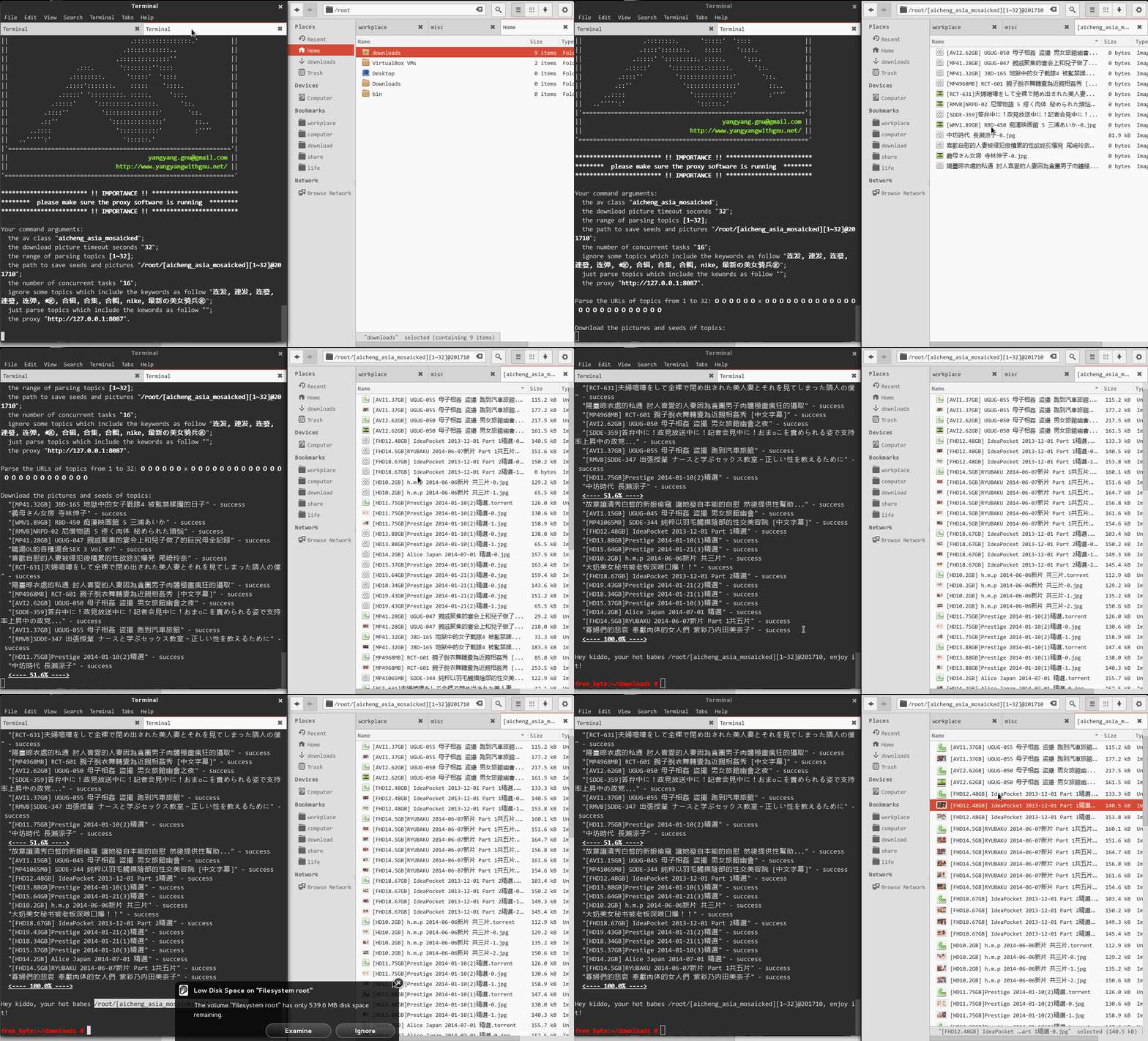
running
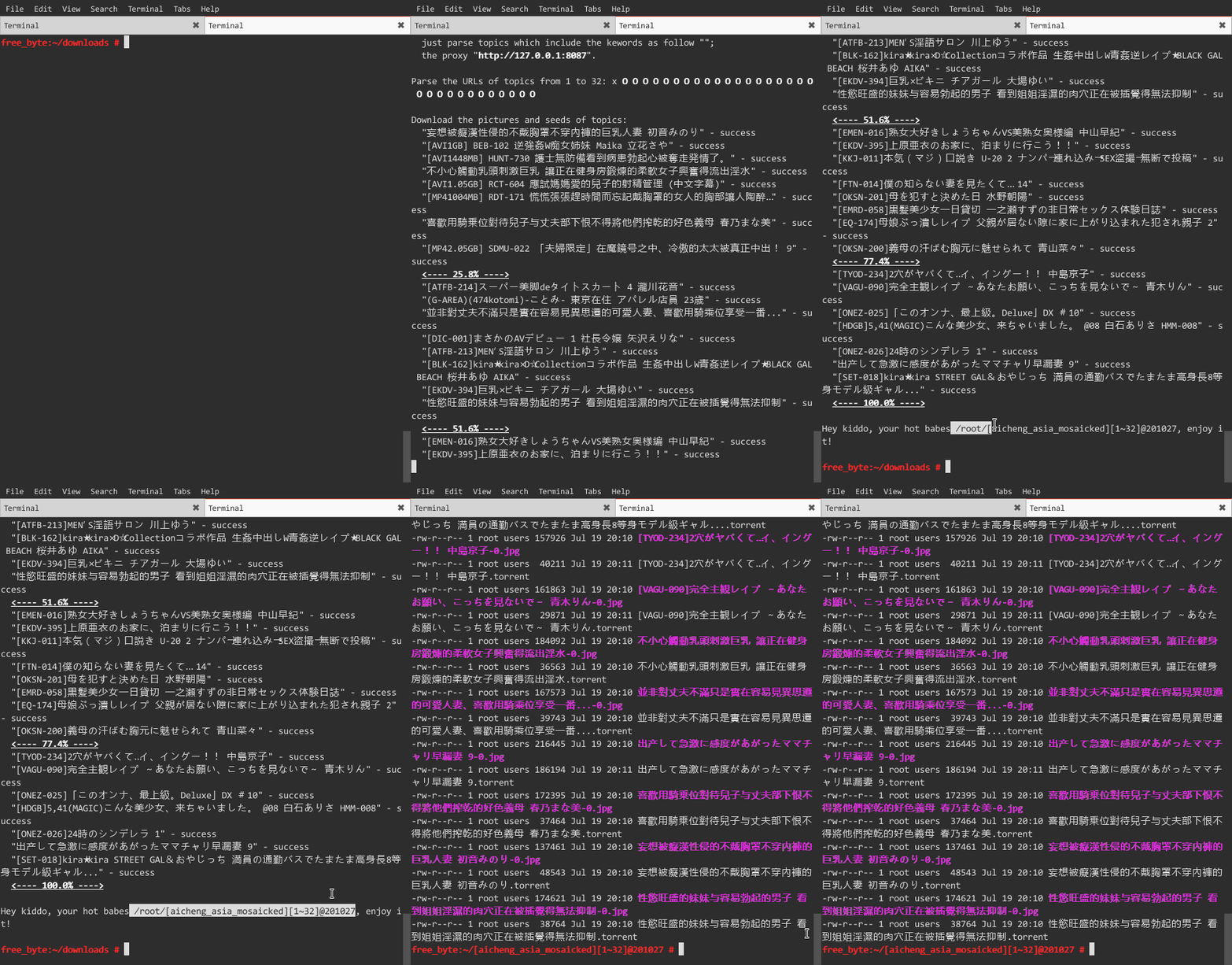
more seeds and pictures
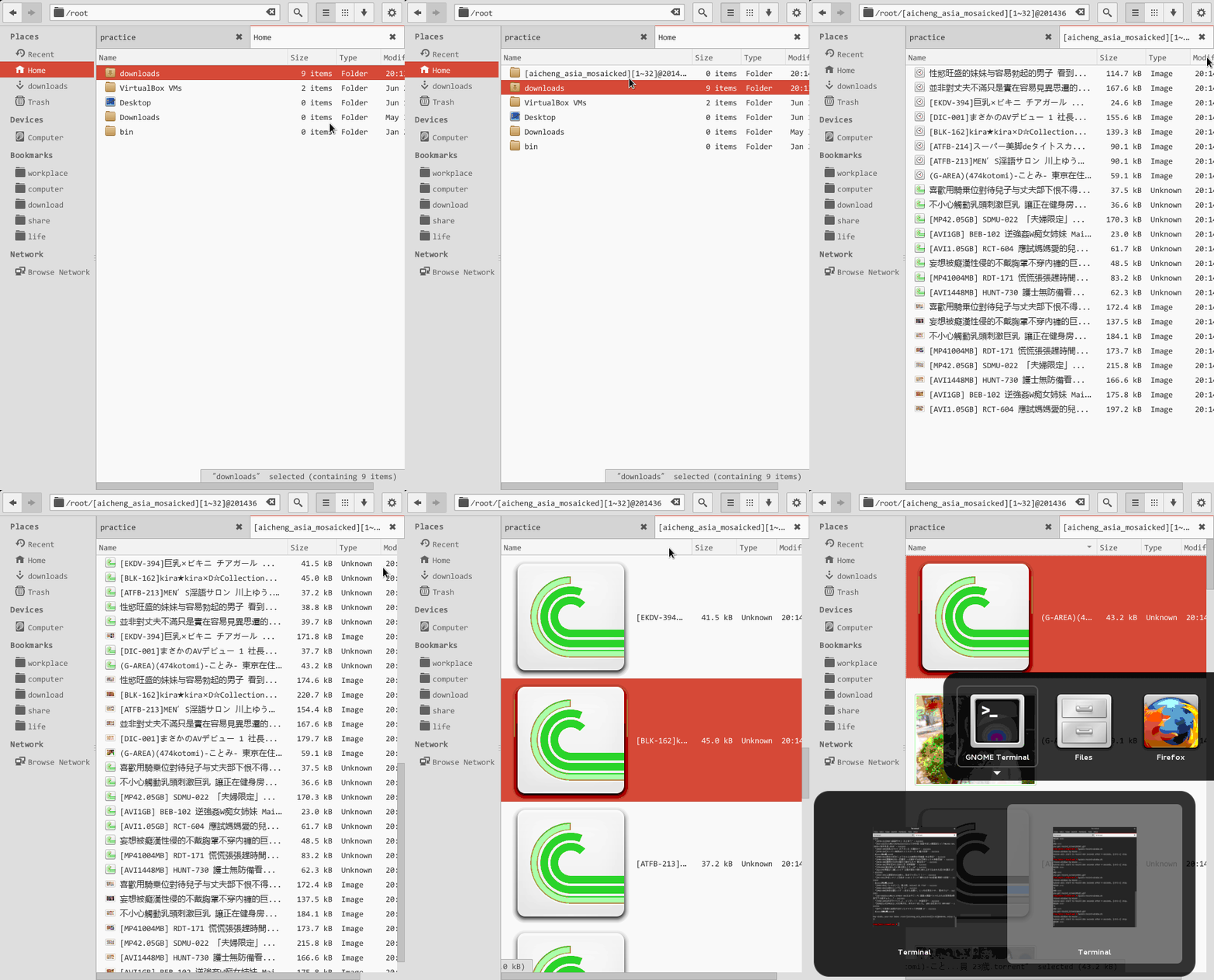
http://v.youku.com/v_show/id_XNzQxOTk0NTE2.html
##man
hardseed is a batch seeds and pictures download utiltiy from CaoLiu and AiCheng forum. It's easy and simple to use. Usually, you could issue it as follow:
$ hardseed
or
$ hardseed --saveas-path ~/downloads --topics-range 8 64 --av-class aicheng_west --timeout-download-picture 32 --hate X-Art --proxy http://127.0.0.1:8087
--help
Show this help infomation what you are seeing.
--version
Show current version.
--av-class
There are 13 av classes:
- caoliu_west_reposted
- caoliu_cartoon_reposted
- caoliu_asia_mosaicked_reposted
- caoliu_asia_non_mosaicked_reposted
- caoliu_west_original
- caoliu_cartoon_original
- caoliu_asia_mosaicked_original
- caoliu_asia_non_mosaicked_original
- caoliu_selfie
- aicheng_west
- aicheng_cartoon
- aicheng_asia_mosaicked
- aicheng_asia_non_mosaicked
As the name implies, "caoliu" stands for CaoLiu forum, "aicheng" for AiCheng forum, "reposted" and "original" are clearity, you konw which one is your best lover (yes, only one).
The default is aicheng_asia_mosaicked.
--concurrent-tasks
You can set more than one proxy, each proxy could more than one concurrent tasks. This option set the number of concurrent tasks of each proxy.
The max and default number is 8.
--timeout-download-picture
Some pictures too big to download in few seconds. So, you should set the download picture timeout seconds.
The default timeout is 16 seconds.
--topics-range
Set the range of to download topics. E.G.:
- topics-range 2 16
- topics-range 8 (I.E., --topics-range 1 8)
- topics-range -1 (I.E., all topics of this av class)
The default topics range is 64.
--saveas-path
Set the path to save seeds and pictures. The rule of dir: [avclass][range]@hhmmss. E.G., [aicheng_west][2~32]@124908/.
The default directory is home directory (or windows is C:\).
--hate
If you hate some subject topics, you can ignore them by setting this option with keywords in topic title, split by space-char ' ', and case sensitive. E.G., --hate 孕妇 重口味. When --hate keywords list conflict with --like, --hate first.
--like
If you like some subject topics, you can grab them by setting this option with keywords in topic title, split by space-char ' ', and case sensitive. E.G., --like 苍井空 小泽玛利亚. When --like keywords list conflict with --hate, --hate first.
--proxy
As you know, the government likes blocking adult websites, so, I do suggest you to set --proxy option. Hardseed supports more proxys:
- GoAgent (STRONGLY recommended), --proxy http://127.0.0.1:8087
- shadowsocks, --proxy socks5://127.0.0.1:1080, or socks5h://127.0.0.1:1080
- SSH, --proxy socks4://127.0.0.1:7070
- VPN (PPTP and openVPN), --proxy ""
It is important that you should know, you can set more proxys at the same time, split by space-char ' '. As the --concurrent-tasks option says, each proxy could more than one concurrent tasks, now, what about more proxys? Yes, yes, the speed of downloading seed and pictures is very very fast. E.G., --concurrent-tasks 8 --proxy http://127.0.0.1:8087 socks5://127.0.0.1:1080 socks4://127.0.0.1:7070, the number of concurrent tasks is 8*3.
If you wanna how to install and configure various kinds of proxy, please access my homepage "3.2 搭梯翻墙" https://github.com/yangyangwithgnu/the_new_world_linux#3.2
If you are not good at computer, there is a newest goagent for floks who are not good at computer by me, yes, out of box. see https://github.com/yangyangwithgnu/goagent_out_of_box_yang
The default http://127.0.0.1:8087.
That's all. Any suggestions let me know by yangyangwithgnu@yeah.net or http://yangyangwithgnu.github.io/, big thanks to you. Kiddo, take care of your body. :-)
##中文
hardseed 希望带给你(硬盘)女神!女神的种子和图片。
###【翻墙】
你知道,这一切的一切都在墙外,所以你得具备翻墙环境,hardseed 才能帮你拉女神。hardseed 支持 goagent、shadowsocks、SSH、VPN (PPTP 和 openVPN)等各类代理模式,甚至你可以同时使用多种代理以极速下载。从普及度、稳定性、高效性来看,goagent 最优。“我一小白,平时工作压力本来就大,就想看看女神轻松下,你还让我折腾代理!没人性!”,嘚,亲,咱是做服务的。我帮你配置了一份开箱即用的 goagent,位于 https://github.com/yangyangwithgnu/goagent_out_of_box_yang ,下载后,linux 用户,命令行中运行
$ python proxy.py
windows 亲,双击运行 goagent.exe (管理员权限)。
###【下载】
####『windows』 亲,往右上看,找到“download ZIP”,点击下载。
####『linux』
$ git clone https://github.com/yangyangwithgnu/hardseed.git
###【源码安装】
####『windows』
这基本没 windows 用户什么事儿,除非你有 cygwin,否则你没法编译源码,没事,帮你弄好了,我的定位是牙医界的服务人员,服务很重要,二进制执行程序位于 hardseed\bin\build_4_win.7z。
####『linux』
0)唯一依赖 libcurl,请自行安装;
1)代码采用 C++11 编写,gcc 版本不低于 4.7.1。
2)命令行下运行:
$ cd hardseed/build/
$ cmake .
$ make && make install
####『osX』 首先,将 build/CMakeLists.txt 中的
TARGET_LINK_LIBRARIES(hardseed curl pthread)
替换成
TARGET_LINK_LIBRARIES(hardseed curl pthread iconv)
然后,将 build/CMakeLists.txt 中
## osX
##>>>>>>>>>>>>>>>>>>>>>>

#SET(CMAKE_CXX_COMPILER "g++")
#SET(CMAKE_CXX_FLAGS "-std=c++11 -O3")
#SET(CMAKE_BUILD_TYPE release)
#ADD_EXECUTABLE(hardseed ${SRC_LIST})
#TARGET_LINK_LIBRARIES(hardseed curl pthread iconv)
#INSTALL(PROGRAMS hardseed DESTINATION /usr/bin/)
第一列的 # 删除;
接着,将 build/CMakeLists.txt 中
# release
SET(CMAKE_CXX_COMPILER "g++")
SET(CMAKE_CXX_FLAGS "-std=c++11 -O3")
SET(CMAKE_BUILD_TYPE release)
ADD_EXECUTABLE(hardseed ${SRC_LIST})
TARGET_LINK_LIBRARIES(hardseed curl pthread)
INSTALL(PROGRAMS hardseed DESTINATION /usr/bin/)
删掉;
最后,剩下步骤同 linux 构建方法。
###【使用】
亲,听好了,运行 hardseed 前务必确保代理程序已正常运行,否则,别说女神,蚊子都碰不到。
####『windows』
先进入 hardseed\bin\,解压 build_4_win.7z,选中 hardseed.exe,右键设置以管理员权限运行该程序,接着键入 alt-d 将光标定位到文件管理器的地址栏中,键入 CMD 启动命令行窗口,在 CMD 中键入
X:\hardseed\bin\windows> hardseed.exe
这时,hardseed 开始玩命儿地为你下载女神图片和种子,经过 2 分 8 秒,找到类似 C:\[aicheng_asia_mosaicked][1~128]@20140822\ 的目录,女神们那儿等你!
####『linux』
同 windows 下运行一样,全用默认命令行参数运行
$ hardseed
执行完成后,你会看到 ~/[aicheng_asia_mosaicked][1~128]@014822/,你要的都在那儿。或者,玩点高级的
$ hardseed --saveas-path ~/downloads --topics-range 256 --av-class aicheng_west
其中,--saveas-path 指定存放路径为 ~/downloads/;--topics-range 指定解析的帖子范围从第 1 张到第 256 张帖子;--av-class 指定女神类型为欧美。完整命令行选项请 --hlep 查看。
###【FQA】
Q1:为何 windows 版的可执行文件目录 build_4_win\ 下有一堆 cyg*.dll 文件?
A1:hardseed 是用 C++ 编写的遵循 SUS(单一 unix 规范)的原生 linux 程序,理论上,在任何 unix-like(linux、BSD、osX) 系统上均可正常源码编译,唯独不支持 windows,为让 hardseed 具备跨平台能力,须借
