
Podcast2
将视频网站转换成播客订阅 Convert a video website into a podcast subscription 支持 哔哩哔哩、YouTube、干净世界和girigirilove 图形化界面
Install / Use
/learn @yajuhua/Podcast2README
项目说明
- 基于spring boot开发
- 将视频网站转换成播客订阅
详细请看文档
快速开始
使用Docker
- 安装并启动Docker
curl -fsSL https://get.docker.com -o get-docker.sh && sh get-docker.sh && systemctl start docker
- 创建并启动Docker
docker volume create podcast2
docker run -id --name=podcast2 \
-p 8088:8088 \
--restart=always \
--mount source=podcast2,destination=/data \
yajuhua/podcast2:latest
- 防火墙放行端口
#以下是centos7,其他系统自行搜索。
firewall-cmd --add-port=8088/tcp --permanent
firewall-cmd --reload
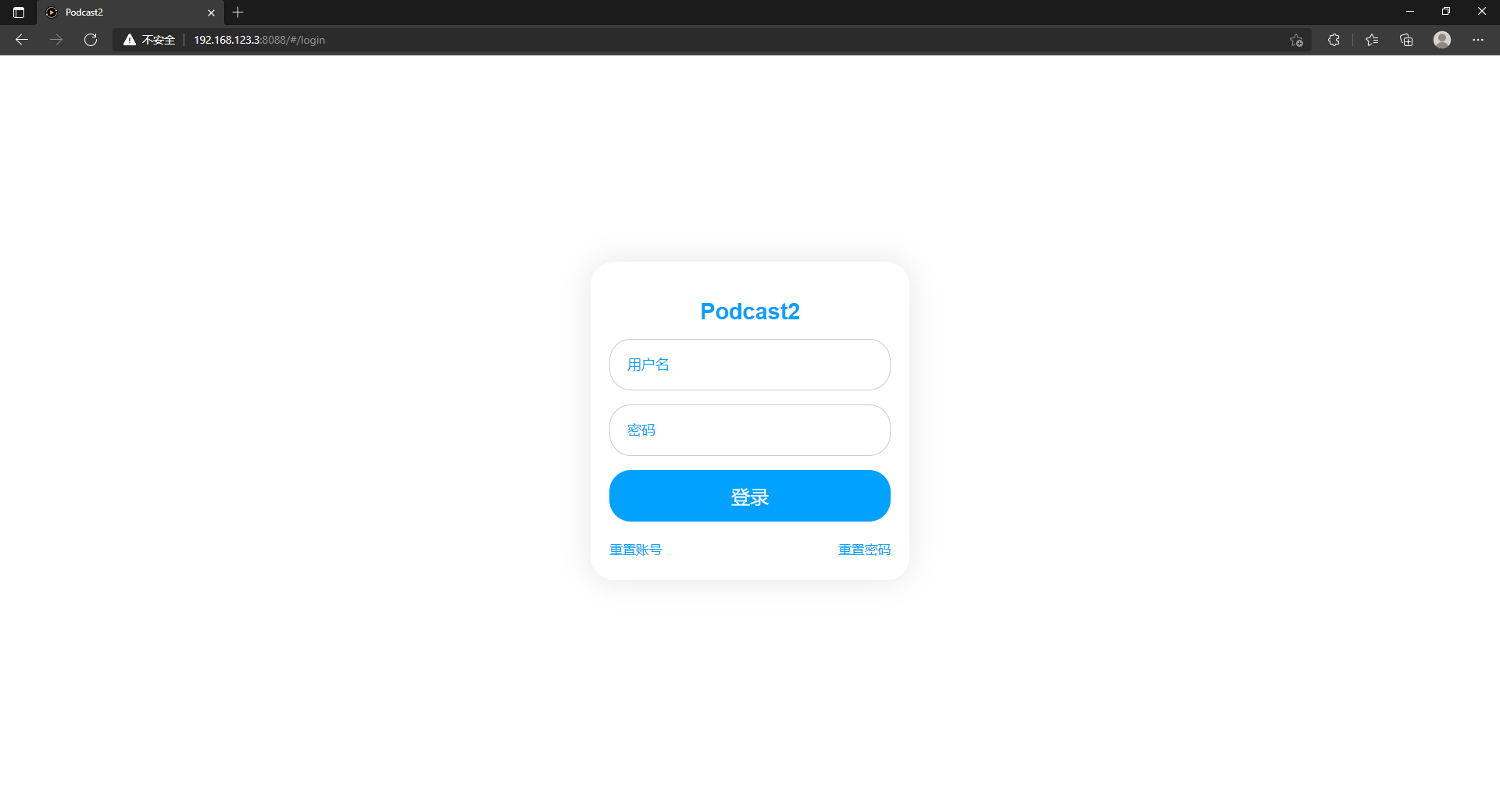
进入面板
默认访问地址 http://你的IP地址:8088
默认用户名:admin <br> 默认密码:123456
安装插件
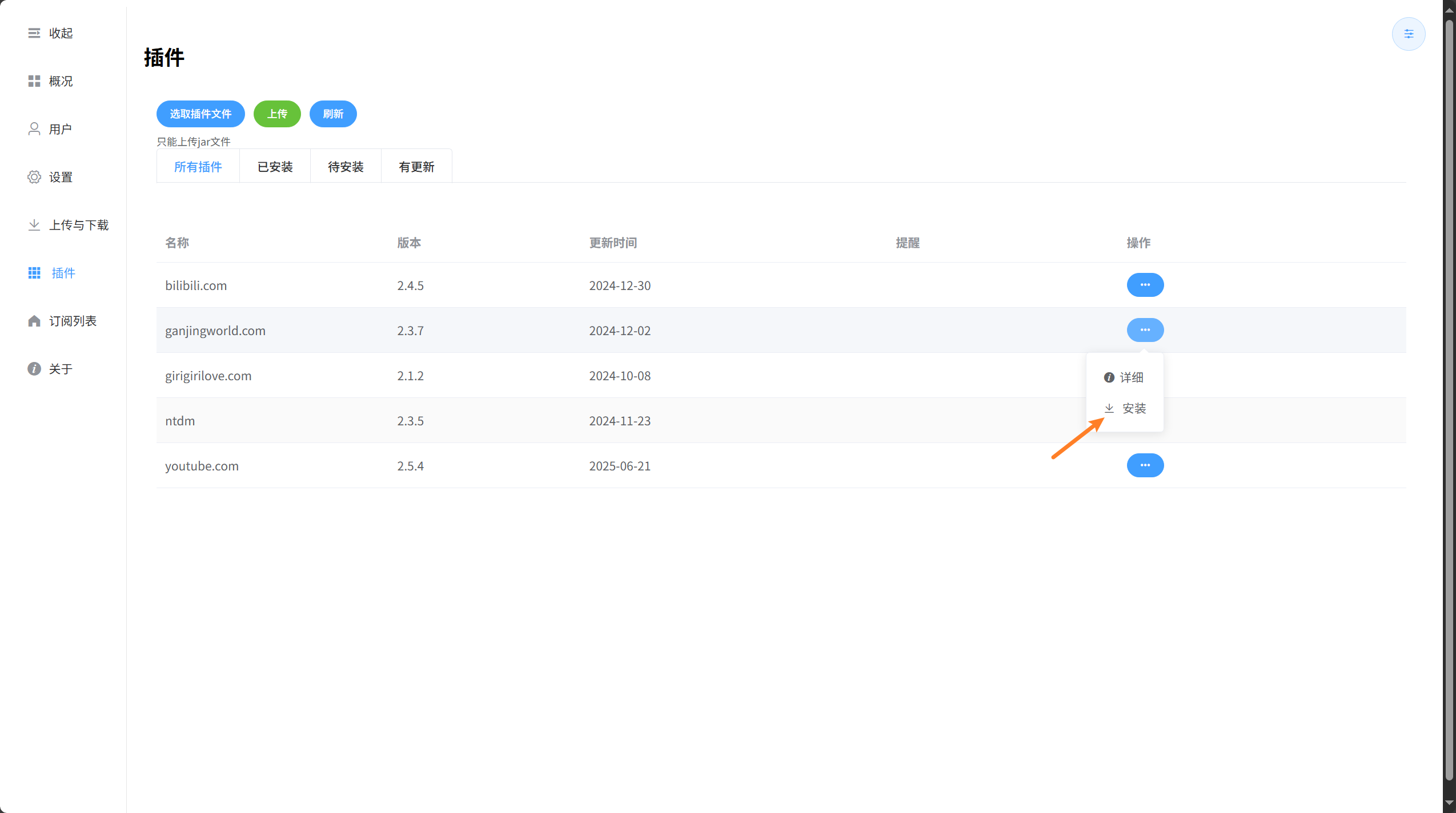
项目默认是没有添加插件的,自行按需添加
支持网站
| 网站 <img width=200/> | 状态 | |:---------------------------------------------|--------------------------------------------------------------------------------------------------------------------| | 干净世界 | <img src="https://github.com/yajuhua/podcast2/actions/workflows/plugin-status-ganjingworld.com.yml/badge.svg" /> | | ntdm | <img src="https://github.com/yajuhua/podcast2/actions/workflows/plugin-status-ntdm.yml/badge.svg" /> | | girigirilove | <img src="https://github.com/yajuhua/podcast2/actions/workflows/plugin-status-girigirilove.com.yml/badge.svg" /> | | youtube | <img src="https://github.com/yajuhua/podcast2/actions/workflows/plugin-status-youtube.com.yml/badge.svg" /> | | bilibili | <img src="https://github.com/yajuhua/podcast2/actions/workflows/plugin-status-bilibili.com.yml/badge.svg" /> |
-
安装插件
-
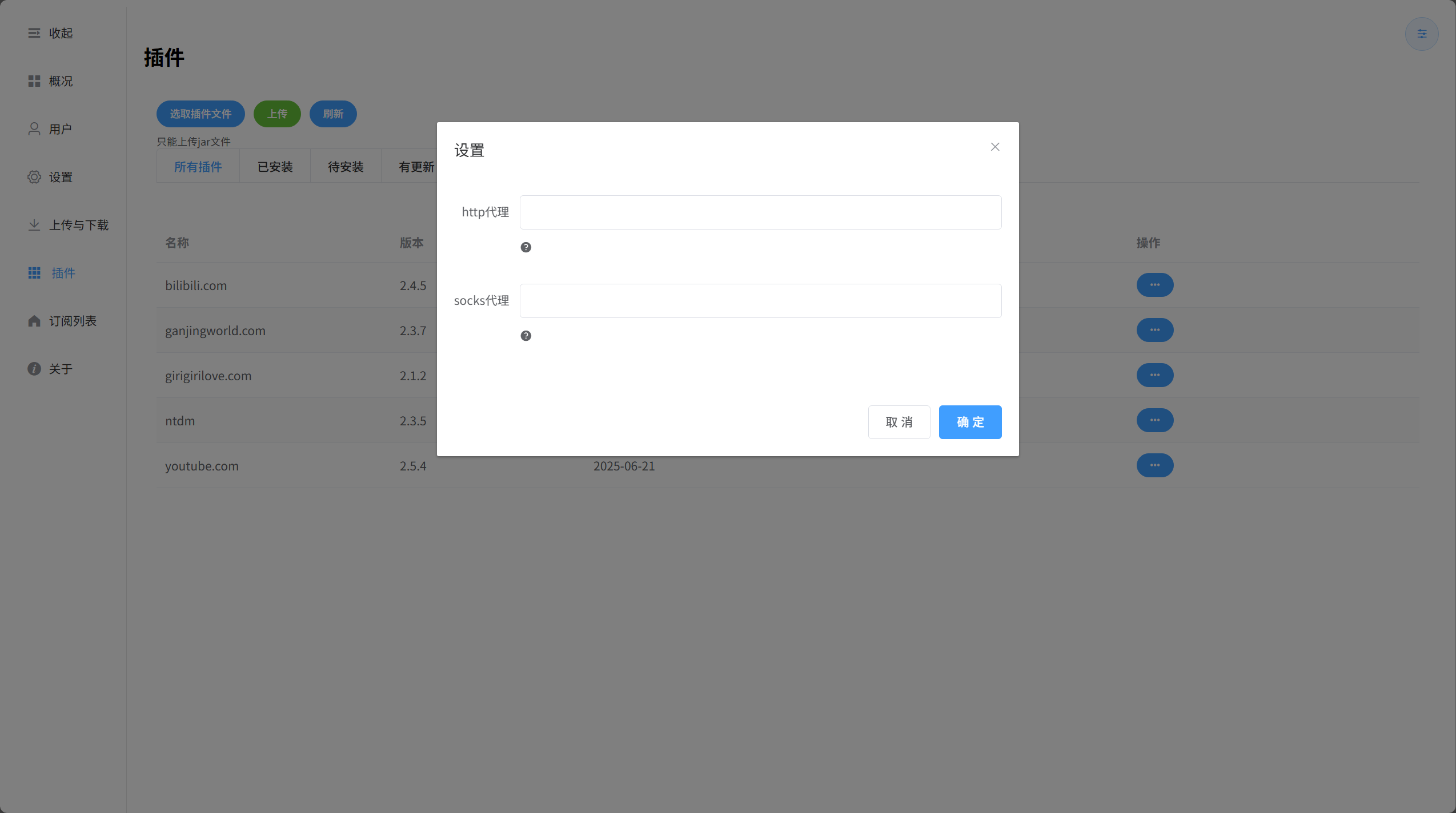
设置插件,如果有的话
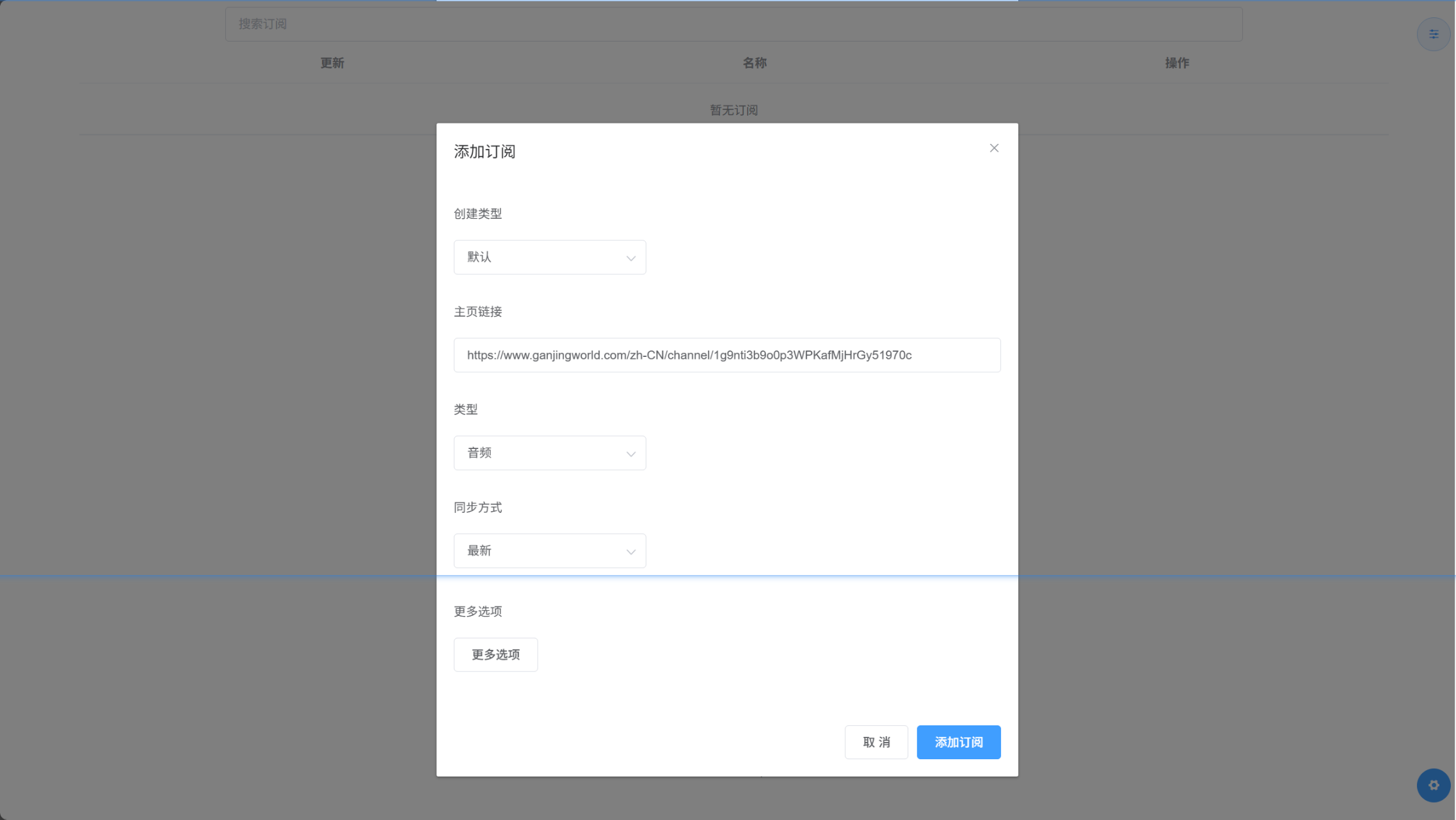
添加订阅
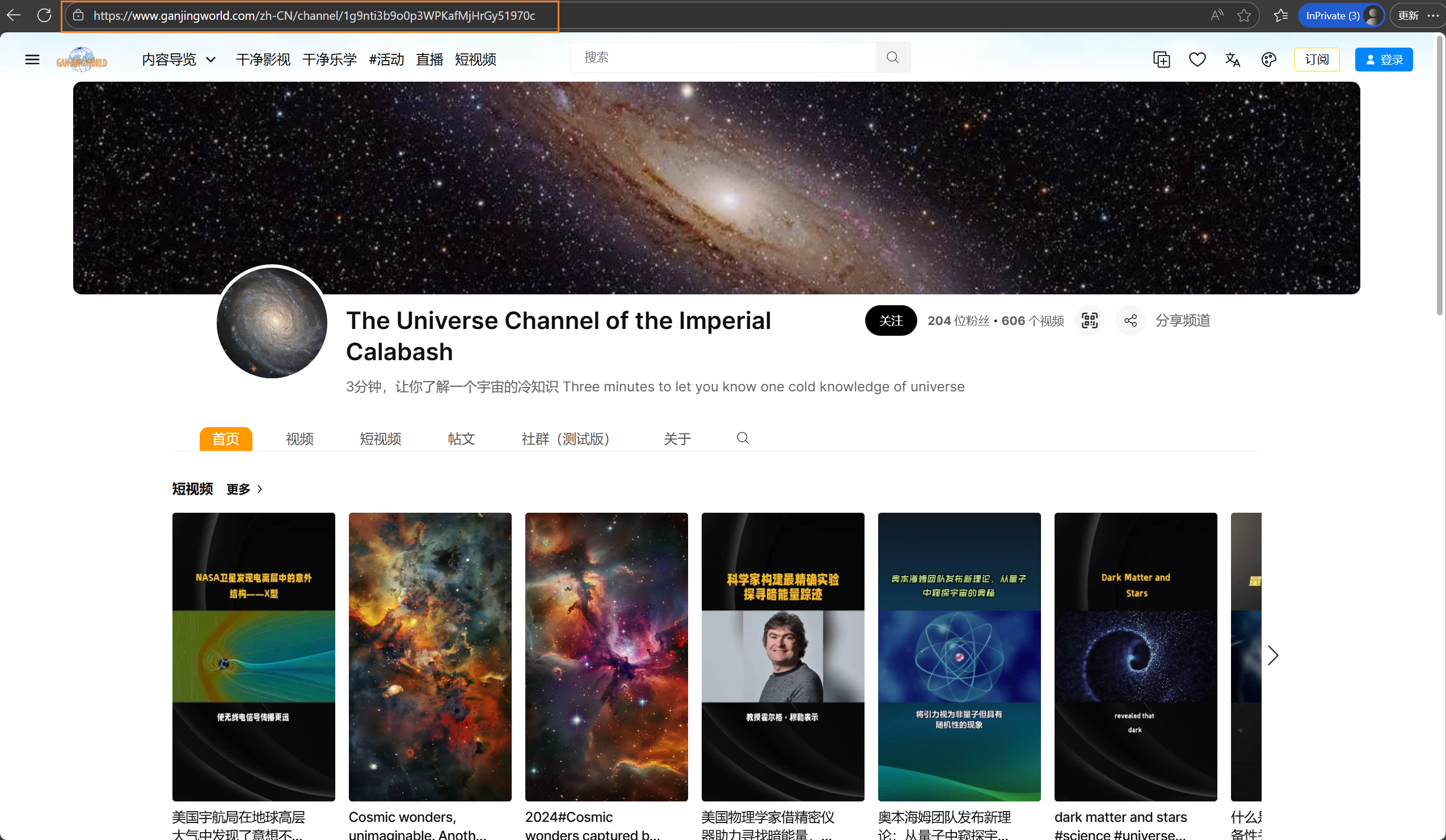
以干净世界为例
-
复制主页链接
-
粘贴并点击Add
-
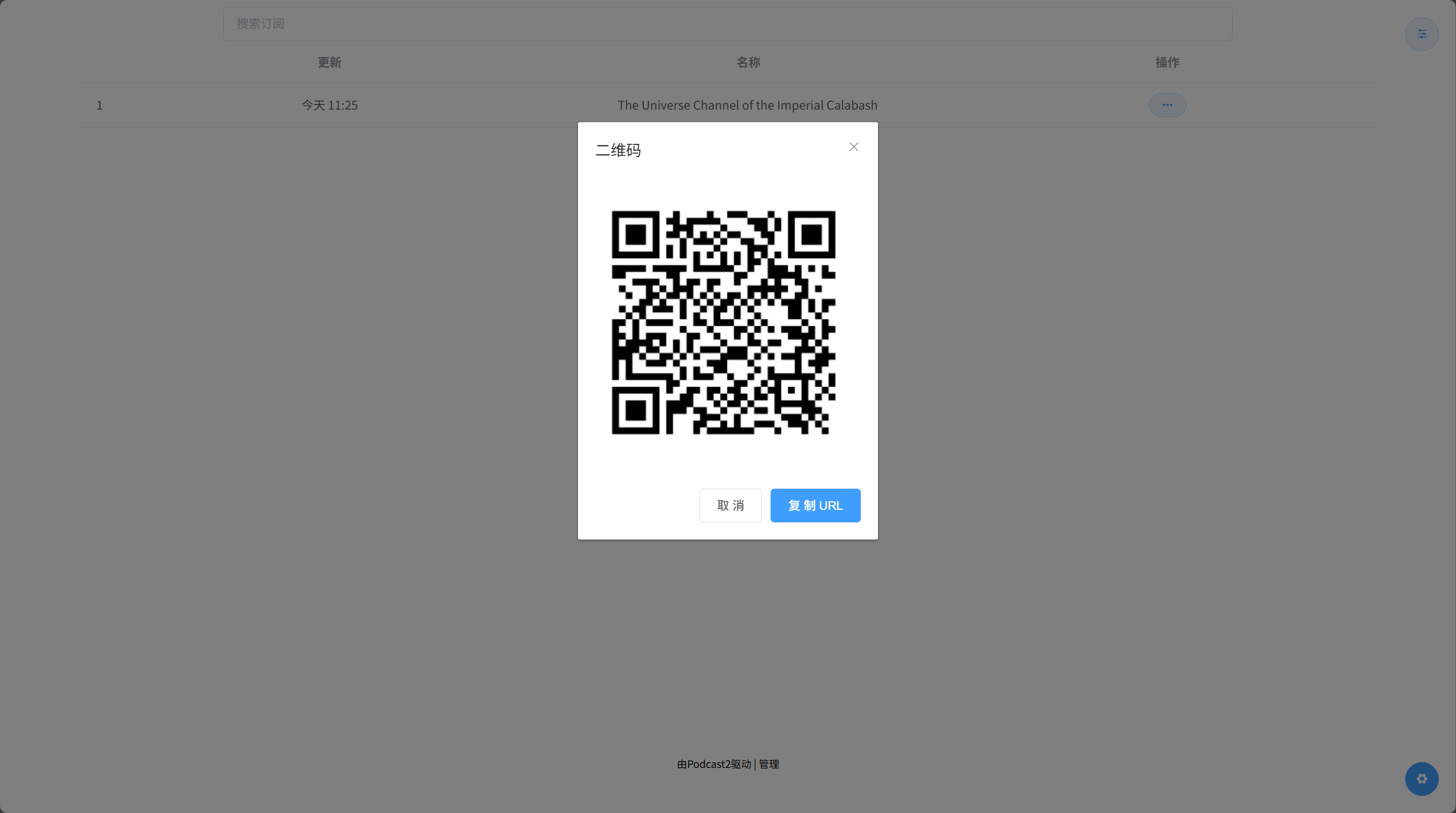
点击二维码
Star History
使用到的项目
- https://github.com/yt-dlp/yt-dlp
- https://github.com/nilaoda/N_m3u8DL-RE
- https://github.com/aria2/aria2
- https://github.com/SocialSisterYi/bilibili-API-collect
使用的加速站
参考
免责声明
此项目仅供研究、学习和交流,请勿用于商业或非法用途, 开发者与协作者不对使用者负任何法律责任, 使用者自行承担因不当使用所产生的后果与责任。
鸣谢
特别感谢 JetBrains 为开源项目提供免费的 IntelliJ IDEA的授权
<img src="https://raw.githubusercontent.com/yajuhua/podcast2/v2/images/jetbrains.svg" width="200"/>
