
Heatwave
Linux Framebuffer RTLSDR scanner
Install / Use
/learn @xqtr/HeatwaveREADME
Heatwave - Real-time RF Spectrum Analyzer
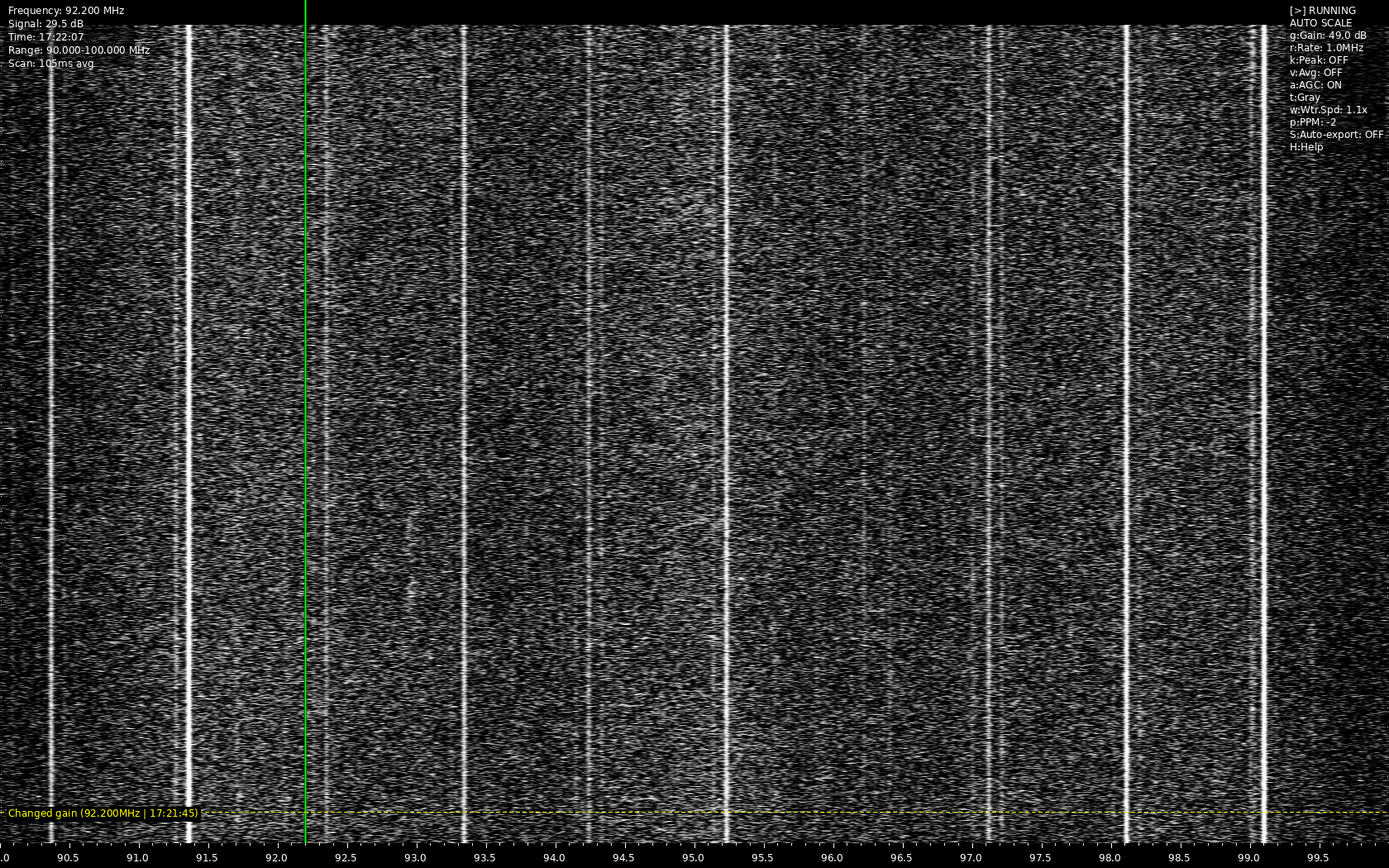
Heatwave is a real-time RF spectrum analyzer that creates a waterfall display using RTL-SDR and other SoapySDR-compatible devices. It provides a visual representation of RF activity across frequency ranges with various analysis tools and features.
It uses the Linux framebuffer for graphics drawing!
Features
- Real-time waterfall display of RF spectrum
- Multiple color schemes for visualization
- Frequency band presets for common radio services
- Automatic Gain Control (AGC)
- Signal peak detection and analysis
- Time-based annotations
- Screenshot and data export capabilities
- Configurable display parameters
- Session persistence with settings save/load
- Framebuffer visualization
Display Features
- Adjustable waterfall speed
- Peak hold visualization
- Signal averaging
- Auto-scaling
- Customizable color schemes
- Frequency markers and annotations
Analysis Tools
- Signal strength measurements
- Frequency band information
- Time-stamped annotations
- Spectrum data export
- Signal peak detection
Requirements
- Python 3.x
- RTL-SDR or other SoapySDR-compatible device
- Linux system with framebuffer access
- Python packages:
- numpy
- SoapySDR
- scipy
- Pillow
- termios (usually included with Python)
Installation
- Install required system packages:
sudo apt-get install python3-pip python3-numpy python3-soapysdr python3-scipy python3-pillow
- Clone the repository:
git clone https://github.com/yourusername/heatwave.git
cd heatwave
- Make the script executable:
chmod +x heatwave.py
Framebuffer
The program uses framebuffer for displaying graphics. Make sure your system is configured properly to allow you use the framebuffer. A proper setup, should i allow you to use the framebuffer, with out sudo privileges.
I wont describe how to enable the use of the framebuffer, as the process differs for each linux distribution/system.
Important!
Some devices use 16bit colors for the framebuffer. The program supports both 32bit and 16bit modes, with the use of the --color-mode parameter. If you get an error while initializing the framebuffer change the value of color mode. By default the program starts in 32bit color mode.
Usage
Run the script with:
/heatwave.py <start_freq> <end_freq> <--color-mode 16|32>
Export Feature (e)
Pressing the e key, will export a set of files, into the 'exports' directory. It will export raw data, in a .npz file, an image screenshot of the heatmap and a .json file, containing the current options used in the program at the time of the screenshot.
Automatic Export Feature (S)
Enabling this feature, will export data/screenshot every time the buffer fills. The process will save an image screenshot, with a filename containing, frequency and date/time. This way, you can have the program running in the background and after, check the images for signals and additional data.
Notations (n)
You can add a note at any time, pressing the n key. The program will ask you to type a test, and it will also add the current frequency of the cursor line and a timestamp. You can use notations to add info on changes you make and have as a reference, with a screenshot of the heatmap.
Markers (1-5)/(6-0)
You can set markers on the heatmap to jump between frequencies. You set a marker with the 6 to 0 keys, and use the saved marker with the 1 to 5 keys. The cursor provides info on the frequency and signal strengh.
Configuration
Settings are automatically saved to ~/.config/heatwave/settings.json and include:
- Sample rate
- Color scheme
- Scroll speed
- Gain settings
- AGC parameters
- Display preferences
- Frequency markers
License
GPL-3.0-or-later
Acknowledgments
- SoapySDR project
- RTL-SDR community
ToDo:
- Fix bugs
Showcase
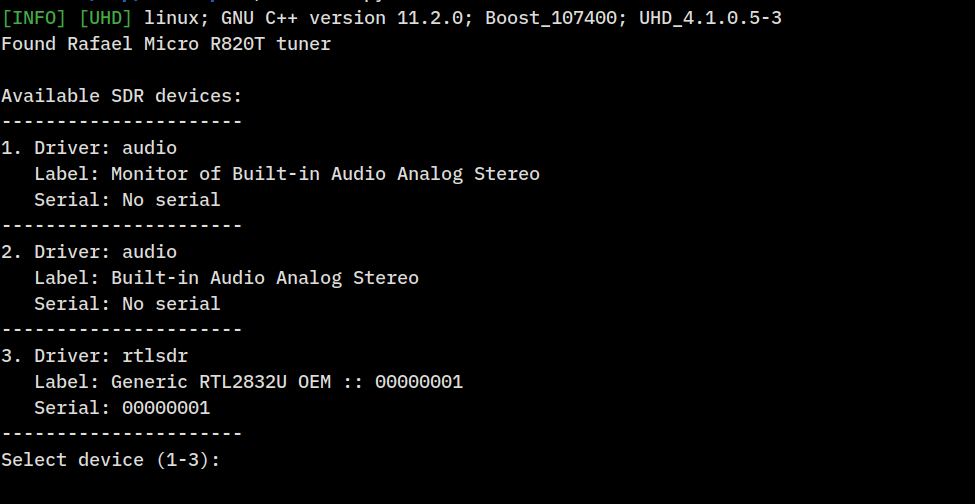
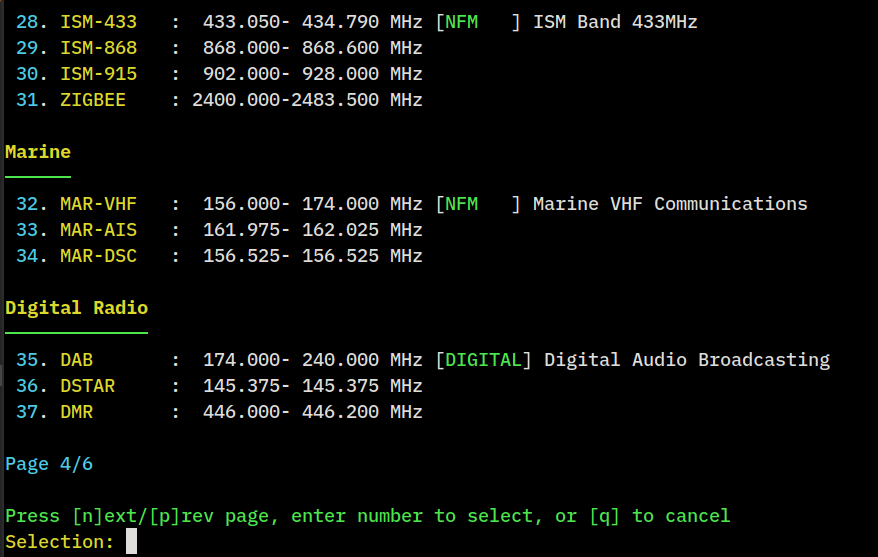
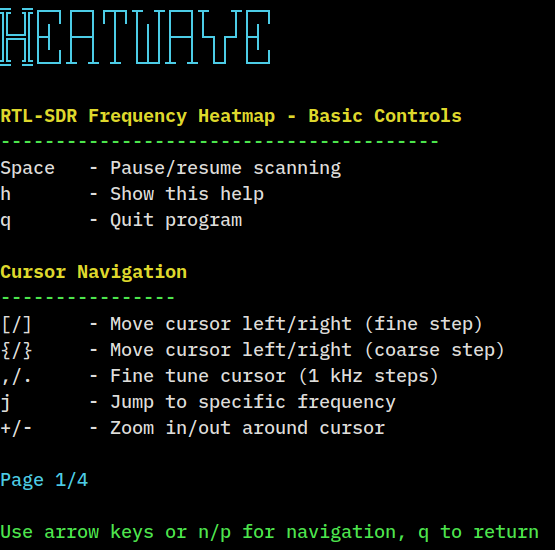
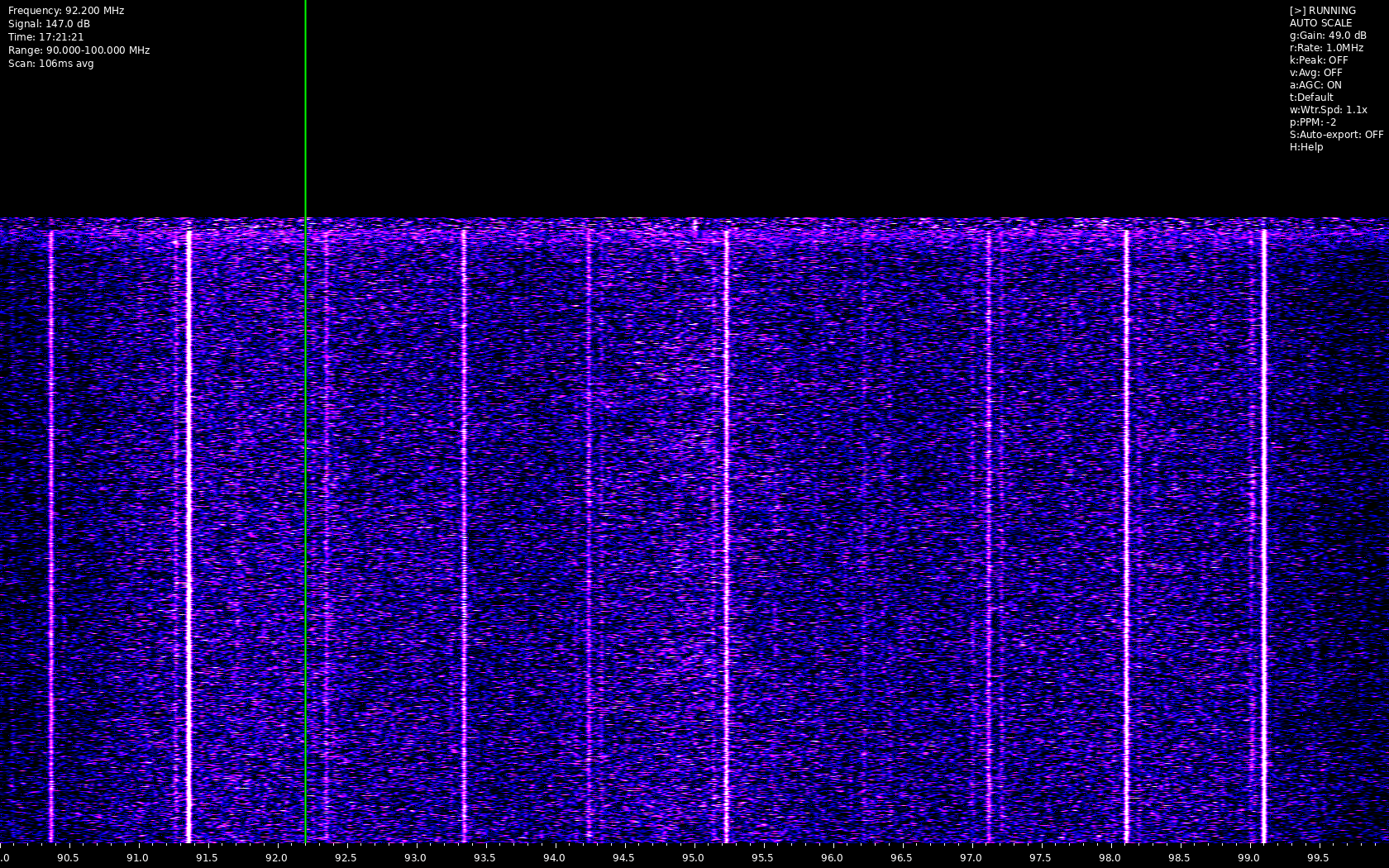
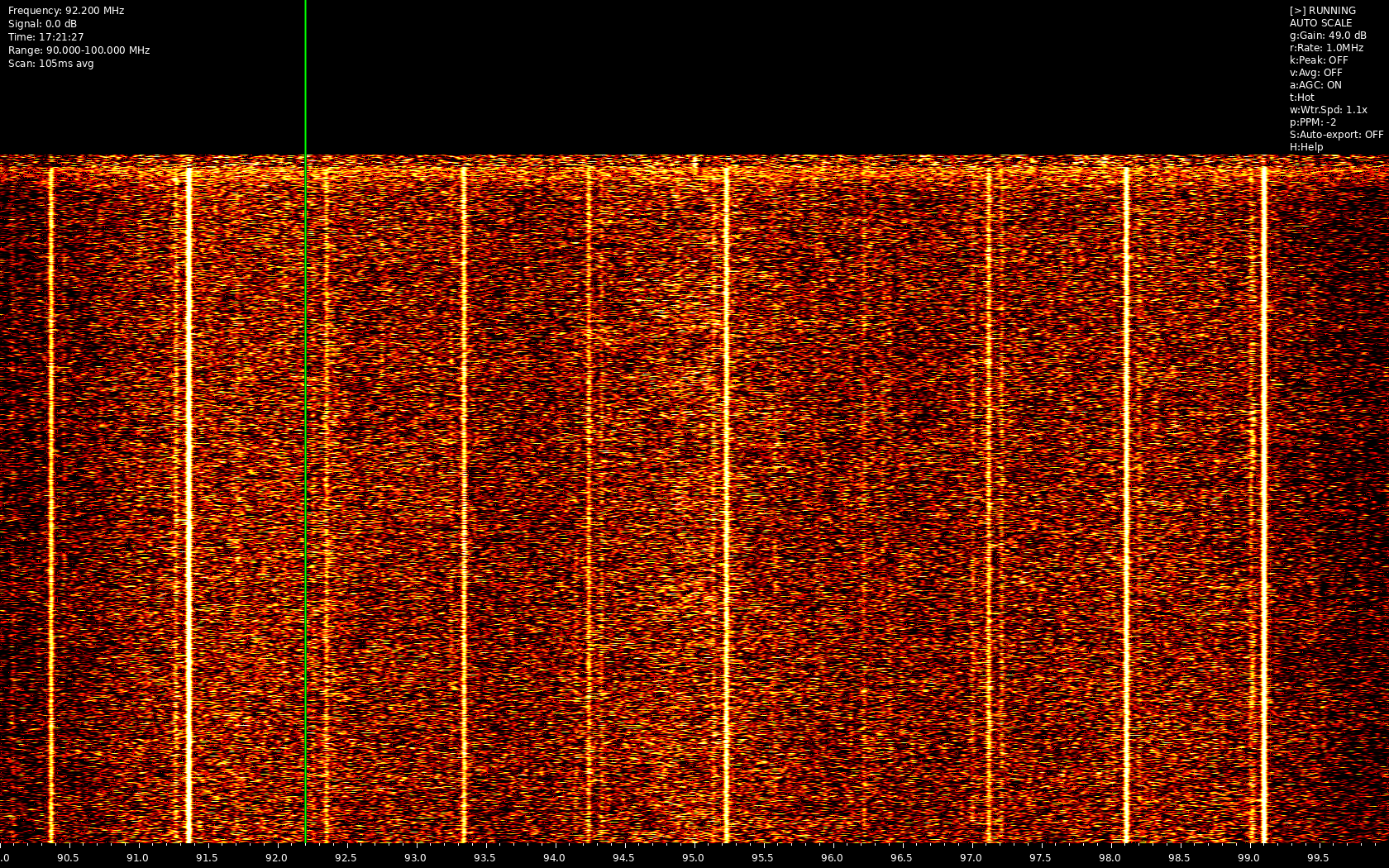
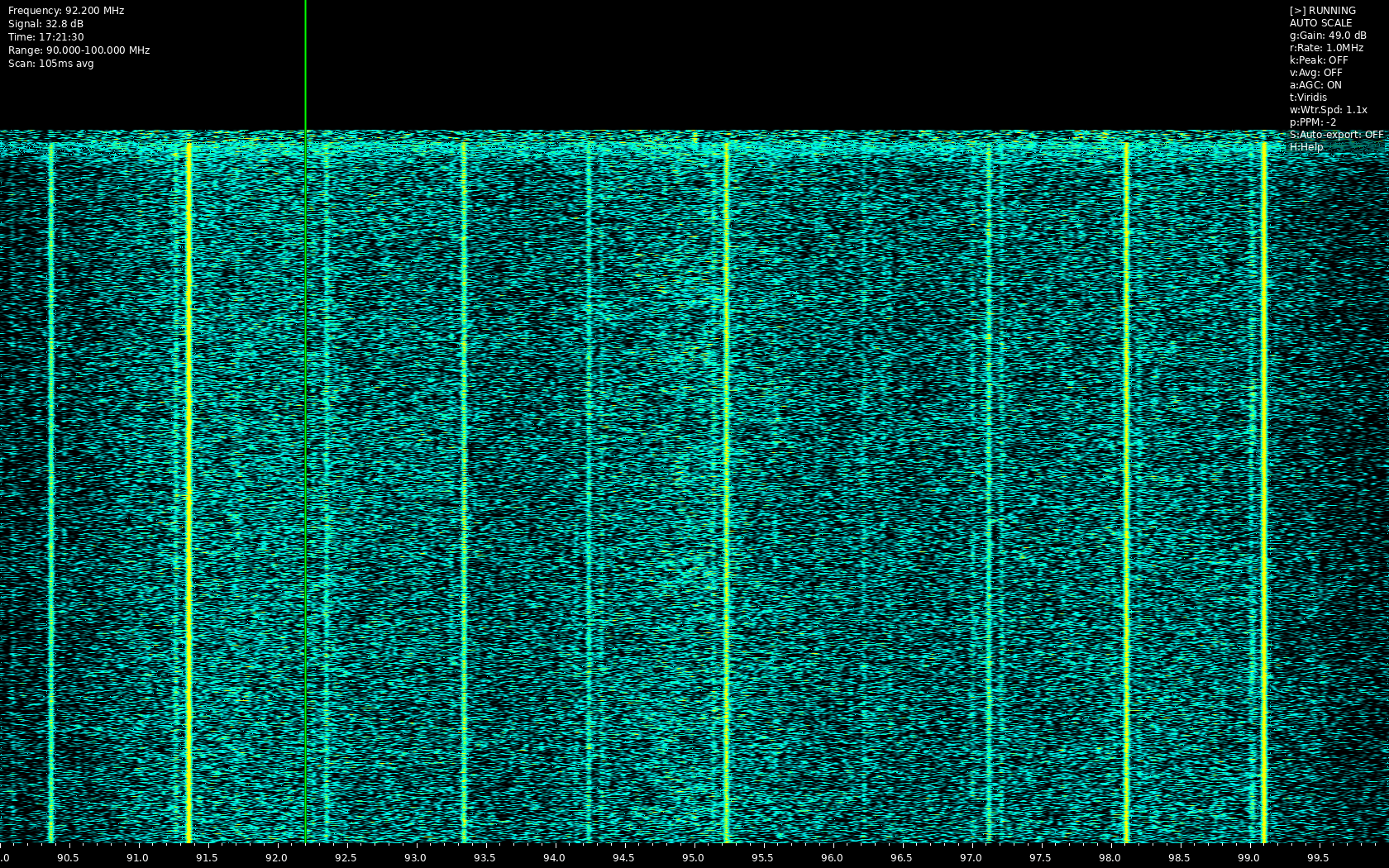
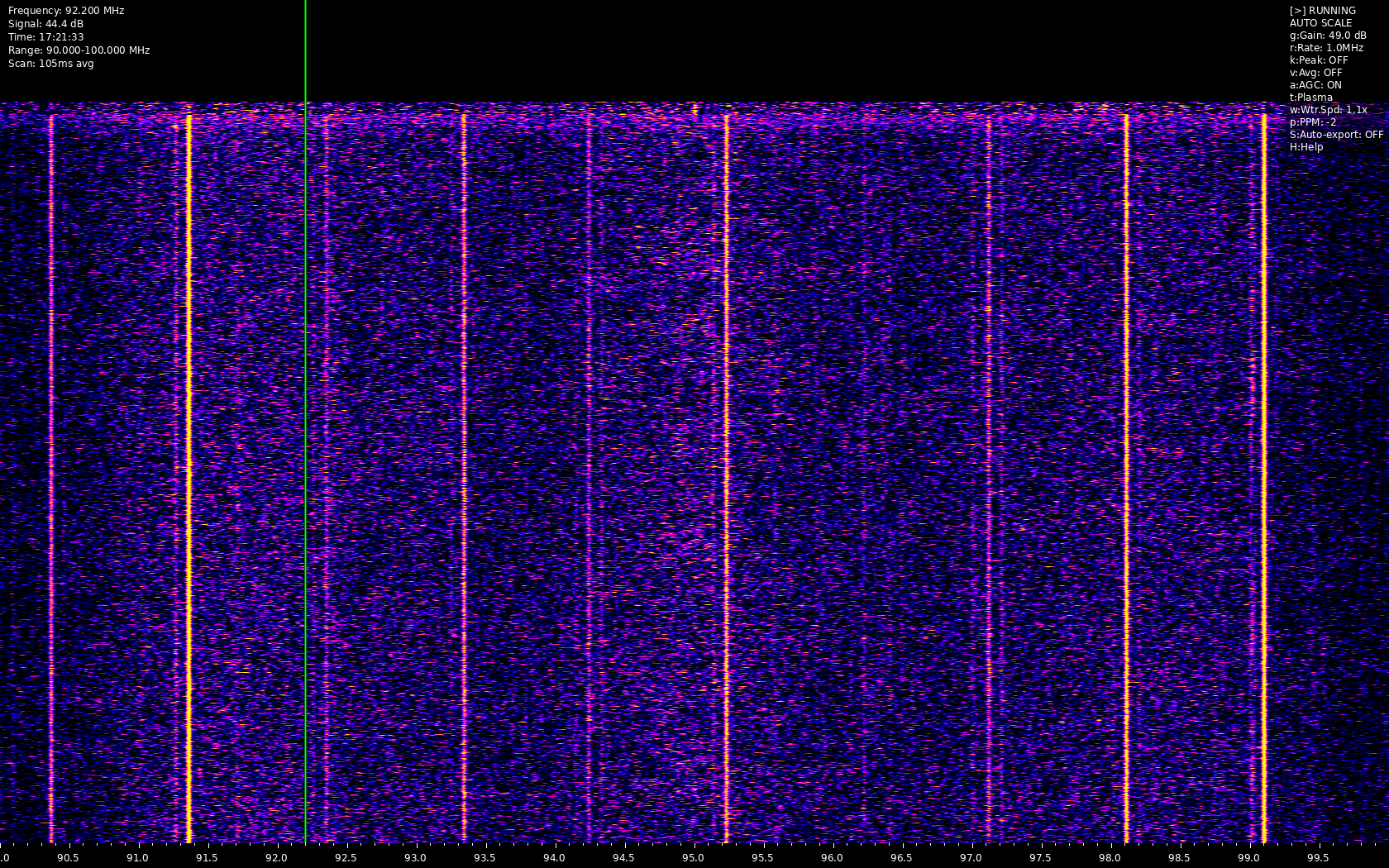
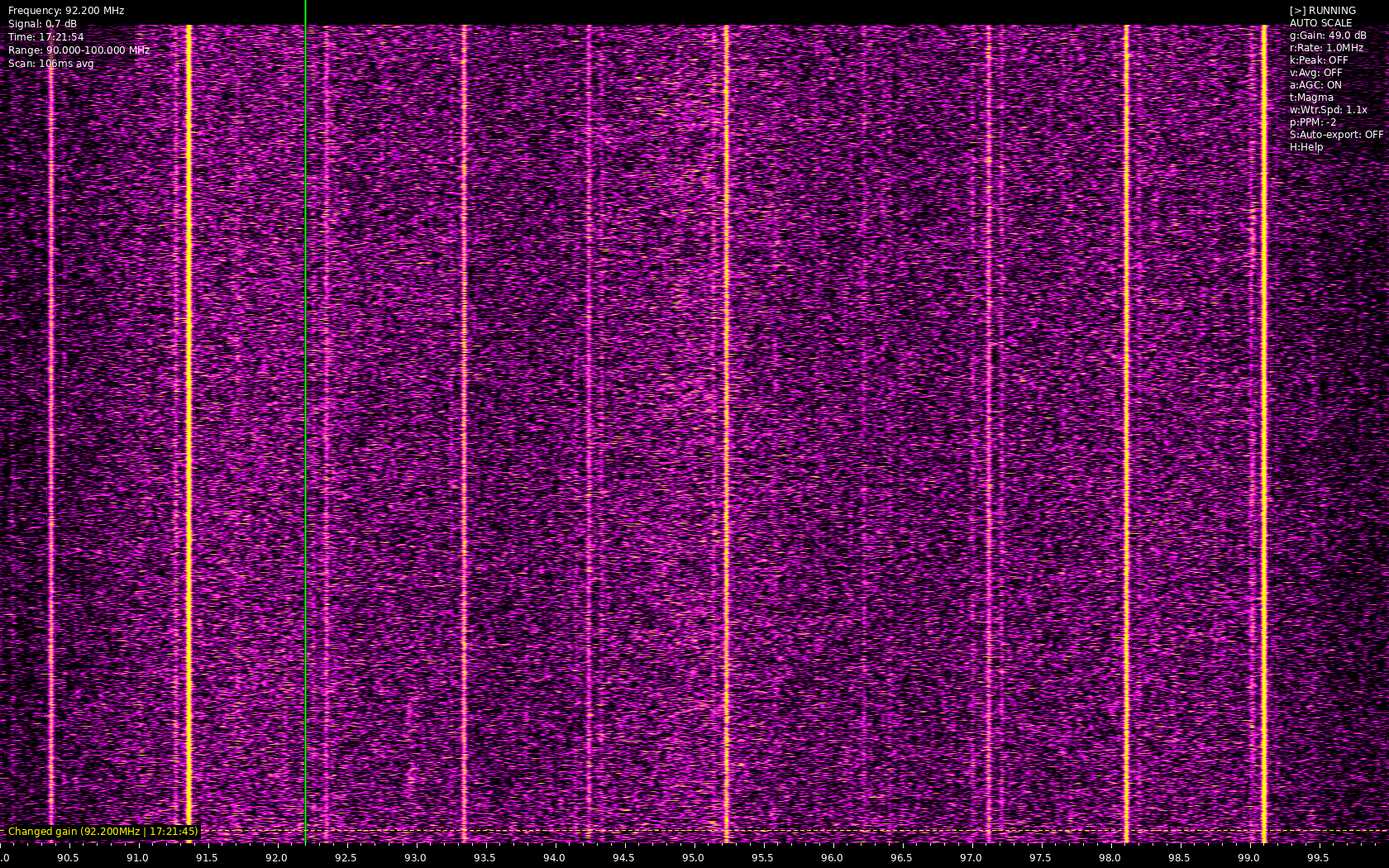
Copyright (c) 2024 [XQTR]
Related Skills
node-connect
341.2kDiagnose OpenClaw node connection and pairing failures for Android, iOS, and macOS companion apps
frontend-design
84.5kCreate distinctive, production-grade frontend interfaces with high design quality. Use this skill when the user asks to build web components, pages, or applications. Generates creative, polished code that avoids generic AI aesthetics.
openai-whisper-api
341.2kTranscribe audio via OpenAI Audio Transcriptions API (Whisper).
commit-push-pr
84.5kCommit, push, and open a PR
