
Katifetch
Katifetch is a custom system info tool by kati dev (ximimoments). Displays OS, kernel, CPU, uptime, and ASCII logos. Supports Linux, Windows, macOS, Termux, ChromeOS, and virtual machines.
Install / Use
/learn @ximimoments/KatifetchREADME





 No COPR :(
Disclaimer: Katifetch is an independent project and is not affiliated with, endorsed by, or sponsored by any Linux distribution or organization, including but not limited to the Fedora Project™, Red Hat™, or Valve™. All trademarks, logos, and names (e.g., Fedora™, Bazzite™, Steam Deck™, COPR™) are the property of their respective owners and are used solely for identification and compatibility purposes.
Katifetch is also not affiliated with, endorsed by, or sponsored by any BSD project, including but not limited to FreeBSD™, OpenBSD™, NetBSD™, or DragonFlyBSD™. The BSD logos (such as the FreeBSD demon or other ASCII BSD logos) are the property of their respective owners and are used in Katifetch only for identification and compatibility purposes.
Katifetch is a customizable system information tool written in Bash, inspired by Neofetch. It supports themes, ASCII logos for many Linux distributions and BSD distributions, and user configuration via ~/.katifetchrc.
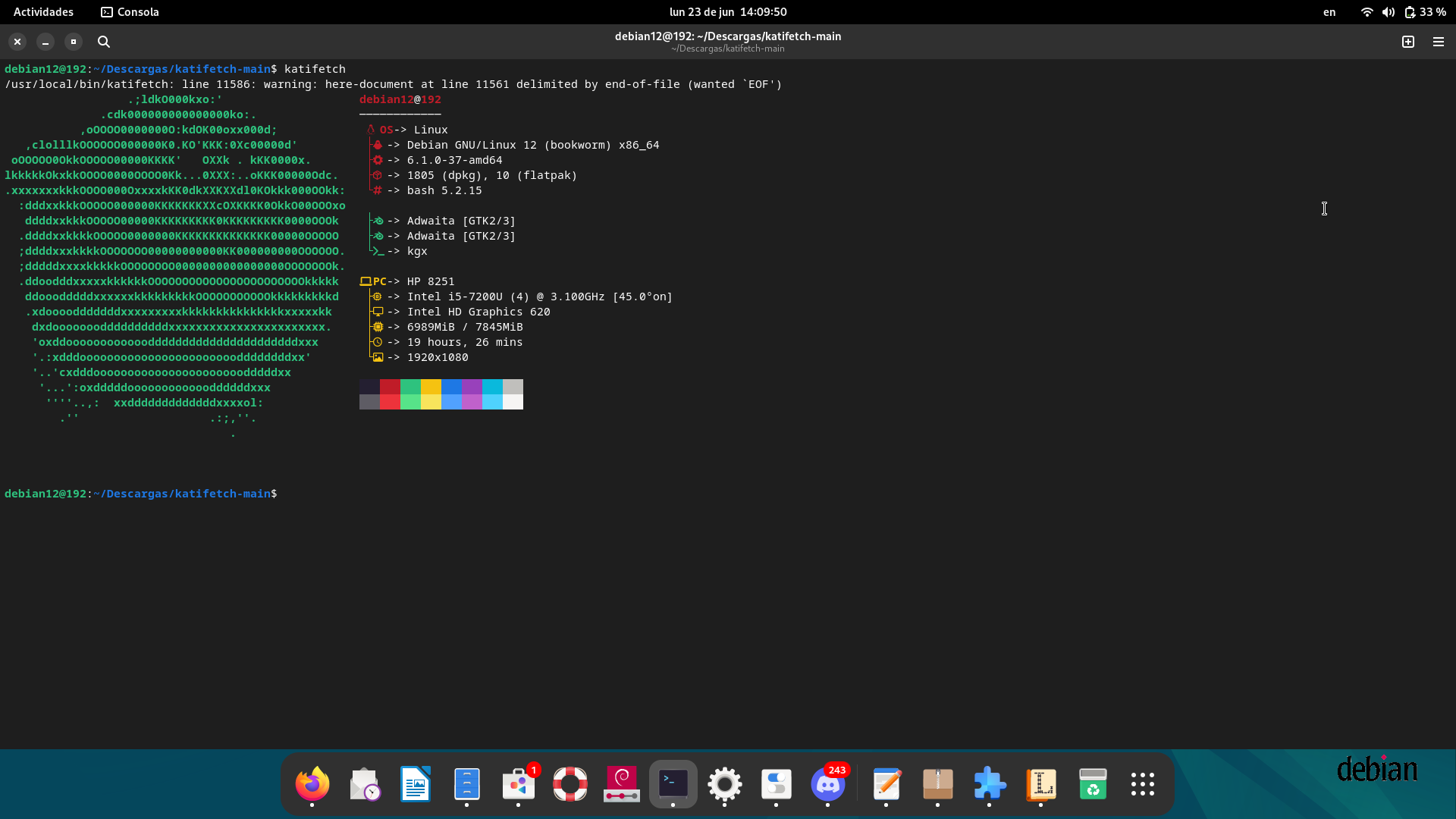
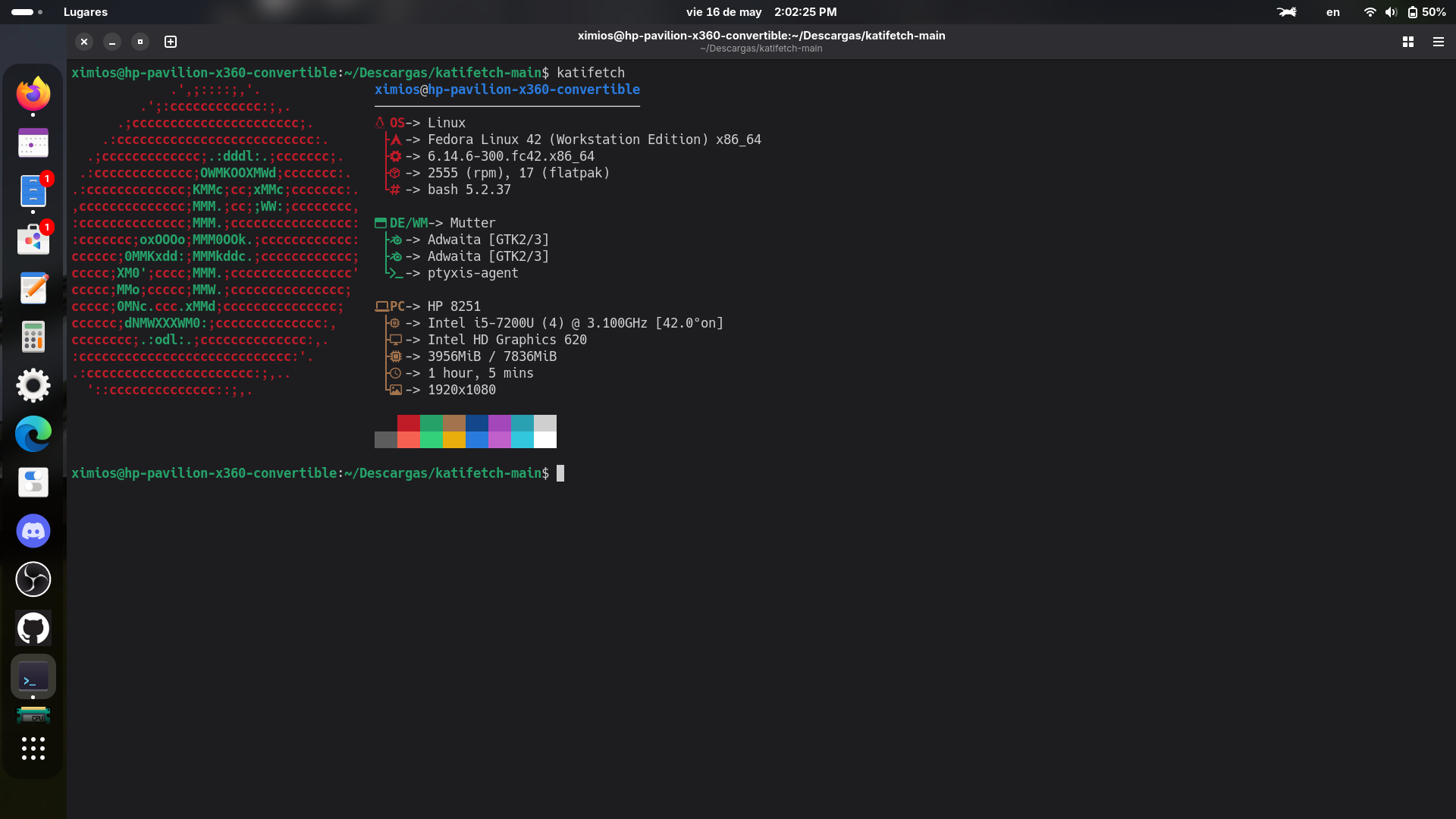
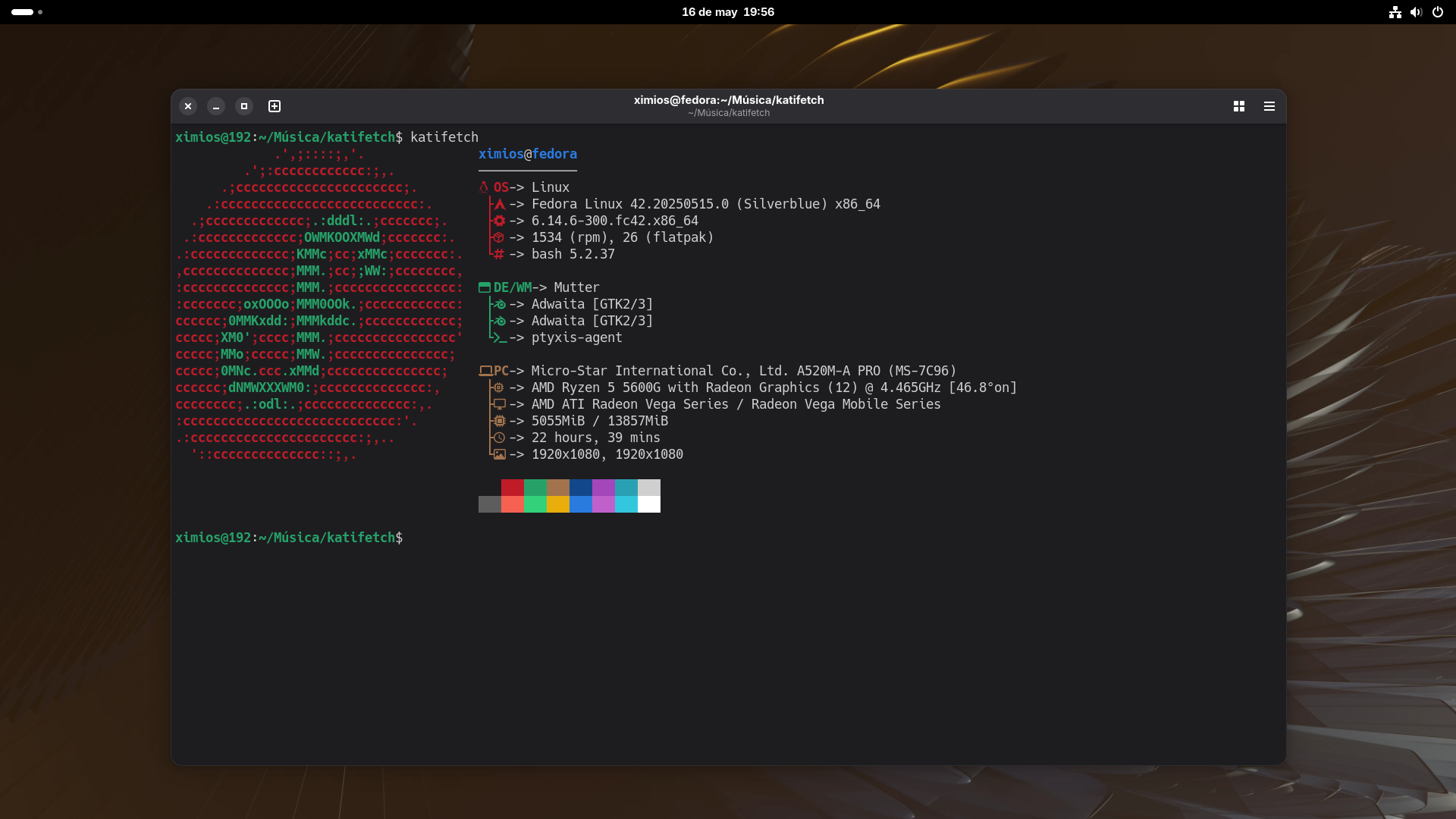
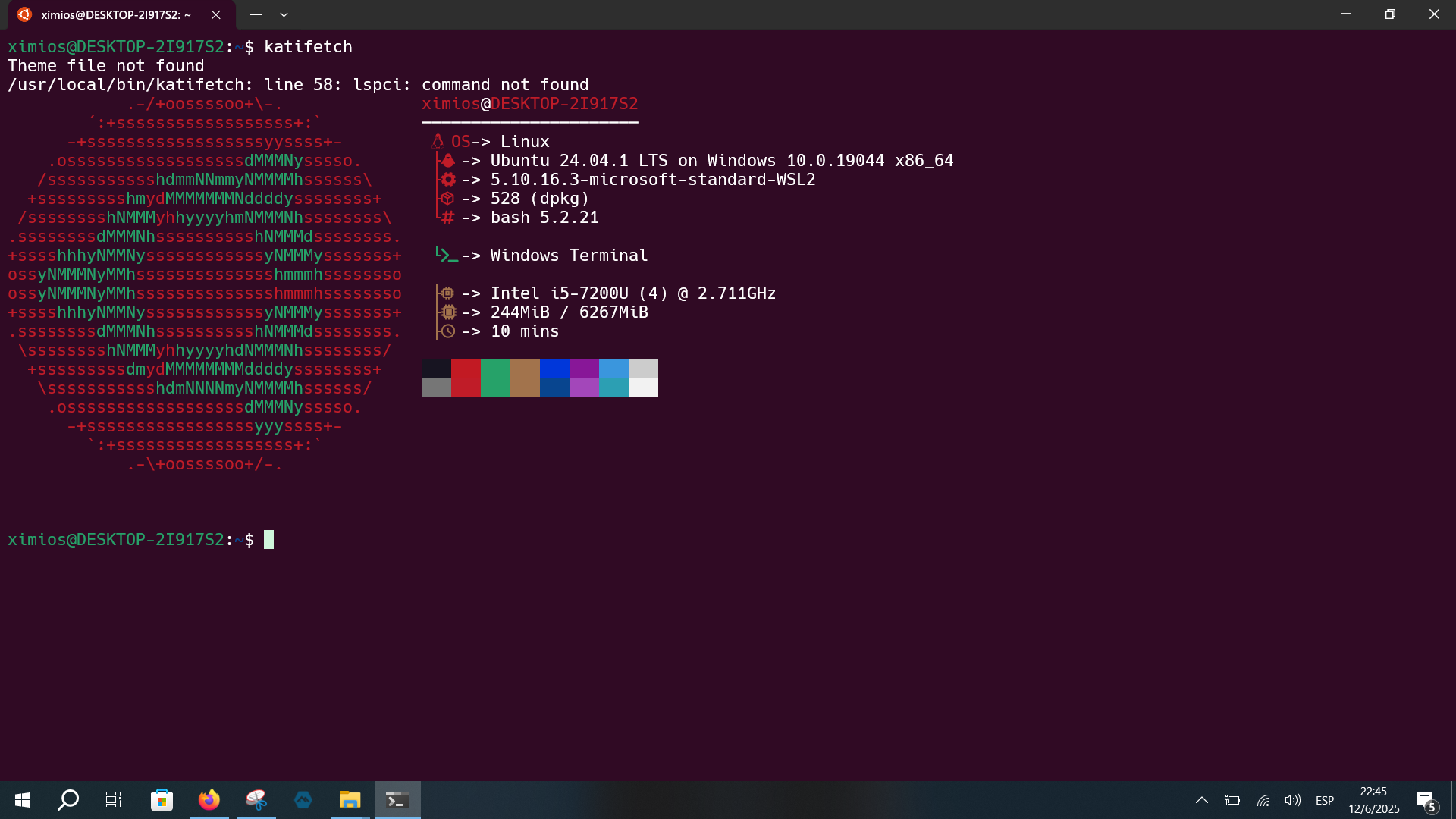
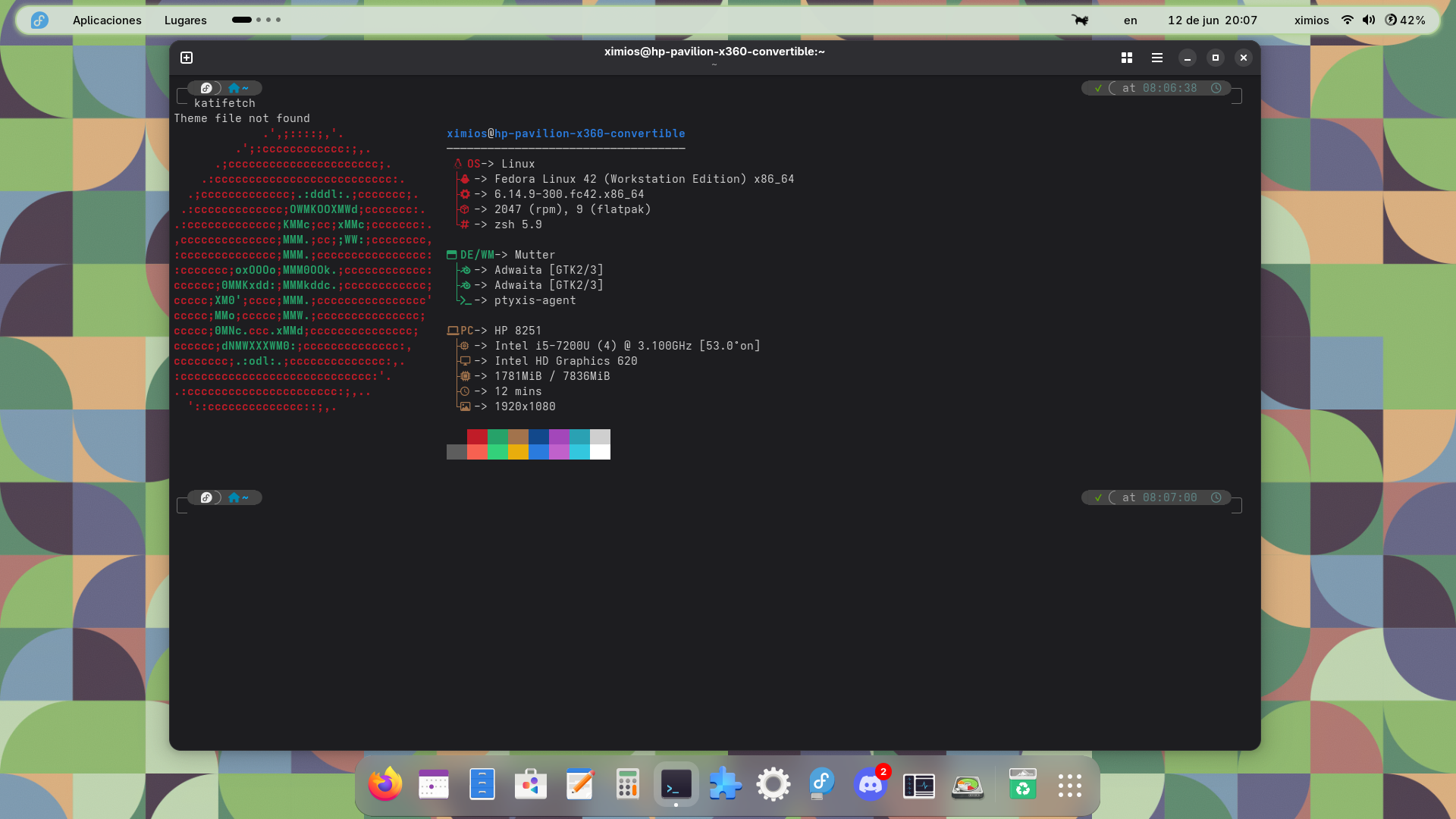
📸 Screenshots
See more screenshots from different operating systems here:
👉 More screenshots available in this repository
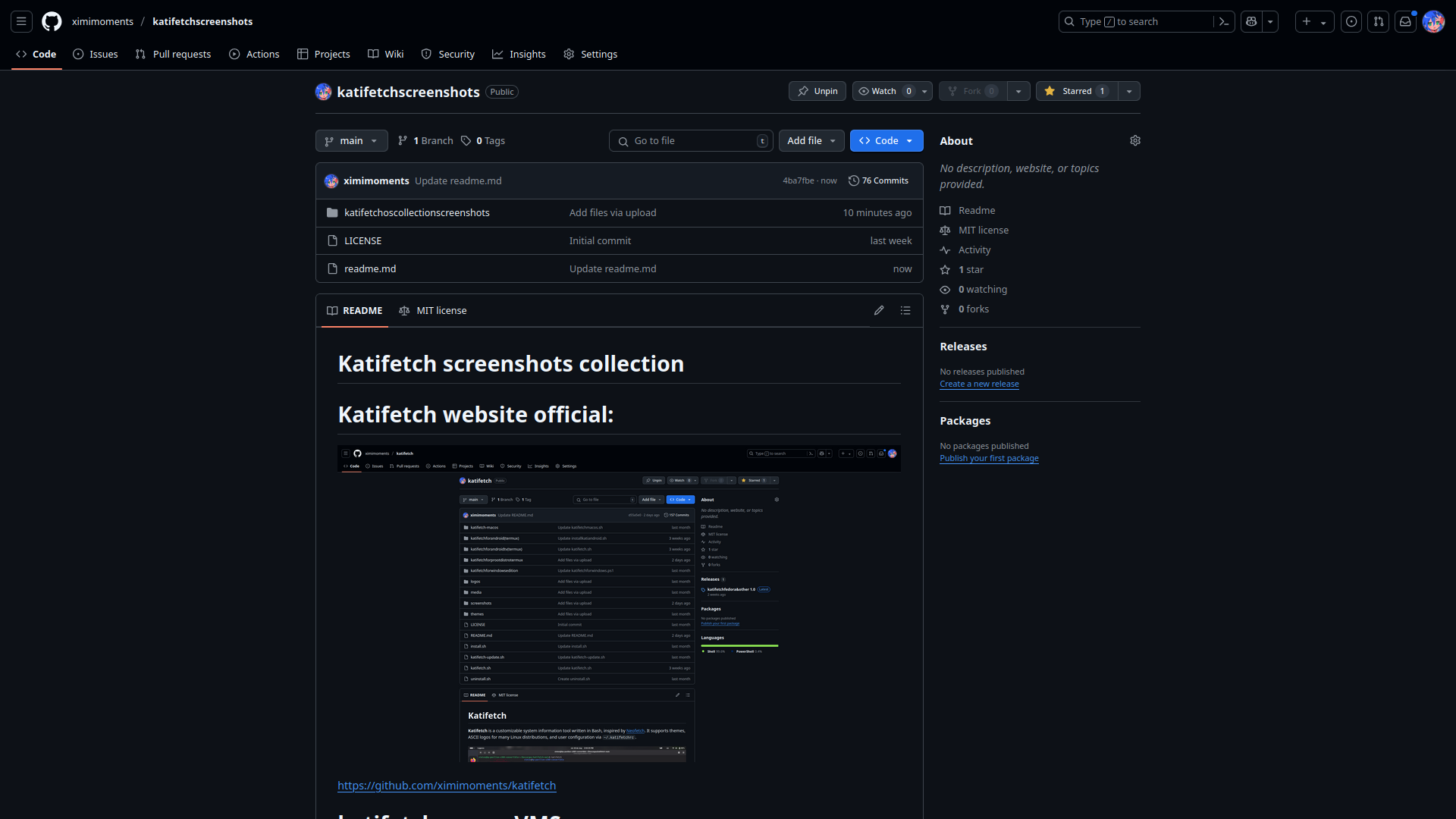
Unreleases editions
See more Unreleases edition from different operating systems here: 👉 More Unreleases editions available in this repository <img width="1920" height="1080" alt="image" src="https://github.com/user-attachments/assets/e04c4735-4c6a-410f-a9d5-c941493a8177" />
✅ Platform Compatibility
| Platform | Status | Notes |
|----------------------------------|--------|-----------------------------------------------------------------------|
| Linux | ✅ | Native Bash support |
| macOS | ✅ | Bash with Apple logo |
| Windows 11 | ✅ | PowerShell version (.ps1) with optional PATH setup |
| Windows 10 | ✅ | PowerShell + .bat command (run katifetch from console) |
| WSL (Windows Subsystem for Linux) | ✅ | Native Linux version with WSL detection + Windows integration |
| Android (Termux) | ✅ | Runs in Termux with custom logo |
| Android (proot-distro) | ✅ | Runs in Debian/Ubuntu containers via proot-distro |
| Android TV (Termux) | ✅ | Runs in Termux with Android logo |
| Fedora (COPR repo) | ✅ | Installable via COPR |
| Ubuntu/Debian (.deb) | ✅ | Official .deb package available — easy install |
| Ubuntu 10.04 | ✅ | Basic Bash script support with colored logo |
| Arch Linux (AUR) | ✅ | Available in the Arch User Repository — install via yay or other AUR helpers |
| BSD (FreeBSD / OpenBSD / NetBSD / DragonFly / Unknown BSD) | ✅ | Bash edition with full color logos, installer, uninstaller, updater |
🧪 Bazzite Compatibility
| Edition | Status | Notes |
|-------------------------------------|--------|-----------------------------------------------------------------|
| Bazzite KDE Plasma (Desktop) | ✅ | Official Katifetch script with detailed UI & vivid colors |
| Bazzite GNOME (Base) | ✅ | Dedicated script included — detected automatically |
| Bazzite Steam Deck (KDE Plasma) | ✅ | Requires Steam Deck hardware — includes custom tweaks |
| Bazzite Steam Deck (GNOME) | ✅ | Runs only on Steam Deck — separate detection logic |
| Other distros using Bazzite script| ❌ | Not supported — shows error message on execution |
Features
- Detects CPU, GPU, RAM, uptime, shell, and more.
- Uses beautiful ASCII logos.
- Supports user themes and color customization.
- Auto-update checker.
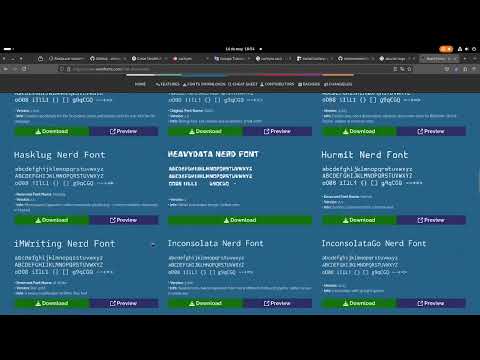
- Nerd Fonts compatible for icon customization.
⭐ Star History
katifetch: how to install nerdfont
📦 Installation
git clone https://github.com/ximimoments/katifetch.git
cd katifetch
chmod +x install.sh
./install.sh
🔄 Update
To update Katifetch, run:
chmod +x katifetch-update
./katifetch-update
🧼 Uninstall
To remove Katifetch from your system:
chmod +x uninstall.sh
./uninstall.sh
🎨 Customize
Edit the file ~/.katifetchrc to configure your Katifetch:
# Example .katifetchrc
show_logo=true
show_cpu=true
show_gpu=true
show_uptime=true
show_memory=true

theme=default
logo=cachyos
You can also add your own themes in the themes/ folder.
🚀 Run Katifetch
katifetch
And enjoy using Katifetch on Linux!
Katifetch For Old Distros And Discontinued OS
Coming Soon
Katifetch For BSD editions
<img width="1920" height="1080" alt="imagen" src="https://github.com/user-attachments/assets/2834f048-c19c-4869-87d8-236e6079af39" />Run Katifetch natively on FreeBSD and other BSD-based systems with a custom BSD logo! This edition is designed to work out of the box with FreeBSD, OpenBSD, NetBSD, DragonFlyBSD ETC
📦 Installation (BSD)
Clone the Katifetch repository:
git clone https://github.com/ximimoments/katifetch.git
Navigate to the BSD edition folder:
cd katifetch/katifetchforbsd
Run the installer:
sudo chmod +x install_katifetch.sh
sudo ./install_katifetch.sh
🔄 Update (BSD)
To update Katifetch on your BSD system:
sudo chmod +x updatebsd.sh
sudo ./updatebsd.sh
🧼 Uninstall (BSD)
To uninstall Katifetch:
sudo chmod +x uninstall_katifetch.sh
sudo ./uninstall_katifetch.sh
⚠️ and this is optional:
Have Sudo and Bash
🐚 And enjoy using Katifetch on BSD editions!
Katifetch For Windows 11
If you're on Windows 11, you can use the PowerShell version of Katifetch.
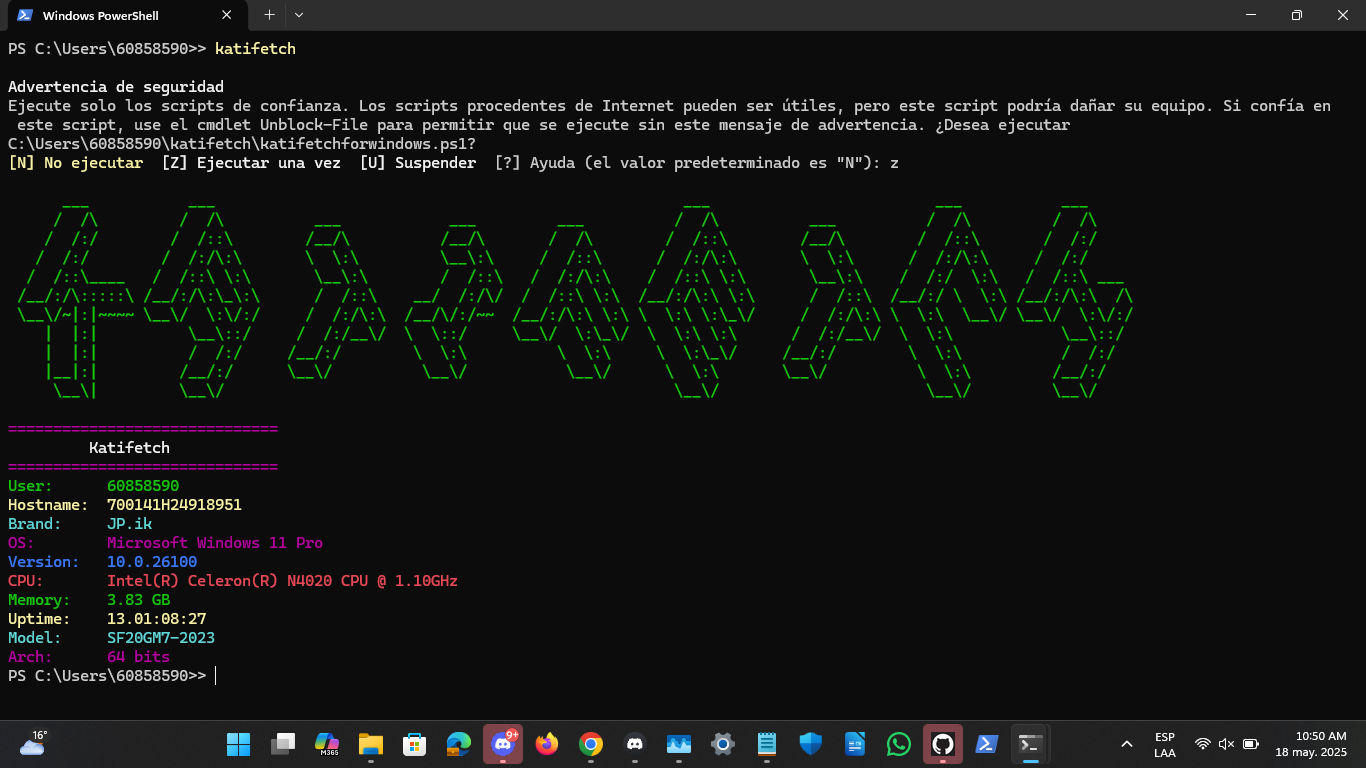
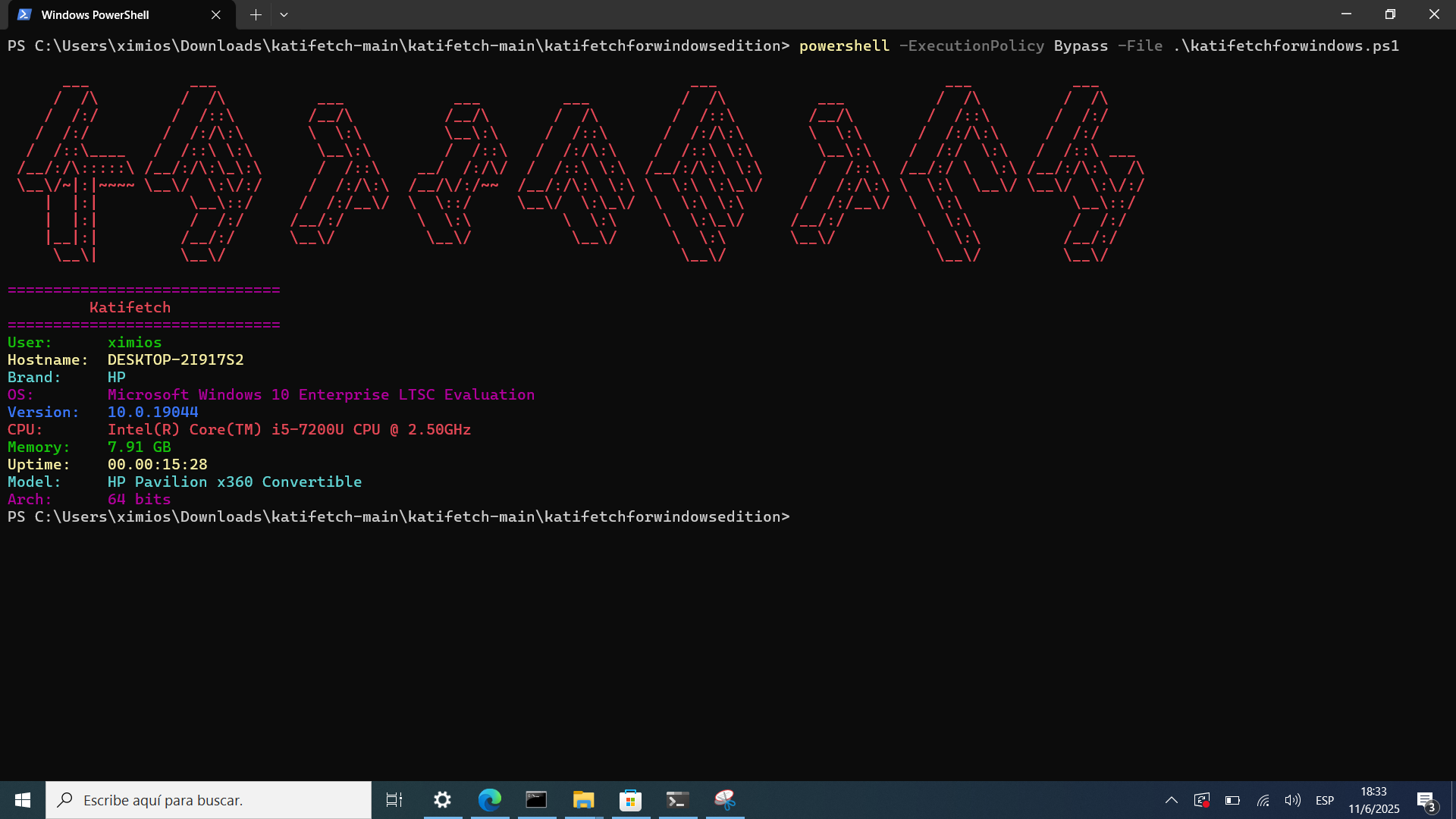
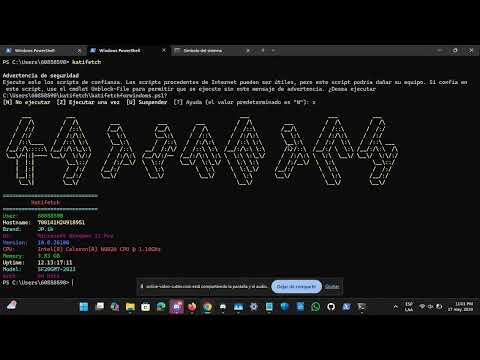
🎥 Katifetch Video Demo for Windows
📹 See how Katifetch looks on Windows 11 (PowerShell):
📦 Installation (Windows 11)
git clone https://github.com/ximimoments/katifetch.git
cd katifetch
cd katifetchforwindowsedition
powershell -ExecutionPolicy Bypass -File .\install.ps1
🔄 Update (Windows 11)
powershell -ExecutionPolicy Bypass -File .\katifetch-update.ps1
🧼 Uninstall (Windows 11)
powershell -ExecutionPolicy Bypass -File .\uninstall.ps1
And enjoy using Katifetch on Windows 11 edition!
Katifetch For Windows 10 edition
If you're using Windows 10, especially Enterprise LTSC Evaluation 2021, you can run the special PowerShell edition of Katifetch designed for older systems.
📦 Installation (Windows 10)
- Download or clone the repository:
git clone https://github.com/ximimoments/katifetch.git
- Navigate to the Windows batch edition folder:
cd katifetch\katifetchforwindowsedition
- Run the install script:
katifetch
