
FlyGrep.vim
Asynchronously fly grep in vim
Install / Use
/learn @wsdjeg/FlyGrep.vimREADME
FlyGrep.vim
Note: Active development on FlyGrep.vim has stopped. The only future changes will be bug fixes.
Please see flygrep.nvim


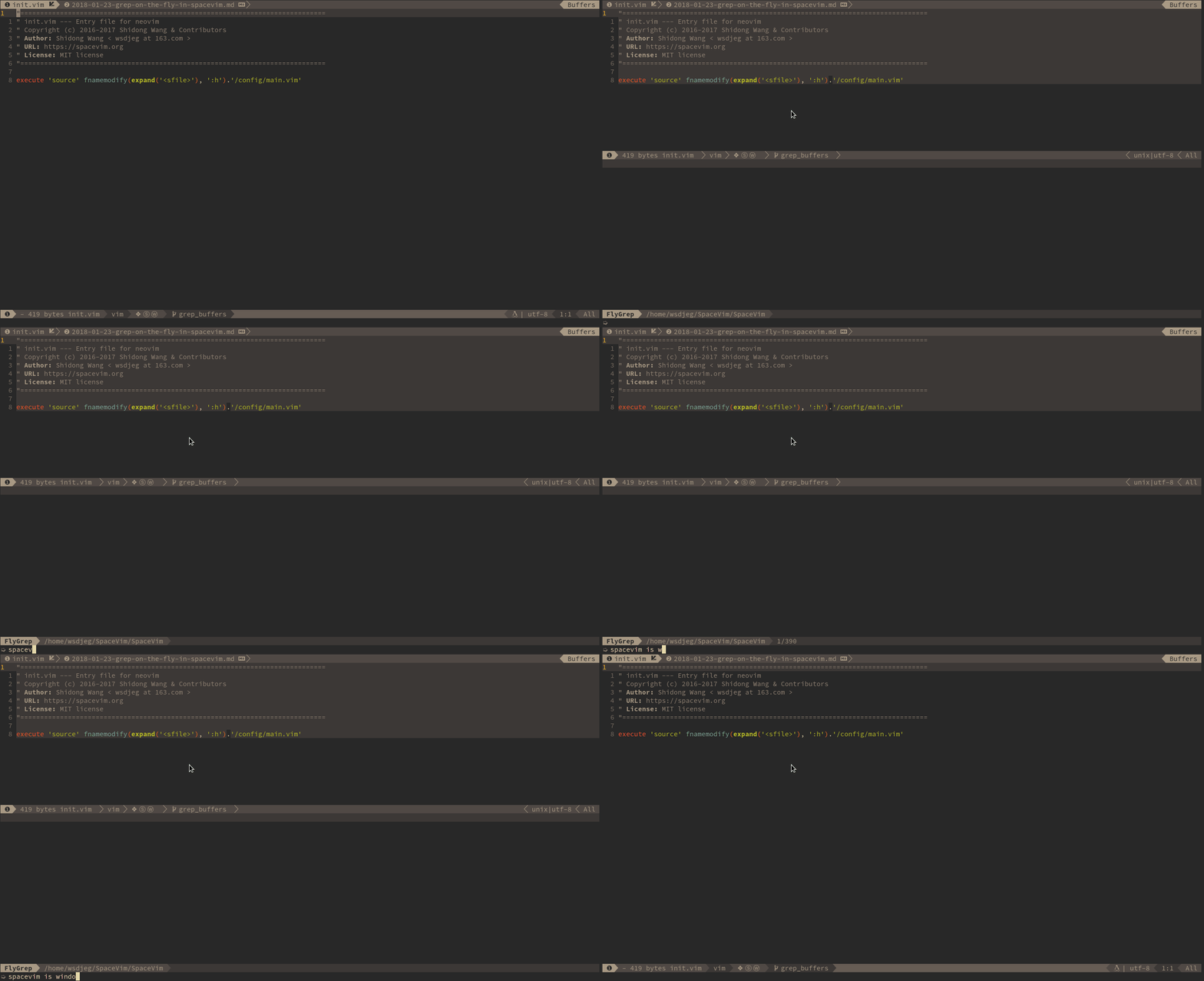
Intro
FlyGrep.vim is a vim/neovim plugin to run the searching tool asynchronously, and display the result on the fly.
Install
Using dein.vim
call dein#add('wsdjeg/FlyGrep.vim')
Using vim-plug
Plug 'wsdjeg/FlyGrep.vim'
Usage
Command
This plugin provides a :FlyGrep command.
:FlyGrep
Key bindings in FlyGrep window
| Key Bindings | Descriptions | | ------------------ | --------------------------------------------- | | Tab / Ctrl-j | move cursor to next item | | Shift-Tab / Ctrl-K | move cursor to previous item | | ScrollWheelDown | move cursor to next item | | ScrollWheelUp | move cursor to previous item | | Enter | open file at the cursor line | | Ctrl-t | open item in new tab | | LeftMouse | move cursor to mouse position | | 2-LeftMouse | open file at the mouse position | | Ctrl-f | start filter mode | | Ctrl-v | open item in vertical split window | | Ctrl-s | open item in split window | | Ctrl-q | apply all items into quickfix | | Ctrl-e | toggle fix-string mode | | Ctrl-h | toggle display hidden files | | Ctrl-r | read from register, need insert register name | | Left / Right | move cursor to left or right | | BackSpace | remove last character | | Ctrl-w | remove the Word before the cursor | | Ctrl-u | remove the Line before the cursor | | Ctrl-k | remove the Line after the cursor | | Ctrl-a / Home | Go to the beginning of the line | | End | Go to the end of the line |
FeedBack
The development of this plugin is in SpaceVim/bundle/FlyGrep directory.
If you encounter any bugs or have suggestions, please file an issue in the issue tracker
