
Qtile
My qtile config
Install / Use
/learn @woof-os/QtileREADME
Woof OS Qtile Edition - Qtile Config
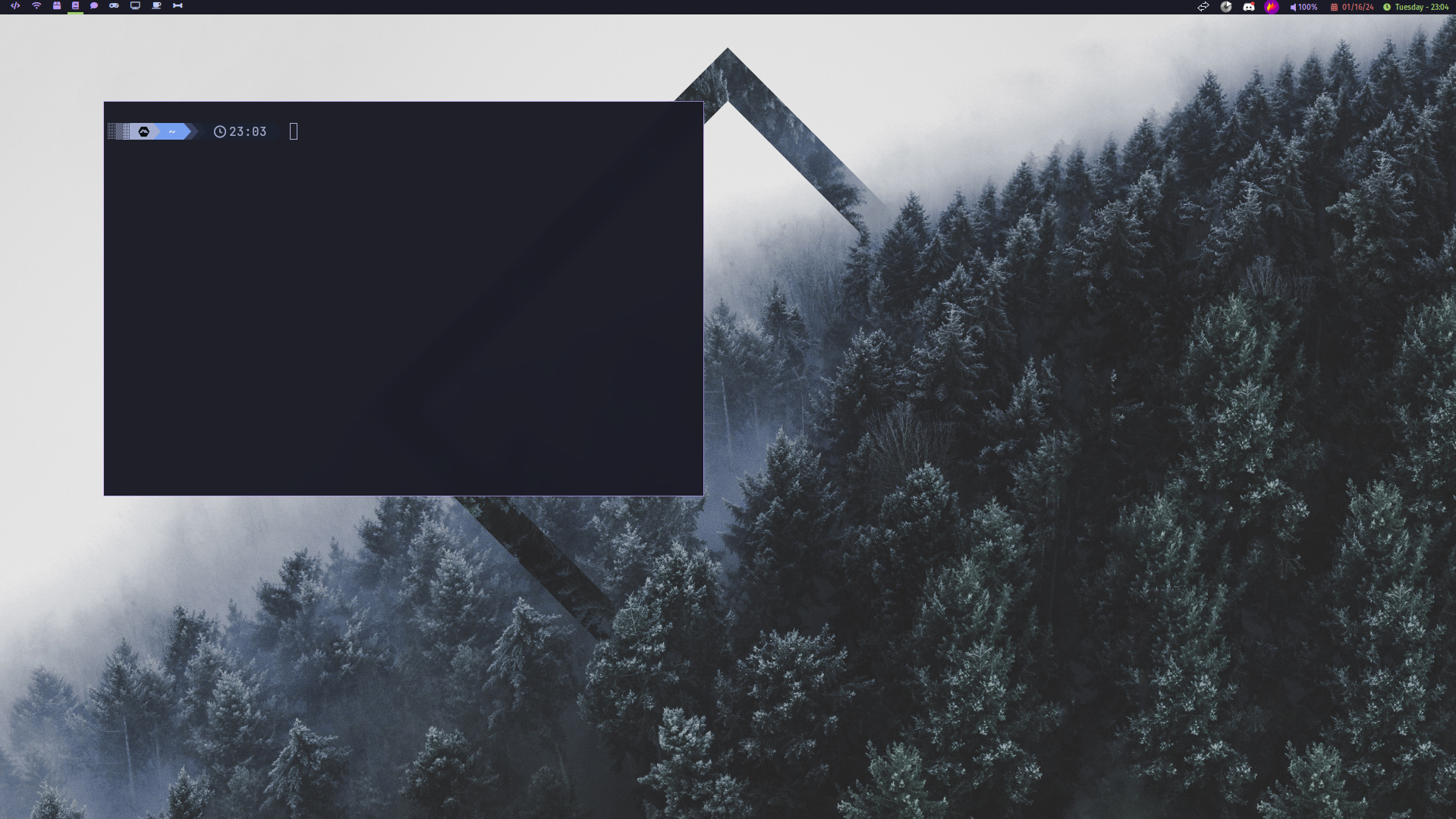
Keybinds
Woof OS uses a tiling window manager, qtile, mainly controlled using the keyboard.
The keybinds listed here are declared in ~/.config/qtile/config.py.
By default, <kbd>[mod]</kbd> is the <kbd>Super/mod4</kbd> key, which is the <kbd>⊞ Win</kbd> key on most keyboards, and the <kbd>⌘ Command</kbd> key on Macs.
Focus navigation
- <kbd>[mod]</kbd> <kbd>H</kbd> moves focus to the left
- <kbd>[mod]</kbd> <kbd>L</kbd> moves focus to the right
- <kbd>[mod]</kbd> <kbd>J</kbd> moves focus down
- <kbd>[mod]</kbd> <kbd>K</kbd> moves focus up
- <kbd>[mod]</kbd> <kbd>Space</kbd> moves focus to the next window
- <kbd>[mod]</kbd> <kbd>.</kbd> moves focus to the next screen
The mouse can also be used to switch focus between windows by simply hovering over them.
- <kbd>[mod]</kbd> <kbd>1</kbd>/<kbd>2</kbd>/<kbd>3</kbd>/<kbd>4</kbd>/<kbd>5</kbd>/<kbd>6</kbd>/<kbd>7</kbd>/<kbd>8</kbd>/<kbd>9</kbd> moves focus to the workspace assigned to the ID
Window arrangement
- <kbd>[mod]</kbd> <kbd>Shift</kbd> <kbd>H</kbd> moves focused window to the left
- <kbd>[mod]</kbd> <kbd>Shift</kbd> <kbd>L</kbd> moves focused window to the right
- <kbd>[mod]</kbd> <kbd>Shift</kbd> <kbd>J</kbd> moves focused window down
- <kbd>[mod]</kbd> <kbd>Shift</kbd> <kbd>K</kbd> moves focused window up
- <kbd>[mod]</kbd> <kbd>Shift</kbd> <kbd>R</kbd>eturn toggles between split and unsplit sides of stack
- <kbd>[mod]</kbd> <kbd>Tab</kbd> toggles between layouts
- <kbd>[mod]</kbd> <kbd>Shift</kbd> <kbd>1</kbd>/<kbd>2</kbd>/<kbd>3</kbd>/<kbd>4</kbd>/<kbd>5</kbd>/<kbd>6</kbd>/<kbd>7</kbd>/<kbd>8</kbd>/<kbd>9</kbd> shifts focused window to the workspace assigned to the ID
Window sizing
- <kbd>[mod]</kbd> <kbd>CTRL</kbd> <kbd>H</kbd> grows window to the left
- <kbd>[mod]</kbd> <kbd>CTRL</kbd> <kbd>L</kbd> grows window to the right
- <kbd>[mod]</kbd> <kbd>CTRL</kbd> <kbd>J</kbd> grows window down
- <kbd>[mod]</kbd> <kbd>CTRL</kbd> <kbd>K</kbd> grows window up
- <kbd>[mod]</kbd> <kbd>N</kbd> resets all window sizes
Miscellaneous and launching programs
- <kbd>[mod]</kbd> <kbd>Return</kbd> launches the terminal (alacritty)
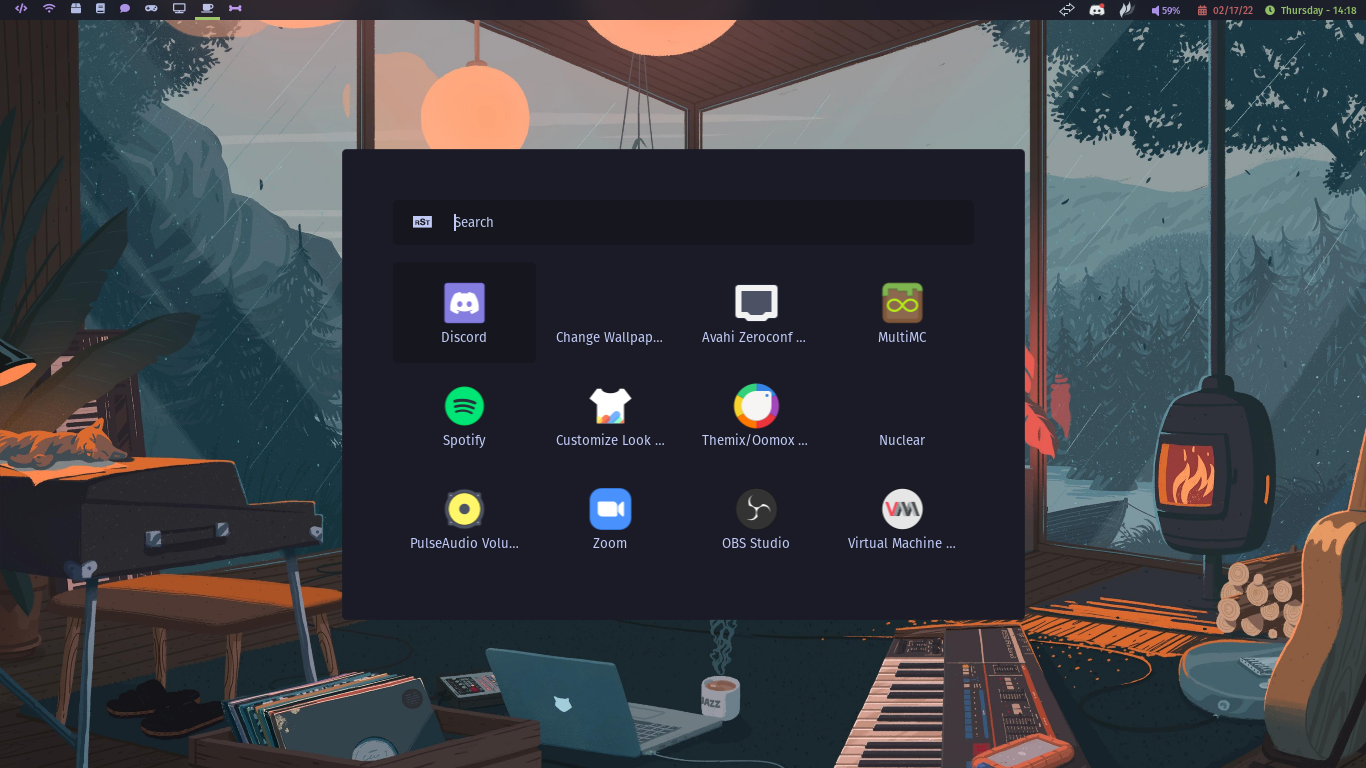
- <kbd>[mod]</kbd> <kbd>R</kbd> opens the Rofi run launcher
- <kbd>[mod]</kbd> <kbd>B</kbd> launches the web browser (brave)
- <kbd>[mod]</kbd> <kbd>C</kbd> launches the file manager (vifm)
- <kbd>[mod]</kbd> <kbd>Z</kbd> opens copied PDF URL in Zathura
- <kbd>[mod]</kbd> <kbd>Y</kbd> opens copied YouTube URL in MPV (using yt-dlp)
- <kbd>[mod]</kbd> <kbd>F</kbd> opens the Flameshot GUI
- <kbd>[mod]</kbd> <kbd>T</kbd> spawns a command using a prompt
- <kbd>[mod]</kbd> <kbd>V</kbd> shows the active windows through Rofi
- <kbd>[mod]</kbd> <kbd>D</kbd> sends a notification including the current date and time
- <kbd>[mod]</kbd> <kbd>Q</kbd> kills focused window
- <kbd>[mod]</kbd> <kbd>CTRL</kbd> <kbd>S</kbd> takes a full screenshot using Scrot to clipboard
- <kbd>[mod]</kbd> <kbd>CTRL</kbd> <kbd>F</kbd> takes a screenshot of the focused window using Scrot to clipboard
- <kbd>[mod]</kbd> <kbd>CTRL</kbd> <kbd>P</kbd> opens the Rofi power menu
- <kbd>[mod]</kbd> <kbd>CTRL</kbd> <kbd>R</kbd> restarts Qtile
- <kbd>[mod]</kbd> <kbd>CTRL</kbd> <kbd>Q</kbd> shuts down Qtile
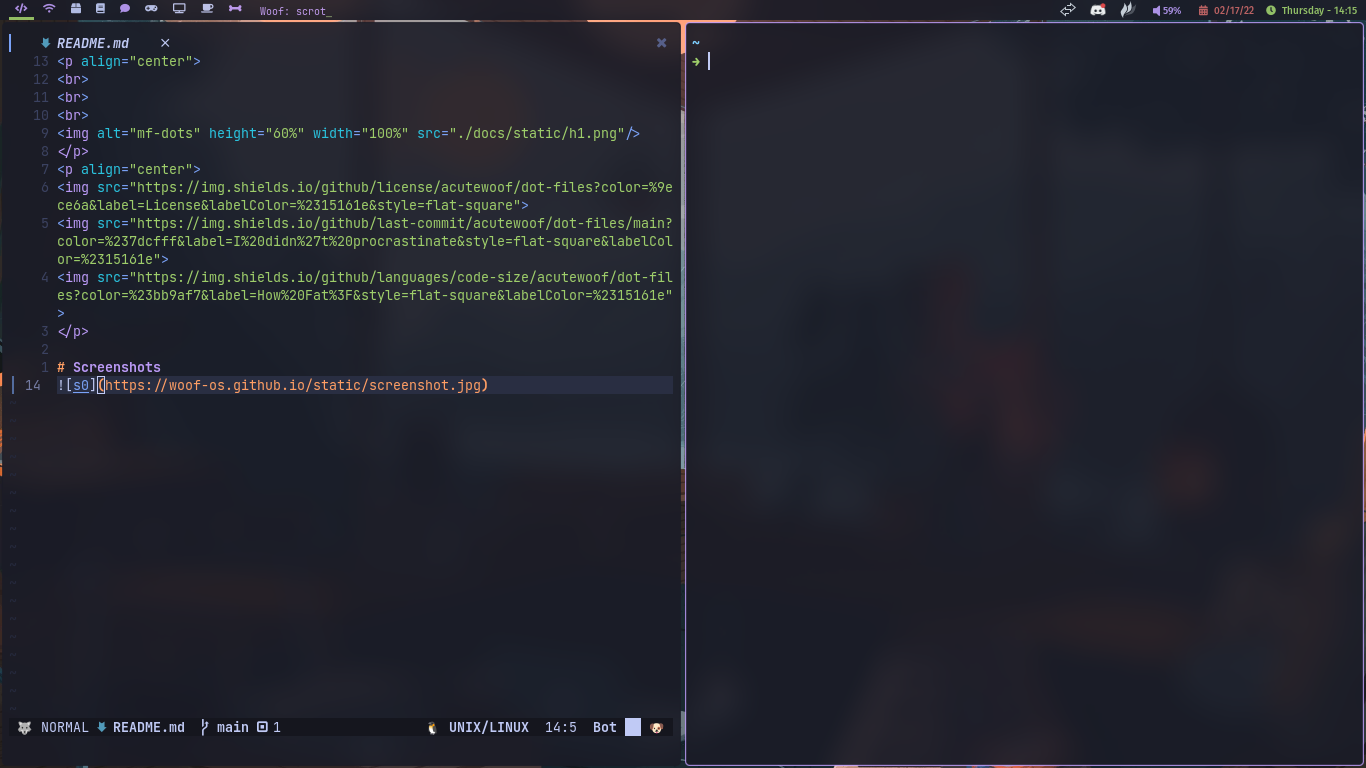
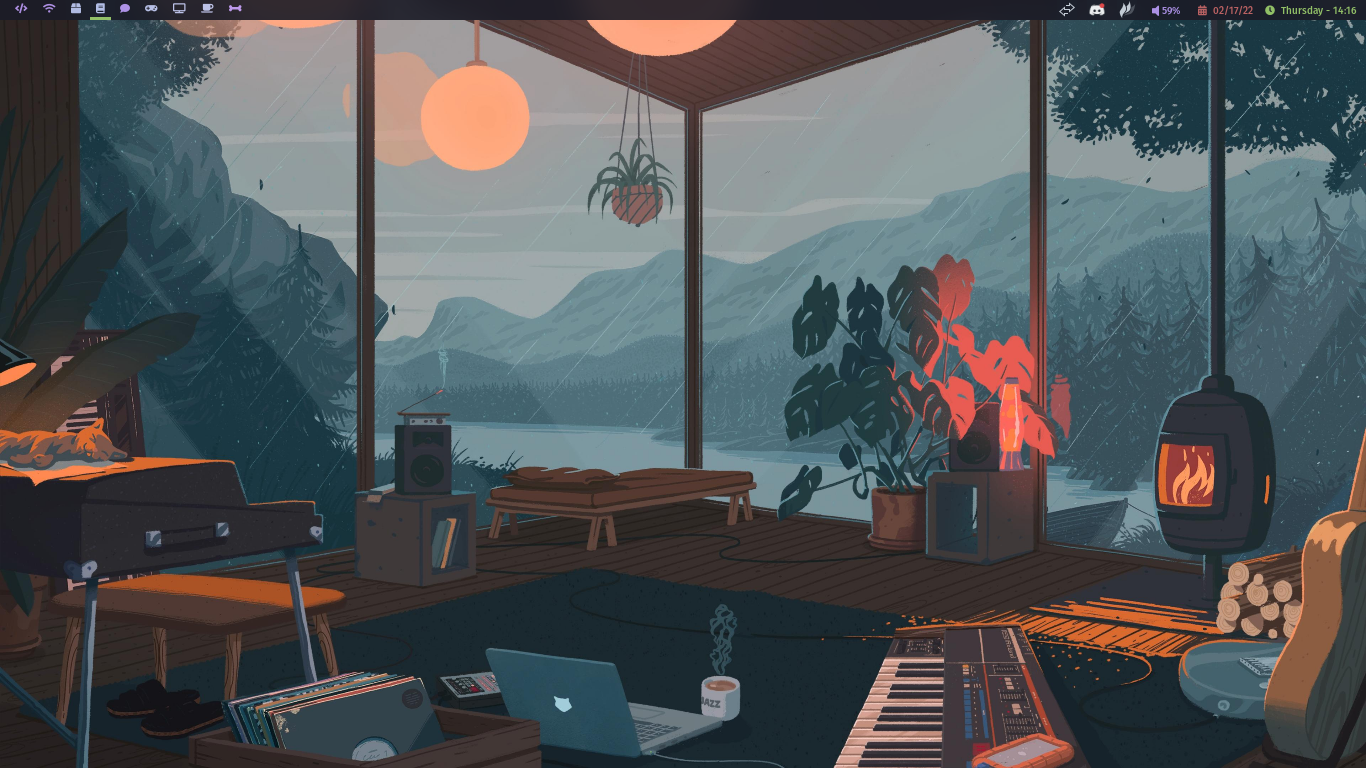
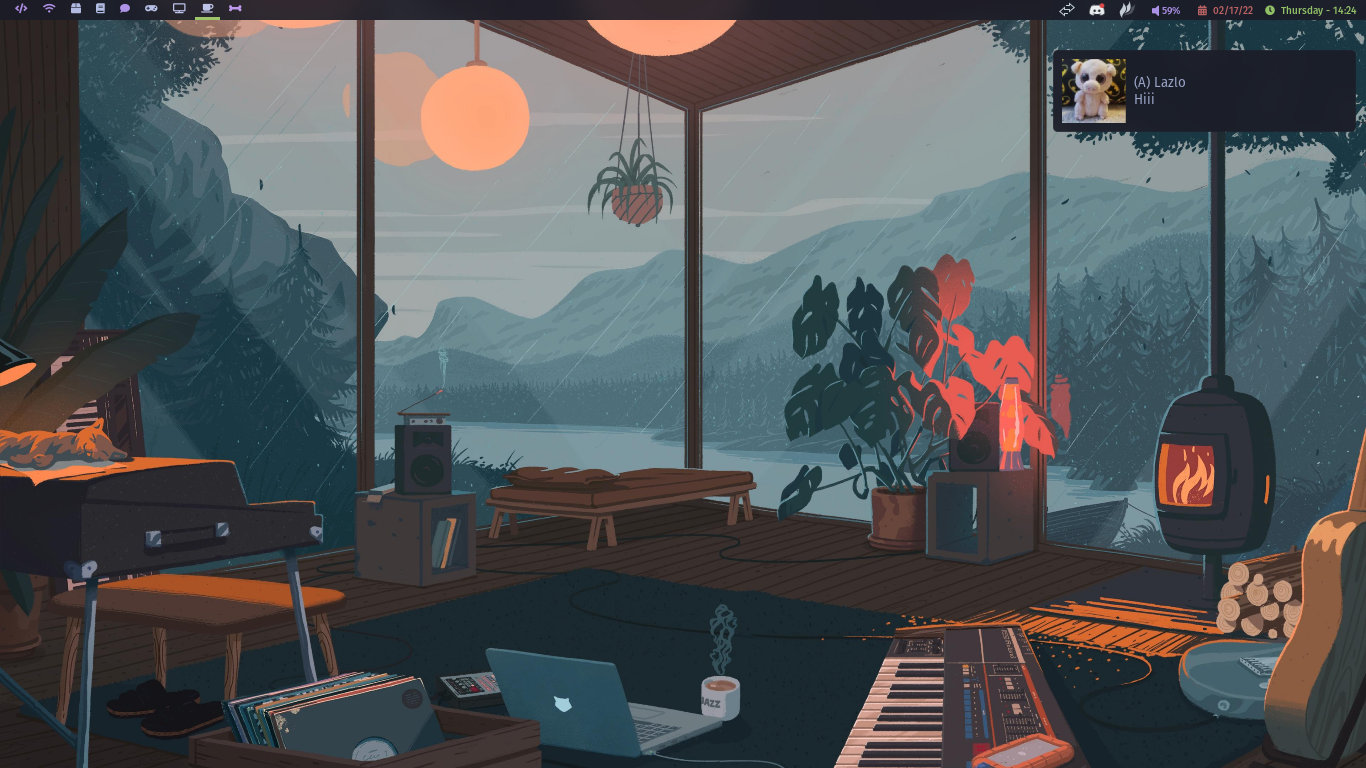
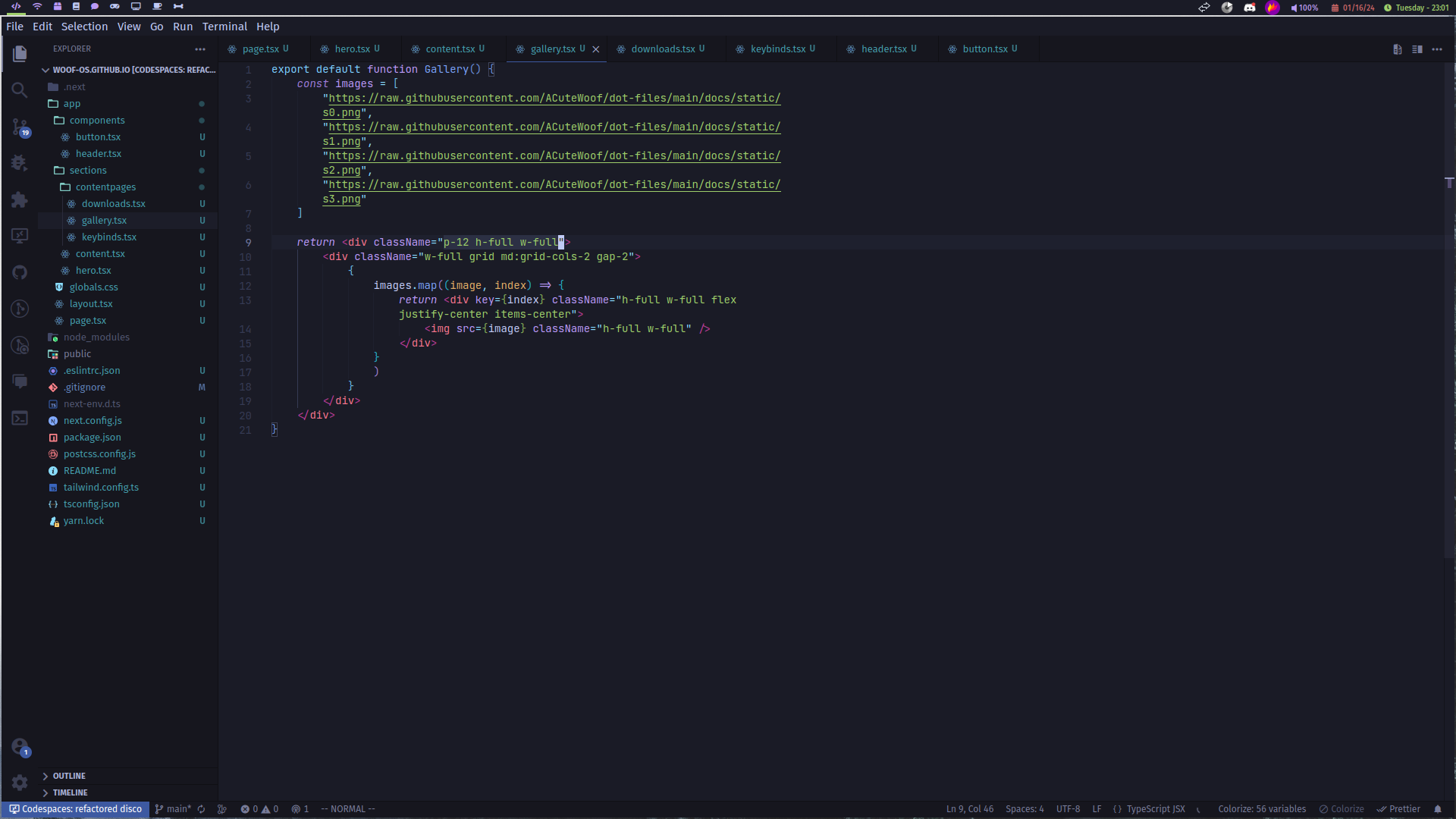
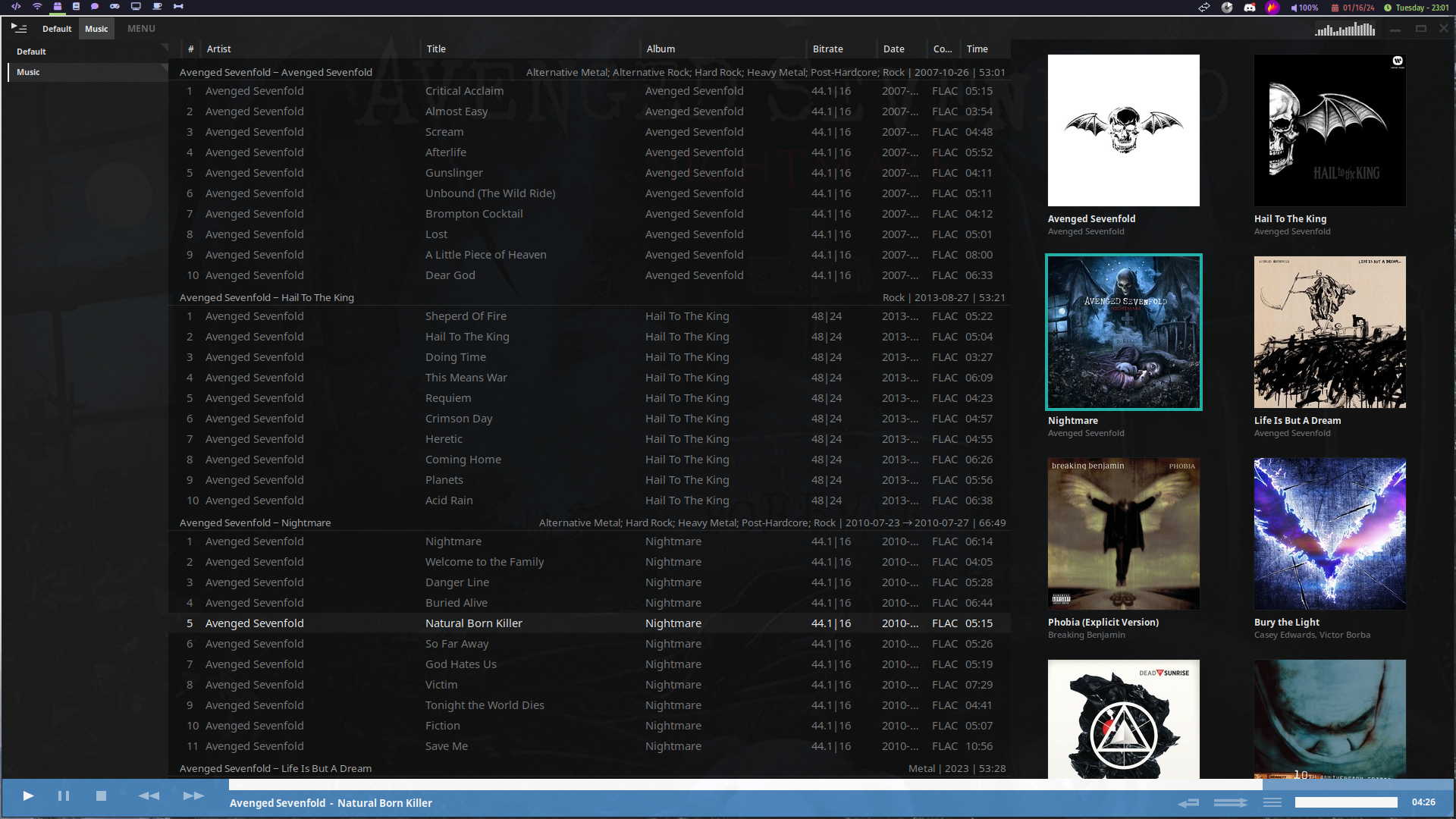
Gallery
Contact
- Email: sutharshanvithushan@gmail.com
- Discord: Woof OS
Donate
- Solana: JDkK2kpBmPm6YyYnLYNHpw8FhKyZ9AQ2CQTqj6BQxFKY
- Bitcoin (native segwit): bc1qh5m8v9xyd8l4yc7d3qfs5a83rqk3eukcjlw6sh
- BuyMeACoffee: acutewoof
Related Skills
node-connect
338.0kDiagnose OpenClaw node connection and pairing failures for Android, iOS, and macOS companion apps
frontend-design
83.4kCreate distinctive, production-grade frontend interfaces with high design quality. Use this skill when the user asks to build web components, pages, or applications. Generates creative, polished code that avoids generic AI aesthetics.
openai-whisper-api
338.0kTranscribe audio via OpenAI Audio Transcriptions API (Whisper).
commit-push-pr
83.4kCommit, push, and open a PR
