
ScreenTimeLapse
Take color-accurate timelapses of your screens and cameras on MacOS
Install / Use
/learn @wkaisertexas/ScreenTimeLapseREADME
Introduction
<p align="center"> <img width="553" alt="Application demonstration photo in menu bar" src="https://github.com/wkaisertexas/ScreenTimeLapse/assets/27795014/785ee2b6-1ef5-4302-83da-c3d81a069074"> </p> <p align="center"> <i>TimeLapze</i> is a minimalist, menu bar application for creating color accurate screen and camera timelapses while keeping file sizes manageable </p> <p align="center"> <img alt="color accurate comparison" src="https://github.com/wkaisertexas/ScreenTimeLapse/assets/27795014/ca37fa51-7851-4080-9e8c-f95f9ed529a8"></img> Color accuracy is an important feature which prevents you from recording washed-out, photocopied-looking time lapses </p>Features
- Color-Accurate: What you see is what you get. Never screen record faded videos again[^1]
- Minimalist Design: a fully featured menu bar recorder
- Hardware Accelerated: fully utilized hardware accelerated encoding for a lightweight recording experience
- Space Saving: Avoid the excessive file sizes of high quality video (can be as high as 7 GB / hour)
- Camera Recording: Record your webcam or phone with the same frame rate and camera speed
- Secure: Use the fully features of
ScreenCaptureKitto only record certain windows, applications and more. Never leak your bank information in recordings again! - Customizability: Change everything from the frame rate, quality and speed multiple
Installation
App Store (Recommended)
Get Timelapse on the App Store:
Download on the App Store
Homebrew
Install TimeLapze via Homebrew:
brew install timelapze
Direct Download
Download the latest version from the Releases page.
- Download
TimeLapze.zip - If Chrome or Safari warns about the file, ignore it
- Extract the archive to get
TimeLapze.app - Move it to your
Applicationsfolder
Local Development
To develop TimeLapze locally, you will need to clone and open this repository in XCode.
Once that's done, you can use the following commands to run the app locally:
git clone https://github.com/wkaisertexas/ScreenTimeLapse
cd ScreenTimeLapse
open TimeLapze.xcodeproj
Following this, you need to allow the app to be built for local signing.
Tech Stack
Contributing
Contributions are welcome! Here's how you can contribute:
- Open an issue if you believe you've encountered a bug
- Submit a pull request to add features, improve usability, or fix bugs
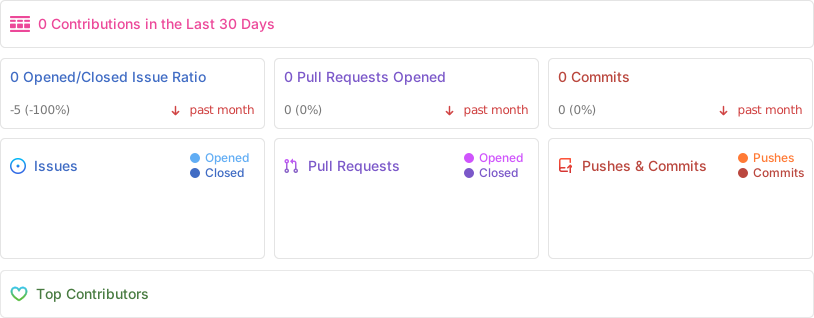
Repo Activity
License
TimeLapze is released under the MIT License, ensuring open-source availability
[!IMPORTANT] If you liked this project, consider giving the repository a star ⭐️!
[^1]: Apple's screen recorder converts the display's color space from DCI_P3 to sRGB. This subtle error makes it unsuitable for color-sensitive work. Even HDR video struggles with persistent overexposure issues in screenshots.
