
WRCalendarView
Calendar Day and Week View for iOS
Install / Use
/learn @wayfinders/WRCalendarViewREADME
WRCalendarView


Calendar Day and Week View for iOS
Following the work from RVCalendarWeekView and MSCollectionView
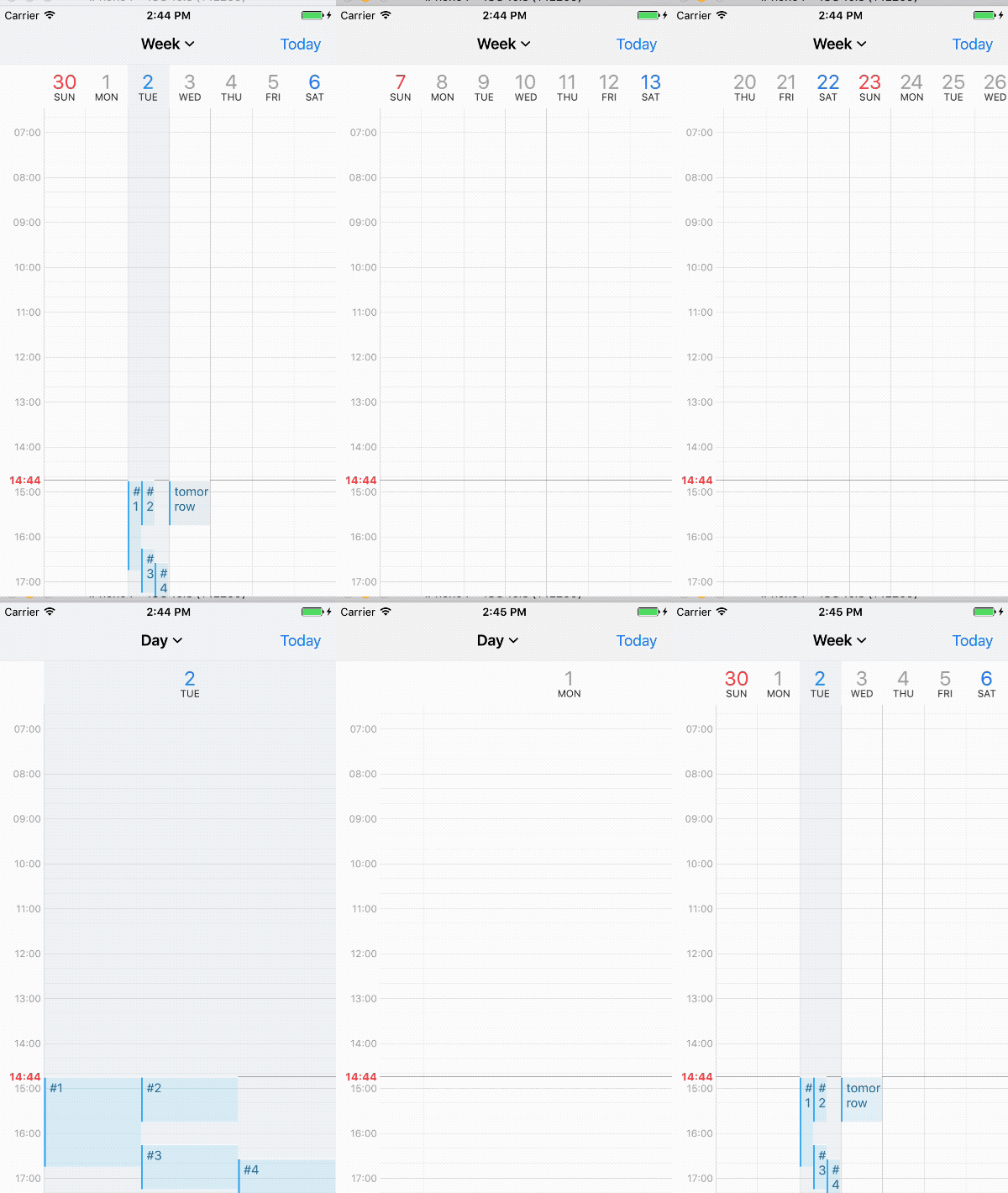
Features
- written in swift 3.1
- infinite scroll horizontally left and right
- changable between day and week
- paging horizontally
Requirements
- Xcode 8.x
- Swift 3.x
- iOS 8.0
Example
To run the example project, clone the repo, and run pod install from the Example directory first.
Installation
WRCalendarView is available through CocoaPods. To install it, simply add the following line to your Podfile:
pod "WRCalendarView"
To Do features
- drap and drop event
- pinchable event
- test code
- support device orientation
Author
wayfinder, wayfinder12@gmail.com
License
WRCalendarView is available under the MIT license. See the LICENSE file for more info.
