
Vlite
🦋 vLitejs is a fast and lightweight Javascript library for customizing video and audio player in Javascript with a minimalist theme (HTML5, Youtube, Vimeo, Dailymotion)
Install / Use
/learn @vlitejs/VliteREADME
vLitejs



vlitejs (pronounced <code>/viːlaɪt/</code>) is a fast and lightweight JavaScript library for customizing video and audio player. Written in native JavaScript without dependency, it is built around an API of providers and plugins to extend these capabilities and keep the core with the minimal functionalities.
HTML5 video and audio players are automatically included. Other providers like Youtube or Vimeo can be loaded on demand with the Provider API. Plugins uses the same logic and can be loaded on demand by the Plugin API. Others providers and plugins can be created and loaded by the library.
Why vLitejs?
- If you are concerned about your app's loading performance, this library makes sense as it is extremely lightweight compared to the competition (only 6 KB).
- It is quite rare to need to be compatible with HTML5, Youtube, Vimeo and Dailymotion at the same time. The library contains by default only HTML5 capabilities and exposed the Provider API to extend capabilities with other providers.
- If you need specific behaviors, the plugin API allows to extends the library capabilities.
- If you need to create a video or audio player with a custom skin harmonized for all web browsers.
Sizes of the vlitejs bundle compared to the competition:
| | vlitejs | plyr | video.js |
| ------------ | :-------: | :----: | :--------: |
| Uncompressed | 68 KB | 299 KB | 2100 KB |
| Compressed | 27 KB | 110 KB | 560 KB |
| Gzip | 6 KB | 32 KB | 159 KB |
[!NOTE]
vlitejs 5.0.1plyr 3.7.8videojs 8.3.0
Features
- Video & audio - HTML5 video, HTML5 audio, Youtube, Vimeo, Dailymotion.
- Customization - Choose the control elements you want to display.
- No dependency - Written in native Javascript without any framework.
- Fullscreen - Supports native fullscreen API.
- Provider API - Use the available providers or create your own.
- Plugin API - Use the available plugins or create your own.
- Streaming - Support HLS.js streaming playback.
- Sticky - Support for sticky.
- Events - Standardized events for all web browsers, providers and plugins.
- Autoload API - Youtube, Vimeo and Dailymotion API are automatically loaded by their provider.
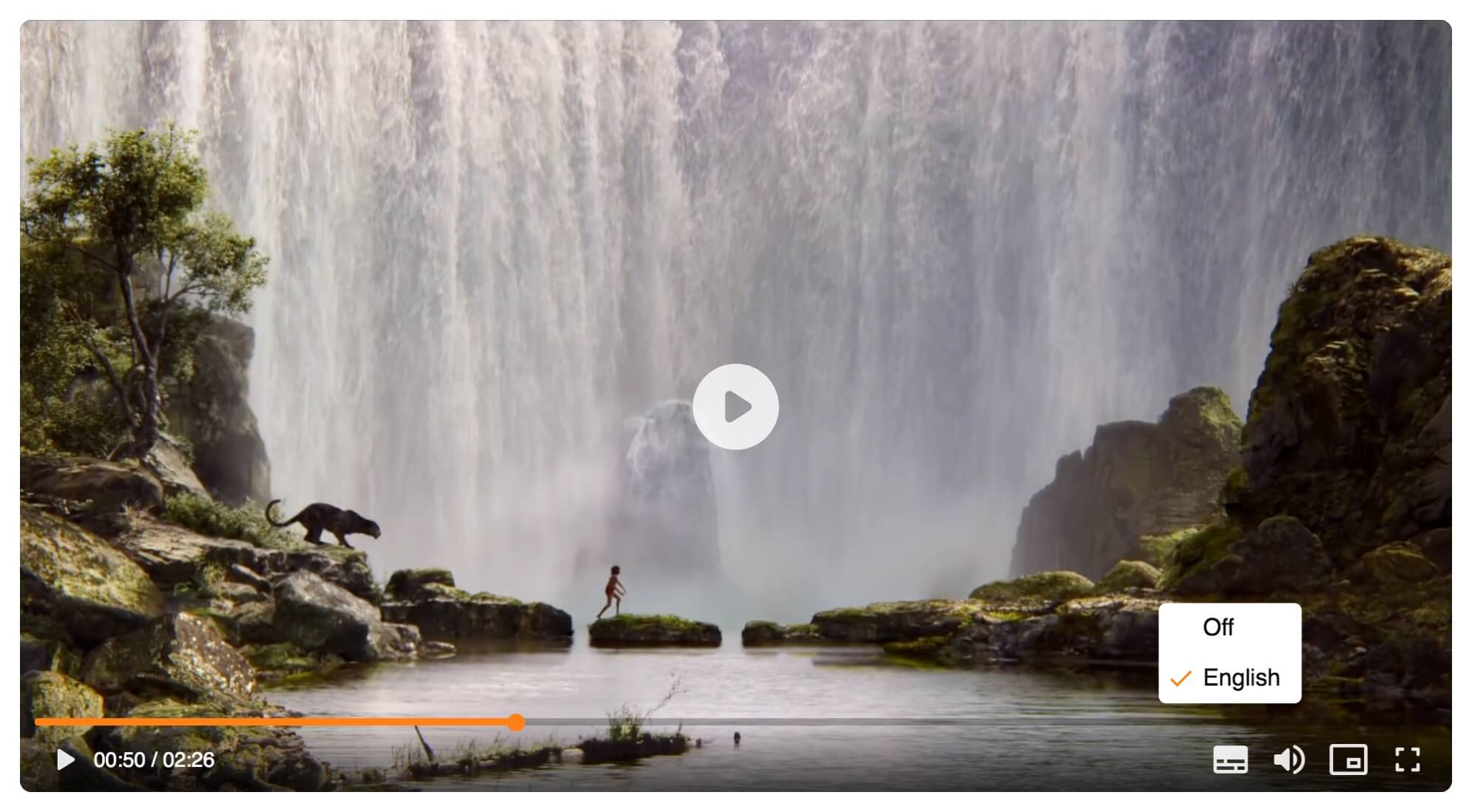
- Subtitles - Supports multiple subtitle tracks (VTT).
- Picture-in-Picture - Supports Picture-in-Picture API.
- Cast - Supports for Google Cast API.
- AirPlay - Supports for Apple AirPlay API.
- Monetization - Supports for Google IMA SDK.
- Hotkeys - Supports for hotkeys to add keyboard shortcuts.
- Playsinline - Supports the
playsinlineattribute. - SVG icons - SVG are inlined into the library, no sprites to includes.
- Accessibility - W3C and A11Y valid.
:sparkles: You can support this project with GitHub Sponsors! ♡
Playground
If you're interested in playing around with vLitejs, you can use the online code playgrounds on Glitch:
- HTML5 video
- HTML5 video HLS.js
- HTML5 video with Google Ima SDK
- HTML5 audio
- Youtube
- Vimeo
- Dailymotion
Examples
The project includes several examples of vlitejs implementation in the directory examples. Run the following commands to build the assets for the examples:
npm run build && npm run build:example
Installation
[!WARNING] vlitejs@6 is ESM and uses the Node.js package
exports.
NPM
NPM is the recommended installation method. Install vlitejs in your project with the following command:
npm install vlitejs --save-dev
yarn add vlitejs --dev
[!WARNING] The minimum supported
Node.jsversion is22.
CDN
You can also download it and include it with a script tag as an ESM.
<link href="https://cdn.jsdelivr.net/npm/vlitejs@6/dist/vlite.css" rel="stylesheet" crossorigin />
<script type="module">
  import Vlitejs from 'https://cdn.jsdelivr.net/npm/vlitejs@6';
</script>
[!TIP] You can browse the source of the NPM package at jsdelivr.com/package/npm/vlitejs.
How it works
HTML
HTML5 video
<video id="player" src="<path_to_video_mp4>"></video>
HTML5 audio
<audio id="player" src="<path_to_audio_mp3>"></audio>
Youtube
<div id="player" data-youtube-id="<video_id>"></div>
Vimeo
<div id="player" data-vimeo-id="<video_id>"></div>
Dailymotion
<div id="player" data-dailymotion-id="<video_id>"></div>
Initialization
Import vlitejs styleheet and the JavaScript library as an ES6 modules.
import 'vlitejs/vlite.css';
import Vlitejs from 'vlitejs';
The vlitejs constructor accepts the following parameters:
| Arguments | Type | Default | Description |
| --------- | :-------------------: | :-----: | ---------------------------------------------------------------- |
| selector | String\|HTMLElement | null | Unique CSS selector string or HTMLElement to target the player |
| config | Object | {} | Player configuration (optional) |
Initialize the player with a CSS selector string.
new Vlitejs('#player');
Or, initialize the player with an HTMLElement.
new Vlitejs(document.querySelector('#player'));
Configuration
The second arguments of the contructor is an optional object with the following parameters:
| Arguments | Type | Default | Description |
| ---------- | :--------------: | :-------: | -------------------------------------------------------------------- |
| options | Object | {} | Player options |
| onReady | Function\|null | null | Callback function executed when the player is ready |
| provider | String | 'html5' | Player provider |
| plugins | Array | [] | Player plugins |
new Vlitejs('#player', {
  options: {},
  onReady: function (player) {},
  provider: 'html5',
  plugins: []
});
Options
The player controls can be customized with the following parameters:
| Options | Type | Default | Description |
| ----------------------- | :------------: | :-----: | ---------------------------------------------------- |
| controls¹ ² | Boolean | true | Display the control bar of the video |
| autoplay | Boolean | false | Enable the autoplay of the media |
| playPause | Boolean | true | Display the play/pause button on the control bar |
| progressBar | Boolean | true | Display the progress bar on the control bar |
| time | Boolean | true | Display the time information on the control bar |
| volume | Boolean | true | Display the volume button on the control bar |
| `fulls
