
VokoscreenNG
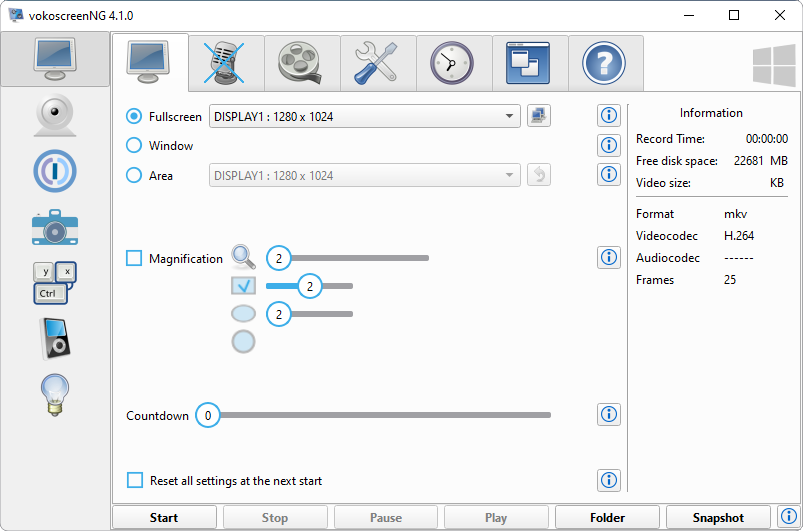
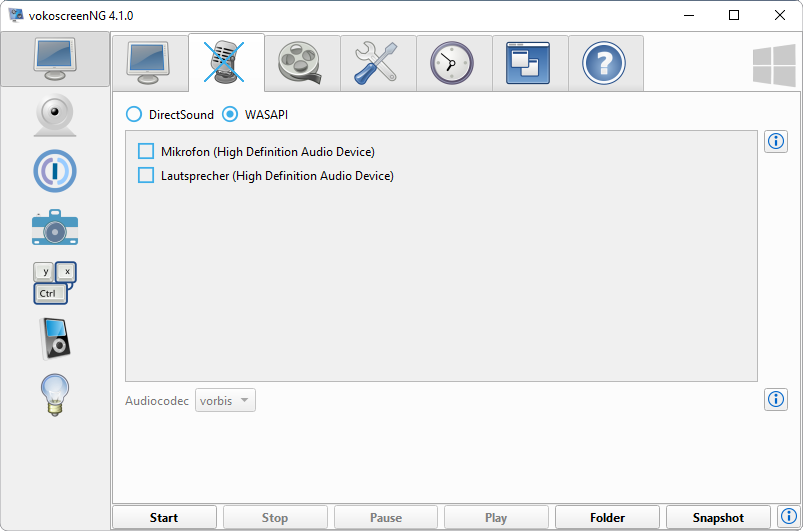
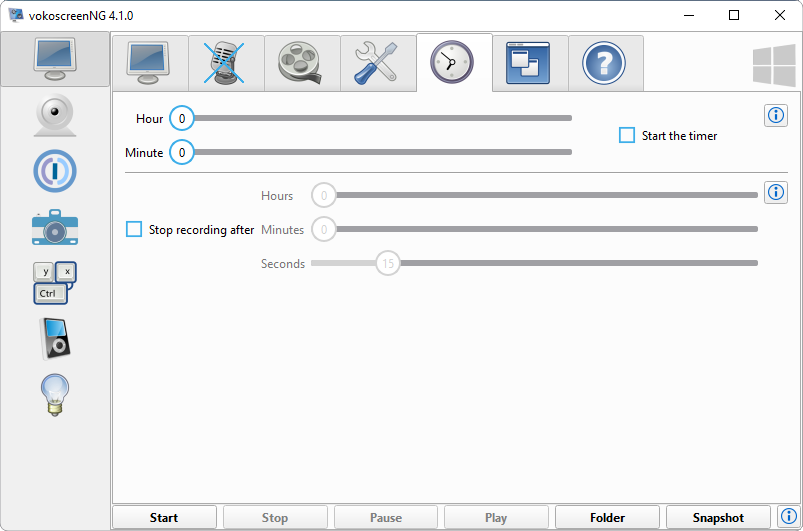
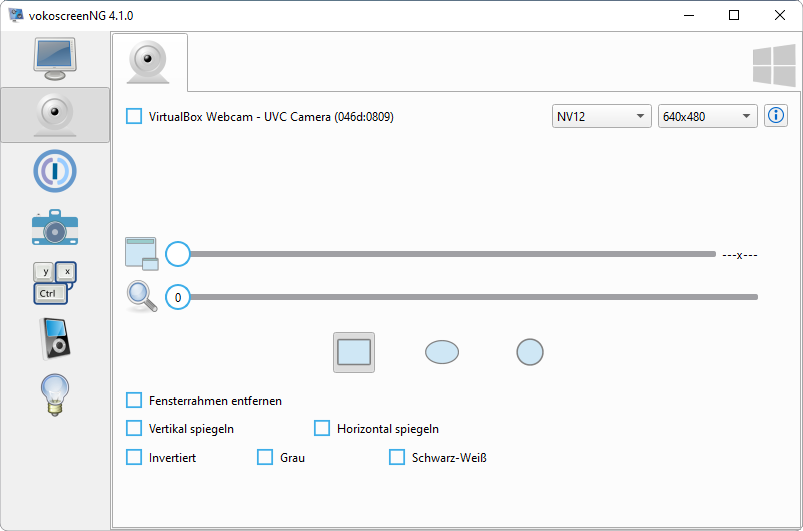
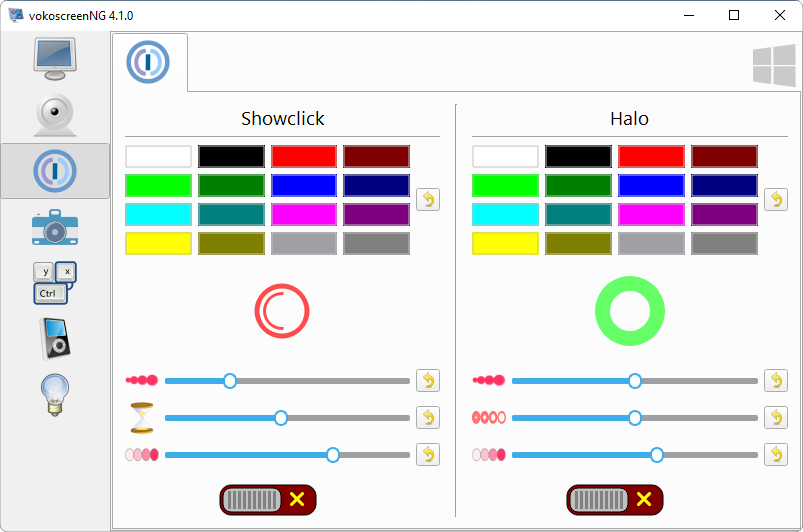
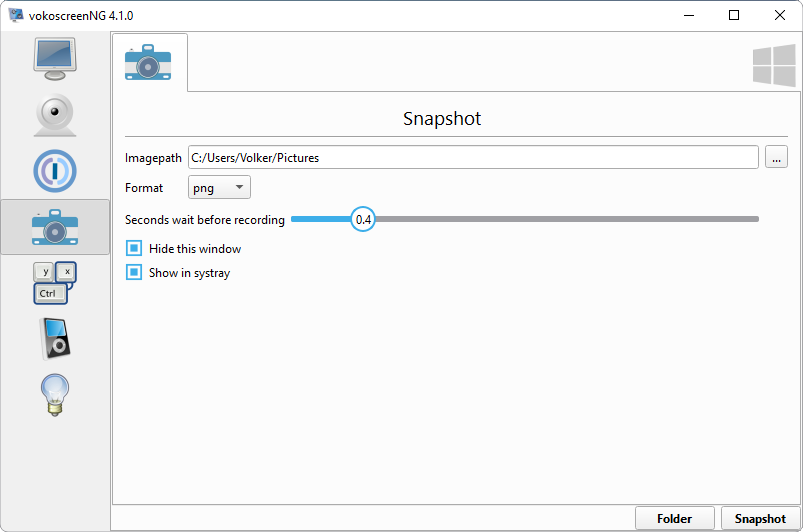
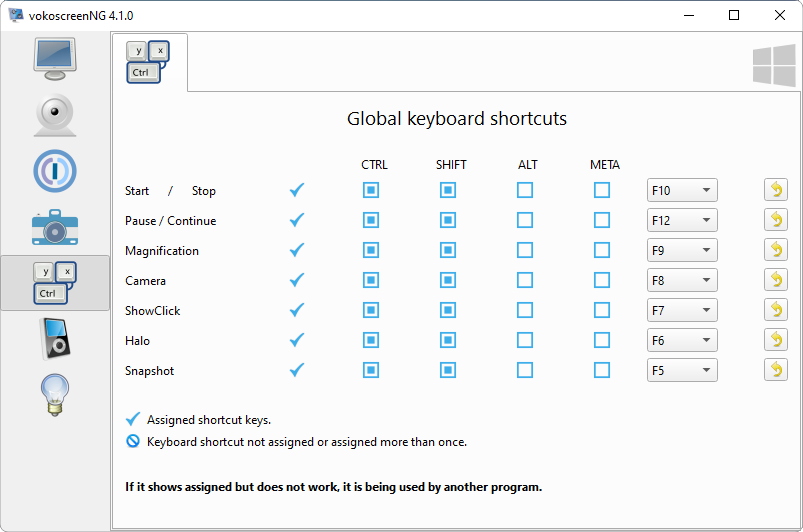
vokoscreenNG is a powerful screencast creator in many languages to record the screen, an area or a window (Linux only). Recording of audio from multiple sources is supported. With the built-in camera support, you can make your video more personal. Other tools such as systray, magnifying glass, countdown, timer, Showclick and Halo support will help
Install / Use
npx skills add vkohaupt/vokoscreenNGInstalls into whichever agent you are using.
README
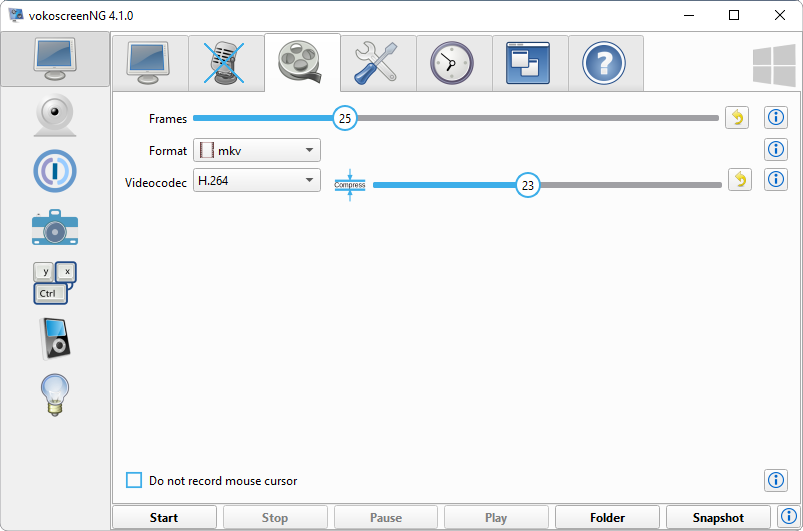
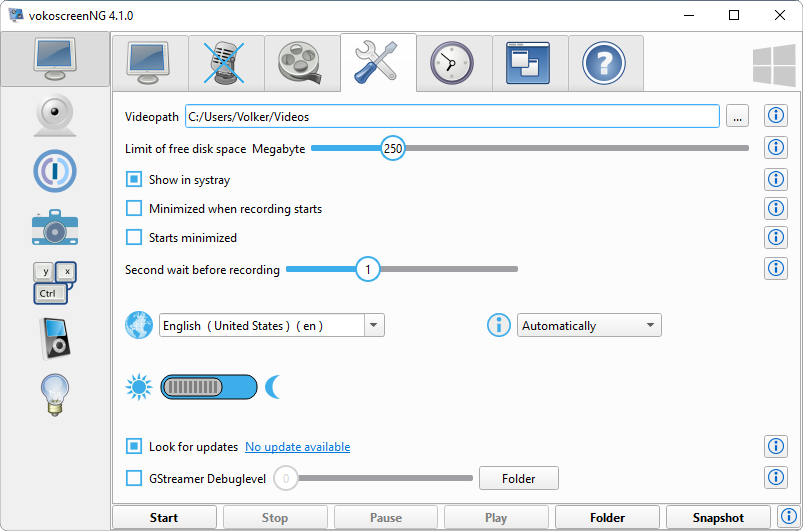
vokoscreenNG for Windows and Linux is a powerful screencast creator in many languages to record the screen, an area or a window (Linux only). Recording of audio from multiple sources is supported. With the built-in camera support, you can make your video more personal. Other tools such as systray, magnifying glass, countdown, timer, Showclick and Halo support will help you do a good job.
Download
- Windows https://linuxecke.volkoh.de/vokoscreen/vokoscreen-download.html
Translate
Only 100% translated languages will be added to vokoscreenNG. You can translate to anytime, your translation will be included in the next bugfix release. Please translate only at Transifex, it is very easy. https://app.transifex.com/vkohaupt/vokoscreen/
Installer
Windows and Linux installation routines are not provided, because each platform, installer and package manager has its own special features. That means make-install, metadata, desktop files, icons, manpage, logo must be create and provided itself. All the images and logos that come with vokoscreenNG are free. You can be change in size itself be used for your own installer or package manager.
Code Contributions
If you want to contribute code, please ask beforehand whether your idea finds harmony. Your source code must be in separate files and published under the MIT-License. Every file must include the License-header. The License-header can be found here: https://github.com/vkohaupt/vokoscreenNG/blob/3.0/info-licences-changelog-install/Third-Party-License
Windows 10 64-bit
BuildRequires
-
Required from version >= 4.10.0
obsolete The Qt installer needs the 32 bit version of vc_redist.x86.exe
obsolete https://aka.ms/vs/16/release/vc_redist.x86.exeQt Online Installer https://www.qt.io/development/download-qt-installer-oss
- Qt 6.10.0
[+] obsolete MinGW 11.2.0 64-bit
[+] Qt Network Authorization - Developer and Designer Tools
[+] Qt Creator 12.0.1 CDB Debugger Support
[+] Debugging Tools for Windows
[+] obsolete MinGW 11.2.0 64-bit - openSSL 1.1.1 Toolkit
[+] openssl 64-bit binaries
https://gstreamer.freedesktop.org/data/pkg/windows/1.28.1/msvc/gstreamer-1.0-msvc-x86_64-1.28.1.exe
- Qt 6.10.0
Environment
- No additional entries
Linux
Run-time requirements
- Qt6 >= 6.9
- pulseaudio
- libwayland-client0
- gstreamer >= 1.22.8
- gstreamer-plugins-base
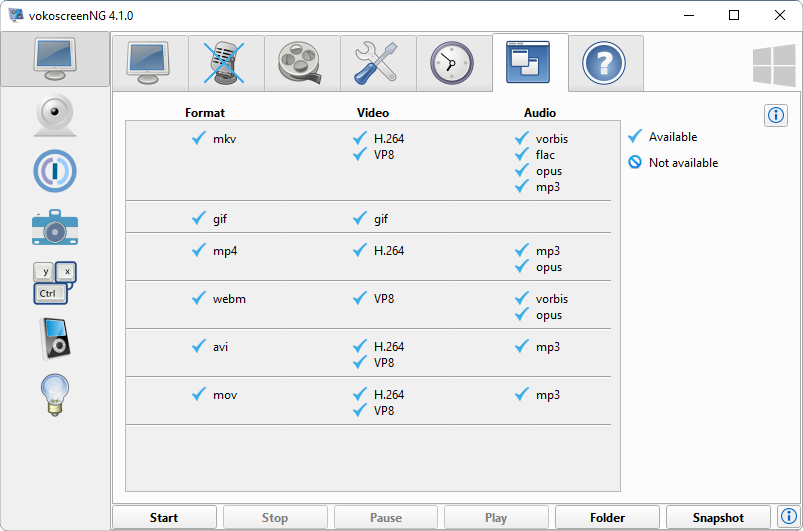
- Audio: vorbis, opus
- gstreamer-plugins-good
- Format: mkv, mp4
- Audio: flac
- gstreamer-plugins-bad
- Video: camera
- Video: openh264
- gstreamer-plugins-ugly
- Video: x264
- Audio: mp3
- gstreamer-plugins-ugly-orig-addon (openSUSE Packman)
- Video: x264
- gstreamer-plugins-libav
- Player: x264
- gstreamer-plugins-rs
- Video: GIF
Wayland
- pipewire >= 1.0.0
- gstreamer-plugin-pipewire >= 1.0.0
- xdg-desktop-portal >= 1.18.2
- xdg-desktop-portal-(kde, gtk, gnome ...)
Build requirements
- pkgconfig
- libqt6-devel >= 6.9
- libqt6-linguist >= 6.9
- libX11-devel
- gstreamer-devel
- libpulse-devel
- wayland-devel
Build instructions
Download the source / clone the repo and cd into its directorycd srcqmake6make
Install packages
- Debian:
sudo apt install vokoscreen-ng - Fedora:
sudo dnf install vokoscreenNG - openSUSE (Tumbleweed and Leap):
sudo zypper install vokoscreenNG - Ubuntu:
sudo apt install vokoscreen-ng - Arch linux:
sudo pacman -S vokoscreen - NixOS:
nix-env -iA nixos.vokoscreen-ng
Related Skills
gortex
1.1kHigh-performance code-intelligence engine for AI agents and IDE, supports 257 languages, multi repositories, based on graph, with access via CLI, MCP Server, and API. AI coding agents teammate - expose only needed information, cutting token usage up to 50x. 100% local.
techrogue
TechRogue – Roguelike technical quiz for engineers. Usage: /techrogue | /techrogue build | /techrogue settings
cc-switch
125.6kA cross-platform desktop All-in-One assistant for Claude Code, Codex, OpenCode, OpenClaw, Grok Build & Hermes Agent. Only official website: ccswitch.io
cc-switch
125.6kA cross-platform desktop All-in-One assistant for Claude Code, Codex, OpenCode, OpenClaw, Grok Build & Hermes Agent. Only official website: ccswitch.io
