
OnnxStream
Lightweight inference library for ONNX files, written in C++. It can run Stable Diffusion XL 1.0 on a RPI Zero 2 (or in 298MB of RAM) but also Mistral 7B on desktops and servers. ARM, x86, WASM, RISC-V supported. Accelerated by XNNPACK. Python, C# and JS(WASM) bindings available.
Install / Use
/learn @vitoplantamura/OnnxStreamREADME
News 📣
- September 28, 2025: Added Python and C# bindings for the library!
- April 15, 2025: Added WebAssembly demo of OpenAI's Whisper here (running in the browser).
- September 19, 2024: Added WebAssembly support for the library! Demo of the YOLOv8 object detection model here (running in the browser).
- January 14, 2024: Added LLM chat application (TinyLlama 1.1B and Mistral 7B) with initial GPU support! More info here.
- December 14, 2023: Added support for Stable Diffusion XL Turbo 1.0! (thanks to @AeroX2)
- October 3, 2023: Added support for Stable Diffusion XL 1.0 Base!
Index 👇
- Introduction
- Stable Diffusion 1.5
- Stable Diffusion XL 1.0 Base
- Stable Diffusion XL Turbo 1.0
- TinyLlama 1.1B and Mistral 7B
- YOLOv8 (running in the browser)
- OpenAI's Whisper (running in the browser)
- Features of OnnxStream
- Performance
- Attention Slicing and Quantization
- How OnnxStream Works
- How to Build (Linux/Mac/Windows/Termux/FreeBSD)
- How to Convert SD 1.5 Model
- Related Projects
- Credits
OnnxStream
The challenge is to run Stable Diffusion 1.5, which includes a large transformer model with almost 1 billion parameters, on a Raspberry Pi Zero 2, which is a microcomputer with 512MB of RAM, without adding more swap space and without offloading intermediate results on disk. The recommended minimum RAM/VRAM for Stable Diffusion 1.5 is typically 8GB.
Generally major machine learning frameworks and libraries are focused on minimizing inference latency and/or maximizing throughput, all of which at the cost of RAM usage. So I decided to write a super small and hackable inference library specifically focused on minimizing memory consumption: OnnxStream.
OnnxStream is based on the idea of decoupling the inference engine from the component responsible of providing the model weights, which is a class derived from WeightsProvider. A WeightsProvider specialization can implement any type of loading, caching and prefetching of the model parameters. For example a custom WeightsProvider can decide to download its data from an HTTP server directly, without loading or writing anything to disk (hence the word "Stream" in "OnnxStream"). Three default WeightsProviders are available: DiskNoCache, DiskPrefetch and Ram.
OnnxStream can consume even 55x less memory than OnnxRuntime with only a 50% to 200% increase in latency (on CPU, with a good SSD, with reference to the SD 1.5's UNET - see the Performance section below).
Stable Diffusion 1.5
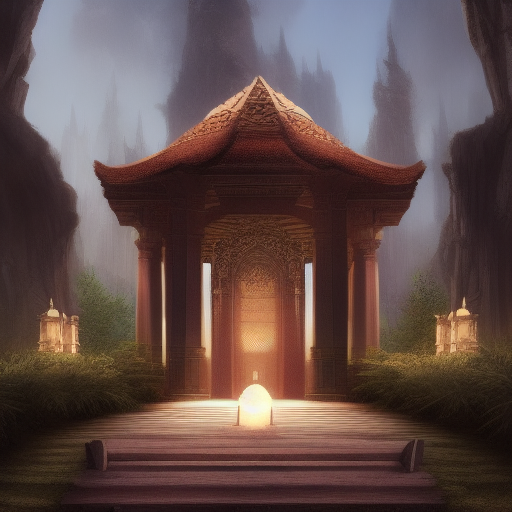
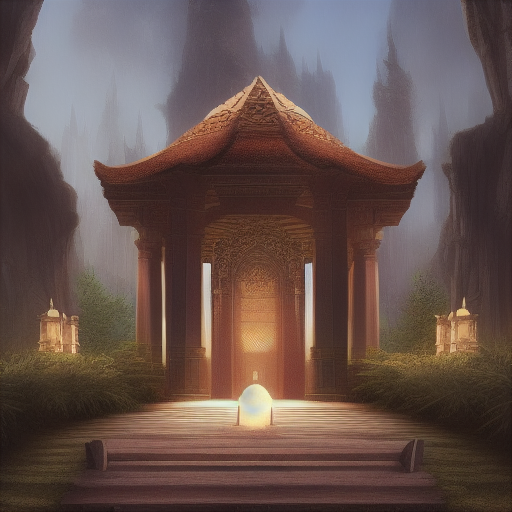
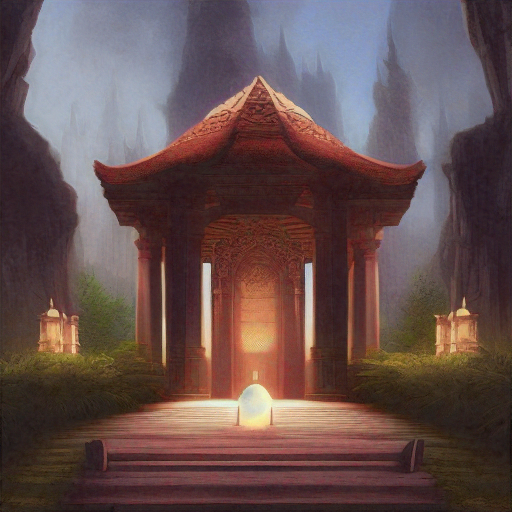
These images were generated by the Stable Diffusion example implementation included in this repo, using OnnxStream, at different precisions of the VAE decoder. The VAE decoder is the only model of Stable Diffusion 1.5 that could not fit into the RAM of the Raspberry Pi Zero 2 in single or half precision. This is caused by the presence of residual connections and very big tensors and convolutions in the model. The only solution was static quantization (8 bit). The third image was generated by my RPI Zero 2 in about ~~3 hours~~ 1.5 hours (using the MAX_SPEED option when compiling). The first image was generated on my PC using the same latents generated by the RPI Zero 2, for comparison:
VAE decoder in W16A16 precision:
VAE decoder in W8A32 precision:
VAE decoder in W8A8 precision, generated by my RPI Zero 2 in about ~~3 hours~~ 1.5 hours (using the MAX_SPEED option when compiling):
Stable Diffusion XL 1.0 (base)
The OnnxStream Stable Diffusion example implementation now supports SDXL 1.0 (without the Refiner). The ONNX files were exported from the SDXL 1.0 implementation of the Hugging Face's Diffusers library (version 0.19.3).
SDXL 1.0 is significantly more computationally expensive than SD 1.5. The most significant difference is the ability to generate 1024x1024 images instead of 512x512. To give you an idea, generating a 10-steps image with HF's Diffusers takes 26 minutes on my 12-core PC with 32GB of RAM. The minimum recommended VRAM for SDXL is typically 12GB.
OnnxStream can run SDXL 1.0 in less than 300MB of RAM and therefore is able to run it comfortably on a RPI Zero 2, without adding more swap space and without writing anything to disk during inference. Generating a 10-steps image takes about 11 hours on my RPI Zero 2.
SDXL Specific Optimizations
The same set of optimizations for SD 1.5 has been used for SDXL 1.0, but with the following differences.
As for the UNET model, in order to make it run in less than 300MB of RAM on the RPI Zero 2, UINT8 dynamic quantization is used, but limited to a specific subset of large intermediate tensors.
The situation for the VAE decoder is more complex than for SD 1.5. SDXL 1.0's VAE decoder is 4x the size of SD 1.5's, and consumes 4.4GB of RAM when run with OnnxStream in FP32 precision.
In the case of SD 1.5 the VAE decoder is statically quantized (UINT8 precision) and this is enough to reduce RAM consumption to 260MB. Instead, the SDXL 1.0's VAE decoder overflows when run with FP16 arithmetic and the numerical ranges of its activations are too large to get good quality images with UINT8 quantization.
So we are stuck with a model that consumes 4.4GB of RAM, which cannot be run in FP16 precision and which cannot be quantized in UINT8 precision. (NOTE: there is at least one solution to the FP16 problem, but I have not investigated further since even running the VAE decoder in FP16 precision, the total memory consumed would be divided by 2, so the model would ultimately consume 2.2GB instead of 4.4GB, which is still way too much for the RPI Zero 2)
The inspiration for the solution came from the implementation of the VAE decoder of the Hugging Face's Diffusers library, i.e. using tiled decoding. The final result is absolutely indistinguishable from an image decoded by the full decoder and in this way it is possible to reduce RAM memory consumption from 4.4GB to 298MB!
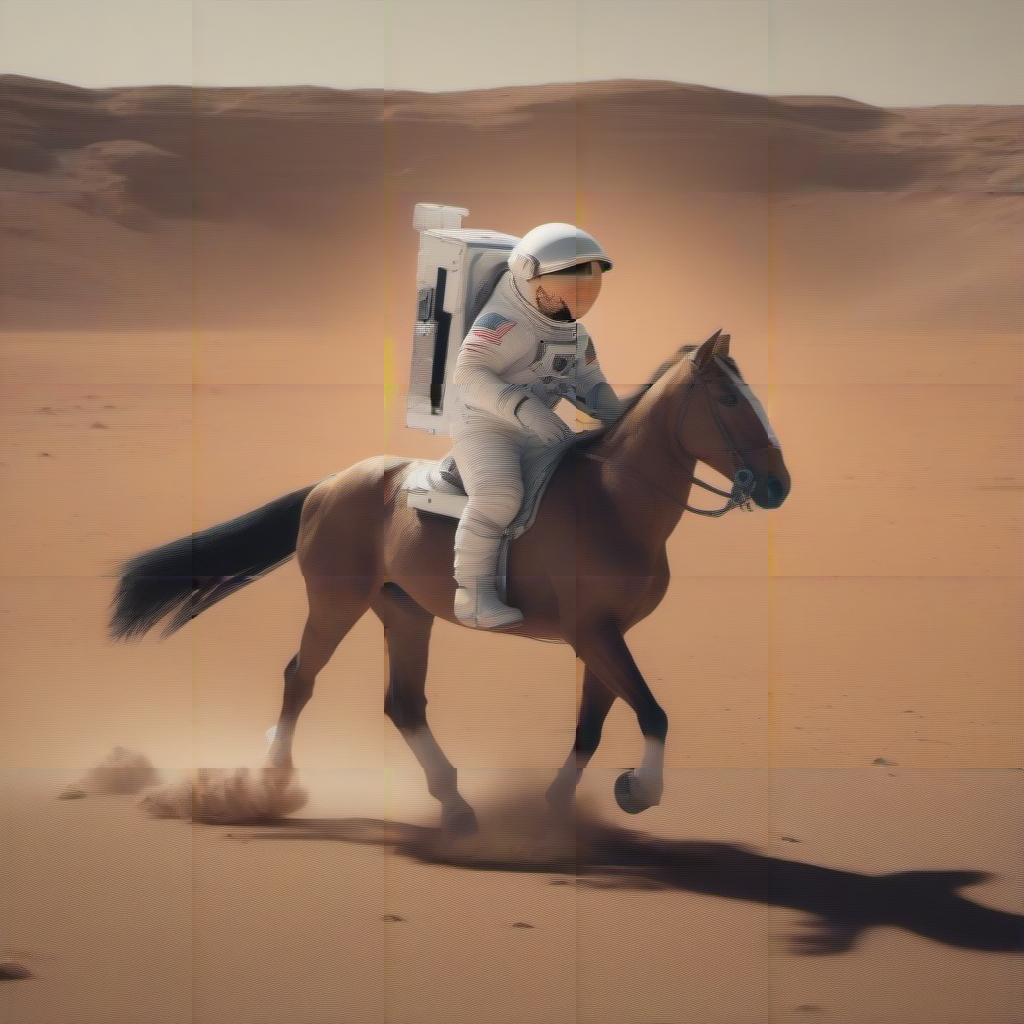
The idea is simple. The result of the diffusion process is a tensor with shape (1,4,128,128). The idea is to split this tensor into 5x5 (therefore 25) overlapping tensors with shape (1,4,32,32) and to decode these tensors separately. Each of these tensors is overlapped by 25% on the tile to its left and the one above. The decoding result is a tensor with shape (1,3,256,256) which is then appropriately blended into the final image.
For example, this is an image generated by the tiled decoder with blending manually turned off in the code. You can clearly see the tiles in the image:
While this is the same image with blending turned on. This is the final result:

This is another image generated by my RPI Zero 2 in about 11 hours: (10 steps, Euler Ancestral)

Stable Diffusion XL Turbo 1.0
Support for SDXL Turbo was contributed by the kind @AeroX2.
The main difference between SDXL and SDXL Turbo is that the Turbo version generates 512x512 images instead of 1024x1024, but with a much lower number of steps. It is possible to get good quality images even with just one step!
No additional optimizations compared to SDXL 1.0 were required to run SDXL Turbo on the RPI Zero 2. SDXL and SDXL Turbo share the same text encoder and VAE decoder: tiled decoding is required to keep memory consumption under 300MB.
This image was generated by my Raspberry PI Zero 2 in 29 minutes (1 step):
