
Vertx.EdgeKnife
Edge tool for Shader Graph/VFX Graph
Install / Use
/learn @vertxxyz/Vertx.EdgeKnifeREADME
Vertx.EdgeKnife
Adds a "knife" to Shader Graph and VFX Graph.
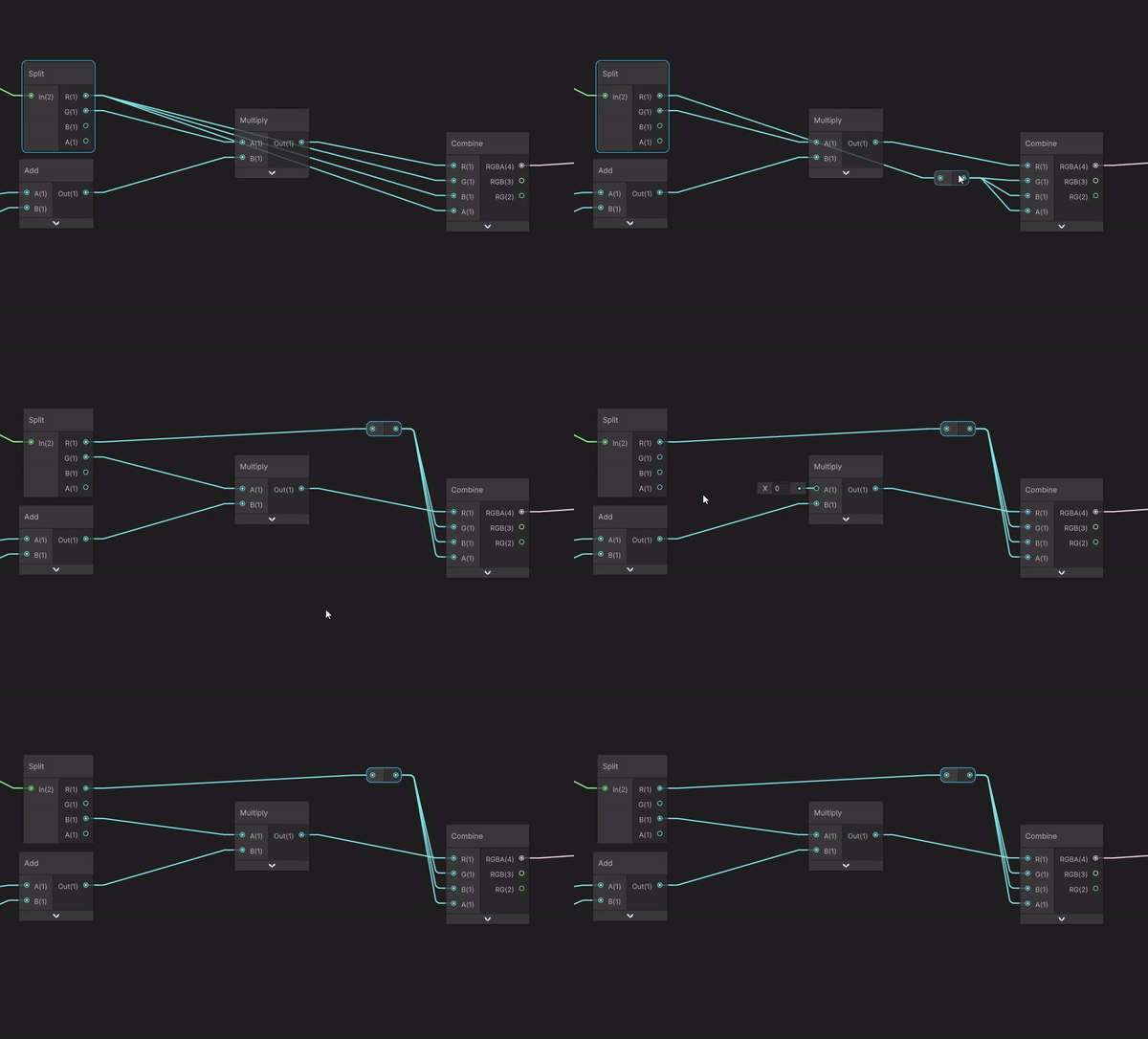
Like Fruit Ninja but without the fruit or ninja
Usage
Hold <kbd>Ctrl Right-mouse</kbd> to cut edges.
Hold <kbd>Shift Right-mouse</kbd> to insert redirect nodes.
Tested versions
| Unity | Shader Graph/VFX Graph | |-------------|------------------------| | 2022.3.12f1 | 14.0.09 | | 6000.0.8f1 | 17.0.03 |
Installation

1. Add the OpenUPM registry
- Open
Edit/Project Settings/Package Manager - Add a new Scoped Registry (or edit the existing OpenUPM entry):
Name: OpenUPM URL: https://package.openupm.com/ Scope(s): com.vertx - Save
2. Add the package
- Open the Package Manager via
Window/Package Manager. - Select the <kbd>+</kbd> from the top left of the window.
- Select Add package by Name or Add package from Git URL.
- Enter
com.vertx.edge-knife. - Select Add.

