
Subsearch
Download subtitles for movies and shows, automatically with one easy mouse click.
Install / Use
/learn @vagabondHustler/SubsearchREADME
<h1 align="center"><img src="https://raw.githubusercontent.com/vagabondHustler/SubSearch/main/assets/subsearch_v2.png"/></h1>
<div align="center">
</details>






Readme Table of Contents
FAQ Table of Contents
Misc Table of Contents
About <a name = "about"></a>
Key Features
- Initiate a search for subtitles by simply right-clicking on a media file.
- Search for subtitles in 70 different languages
- Some of the subtitle filters are HI, non-HI, foreign parts only.
- User-friendly GUI for easy customization and configuration
- Available as a compiled executable, source code via GitHub and PyPI
- The setup process is straightforward.
Details
Subsearch is an automated subtitle downloader and extractor with support for many languages. It allows users to search and download subtitles for movies and TV shows with a single click from the context menu. The application features a graphical user interface for configuring options, such as selecting which websites to search on, choosing the subtitle language, applying filters for hearing-impaired, among other options.
Preview <a name = "preview"></a>
<div align="center">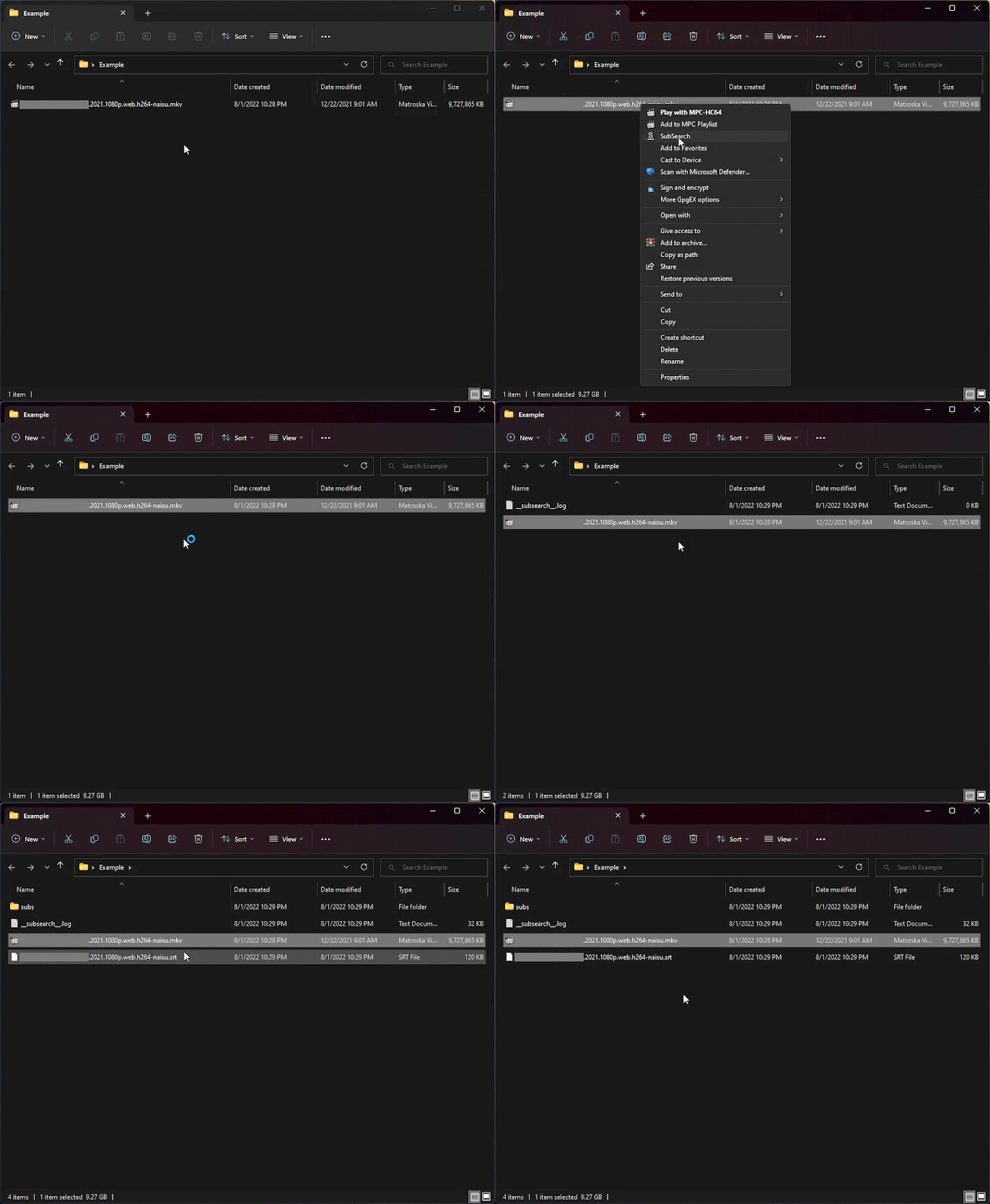
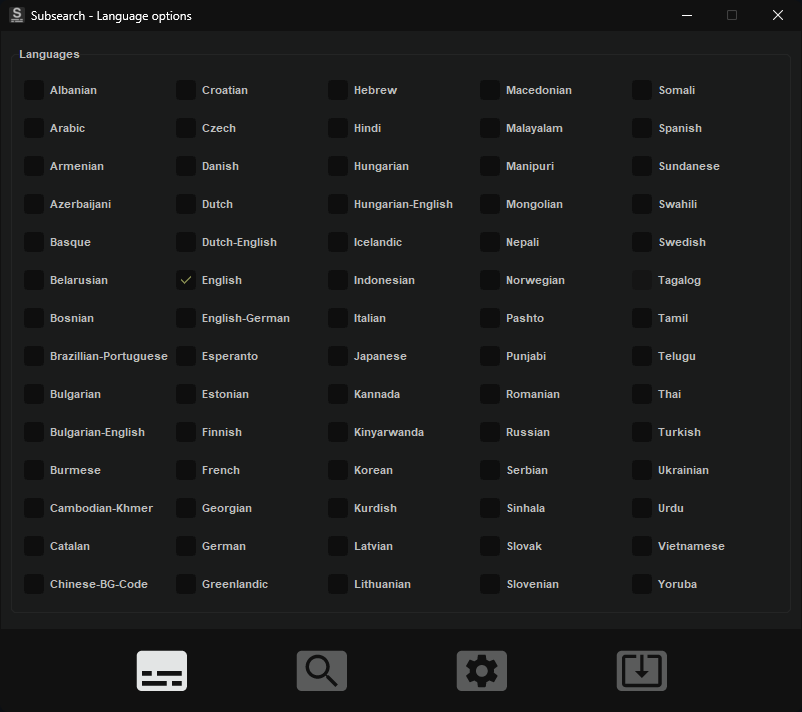
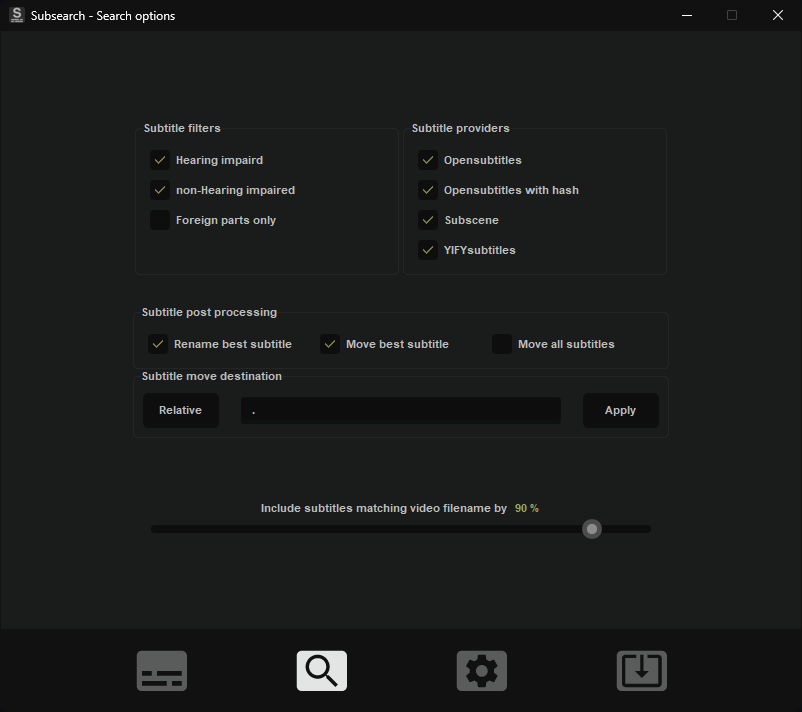
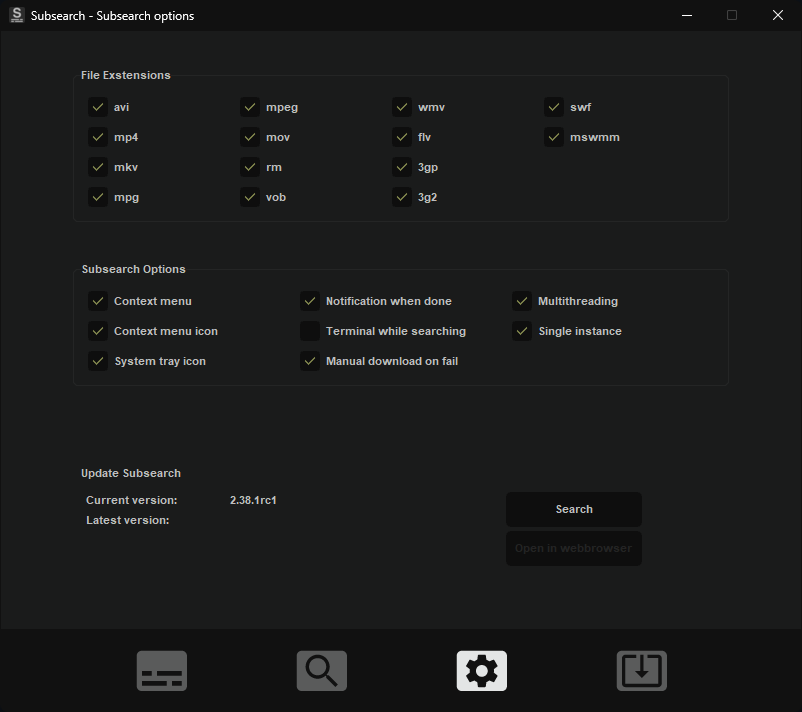

Installation and usage <a name = "getting_started_src"></a>
Install from pypi: <a name = "pypi"></a>
- Install Subsearch by running
pip install subsearchin the command prompt. - Launch the app by running
subsearchin the command prompt.
Clone from github <a name = "clone"></a>
- Clone the Subsearch repository by running
git clone https://github.com/vagabondHustler/subsearch.git. - Install Subsearch by running
pip install -e .or *pip install -e .[build,lint,tests,tools,type]for optional dependencies. - Build the executable and MSI installer by running
python -m tools.cx_freeze_build bdist_msi.
Windows installer <a name = "msi"></a>
Requires windows 10/11, probably works on 8.
- Download the windows installer "Subsearch-x.x.x-win64.msi" from here.
- Run the installer.
- If you receive a PUA message, click "More info" → "Run anyway".
- Run Subsearch at least once for all the context menu options to appear
Development builds can be located in the release action job, within the generated artifacts.
<details> <summary>Screenshots of PUA message<a name = "pua"></a></summary>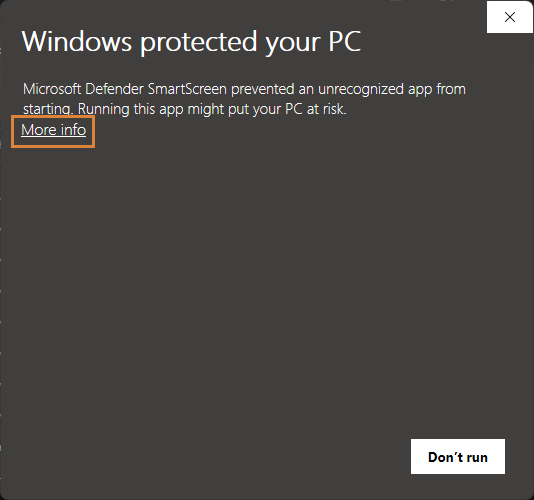
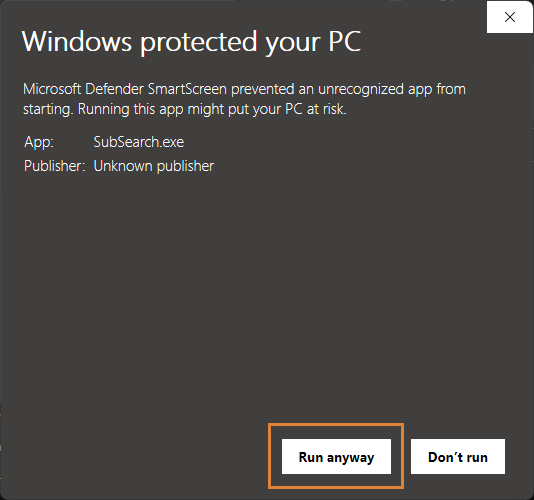
</details>
More about potentially unwanted applications (PUA) can be found here on Microsoft's support page.
Acknowledgements<a name = "thanks"></a>
The following repositories provided templates, scripts, inspiration, themes, etc:
- zavoloklom/material-design-iconic-font // icons
- rdbende/Sun-Valley-ttk-theme // base theme
- TransparentLC // spritesheet_generator.js
