
Tezedge
Tezos node/shell in Rust. Unfortunately dev has ceased. If you are interested in resurrecting, please contact @drchrispinnock
Install / Use
/learn @tezedge/TezedgeREADME
TezEdge 



The purpose of this project is to implement a secure, trustworthy and open-source Tezos node in Rust.
In addition to implementing a new node, the project seeks to maintain and improve the Tezos ecosystem wherever possible.
Table of Contents
Build status
| CI / branch | master | develop |
|----------|:-------------:|------:|
| GitHub Actions |  |
|  |
| Drone |
|
| Drone |  |
|  |
|
Quick demo
This demo launches two items:
- The TezEdge node (p2p application), which connects to the Tezos Mainnet network.
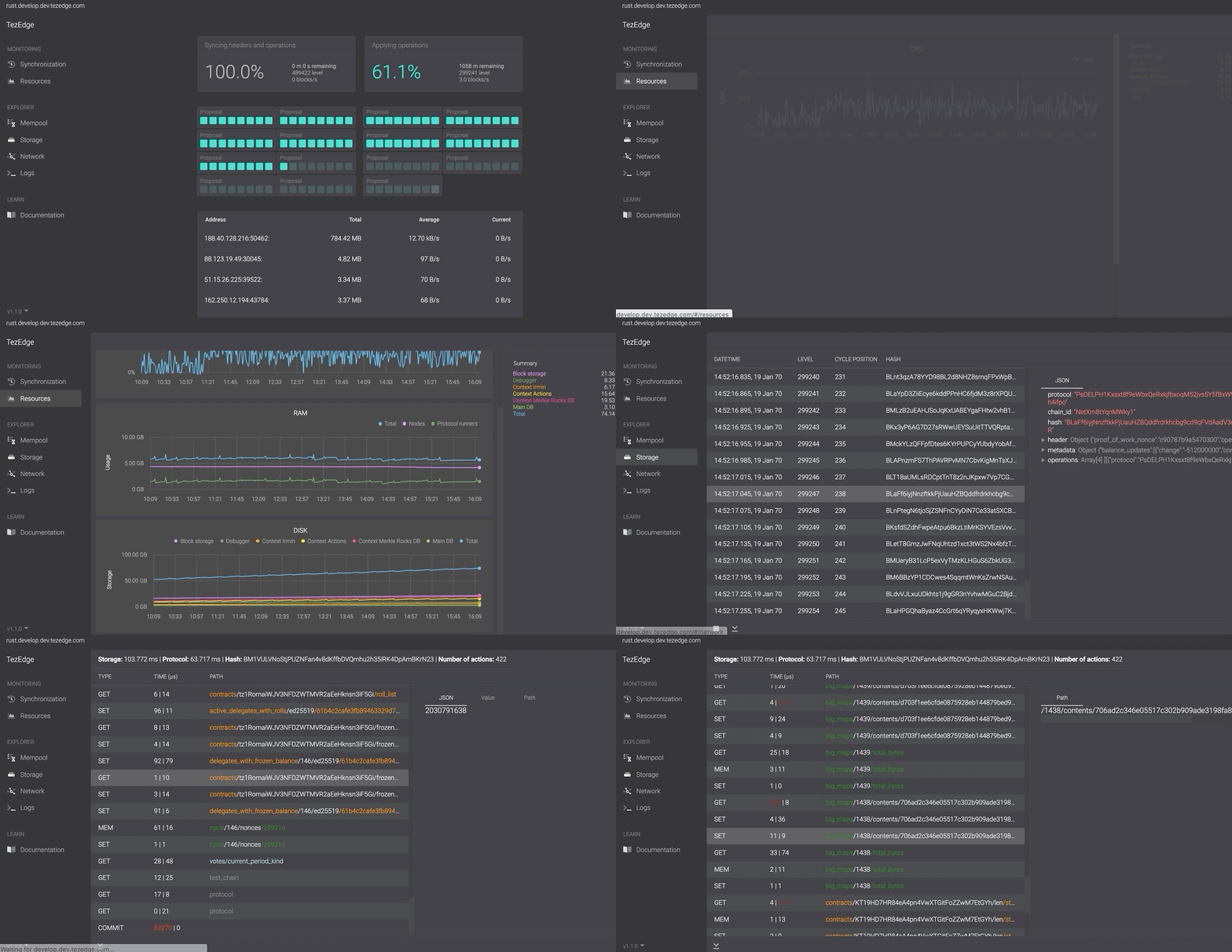
- The TezEdge explorer (web application), which connects to the TezEdge node and can be accessed from a browser to see what is going on inside the TezEdge node
Prerequisites
If you want to run this demo, you need to first install the following:
- Git (client)
- Docker
Run demo
- Download the TezEdge source code
# Open shell and type this code into the command line and then press Enter: git clone https://github.com/tezedge/tezedge cd tezedge - Run docker (compose)
# Open shell and type this code into the command line and then press Enter:
docker-compose pull
docker-compose up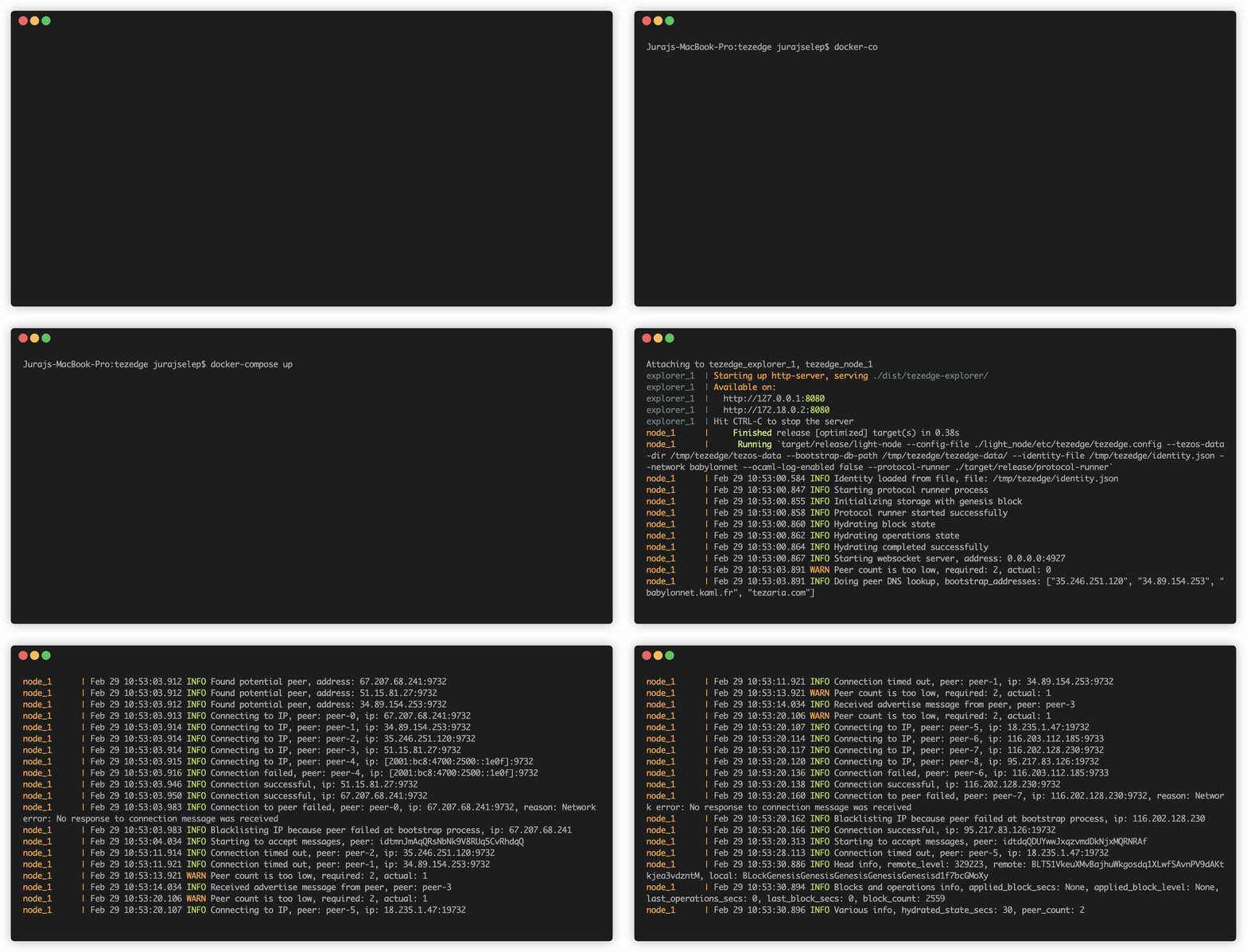
- Open your web browser by entering this address into your browser's URL bar: http://localhost:8080
Docker for Windows
The images use the hostname localhost to access running services.
When using docker for windows, please check:
docker-machine ip
and make sure that port forwarding is set up correctly for docker or use docker-machine resolved ip instead of http://localhost:8080
TCP ports (<host_port>:<docker_port>):
    - "80:80"
    - "4927:4927"
    - "18732:18732"
    - "19732:9732"
Documentation
Detailed project's documentation can be found here Documentation
How to build
Supported OS distributions
We are linking Rust code with a pre-compiled Tezos shared library. For your convenience, we have created pre-compiled binary files for most of the more popular Linux distributions:
| OS | Versions | |----------|:-------------:| | Ubuntu | 16.04, 18.04, 18.10, 19.04, 19.10, 20.04, 20.10, 21.04, 21.10, 22.04 | | Debian | 9, 10 | | OpenSUSE | 15.1, 15.2 | | CentOS | 8 | | MacOS | experimental - newer or equal to 10.13 should work, Intel and M1 cpus |
If you are missing support for your favorite Linux distribution, please submit a request with the tezos-opam-builder project.
To build from source please follow these instructions.
Prerequisites installation
If you want to build from source code, you need to install this before:
- Install Git (client)
- Install Rust command (We recommend installing Rust through rustup.)
# Run the following in your terminal, then follow the onscreen instructions. curl https://sh.rustup.rs -sSf | sh - Install Rust toolchain (Our releases are built with 1.58.1.)
rustup toolchain install 1.58.1 rustup default 1.58.1 - Install required OS libs
- OpenSSL and Zlib
sudo apt install openssl libssl-dev zlib1g- Sodiumoxide package:
sudo apt install pkg-config libsodium-dev- RocksDB package:
sudo apt install clang libclang-dev llvm llvm-dev linux-kernel-headers libev-dev- In macOS, using Homebrew:
brew install pkg-config gmp libev libsodium hidapi libffi- Sandbox/wallet requirements:
sudo apt install libhidapi-dev
Build from source code
-
Download TezEdge source code
# Open shell, type this code into the command line and then press Enter: git clone https://github.com/tezedge/tezedge cd tezedge -
Build
export SODIUM_USE_PKG_CONFIG=1
cargo build --release
The node can built through the
cargo buildorcargo build --release, be aware, release build can take much longer to compile. -
Test
export SODIUM_USE_PKG_CONFIG=1
export DYLD_LIBRARY_PATH=$(pwd)/tezos/sys/lib_tezos/artifacts # currently needed for macOS
cargo test --release
How to run
Running node with cargo run
To run the node manually, you need to first build it from the source code. When put together, the node can be run, for example, like this:
cargo build --release
cargo run --release --bin light-node -- --config-file ./light_node/etc/tezedge/tezedge.config --protocol-runner=./target/release/protocol-runner --network=mainnet
All parameters can also be provided as command line arguments in the same format as in the config file, in which case they have a higher priority than the ones in the config file. For example, we can use the default config and change the log file path:
cargo build --release
cargo run --release --bin light-node -- --config-file ./light_node/etc/tezedge/tezedge.config --log-file /tmp/logs/tezdge.log --protocol-runner=./target/release/protocol-runner --network=mainnet
Full description of all arguments is in the light_node README file.
Running node with run.sh script
For Linux systems, we have prepared a convenience script to run the node. It will automatically set all the necessary environmnent variables and then build and run the TezEdge node.
All arguments can be provided to the run.sh script in the same manner as described in the previous section.
To run the node in release mode, execute the following:
KEEP_DATA - this flag controls, if all the target directories should be cleaned on the startup, 1 means do not clean
KEEP_DATA=1 ./run.sh release --network=mainnet
The following command will execute the node in debug node:
KEEP_DATA=1 ./run.sh node --network=mainnet
To run the node in debug mode with an address sanitizer, execute the following:
KEEP_DATA=1 ./run.sh node-saddr --network=mainnet
You can use the docker version to build and run node from the actual source code.
- you can experiment and change source code without installing all requirements, just docker.
- you can build/run node on Windows/OSX
- this is just for development, because docker is based on full Linux (pre-build docker images are Distroless)
If you do not need to build from souce code, just use our pre-build docker images
./run.sh docker --network=mainnet
Listening for updates. Node emits statistics on the websocket server, which can be changed by --websocket-address argument, for example:
KEEP_DATA=1 ./run.sh node --ne
