
Ocomposer
OxideComposer - Plugin Management for OxideMod (oxidemod.org)
Install / Use
/learn @tetreum/OcomposerREADME
OxideComposer - Plugin Management for OxideMod
OComposer helps you manage and install plugins of Oxidemod.org for Linux servers.
BETA Only tested in Rust Experimental server.
Installation
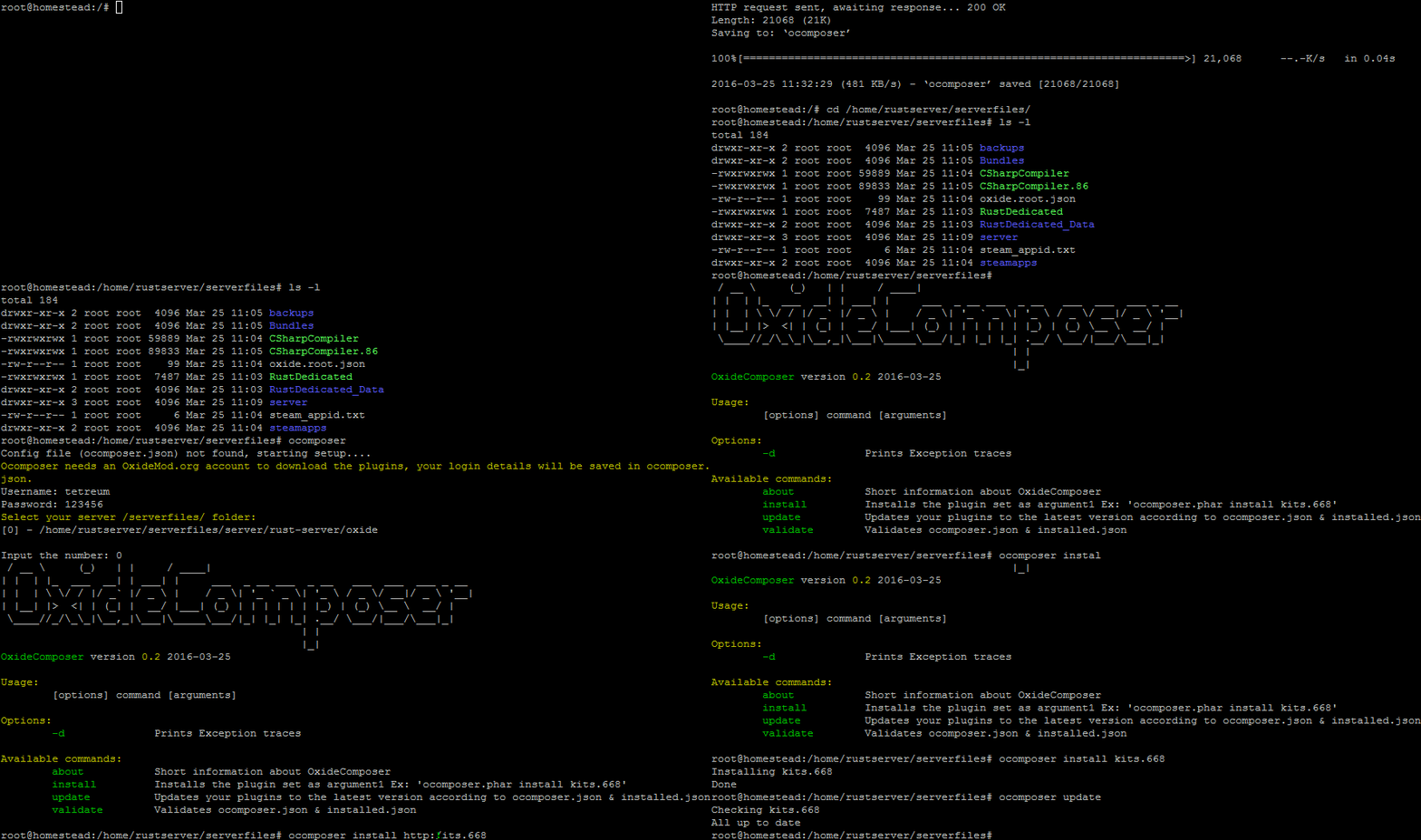
-
Run the following installer as root.
$ curl -s https://raw.githubusercontent.com/tetreum/ocomposer/master/compiled/installer | bash -
Run
ocomposerin the same folder as/RustDedicated_Data/is located and follow the setup steps.
Install new plugins
- Run
ocomposer install PLUGIN_URL.
Example:
ocomposer install http://oxidemod.org/plugins/stack-size-controller.1185/ocomposer install stack-size-controller.1185
Check for updates
- Run
ocomposer updateto check for plugin updates. A ZIP backup of plugins & it's data will be made before each update. The backups will be located incomposer/backups/folder.
To update rust server & oxide too (beta, but im using it in production :p)
- Run
ocomposer full-update
¡I already had installed plugins before installing ocomposer!
Follow "Install new plugins" step, the existing configuration of that plugin WON'T be replaced/deleted :)
Requirements
- PHP 5.5 or above.
- curl (
apt-get install php5 php5-curl) - zip (
apt-get install zip) - unzip (
apt-get install unzip)
ToDo
- remove command
- restore command
- Tests
License
OComposer is licensed under the MIT License - see the LICENSE file for details
Related Skills
himalaya
346.8kCLI to manage emails via IMAP/SMTP. Use `himalaya` to list, read, write, reply, forward, search, and organize emails from the terminal. Supports multiple accounts and message composition with MML (MIME Meta Language).
node-connect
346.8kDiagnose OpenClaw node connection and pairing failures for Android, iOS, and macOS companion apps
taskflow
346.8kname: taskflow description: Use when work should span one or more detached tasks but still behave like one job with a single owner context. TaskFlow is the durable flow substrate under authoring layer
frontend-design
107.6kCreate distinctive, production-grade frontend interfaces with high design quality. Use this skill when the user asks to build web components, pages, or applications. Generates creative, polished code that avoids generic AI aesthetics.
