
Vanta
Animated 3D backgrounds for your website
Install / Use
/learn @tengbao/VantaREADME
Vanta JS
View demo gallery & customize effects at www.vantajs.com →
What is Vanta? / FAQs
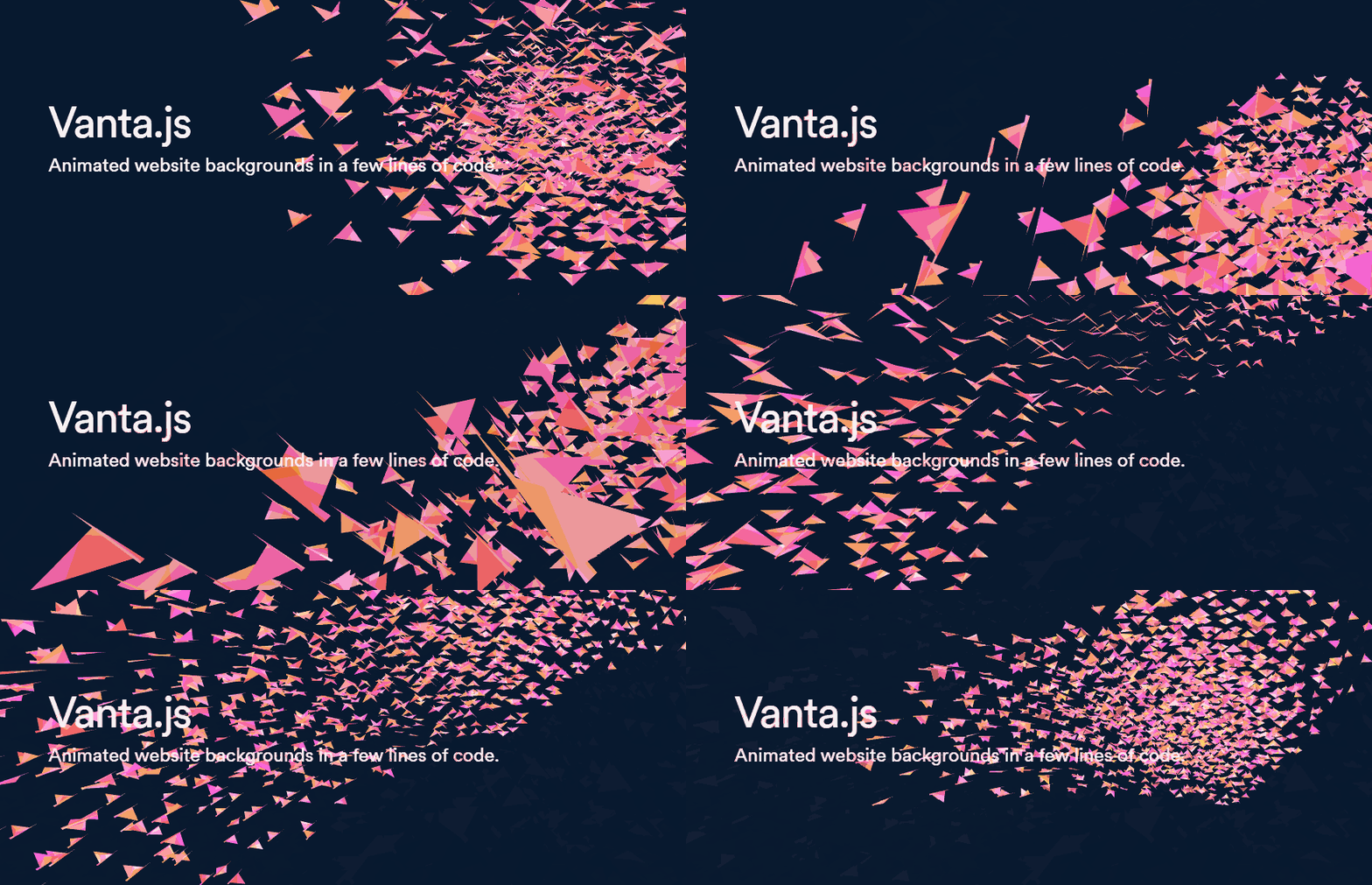
- Add 3D animated digital art to any webpage with just a few lines of code.
- How it works: Vanta inserts an animated effect as a background into any HTML element.
- Works with vanilla JS, React, Angular, Vue, etc.
- Effects are rendered by three.js (using WebGL) or p5.js.
- Effects can interact with mouse/touch inputs.
- Effect parameters (e.g. color) can be easily modified to match your brand.
- Total additional file size is ~120kb minified and gzipped (mostly three.js), which is smaller than comparable background images/videos.
- Vanta includes many predefined effects to try out. More effects will be added soon!
View demo gallery & customize effects at www.vantajs.com →
Basic usage with script tags:
<script src="https://cdnjs.cloudflare.com/ajax/libs/three.js/r134/three.min.js"></script>
<script src="https://cdn.jsdelivr.net/npm/vanta/dist/vanta.waves.min.js"></script>
<script>
  VANTA.WAVES('#my-background')
</script>
More options:
VANTA.WAVES({
  el: '#my-background', // element selector string or DOM object reference
  color: 0x000000,
  waveHeight: 20,
  shininess: 50,
  waveSpeed: 1.5,
  zoom: 0.75
})
-
el: The container element.
- The Vanta canvas will be appended as a child of this element, and will assume the width and height of this element. (If you want a fullscreen canvas, make sure this container element is fullscreen.)
- This container can have other children. The other children will appear as foreground content, in front of the Vanta canvas.
-
mouseControls: (defaults to true) Set to false to disable mouse controls. Only applies to certain effects.
-
touchControls: (defaults to true) Set to false to disable touch controls. Only applies to certain effects.
-
gyroControls: (defaults to false) Set to true to allow gyroscope to imitate mouse. Only applies to certain effects.
-
NOTE: Each effect has its own specific parameters. Explore them all at www.vantajs.com!
Updating options after init:
const effect = VANTA.WAVES({
  el: '#my-background',
  color: 0x000000
})

// Later, when you want to update an animation in progress with new options
effect.setOptions({
  color: 0xff88cc
})

// Later, if the container changes size and you want to force Vanta to redraw at the new canvas size
effect.resize()
Cleanup:
const effect = VANTA.WAVES('#my-background')
effect.destroy() // e.g. call this in React's componentWillUnmount
Usage with React Hooks:
npm i vanta, then import a specific effect as follows. Make sure three.js or p5.js has already been included via <script> tag.
import React, { useState, useEffect, useRef } from 'react'
import BIRDS from 'vanta/dist/vanta.birds.min'
// Make sure window.THREE is defined, e.g. by including three.min.js in the document head using a <script> tag

const MyComponent = (props) => {
  const [vantaEffect, setVantaEffect] = useState(null)
  const myRef = useRef(null)
  useEffect(() => {
    if (!vantaEffect) {
      setVantaEffect(BIRDS({
        el: myRef.current
      }))
    }
    return () => {
      if (vantaEffect) vantaEffect.destroy()
    }
  }, [vantaEffect])
  return <div ref={myRef}>
    Foreground content goes here
  </div>
}
Usage with React Classes:
npm i vanta, then import a specific effect as follows. Make sure three.js or p5.js has already been included via <script> tag.
import React from 'react'
import BIRDS from 'vanta/dist/vanta.birds.min'
// Make sure window.THREE is defined, e.g. by including three.min.js in the document head using a <script> tag

class MyComponent extends React.Component {
  constructor() {
    super()
    this.vantaRef = React.createRef()
  }
  componentDidMount() {
    this.vantaEffect = BIRDS({
      el: this.vantaRef.current
    })
  }
  componentWillUnmount() {
    if (this.vantaEffect) this.vantaEffect.destroy()
  }
  render() {
    return <div ref={this.vantaRef}>
      Foreground content goes here
    </div>
  }
}
Usage with Vue 2 (SFC):
<template>
  <div ref='vantaRef'>
    Foreground content here
  </div>
</template>

<script>
import BIRDS from 'vanta/dist/vanta.birds.min'
// Make sure window.THREE is defined, e.g. by including three.min.js in the document head using a <script> tag

export default {
  mounted() {
    this.vantaEffect = BIRDS({
      el: this.$refs.vantaRef
    })
  },
  beforeDestroy() {
    if (this.vantaEffect) {
      this.vantaEffect.destroy()
    }
  }
}
</script>
Using THREE or p5 from npm
For effects that use three.js, you can import three from npm, and pass it into the effect function.
import React from 'react'
import * as THREE from 'three'
import BIRDS from 'vanta/dist/vanta.birds.min'

...
  componentDidMount() {
    this.vantaEffect = BIRDS({
      el: this.vantaRef.current,
      THREE: THREE // use a custom THREE when initializing
    })
  }
...
For effects that use p5.js, you can import p5 from npm, and pass it into the effect function.
import React from 'react'
import p5 from 'p5'
import TRUNK from 'vanta/dist/vanta.trunk.min'

...
  componentDidMount() {
    this.vantaEffect = TRUNK({
      el: this.vantaRef.current,
      p5: p5 // use a custom p5 when initializing
    })
  }
...
Local dev:
Clone the repo, switch to the gallery branch, run npm install and npm run dev, and go to localhost:8080.
Credits
-
General inspiration from shadertoy.com, #generative, /r/generative, /r/creativecoding, etc
-
Birds effect from https://threejs.org/examples/?q=birds#webgl_gpgpu_birds by @zz85
-
Fog effect from https://thebookofshaders.com/13/ by @patriciogonzalezvivo
-
Clouds effect from https://www.shadertoy.com/view/XslGRr by Inigo Quilez
-
Clouds2 effect from https://www.shadertoy.com/view/lsBfDz by Rune Stubbe
-
Trunk, Topology effects from http://generated.space/ by Kjetil Midtgarden Golid @kgolid
Related Skills
node-connect
346.4kDiagnose OpenClaw node connection and pairing failures for Android, iOS, and macOS companion apps
frontend-design
107.2kCreate distinctive, production-grade frontend interfaces with high design quality. Use this skill when the user asks to build web components, pages, or applications. Generates creative, polished code that avoids generic AI aesthetics.
openai-whisper-api
346.4kTranscribe audio via OpenAI Audio Transcriptions API (Whisper).
qqbot-media
346.4kQQBot 富媒体收发能力。使用 <qqmedia> 标签,系统根据文件扩展名自动识别类型(图片/语音/视频/文件)。
