
YuniFi
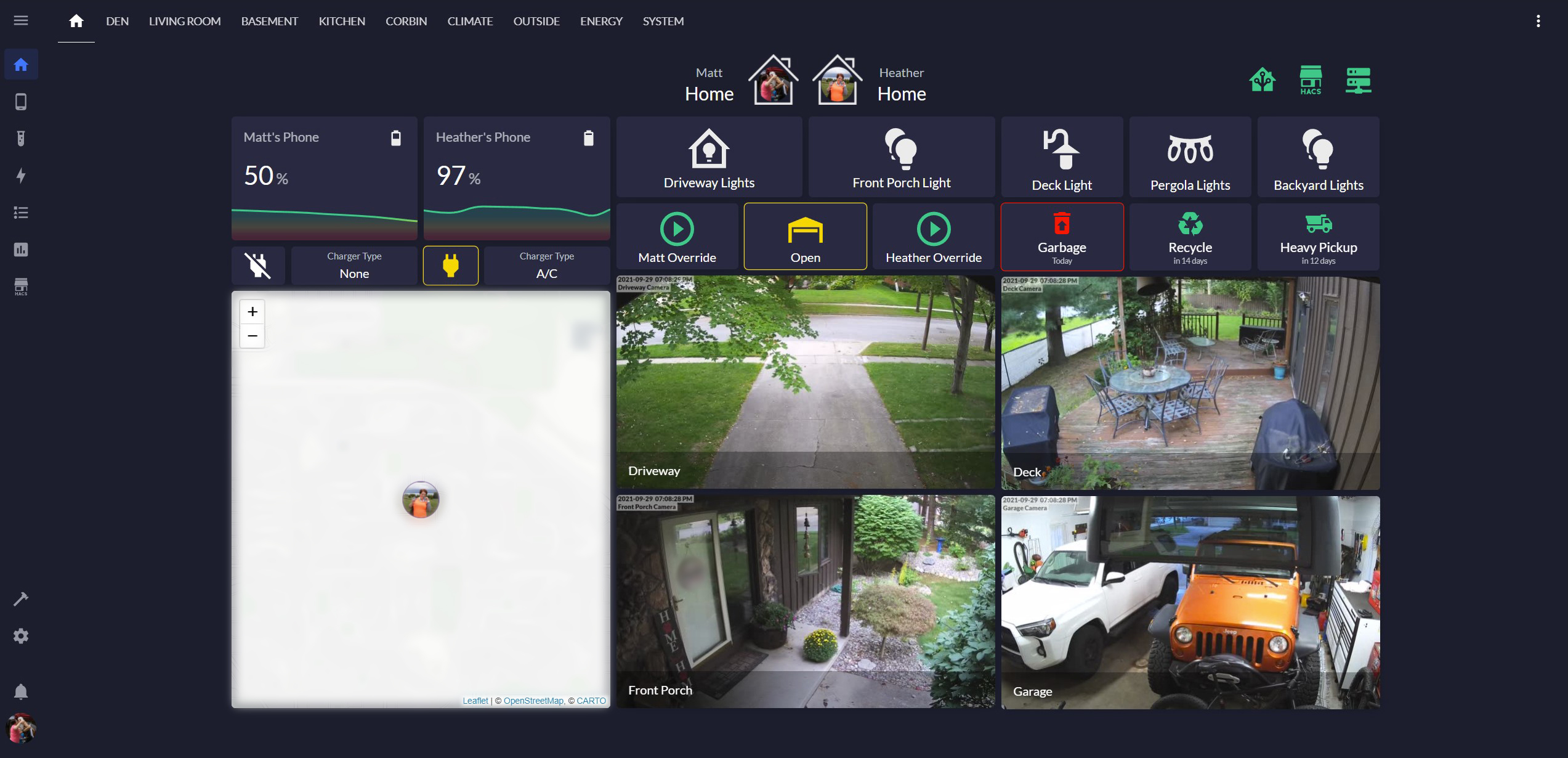
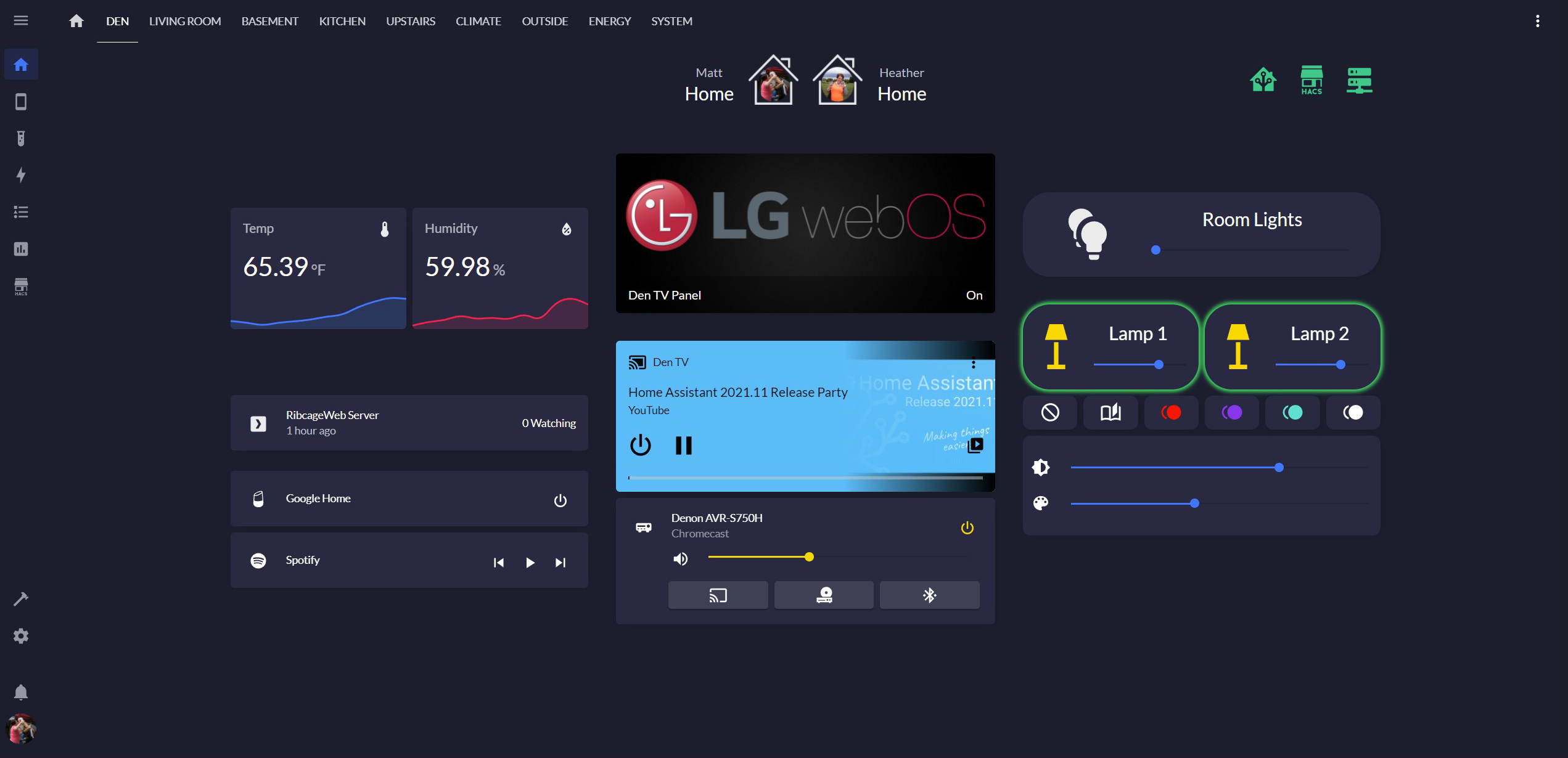
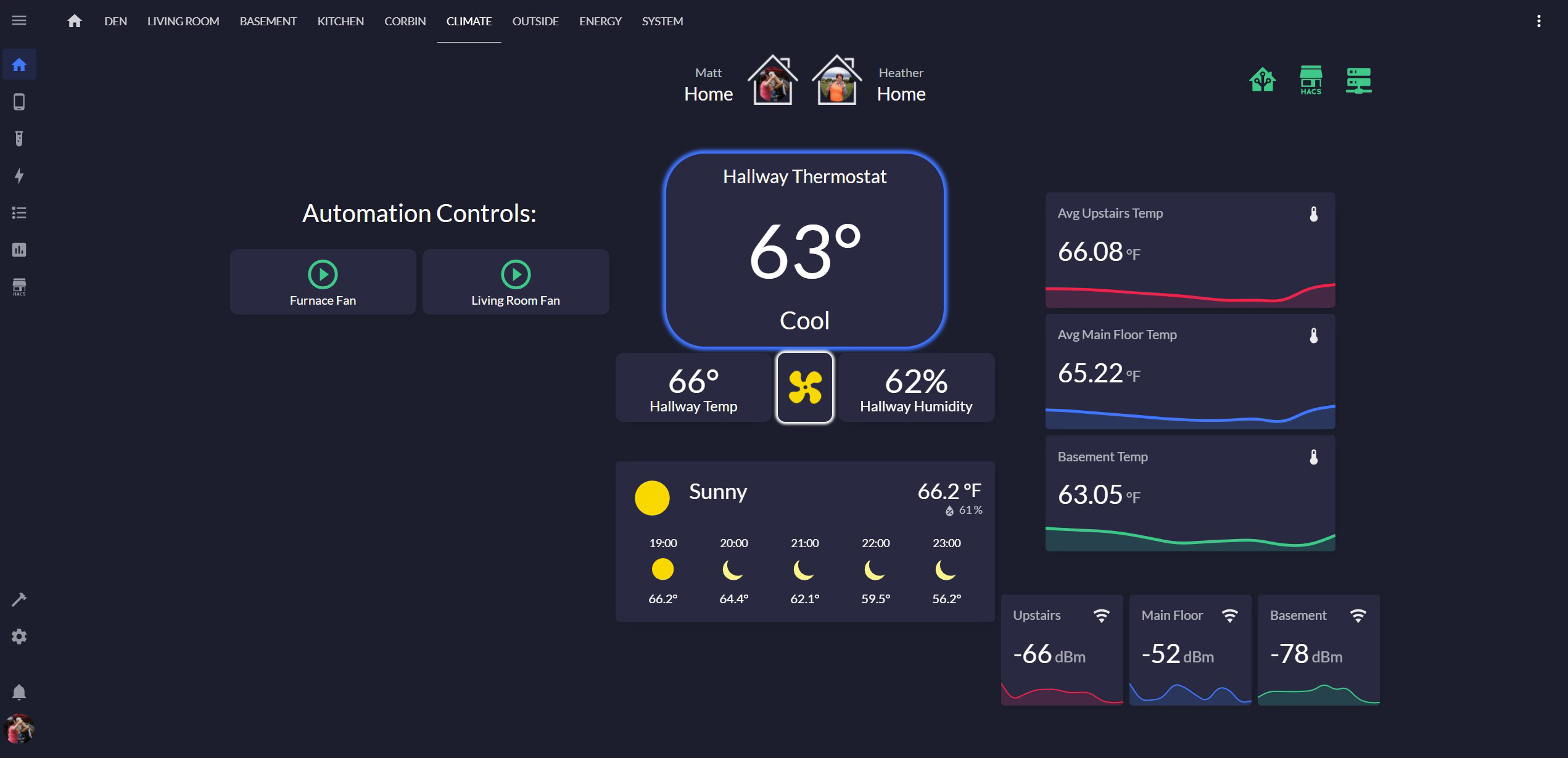
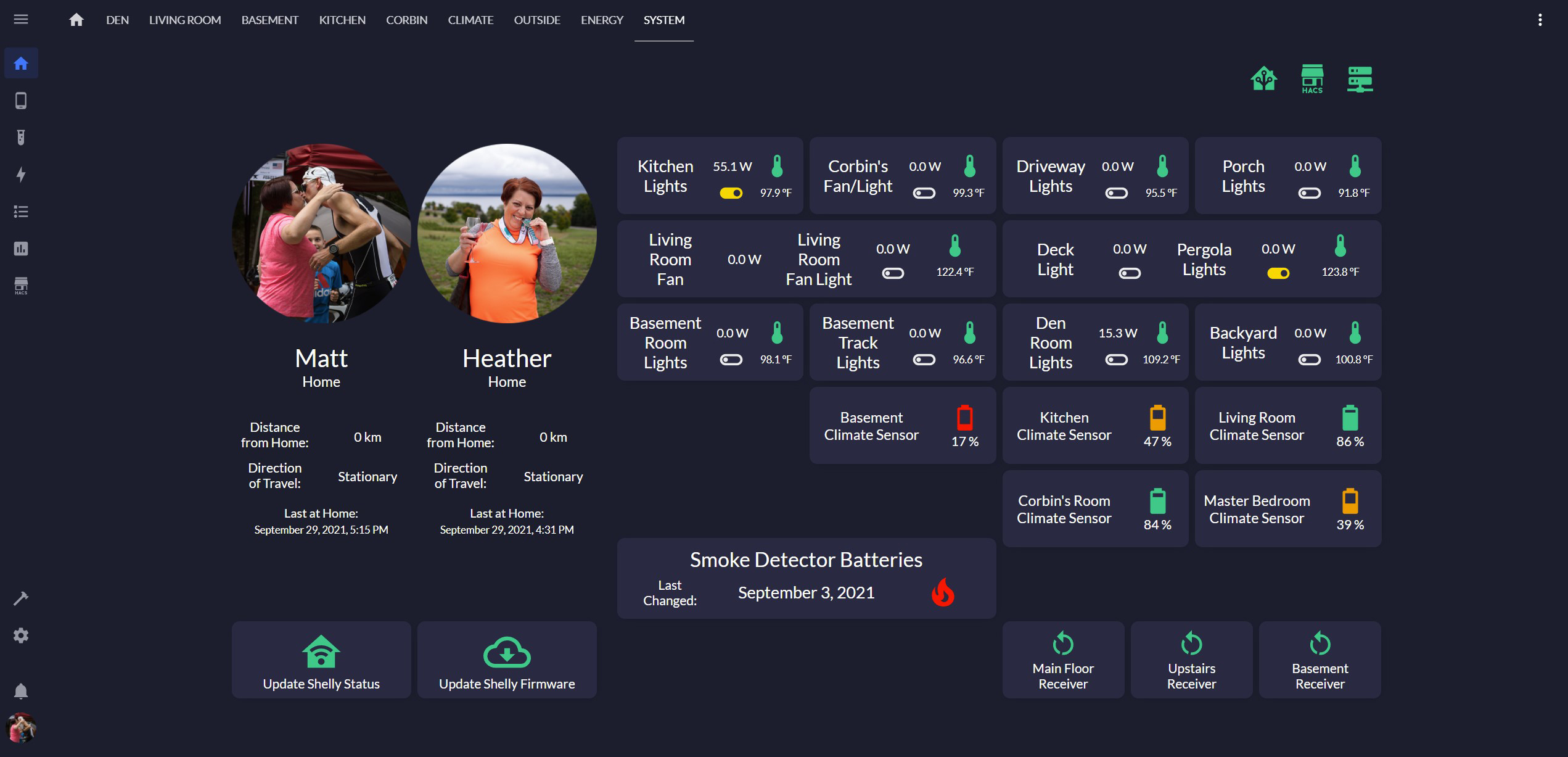
A HomeAssistant theme inspired by Ubiquiti's UniFi interface and aFFekopp/noctis
Install / Use
/learn @teamRibcage/YuniFiREADME
End of Support
As Ubiquiti has now officially ended support for their "Legacy" user interface (which this theme was intended to complement), this repository is no longer being actively updated or maintained. Thank you to all who supported it!
YuniFi
A HomeAssistant theme inspired by Ubiquiti's UniFi interface and aFFekopp/noctis
Installation
Manual Installation
- If you don't have one already, create a
themesfolder in your HomeAssistant directory - Copy the
YuniFifolder from this repository into yourthemesfolder - Add the following to your
configuration.yamlfile (if not already present)
frontend:
  themes: !include_dir_merge_named themes
- Restart HomeAssistant
- Select the YuniFi theme in your user's profile
Font
If you would like to use the custom font (Lato) as defined in the theme:
- Add the following to your
Lovelace Dashboardsconfiguration under theResourcestab
https://fonts.googleapis.com/css2?family=Lato
- Type =
Stylesheet
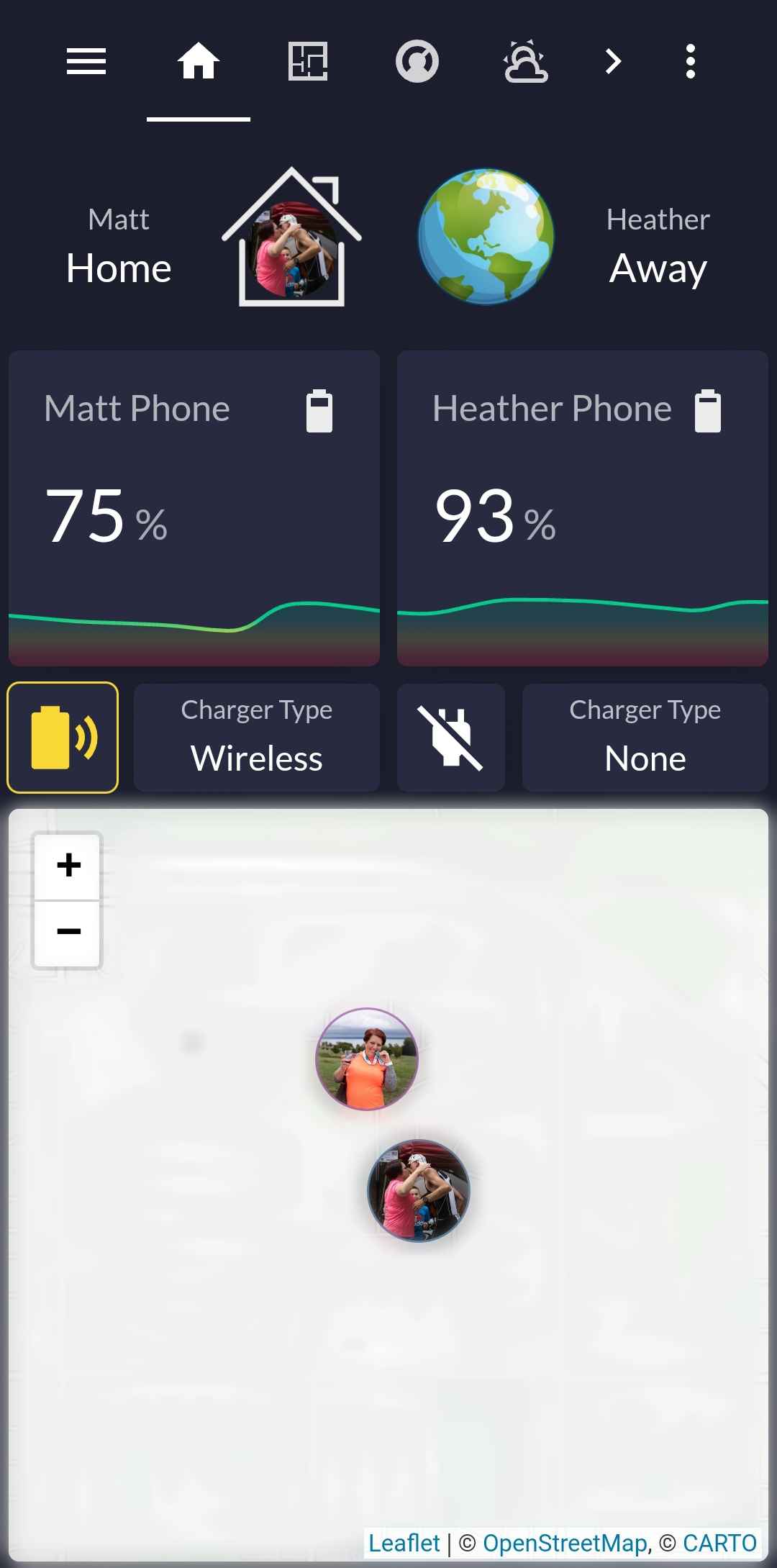
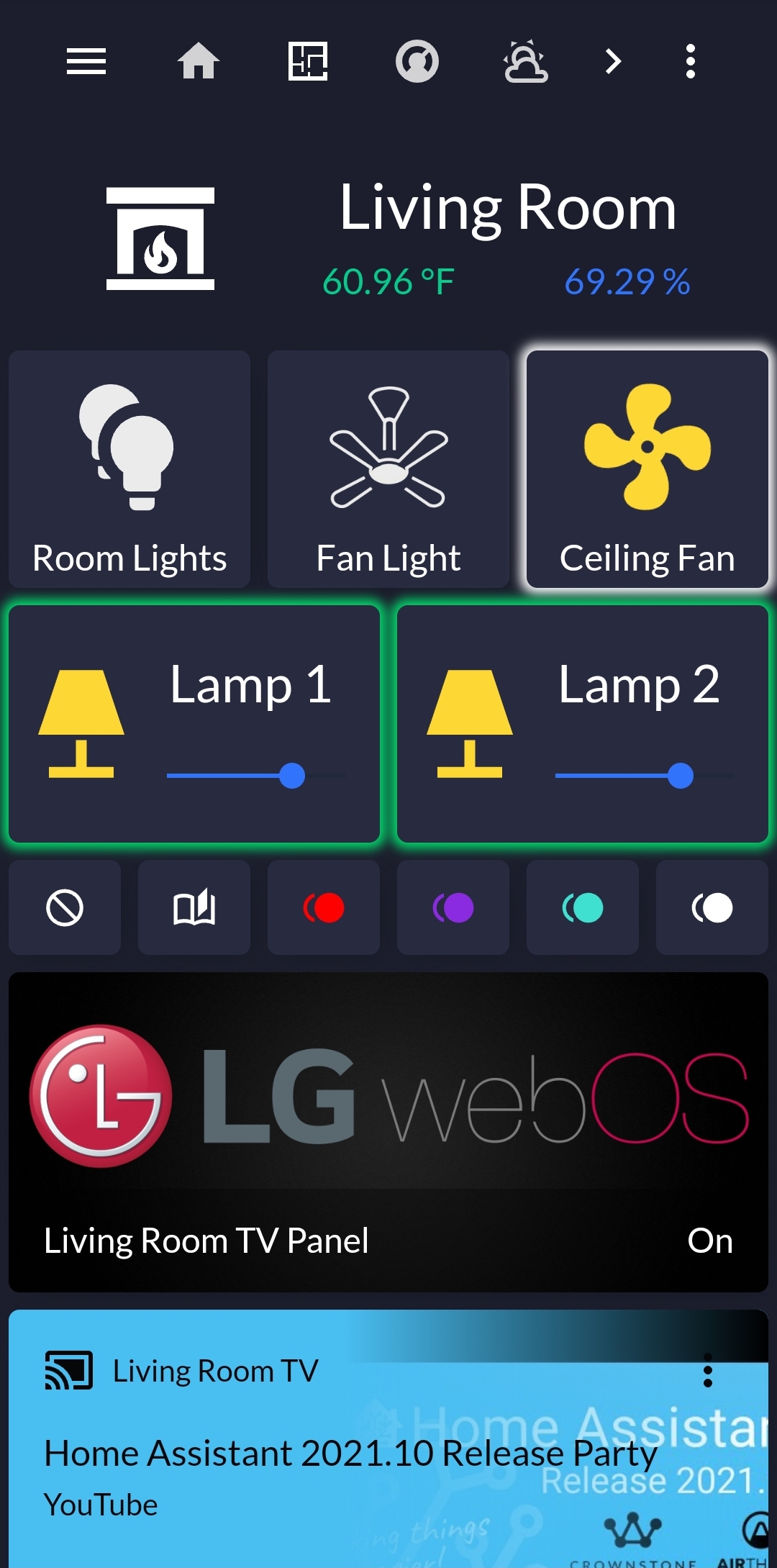
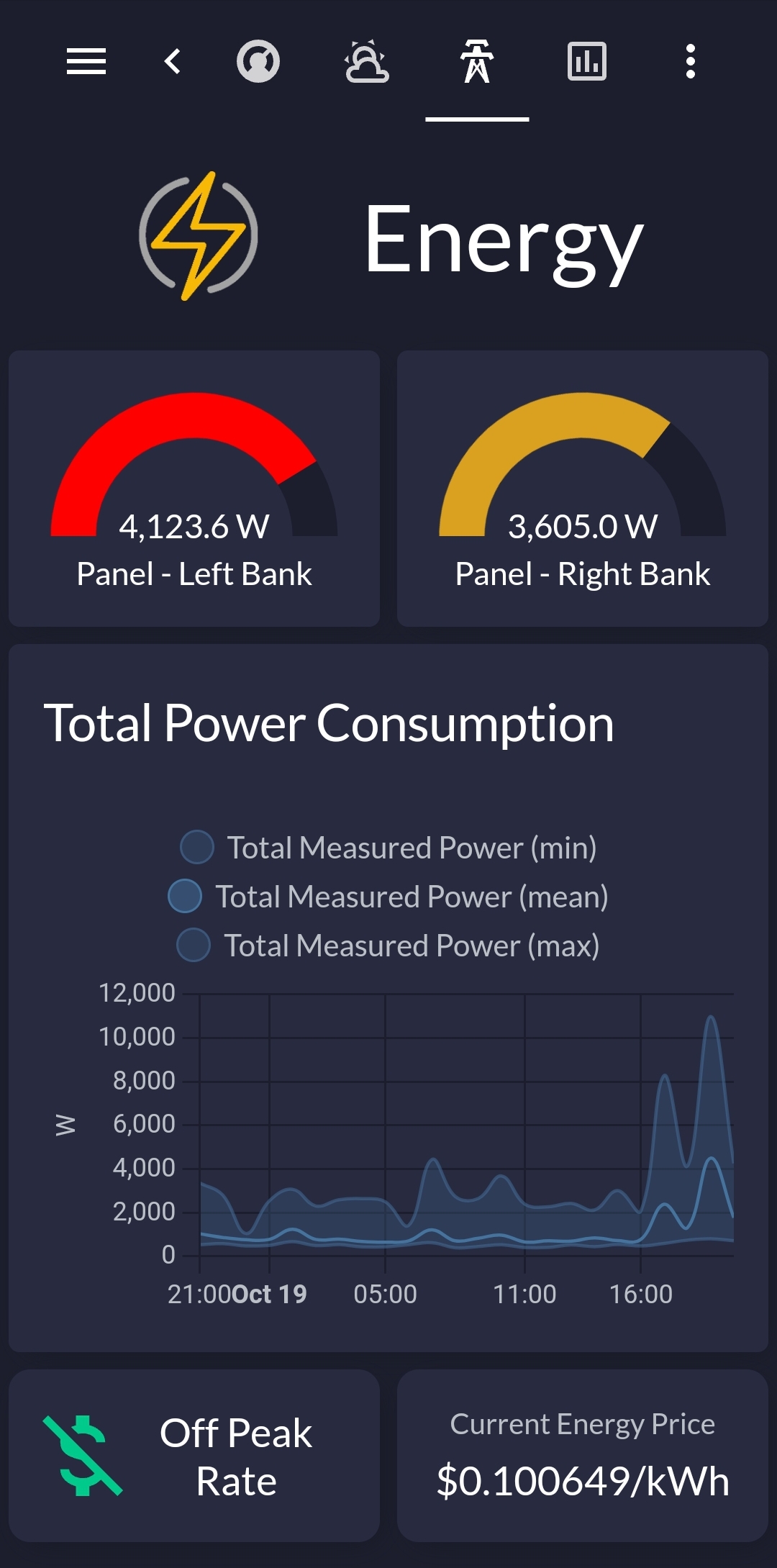
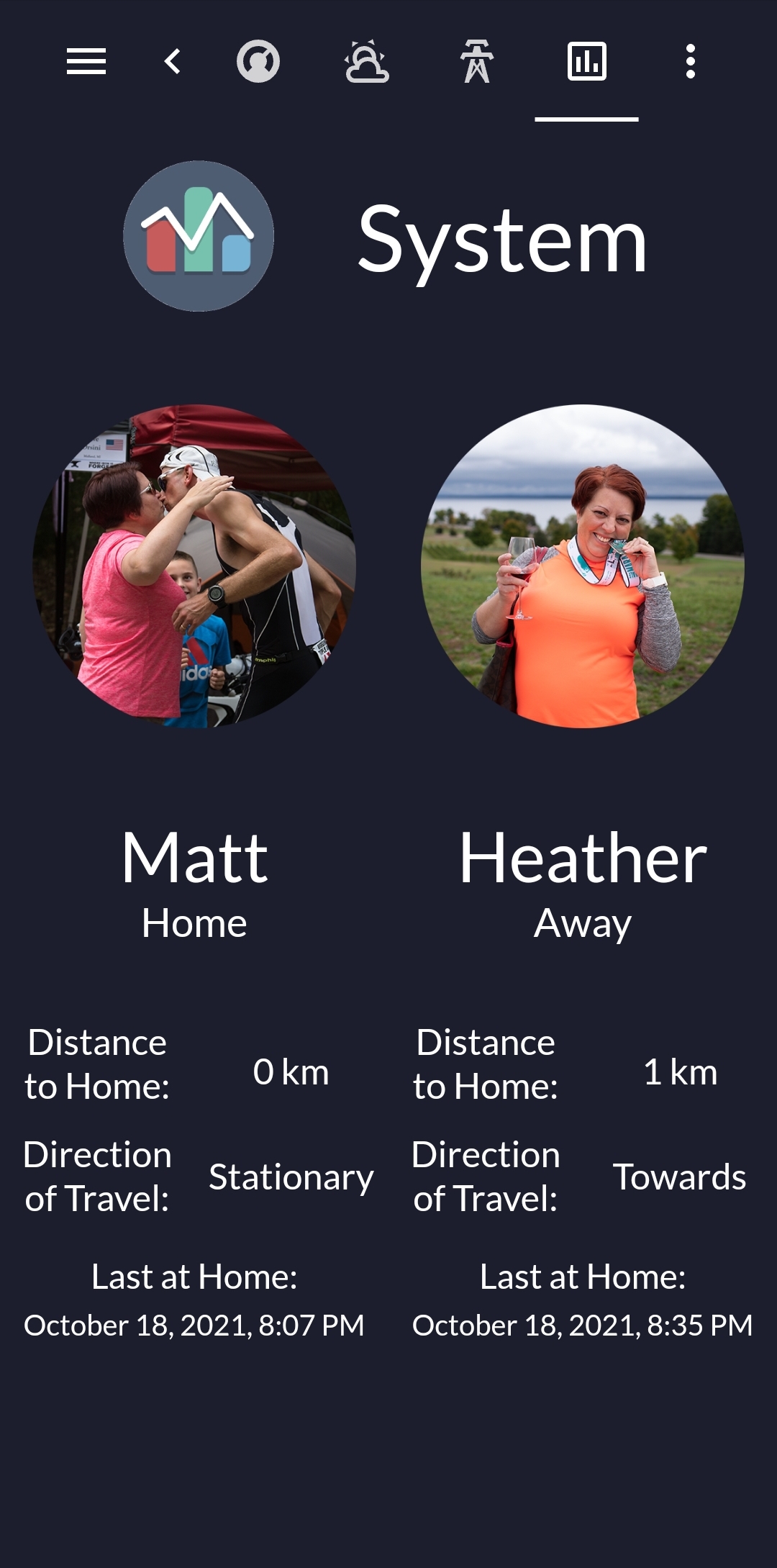
Screenshots
PC
 |
|  |
|  :----:|:----:|:----:
Mobile
 |
|  |
|  |
|  :----:|:----:|:----:|:----:
Additional Information
Custom:Button-Card
The above screenshots rely heavily on custom-cards/button-card in their design. When using the Custom:Button-Card with this theme, button color behavior can be defined using variables such as var(--base-colors-orange) in your button configuration. These colors are defined in the # Base Color Definitions section of the YuniFi.yaml file. Example:
state:
  - value: 'on'
    icon: mdi:pause-circle-outline
    color: var(--base-colors-orange)
See the Button-Card documentation for further information on card configuration
The Color Green
By default, this theme uses a "seagreen" shade of green for badges and graphs (I just like the color 😁). To match Ubiquiti's UniFi color scheme, simply change the variables in the two locations noted in the YuniFi.yaml file. Example:
  # Feedback Colors
  success-color: 'var(--base-colors-seagreen)'  # <----- Change to 'var(--base-colors-green)' to match UniFi color
  warning-color: 'var(--base-colors-orange)'
  error-color: 'var(--base-colors-red)'
Related Skills
node-connect
347.9kDiagnose OpenClaw node connection and pairing failures for Android, iOS, and macOS companion apps
frontend-design
108.7kCreate distinctive, production-grade frontend interfaces with high design quality. Use this skill when the user asks to build web components, pages, or applications. Generates creative, polished code that avoids generic AI aesthetics.
openai-whisper-api
347.9kTranscribe audio via OpenAI Audio Transcriptions API (Whisper).
qqbot-media
347.9kQQBot 富媒体收发能力。使用 <qqmedia> 标签,系统根据文件扩展名自动识别类型(图片/语音/视频/文件)。

Security Score
Audited on Oct 17, 2025