
CursesSharp
Curses Sharp is a ncurses terminal control library binding for C#.
Install / Use
/learn @sushihangover/CursesSharpREADME
#CursesSharp
##INTRODUCTION
CursesSharp is a C# wrapper for curses library. The latest version of this 'fork'' can be found at Github. The original version can be found at the SourceForge.net project page.
##DOCUMENTATION
CursesSharp consists of a .NET assembly (CursesSharp.dll) and a native wrapper shared library (DLL) which is linked with PDCurses (in Windows) or ncurses (in Unix-like systems). This wrapper library is called CursesWrapper.dll in Windows or libCursesWrapper.so in Unix or libCursesWrapper.dylib in OS-X. CursesSharp provides a bit cleaner API to curses than the original one, although function names remain unchanged for the most part.
###CursesSharp namespace contains several important classes:
- Defs - contains constants from curses: attribute, color and key definitions as well as some macros (COLOR_PAIR, PAIR_NUMBER)
- Curses - the main interface to curses; contains methods global to the library, a StdScr property that returns the stdscr window, and as a convenience, some window-specific functions that operate on stdscr
- Window - represents a curses window that can be written to, or read from; contains wrappers for most of curses functions with names starting with w* or mvw*
- CursesException - an exception class, thrown when a curses function reports an error
Documentation is (always) under construction. Help would be much appreciated.
##Installing CursesSharp on OS-X
These are the instructions for building CursesSharp on OS-X.
The build process has been tested on:
- OS-X 10.10.5
- Apple LLVM version 7.0.0 (clang-700.1.76)
- Mono JIT compiler version 4.2.1 64-bit build.
##0. Prerequisites
The native library is now built as a 'fat' library so either a Mono 32-bit or 64-bit build can be used.
$> file libCursesWrapper.so
libCursesWrapper.so: Mach-O universal binary with 2 architectures
libCursesWrapper.so (for architecture i386):	Mach-O dynamically linked shared library i386
libCursesWrapper.so (for architecture x86_64):	Mach-O 64-bit dynamically linked shared library x86_64
##1. Getting CursesSharp
You can clone it from the following repository:
https://github.com/sushihangover/CursesSharp.git
##2. Make the Native Library
mdtool build CursesSharp.Native.sln --target:Build --configuration:Release
mdtool build CursesSharp.Native.sln --target:Build --configuration:Debug
##3. Make the C# Libraries and Demos
xbuild CursesSharp.sln /target:Clean
xbuild CursesSharp.sln /target:Build
Note: To run the demos from the CLI, make sure that set the DYLD_FALLBACK_LIBRARY_PATH. While still in the repo's root directory:
export DYLD_FALLBACK_LIBRARY_PATH=$(PWD)/CursesSharp.Native/bin/Debug:/usr/lib:$DYLD_FALLBACK_LIBRARY_PATH
There is also a CI script that can be called via source to setup DYLD_FALLBACK_LIBRARY_PATH and LD_LIBRARY_PATH
source CI/libpath-source-me.sh
To learn more about dyld check out the man page:
man dyld
##Demos:
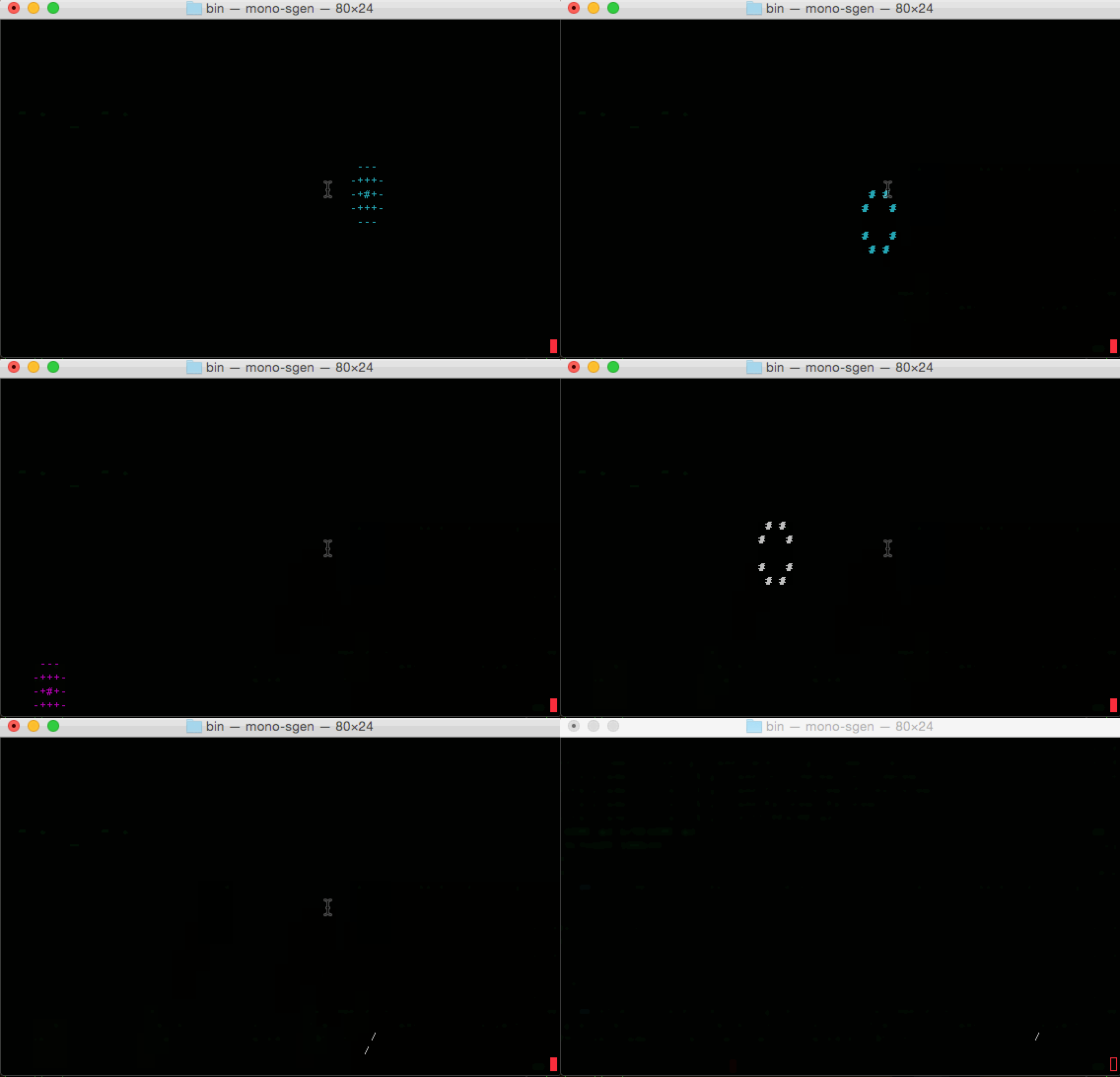
There are various demos available to review:
- Demo.CursesSharp.Firework
- Demo.CursesSharp.Gui.HelloWorld
- Demo.CursesSharp.HelloWorld
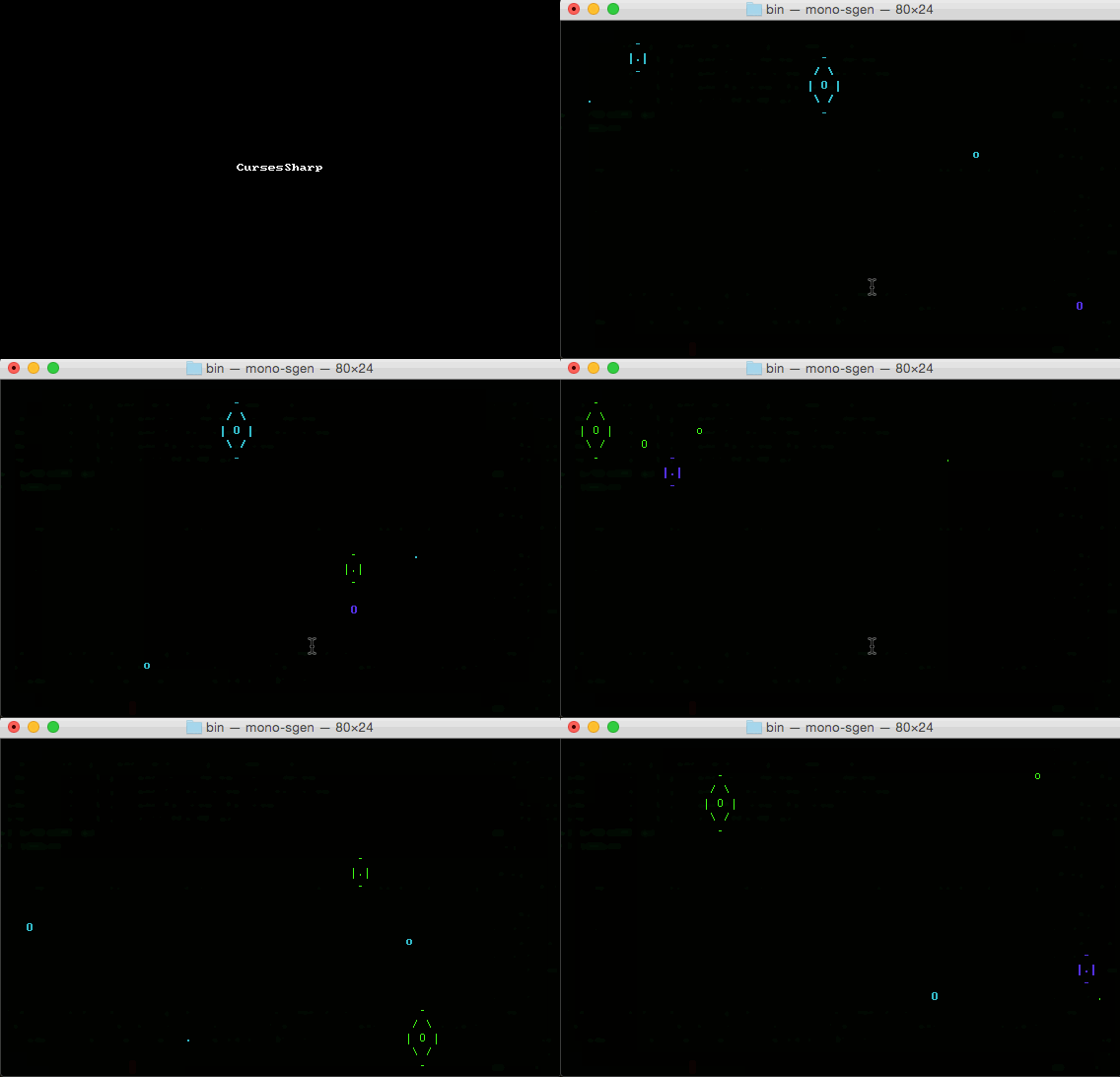
- Demo.CursesSharp.Rain
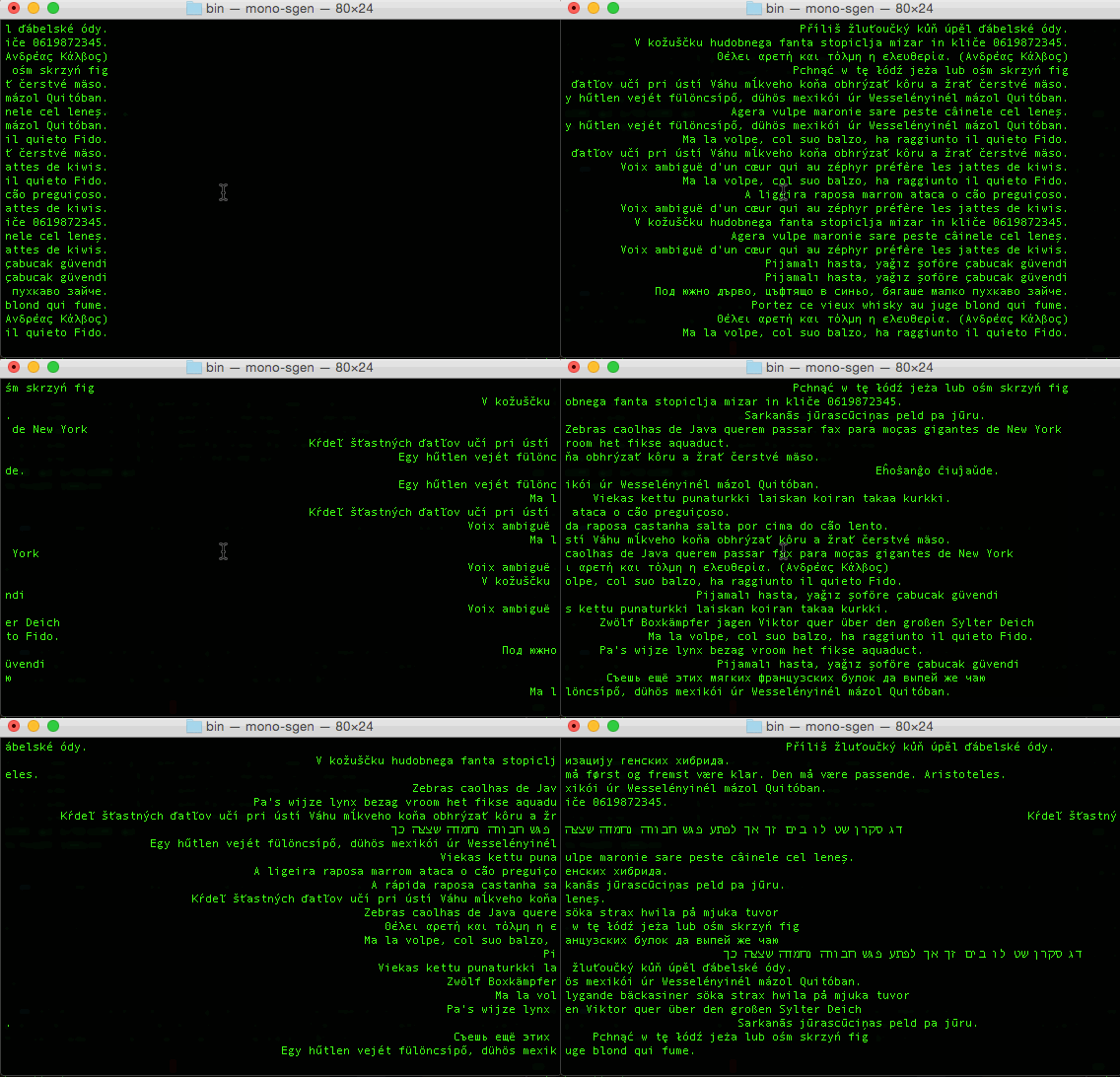
- Demo.CursesSharp.Unicode
- Demo.Gui.MessageBox
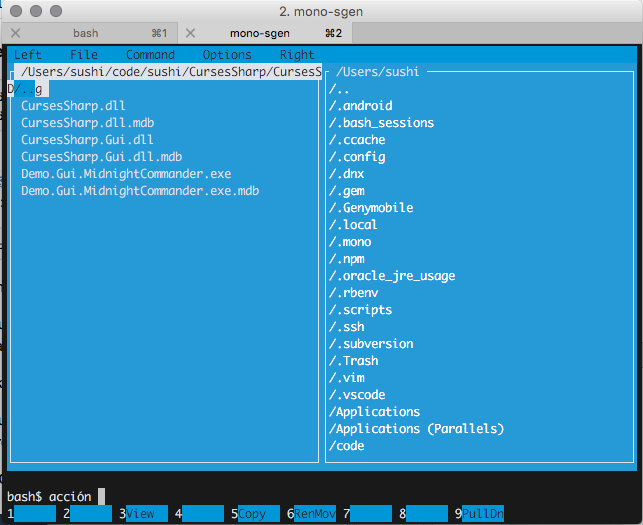
- Demo.Gui.MidnightCommander
- Demo.Gui.Timeout
- Demo.Native.ResizeTerm
##Rain Demo:
pushd CursesSharp.Demo/Demo.CursesSharp.Rain/bin/x64/Debug/
mono RainDemo.exe
popd
##FireWorks Demo:
pushd CursesSharp.Demo/Demo.CursesSharp.Rain/bin/x64/Debug/
mono FireworkDemo.exe
popd
##MidnightCommander Demo:
pushd CursesSharp.Demo/Demo.Gui.MidnightCommander/bin/x64/Debug/
mono Demo.Gui.MidnightCommander.exe
popd
##Installing CursesSharp on Linux
###0. Prerequisites
Note: It is assumed you are running 64-bit Linux (ARCH x86_64)
Install some dependencies:
sudo apt-get install lib32ncursesw5-dev
sudo apt-get install lib32ncurses5-dev
sudo apt-get install ncurses-doc
##1. Getting CursesSharp
You will have to obtain CursesSharp sources. You clone it from the following repository:
https://github.com/sushihangover/CursesSharp.git
###2. Make the Native Library
mdtool build CursesSharp.Native.Linux.sln --target:Build --configuration:Release
mdtool build CursesSharp.Native.Linux.sln --target:Build --configuration:Debug
###3. Make the C# Libraries and Demos
xbuild CursesSharp.sln /target:Clean /property:configuration=Debug
xbuild CursesSharp.sln /target:Build /property:configuration=Debug
#Demos:
Note: To run the demos from the CLI, make sure that set the LD_LIBRARY_PATH. While still in the repo's root directory:
export LD_LIBRARY_PATH=$(PWD)/CursesSharp.Native/bin/Debug:/usr/lib:$LD_LIBRARY_PATH
There is also a CI script that can be called via source to setup DYLD_FALLBACK_LIBRARY_PATH and LD_LIBRARY_PATH
source CI/libpath-source-me.sh
To learn more about ld check out the man page:
man ld
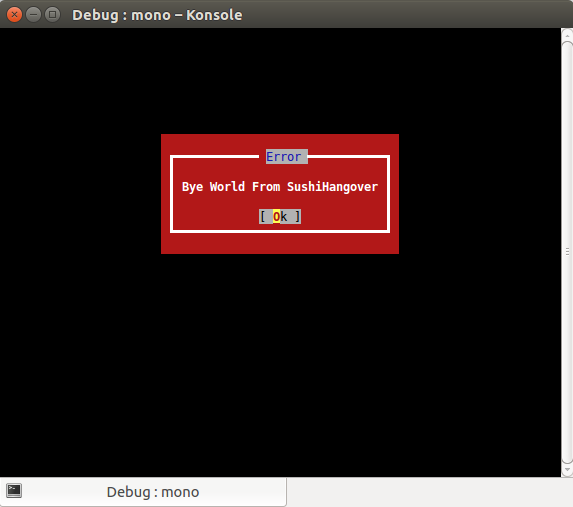
##MessageBox Demo:
cd CursesSharp.Demo/Demo.Gui.MidnightCommander/bin/x64/Debug/
mono Demo.Gui.Messagebox.exe
cd -
#####(Ubuntu / Konsole)
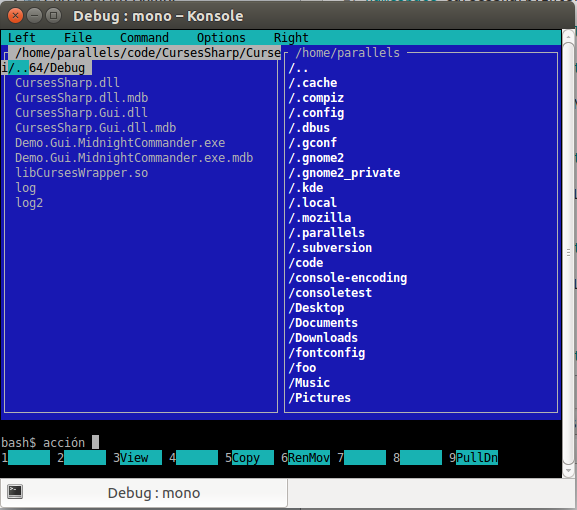
##MidnightCommander Demo:
cd CursesSharp.Demo/Demo.Gui.MidnightCommander/bin/x64/Debug/
mono Demo.Gui.MidnightCommander.exe
cd -
####(Ubuntu / Konsole)
##Installing CursesSharp on Windows
Refer the original Windows project, source code and instructions are here
CI
OS-X:
source CI/libpath-source-me.sh
CI/build.osx.sh
Linux:
{TODO}
##TODO & Contributors:
- Nuget support
- MS Window support (via PDCurses)
- Documentation
- Bug reporting/fixes
Looking for contributors in these areas and/or any other areas that you would help out on.
Related Skills
node-connect
351.8kDiagnose OpenClaw node connection and pairing failures for Android, iOS, and macOS companion apps
frontend-design
110.9kCreate distinctive, production-grade frontend interfaces with high design quality. Use this skill when the user asks to build web components, pages, or applications. Generates creative, polished code that avoids generic AI aesthetics.
openai-whisper-api
351.8kTranscribe audio via OpenAI Audio Transcriptions API (Whisper).
qqbot-media
351.8kQQBot 富媒体收发能力。使用 <qqmedia> 标签,系统根据文件扩展名自动识别类型(图片/语音/视频/文件)。
