
DataS
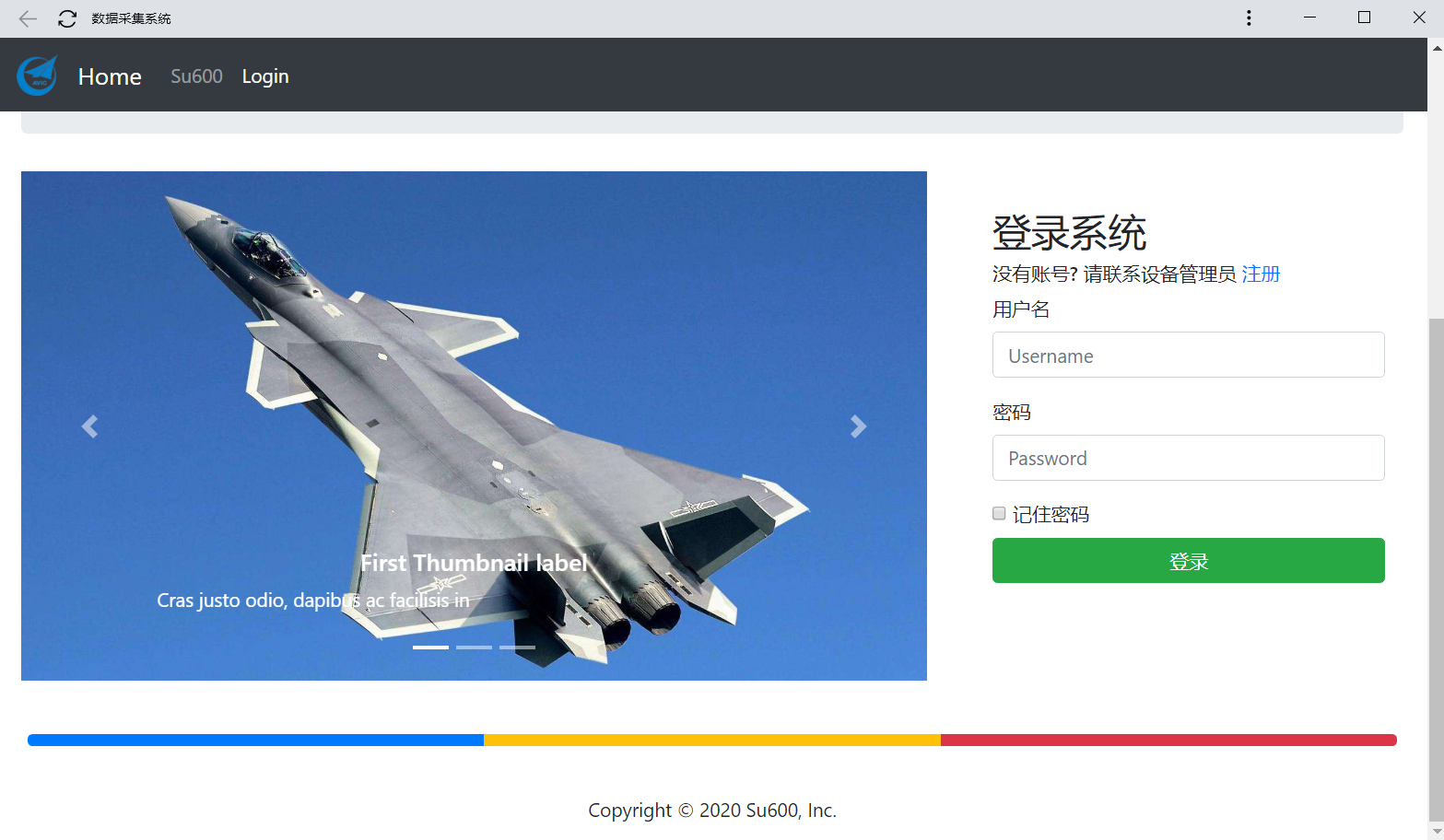
Python Flask based industrial SCADA application.
Install / Use
/learn @su600/DataSREADME
DataS
This is beta version.
Flask based industrial SCADA application.
Features
Base on great works of:
- Python-snap7
- Pylogix
- Pyads
- PyModbus
- OPC UA 62541
- UR
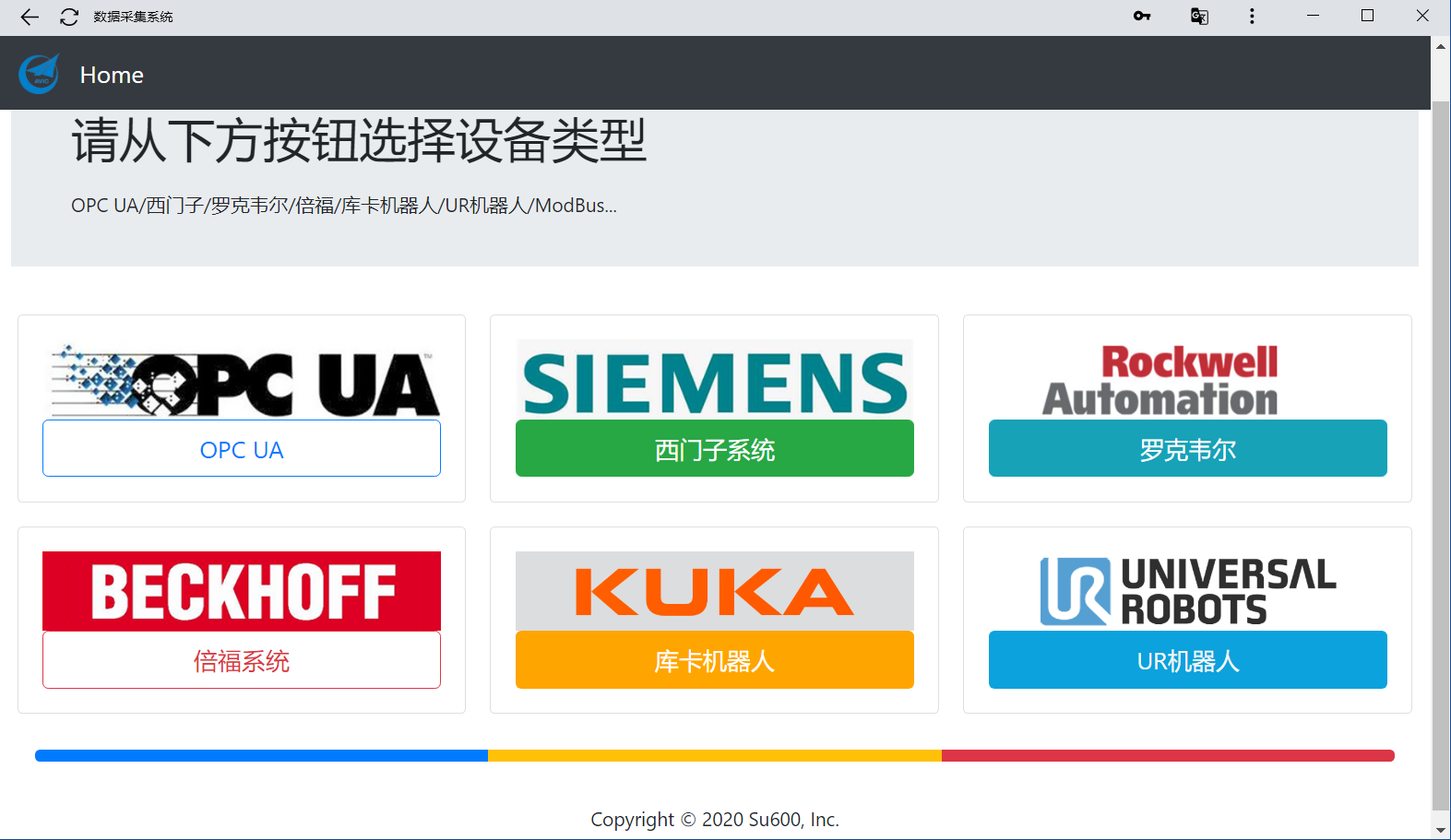
Supports:
- [x] SIEMENS PLC
- [x] ROCKWELL AB PLC
- [x] BECKOFF PLC
- [x] OPC UA devices
- [x] Modbus
- [ ] UR Robot
- [ ] Kuka Robot
Technology Stack
Include Flask, InfluxDB, Docker, Nginx, Pandas, Numpy, Bootstrap 4, Blueprints, Progressive Web App
Setup Instructions
1. Clone the Repository
git clone https://github.com/su600/DataS.git
cd DataS
2. Create Virtual Environment (Recommended)
python -m venv venv
source venv/bin/activate  # On Windows: venv\Scripts\activate
3. Install Dependencies
pip install -r requirements.txt
4. Configure Environment Variables
# Copy the example environment file
cp .env.example .env

# Edit .env and set your configuration
# Important: Generate a strong SECRET_KEY
python -c "import secrets; print(secrets.token_hex(32))"
Edit .env file with your settings:
SECRET_KEY: Use the generated key aboveINFLUXDB_TOKEN: Your InfluxDB authentication tokenINFLUXDB_URL: Your InfluxDB server URL- Other settings as needed
5. Run the Application
python main.py
The application will be available at http://0.0.0.0:4000
Configuration
All configuration is done through environment variables. See .env.example for all available options.
Environment Variables
| Variable | Description | Default |
|----------|-------------|---------|
| SECRET_KEY | Flask secret key for sessions | dev-key-change-in-production |
| DATABASE_URI | SQLite database URI | sqlite:///site.db |
| INFLUXDB_URL | InfluxDB server URL | http://localhost:8086 |
| INFLUXDB_TOKEN | InfluxDB authentication token | - |
| INFLUXDB_ORG | InfluxDB organization | su |
| INFLUXDB_BUCKET | InfluxDB bucket name | data |
| HOST | Server host address | 0.0.0.0 |
| PORT | Server port | 4000 |
| FLASK_DEBUG | Enable debug mode | False |
Security Notes
⚠️ Important Security Recommendations:
- Never commit your
.envfile - It contains sensitive credentials - Use strong SECRET_KEY - Generate using:
python -c "import secrets; print(secrets.token_hex(32))" - Change default credentials - Update all default passwords before deployment
- Enable HTTPS - Use nginx with SSL certificates in production
- Keep dependencies updated - Regularly update packages for security patches
Project Structure
DataS/
├── main.py                 # Application entry point
├── blue_prints/           # Blueprint modules
│   ├── LOGIN/            # Authentication
│   ├── SETTINGS/         # Settings interface
│   ├── SIEMENS/          # Siemens PLC integration
│   ├── ROCKWELL/         # Rockwell AB PLC integration
│   ├── BECKOFF/          # Beckoff PLC integration
│   ├── KUKA/             # KUKA integration
│   ├── OPCUA/            # OPC UA client
│   └── INFLUXDB/         # InfluxDB integration
├── static/               # Static files (CSS, JS, images)
├── templates/            # HTML templates
├── .env.example          # Environment variables template
└── requirements.txt      # Python dependencies
Development
Running in Debug Mode
# Set in .env file
FLASK_DEBUG=True

# Or export environment variable
export FLASK_DEBUG=True
python main.py
Testing
Ensure your PLC devices are accessible on the network before testing connections.
Deployment
For production deployment with nginx, refer to the Docker nginx-flask-python3.7 directory.
Contributing
Contributions are welcome! Please feel free to submit a Pull Request.
License
See LICENSE file for details.
@Su600
