
Stelace
Open-source marketplace backend in Node.js, empowering Web platforms with Search API, Automation, Auth, Headless CMS… ⚡ :computer:
Install / Use
/learn @stelace/StelaceREADME
Stelace API Server
Includes:
- Search & matchmaking: storing and searching any kind of Asset relevant to your platform, from products, cars and housing to profiles or skills.
- User authentication, social login and Enterprise SSO
- Customizable Transaction process
- Countless integrations with Events and Webhooks
- Business automation with Workflows
- Content management API (headless CMS)
- Server Plugin system to build literally anything
- … and even more (docs)
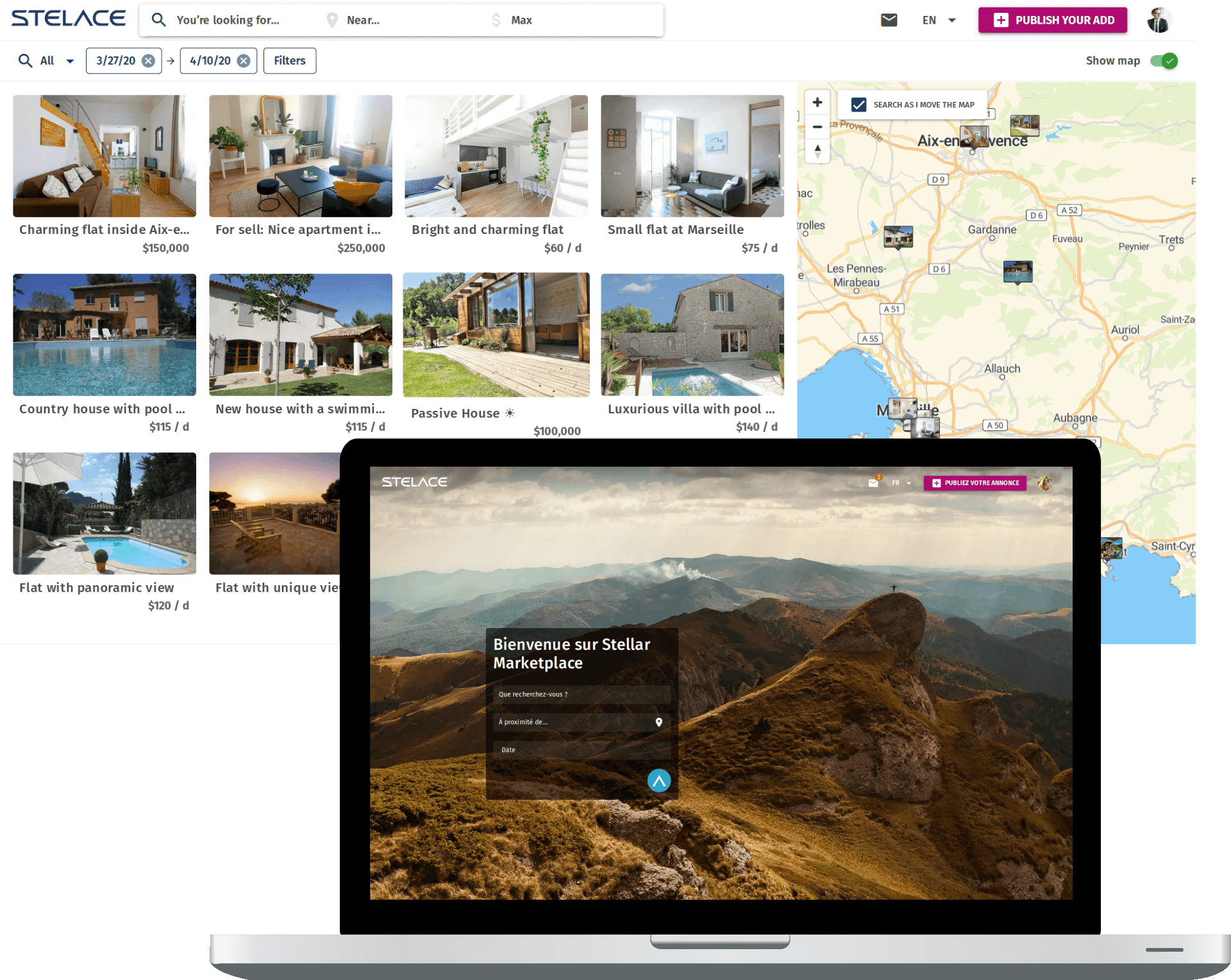
For a full-stack experience, you can get started here with open-source Vue.js front-end templates.




Stelace as-a-service
The easiest way to deploy and leverage Stelace is with our official managed infrastructure. You can have a fresh platform backend up and running in minutes with high-availability deployment, automatic scaling, built-in test and live environments and admin dashboard. SLA, dedicated infrastructure and premium support are also available for Enterprise customers.
Contents
<!-- TOC depthFrom:2 -->- Stelace as-a-service
- Contents
- Built with
- What is included
- Setup
- Development
- Tests
- Versioning
- Dependencies
- Contributing
- License
- We care about open-source
Built to last
With:
- NodeJS 12+
- PostgreSQL 10+
- ElasticSearch 7.x
- Redis 5.x
- Docker
- Objection.js ORM (Knex)
- Microservice-ready with Côte
- Tested with AVA :rocket:
- Monitored with Elastic APM
What is included
All APIs listed in docs and API Reference.
Admin Dashboard UI is tied with our Software-as-a-Service offer and is not open-source. It certainly won’t ever be unless community and staff collaborate to make this happen.
That’s it!
This means you can freely switch between any of our SaaS plans and self-hosting at any time if you don’t need Stelace support or SLA and you’re ready to build your own admin UI, or you don’t need one :eyeglasses:.
Note: for your app UI, we also crafted open-source front-end templates.
Setup
Docker
Please go to Docker website to install Docker CE/EE. Choose the right installation guide for your system.
Install yarn
Please refer to official instructions.
Clone
git clone https://github.com/stelace/stelace.git && cd stelace && git checkout origin/master
Development
We recommend using pre-configured Docker images for databases to ease development.
It’s how Stelace team develops and tests API server.
Please note that you should use proper databases in production though.
Let’s start with your own .env file to customize if needed:
cp .env.example .env
Start development databases
Build the Docker images:
docker-compose build
And start the databases:
yarn docker:db
Shorthand for: docker-compose up -d elasticsearch postgresql redis
Run server
-
Run
yarnto install dependencies. -
Run
yarn prepareto install husky hooks -
Run the database migration to automatically create or update tables:
yarn knex migrate:latest # or `npm run knex migrate:latest`
- Install external plugins:
yarn plugins
- You can also seed the database with auto-generated API keys:
yarn seed
Tip: use one of our Stelace Instant open-source templates for blazing fast full-stack development.
- Start the server:
yarn start # or `npm start`
Develop with API server container
Stelace server is built on and deployed to Linux machines (Ubuntu), and you may have some trouble running server with another OS.
Docker can solve this with ease.
You just have to change host from 127.0.0.1 to elasticsearch, postgresql and redis in your .env file when using containerized API and databases.
Here is how you can install dependencies and init database:
# ephemeral container with --rm option
docker-compose run --rm api yarn
docker-compose run --rm api yarn seed
Note: project root directory is used as a Docker volume during development, including node_modules that are shared.
You need to re-install dependencies when switching between plain server and server container setups.
Run:
docker-compose up -d
Useful commands to run from project root:
- Follow logs of a API container
docker-compose logs -f api
- Stop and remove containers
docker-compose down
- Remove volumes (can be useful to solve dev issues with corrupted data or after database upgrade)
docker volume prune
Tip: Use yarn docker:db:reset to reset containers and volumes during development.
This can be useful if you have any issue with corrupted database or redis store data, or if you want to upgrade databases (warning: containers data & volumes will be lost).
Tests
Tests are mostly integration tests with databases up and running to cover full API functionality.
Run npm run test or yarn test with ElasticSearch, PostgreSQL and Redis running and appropriate environment variables (hosts, ports, credentials).
You can use database Docker containers (see Using API server container) with appropriate host (127.0.0.1) and ports (e.g. PostgreSQL: 6543).
Tests files are run in parallel with AVA, using multiple schemas in PostgreSQL database.
Tests are quite CPU-intensive and you probably want to have 4 CPU cores to run them in good conditions.
Please find more details in server docs (testing).
Logs
Getting server logs in real-time can be very useful during development or tests.
You just have to set an environment variable:
ROARR_LOG=true yarn test
To see the output of console.log calls during AVA tests, add --verbose flag:
yarn test --verbose
Using API server container
Stelace team uses an API server Docker image in production, so do CI tests.
You can use an API server container to run tests locally too.
Ensure ElasticSearch, PostgreSQL and Redis are running once you’ve started database containers:
# Install dependencies used by API server container if not done yet
docker-compose run --rm api yarn
# Checking that databases are up and running
docker-compose run --rm api /bin/sh -c \
'until nc -z -v -w30 elasticsearch 9200 && nc -z -v -w30 postgresql 5432 && nc -z -v -w30 redis 6379
do
  echo "Waiting for PostgreSQL, ElasticSearch and Redis…"
  sleep 2
done';
Run tests with containerized API:
docker-compose run --rm api yarn test
# instead of standard local server with `yarn test`
Production
As mentioned above, we recommend using proper databases for production. You may self-host the databases or externalize them by using database providers.
Please find detailed procedures to configure SSL for database.
More details on API keys
Please find explanations on the different types of API keys.
Versioning
Stelace API public versions introducing breaking changes are publicly dated like 2019-05-20 but the repository itself follows [semver](https://semver.
Related Skills
gh-issues
342.5kFetch GitHub issues, spawn sub-agents to implement fixes and open PRs, then monitor and address PR review comments. Usage: /gh-issues [owner/repo] [--label bug] [--limit 5] [--milestone v1.0] [--assignee @me] [--fork user/repo] [--watch] [--interval 5] [--reviews-only] [--cron] [--dry-run] [--model glm-5] [--notify-channel -1002381931352]
imsg
342.5kiMessage/SMS CLI for listing chats, history, and sending messages via Messages.app.
node-connect
342.5kDiagnose OpenClaw node connection and pairing failures for Android, iOS, and macOS companion apps
oracle
342.5kBest practices for using the oracle CLI (prompt + file bundling, engines, sessions, and file attachment patterns).
