Screenshot
A screenshot API to convert web to image or PDF. Supports desktop and mobile views.
Install / Use
/learn @staticallyio/ScreenshotREADME
:sparkles: Overview
Screenshot is a simple application to automagically convert URLs into images and PDFs. It's designed to be simple and easy to install anywhere. This application is split into two distinct components, the core service to process the URL and then send it to a remote browser (Chrome). The remote browser to screenshot and generate PDF from a URL.
:bulb: Features
- Screenshot website in desktop view.
- Screenshot website in mobile view.
- Converts URL into PDF.
:zap: Installation
We'll be using Docker as an easy way to install. However since this is a Node.js application, you can run it with your current setup, if you choose this method, please see config/index.js to change the remote browser endpoint.
Run the browser
We'll be using the browserless/chrome Docker image to do most of this work.
docker run -d \
  --name chrome \
  -e "ENABLE_DEBUGGER=false" \
  -e "DISABLE_AUTO_SET_DOWNLOAD_BEHAVIOR=true" \
  -e "DEFAULT_BLOCK_ADS=true" \
  -p 3000:3000 \
  browserless/chrome:latest
To see more options, you can check full documentation.
Run the app
docker run -d \
  --name screenshot \
  -e "REMOTE_BROWSER=ws://172.17.0.1:3000" \
  -p 5000:5000 \
  statically/screenshot:latest
Replace the REMOTE_BROWSER variable with the remote browser endpoint that you set above. In this example we are using Docker's internal IP address, it should work if you are running both components on one machine.
:fire: Fire it up
The application avalaible through /screenshot/ path.
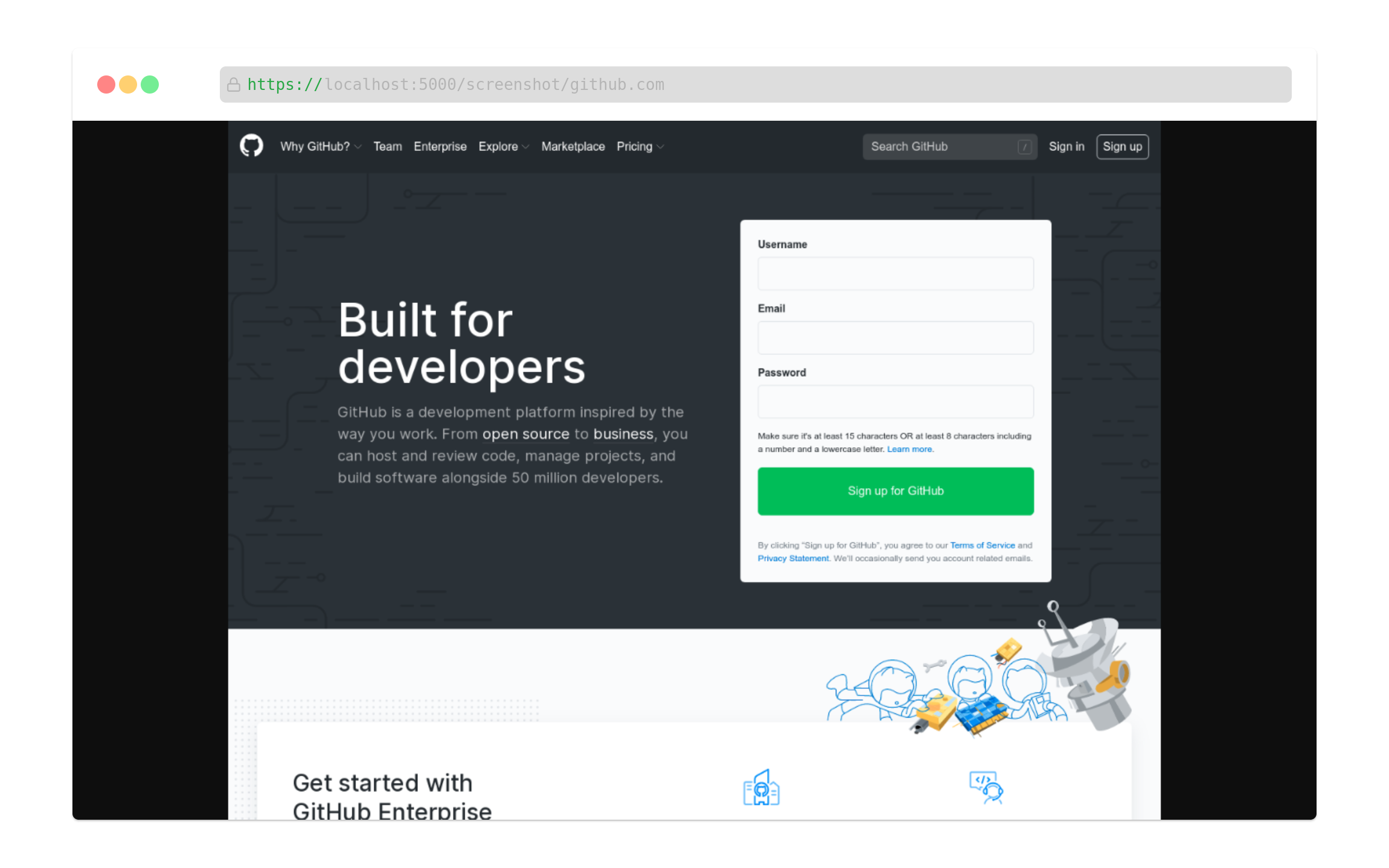
- Visit http://localhost:5000/screenshot/github.com for desktop view.
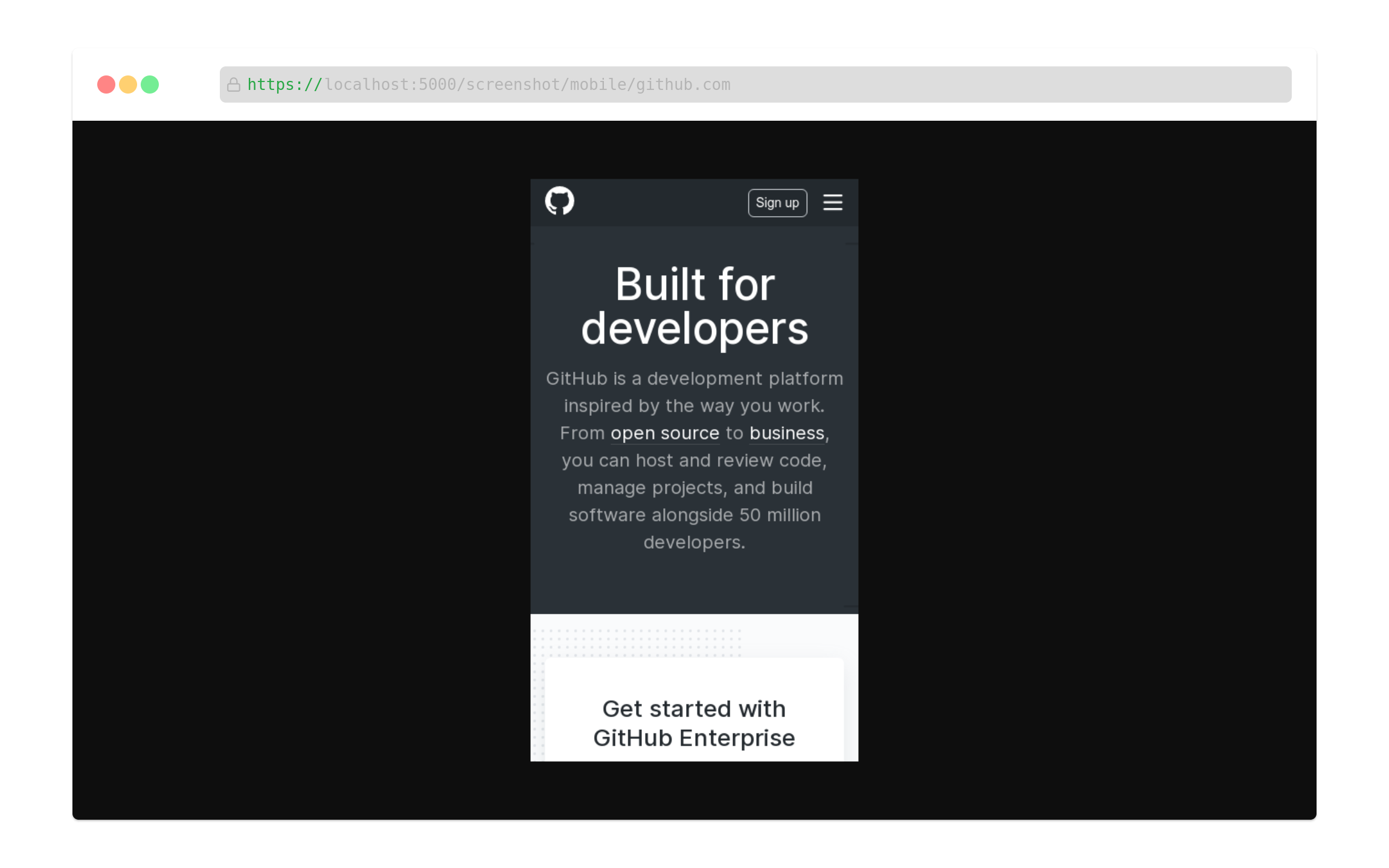
- Visit http://localhost:5000/screenshot/mobile/github.com for mobile view.
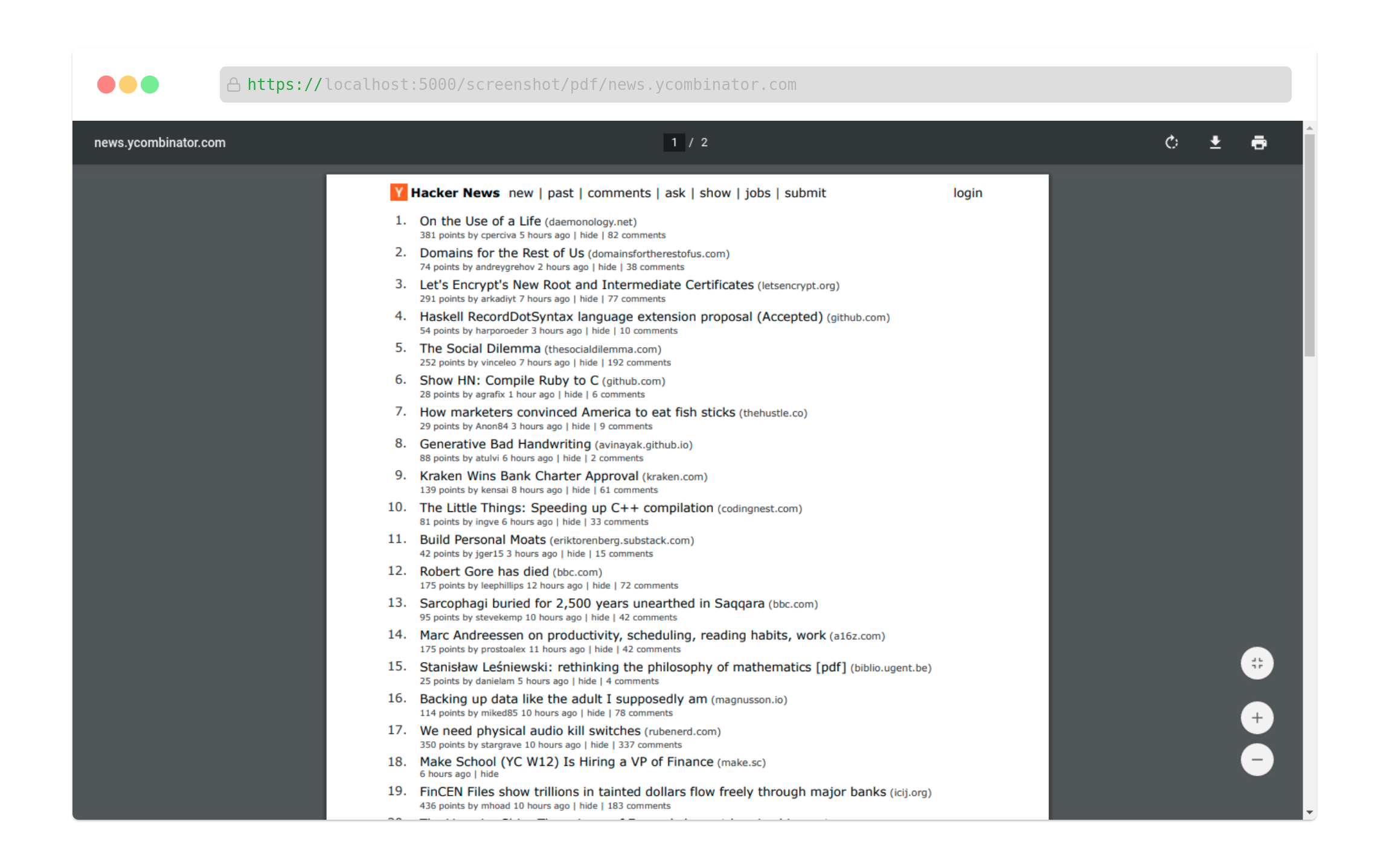
- Visit http://localhost:5000/screenshot/pdf/news.ycombinator.com for PDF.