
EvoFaderWing
Custom OSC Fader wing for Grandma3
Install / Use
/learn @stagehandshawn/EvoFaderWingREADME
EvoFaderWing - Wiki
<table width="100%"> <tr> <td width="70%"> <table width="100%"> <tr> <td align="left"> <strong>Author:</strong> ShawnR </td> <td align="right"> <strong>Contact:</strong> <a href="mailto:stagehandshawn@gmail.com">stagehandshawn@gmail.com</a> </td> </tr> </table> <br> OSC control of grandMA3 faders with motorized feedback, backlit faders (follows appearances), 20 encoders, and 40 standard exec buttons. <br><br><blockquote> <strong>Note:</strong> This Guide is a work in progress but EvoFaderWing is fully functional. I continue to work on the repo as time permits. </blockquote> </td> <td width="30%" align="right" valign="top"> <img src="https://raw.githubusercontent.com/stagehandshawn/EvoFaderWing/main/docs/gallery/faderwing_left_front.png" alt="faderwing" width="350"> </td> </tr> </table>I have added discussions to the repo so any questions can be asked there.
Features
Same quantity of control surfaces as grandMA3 onPC Fader Wing
- 10 Motorized faders
- Touch sensitive
- LED backlit - follows appearances and brightens when touched
- Self calibrated fader range and touch sensitivity
- 40 Executor keys (OSC or USB)
- Can send keystrokes using OSC to execute actions only
- USB allows you to apply actions (store, edit, etc.) using the hardware keys
- 20 Executor Encoders
- Web GUI
Project Images
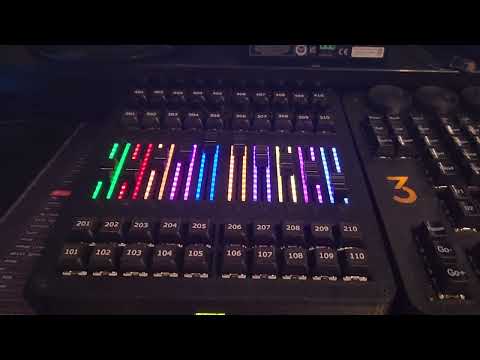
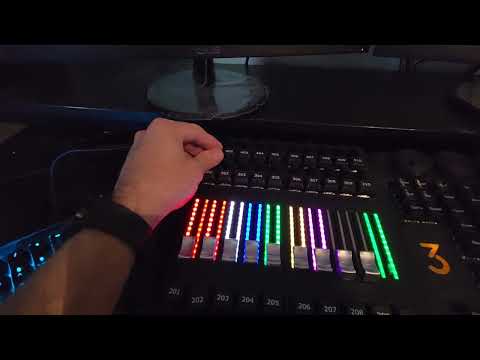
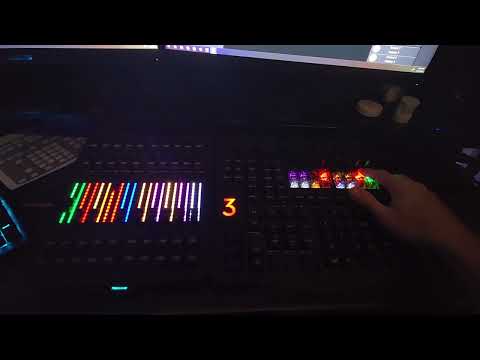
<table> <tr> <td width="50%"> <img src="https://raw.githubusercontent.com/stagehandshawn/EvoFaderWing/main/docs/gallery/faderwing_top1.png" alt="faderwing top" width="100%"> </td> <td width="50%"> <img src="https://raw.githubusercontent.com/stagehandshawn/EvoFaderWing/main/docs/gallery/faderwing_right.png" alt="faderwing right side" width="100%"> </td> </tr> <tr> <td width="50%"> <img src="https://raw.githubusercontent.com/stagehandshawn/EvoFaderWing/main/docs/gallery/faderwing_back.png" alt="faderwing back" width="100%"> </td> <td width="50%"> <img src="https://raw.githubusercontent.com/stagehandshawn/EvoFaderWing/main/docs/gallery/faderwing_elec_bay.jpg" alt="electronics bay" width="100%"> </td> </tr> </table>Watch the demo videos
⏺ <table>
<tr>
<td width="30%">
 </td>
<td width="30%">
</td>
<td width="30%">
 </td>
<td width="30%">
</td>
<td width="30%">
 </td>
</tr>
</td>
</tr>
Required repositories
There are 3 repositories you will need to complete this build. This one is the main controller. The other two are:
- EvoFaderWing_keyboard_i2c
- EvoFaderWing_encoder_i2c
These run on ATmega328p MCUs and are I2C slaves for getting encoder data from 20 encoders (5 each on 4 ATmega328p's), and 1 ATmega for the keyboard matrix.
There is a Python script and a tasks.json for uploading code automatically for when the FaderWing is closed and you cannot get to the bootloader button.
Required Lua
The Lua script /lua/EvoFaderWingOSC.lua will poll executors and send updates to the FaderWing using bundled OSC messages, and the FaderWing will send OSC back to the script.
- You will need to create 1 OSC connection
- Name the Osc entry EvoFaderWing
- Enter the IP Address of EvoFaderWing
- Set Recieve and Send Command to Yes
- Make sure to enter the IP Address of grandMA3 into the OSC settings of EvoFaderWing

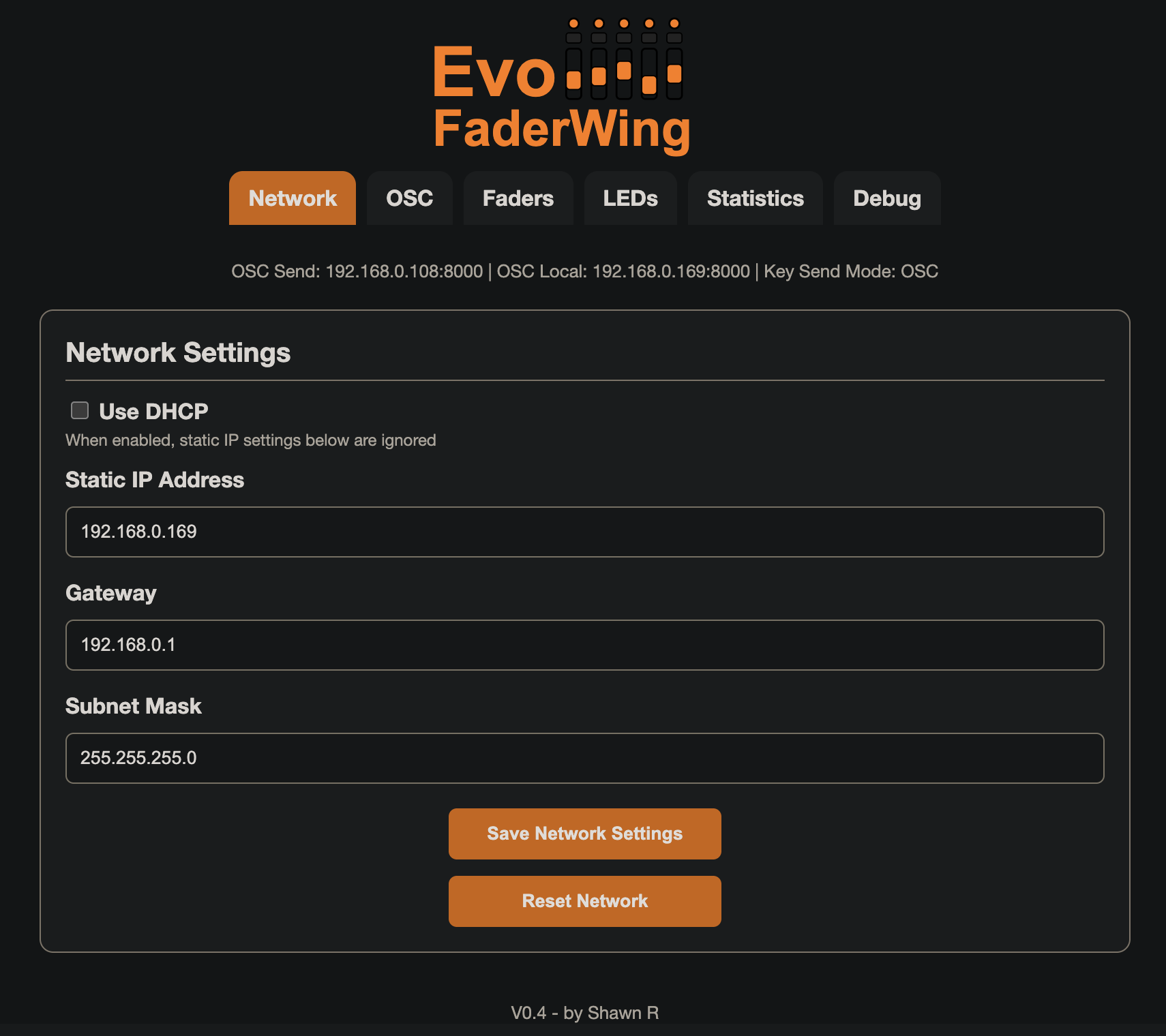
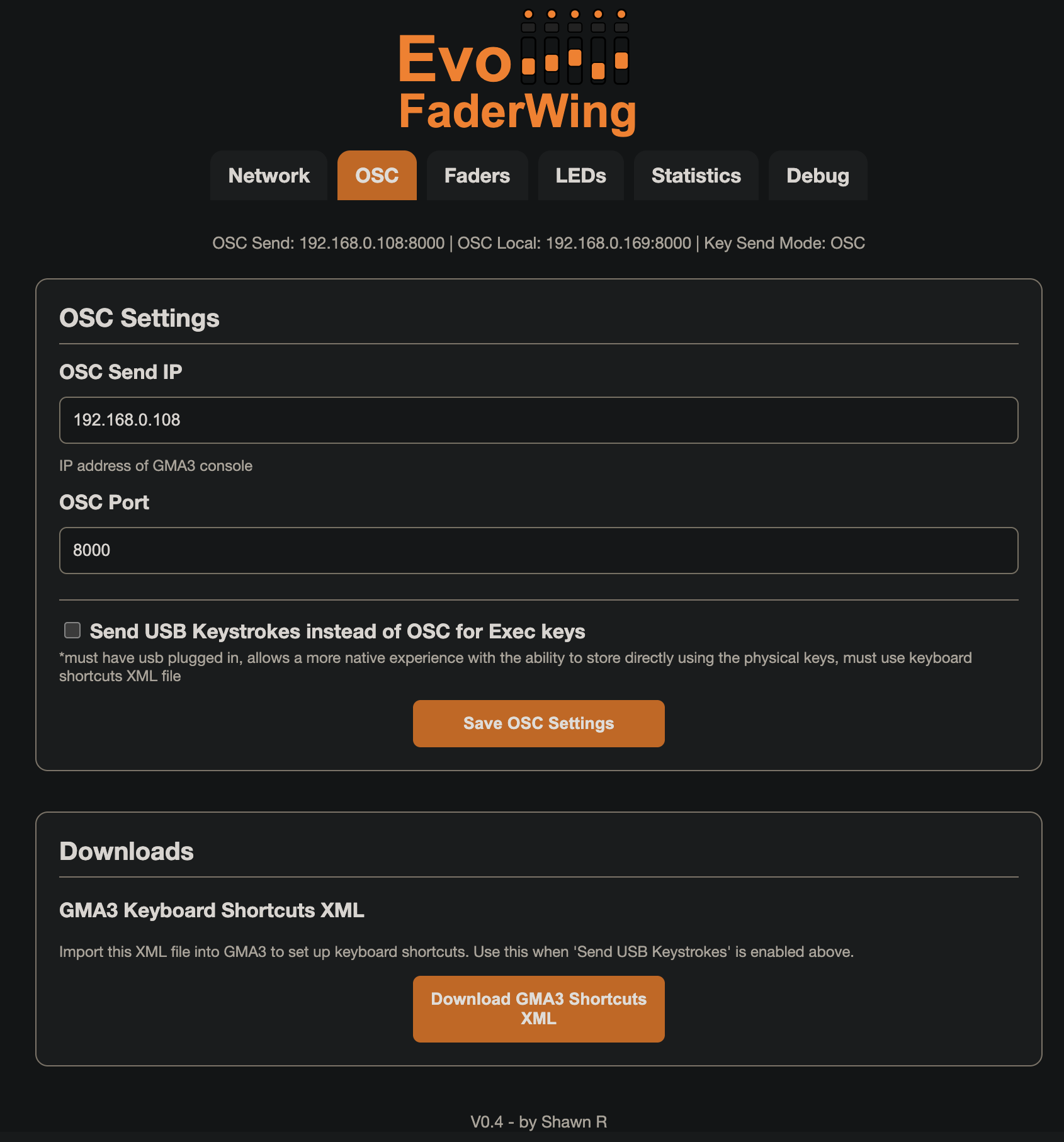
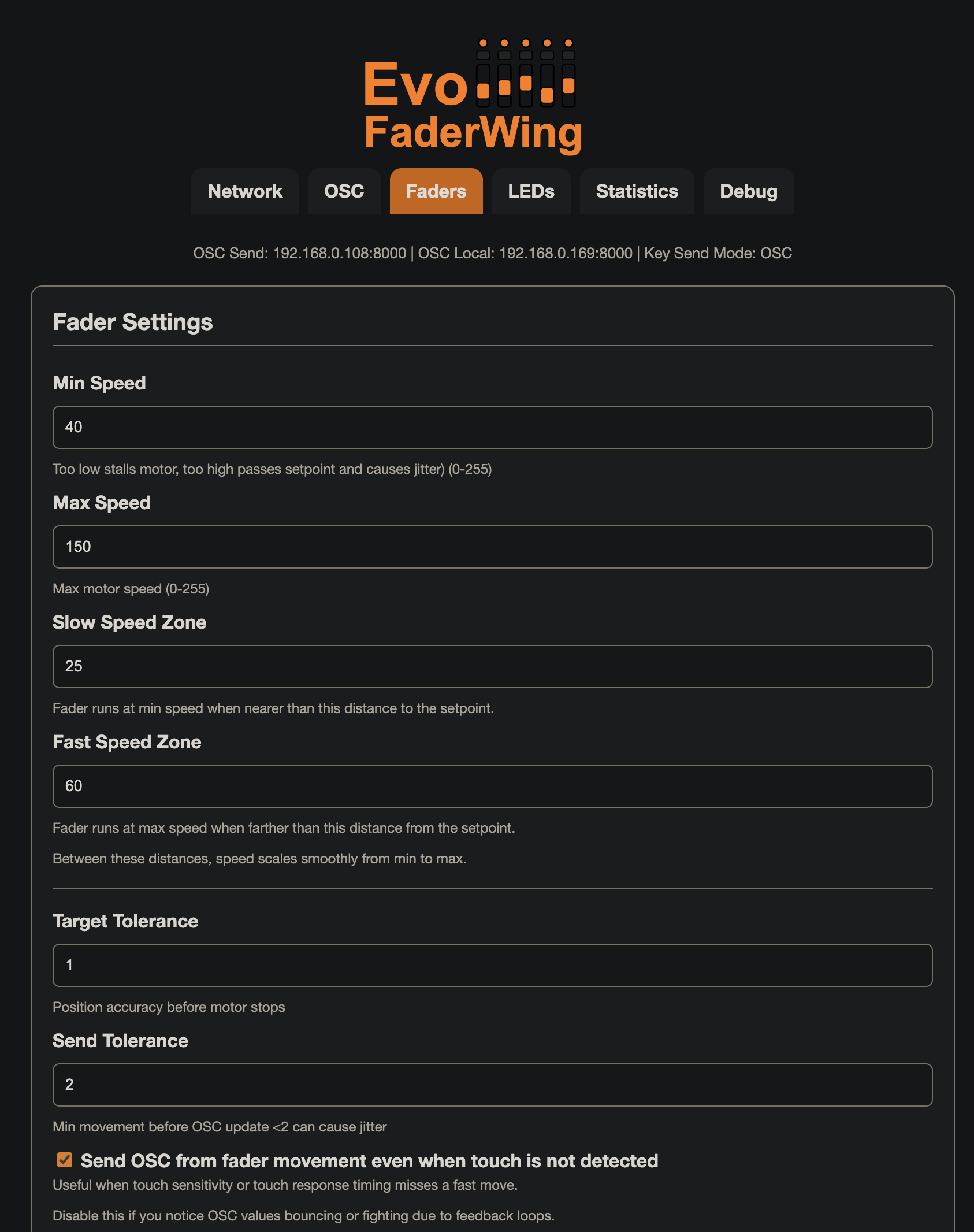
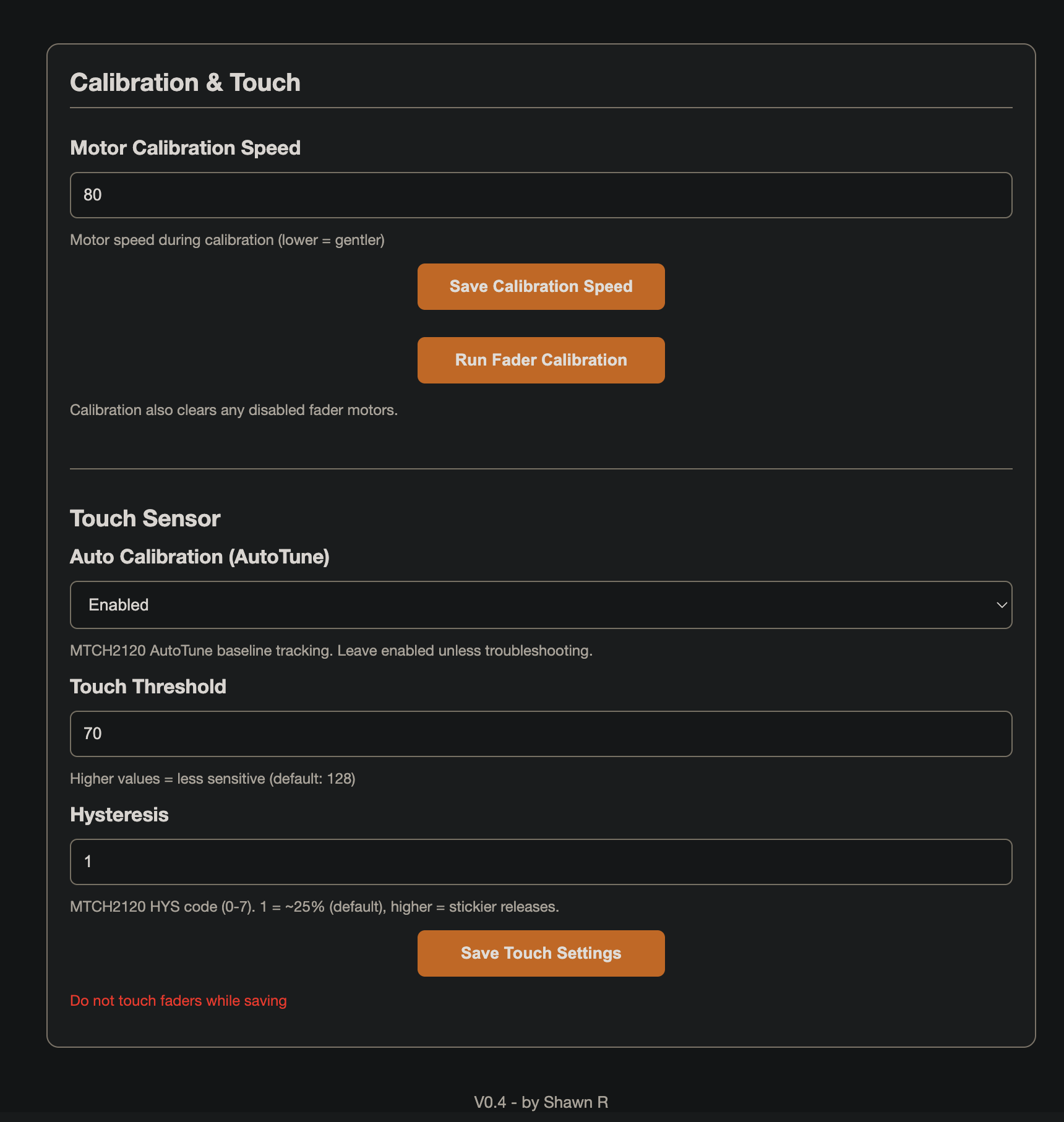
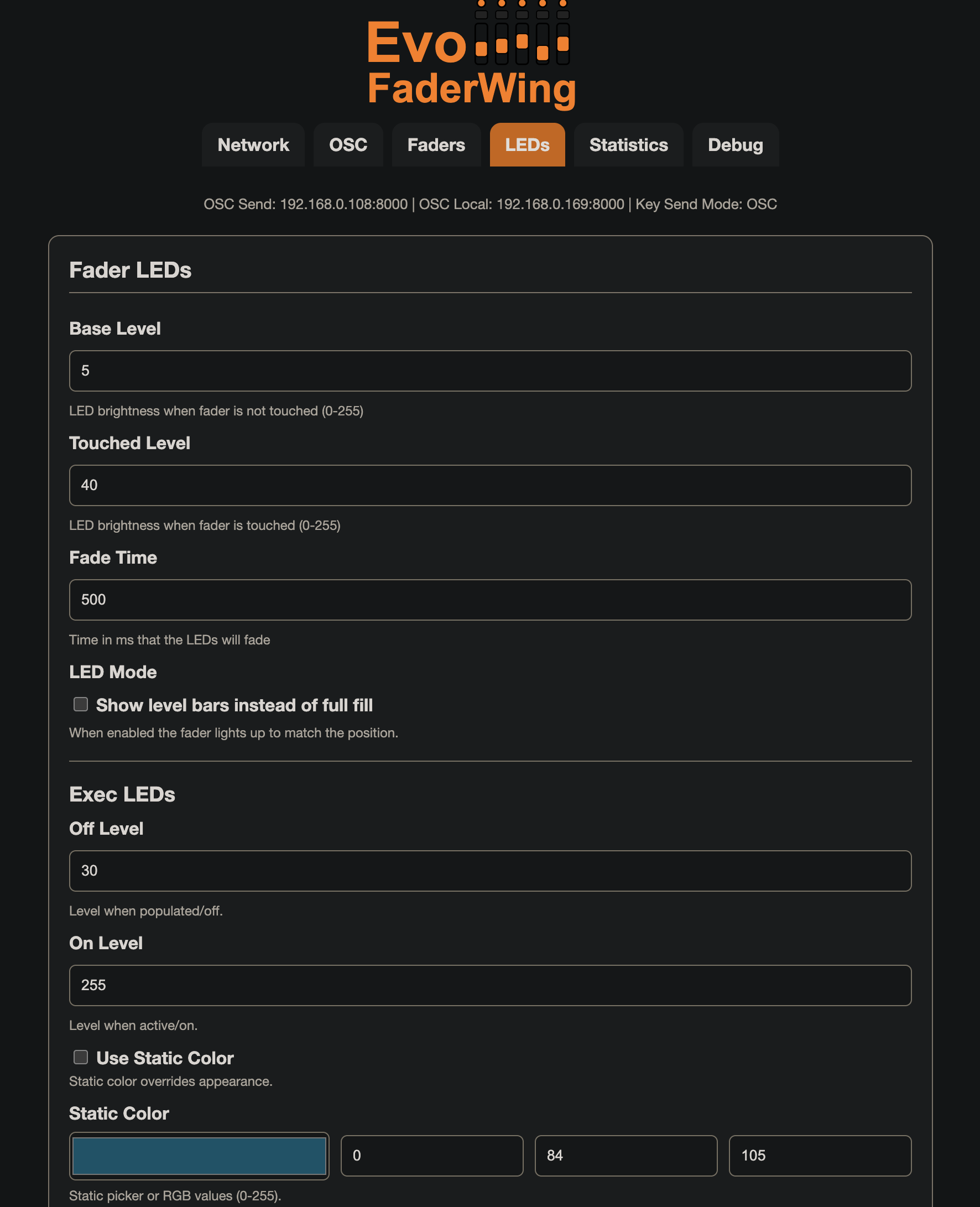
Web GUI
- Network Setup
- OSC Setup
- Faders
- Led Settings
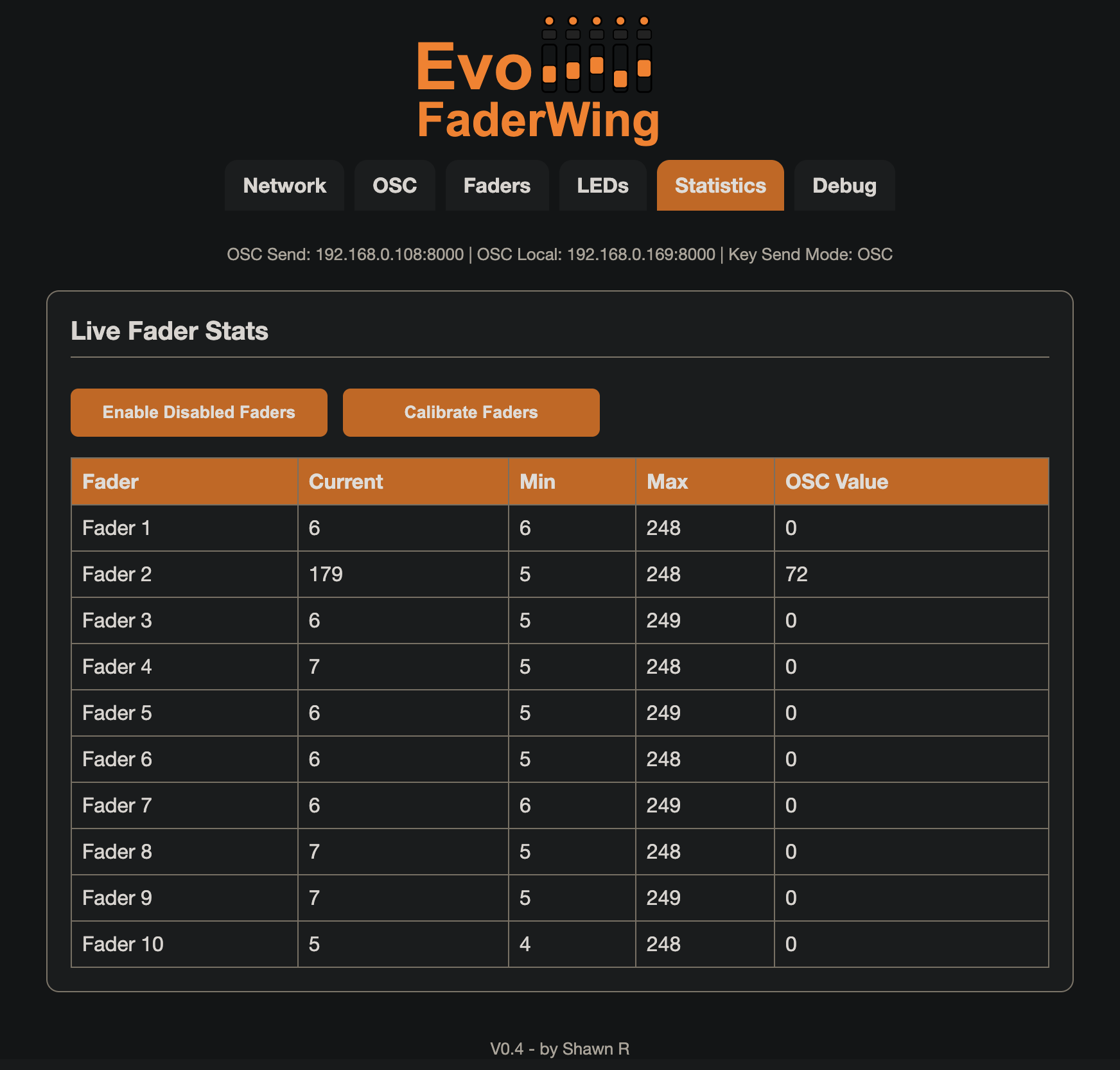
- Fader Stats
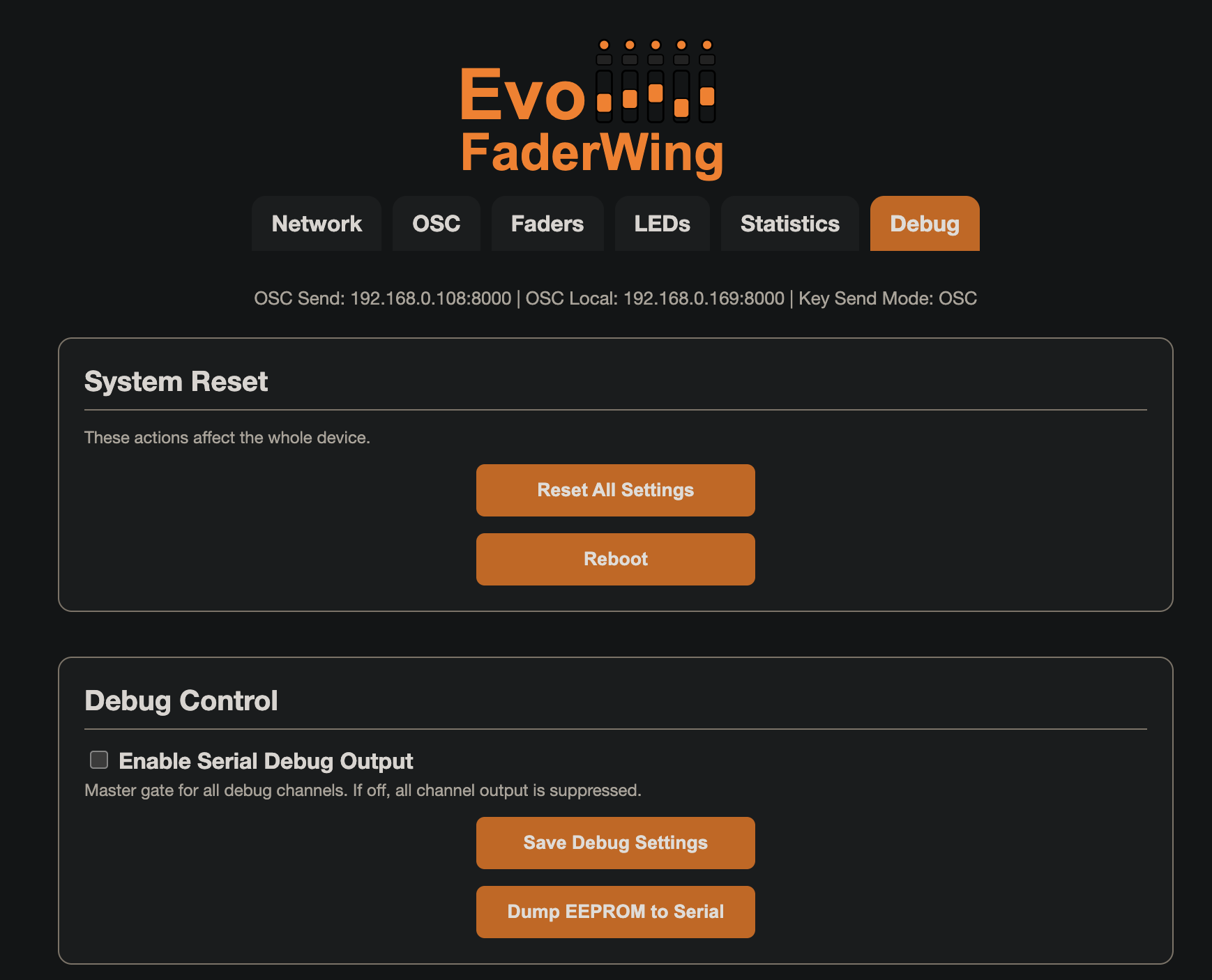
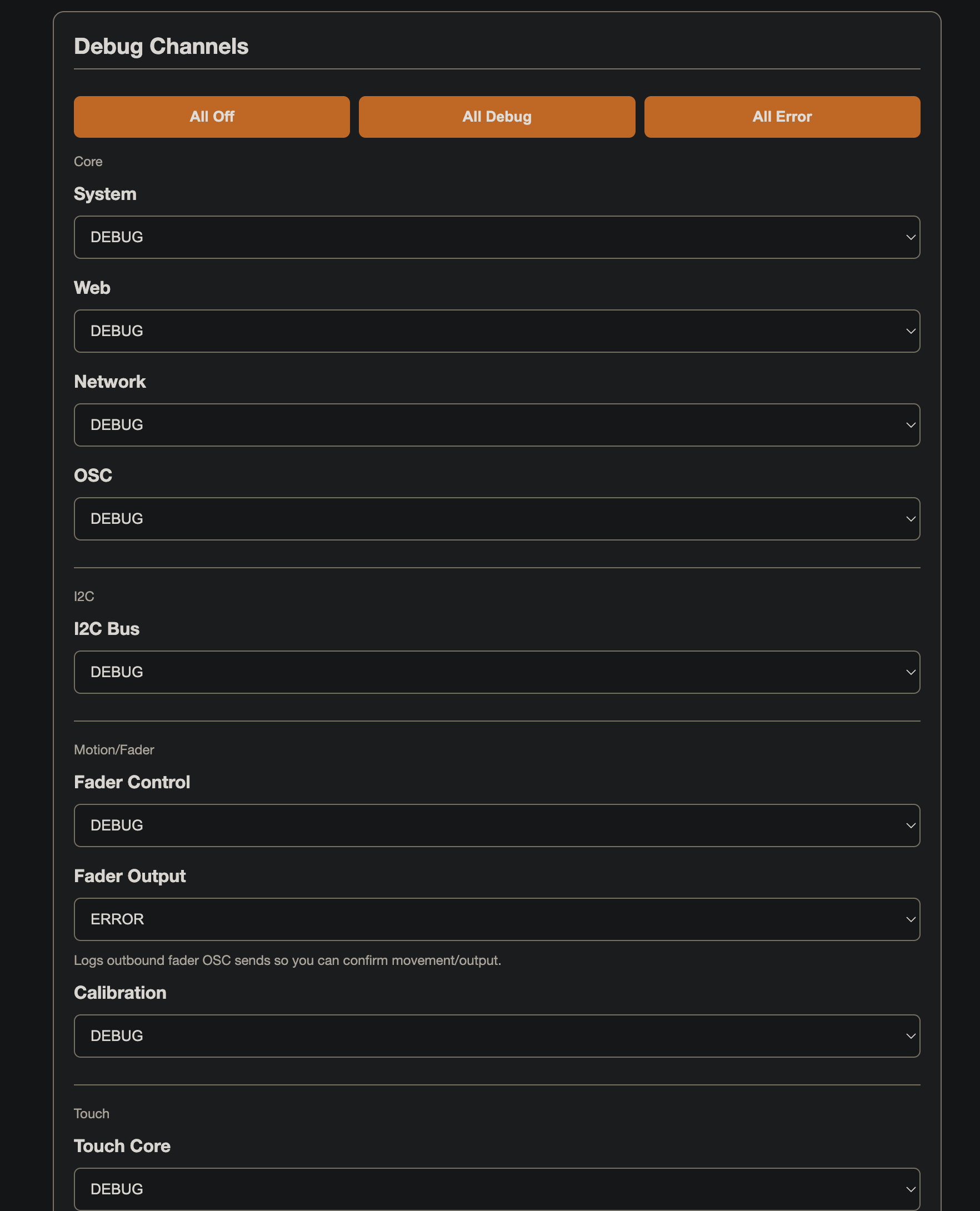
- Debug Settings
For a complete setup add EvoCmdWing

More to come. Thank you for checking out my project!
