
Kita
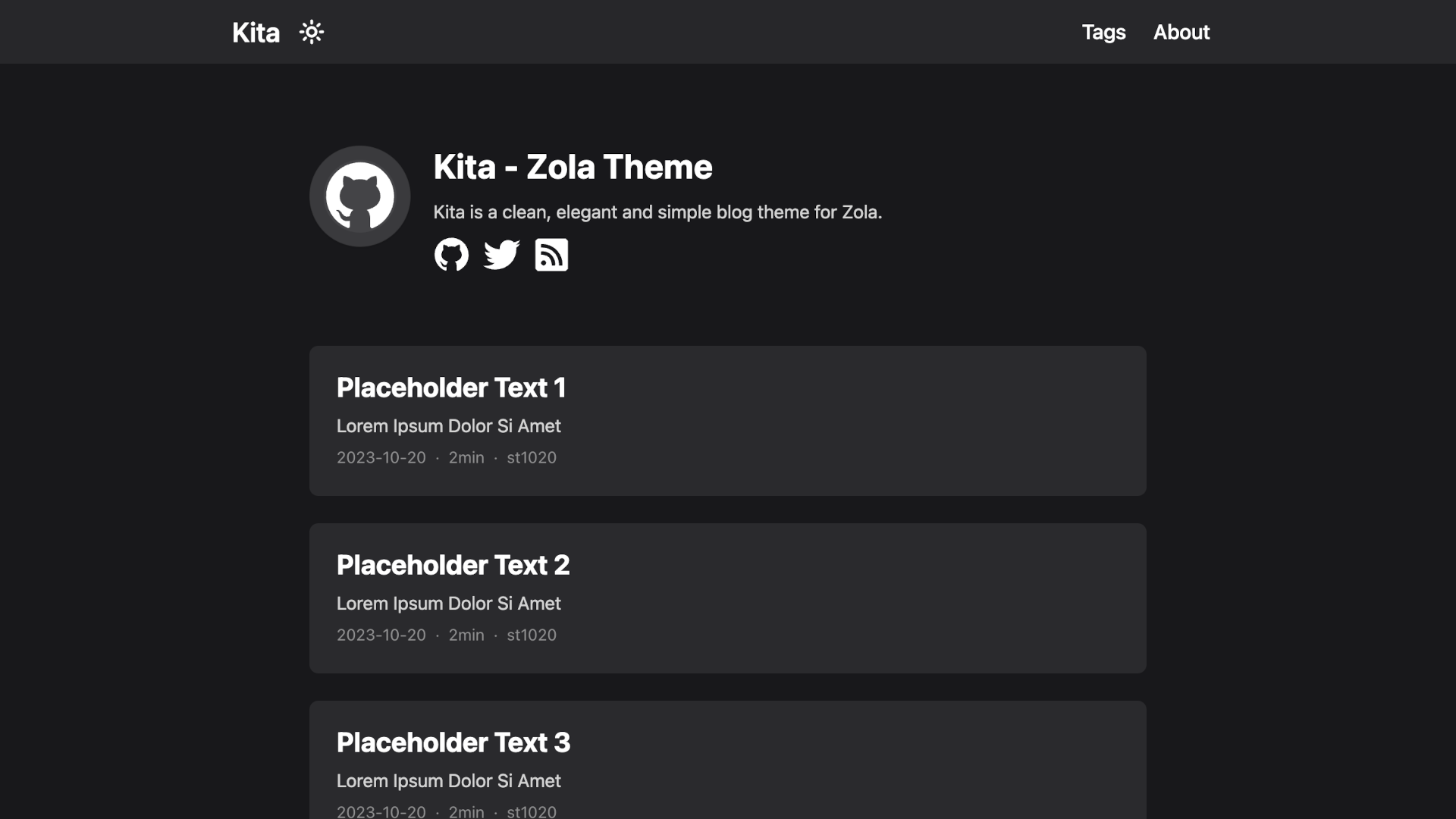
Kita is a clean, elegant and simple blog theme for Zola.
Install / Use
/learn @st1020/KitaREADME
Kita
Kita is a clean, elegant and simple blog theme for Zola.
This theme is based on Hugo theme hugo-paper with some features added.
Features
- Easy to use and modify
- No preset limits (This theme does not limit your content directory structure, taxonomy names, etc. It's applicable to all zola sites.)
- Inject support
- Dark mode
- Responsive design
- Social icons
- Taxonomies support
- Projects page
- Archive page
- Table of content & Floating side table of content
- Admonition shortcode
- SEO friendly
- Comments using Giscus
- Mathematical notations using KaTeX
- Diagrams and charts using Mermaid
Installation
The easiest way to install this theme is to clone this repository in the themes directory:
git clone https://github.com/st1020/kita.git themes/kita
Or to use it as a submodule:
git submodule add https://github.com/st1020/kita.git themes/kita
Then set kita as your theme in config.toml.
theme = "kita"
Configuration
See the extra section in config.toml as a example.
Inject support
You can easily use inject to add new features to your side without modifying the theme itself.
To use inject, you need to add some HTML files to the templates/injects directory.
The available inject points are: head, header_nav, body_start, body_end, page_start, page_end, footer, page_info.
For example, to load a custom script, you can add a templates/injects/head.html file:
<script src="js-file-path-or-cdn-url.js"></script>
License
Copyright (c) 2023-present, st1020
Related Skills
node-connect
344.1kDiagnose OpenClaw node connection and pairing failures for Android, iOS, and macOS companion apps
frontend-design
96.8kCreate distinctive, production-grade frontend interfaces with high design quality. Use this skill when the user asks to build web components, pages, or applications. Generates creative, polished code that avoids generic AI aesthetics.
openai-whisper-api
344.1kTranscribe audio via OpenAI Audio Transcriptions API (Whisper).
qqbot-media
344.1kQQBot 富媒体收发能力。使用 <qqmedia> 标签,系统根据文件扩展名自动识别类型(图片/语音/视频/文件)。
