
THREE.EquirectangularToCubemap
Convert an equirectangular panorama into a cubemap texture
Install / Use
/learn @spite/THREE.EquirectangularToCubemapREADME
THREE.EquirectangularToCubemap
Convert an equirectangular panorama into a cubemap texture
Here's a demo loading an equirectangular panorama and converting it to two different cubemaps: Demo
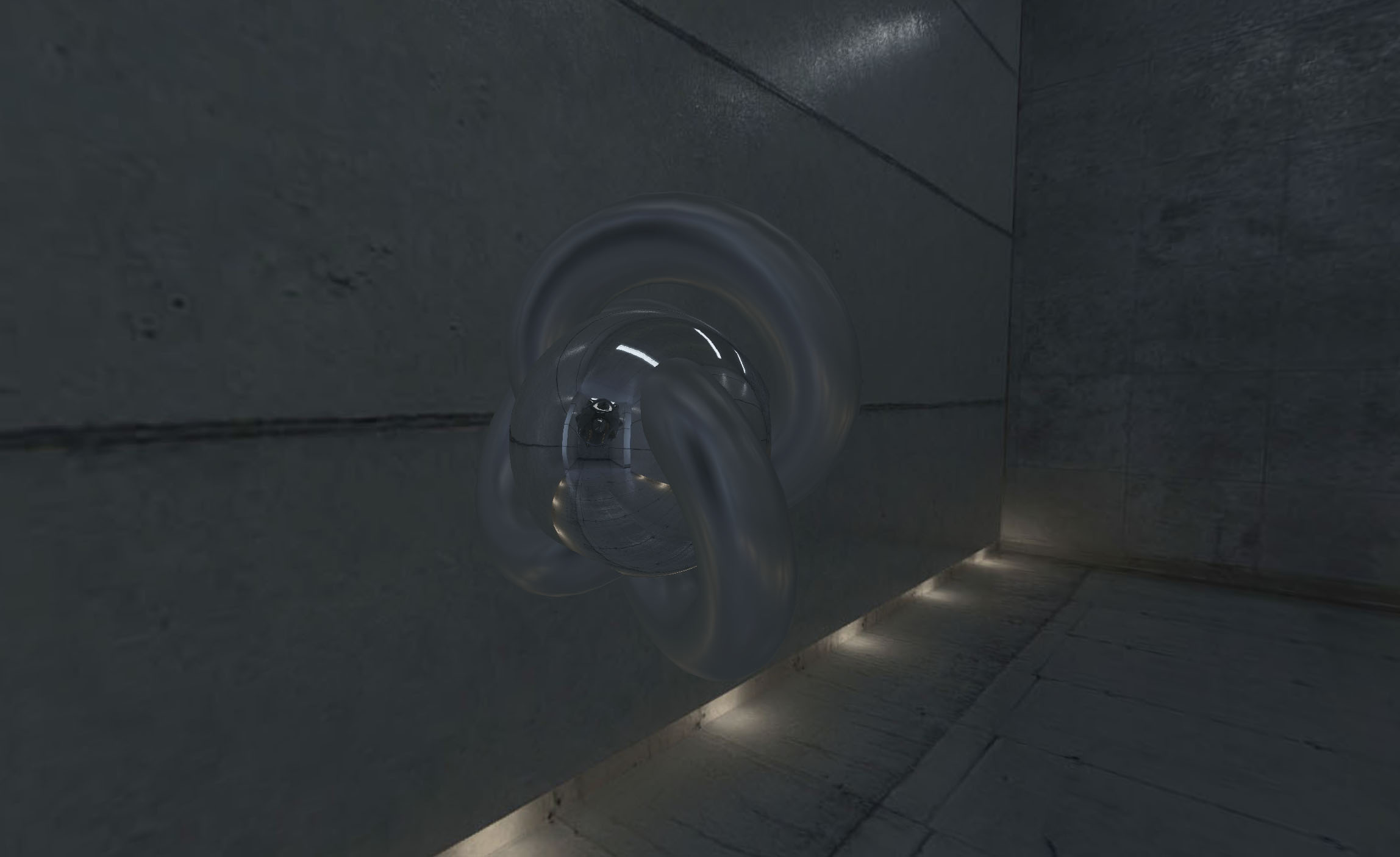
How to use
Include script after THREE is included
<script src="EquirectangularToCubemap.js"></script>
or use npm to install it
npm i three.equirectangular-to-cubemap
and include it in your code (don't forget to require three.js)
var THREE = require( 'three' );
var EquirectangularToCubemap = require( 'three.equirectangular-to-cubemap' );
Define a new instance of THREE.EquirectangularToCubemap and call .convert
// create your renderer, scene, etc.

renderer = new THREE.WebGLRenderer();

// load the image you want to convert

var loader = new THREE.TextureLoader();
loader.load( 'equirectangular-panorama.jpg', function( res ) {

  // once it's loaded, create the helper and use it

  var equiToCube = new EquirectangularToCubemap( renderer );

  // convert the image, in this case it's been used as environment map

  mesh = new THREE.Mesh(
    new THREE.TorusKnotGeometry( 10, 3, 100, 32 ),
    new THREE.MeshBasicMaterial( { envMap: equiToCube.convert( res, 1024 ) } )
  );
  scene.add( mesh );

} );
So .convert() accepts a texture as source and a number (power of two) as size (with and height) of the cube map.
THREE.EquirectangularToCubemap automatically checks for the maximum possible size for cube maps, and clamps the size provided (there seems to be a bug with Android, at least in Nexus 5 Android 6)
License
MIT licensed
Copyright (C) 2016 Jaume Sanchez Elias, http://www.clicktorelease.com
