
Sodalite
🪨 A Pantheon experience for rpm-ostree
Install / Use
/learn @sodaliterocks/SodaliteREADME
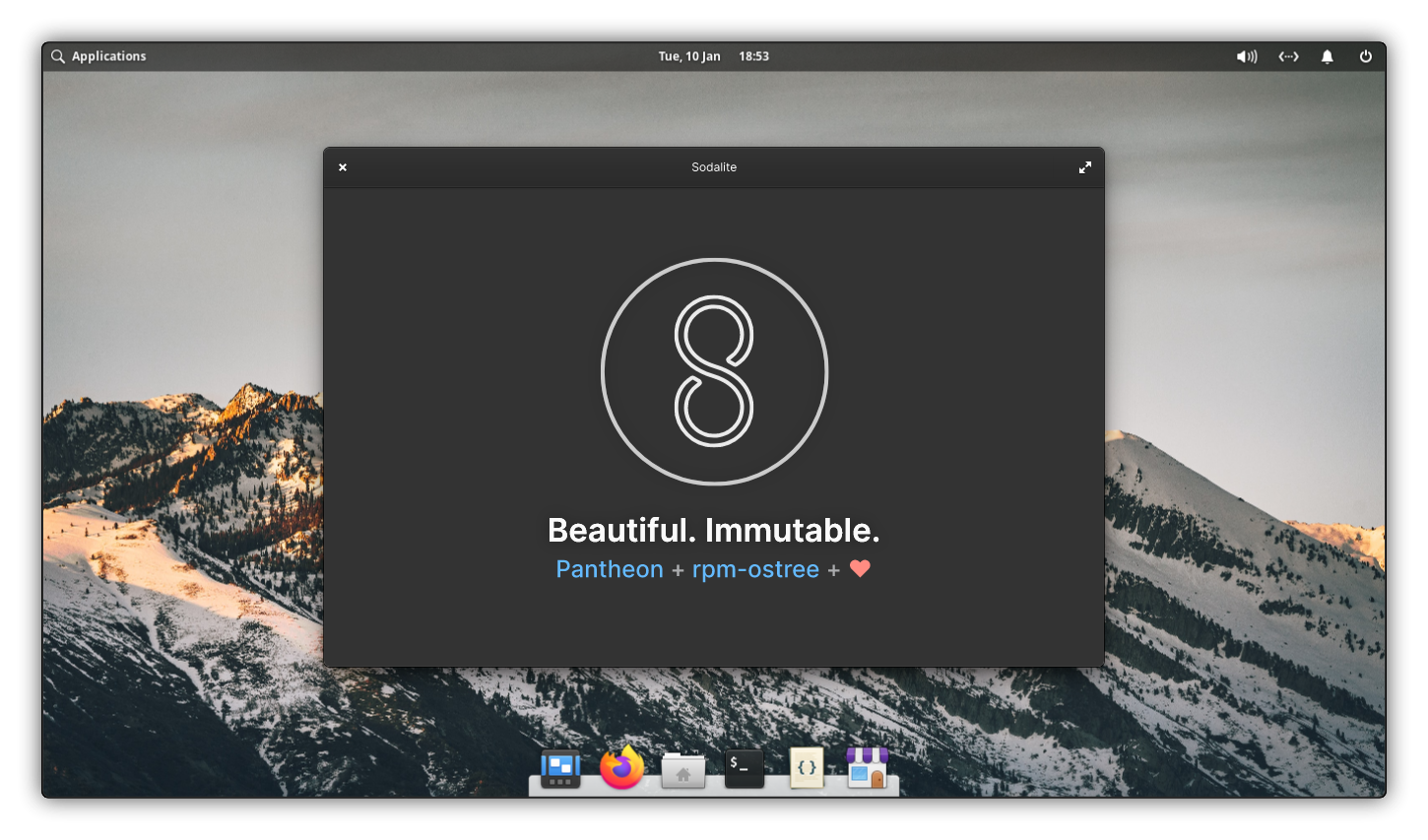
<h4 align="center"> Hmm, it's been X days since the last commit; is this still active? </h4> <p align="center"> <strong>Yes.</strong> </p> <p align="center"> Despite a <em>very</em> active commit history, Sodalite is fairly self-sustaining these days — mostly thanks to the awesome people at <a href="https://fyralabs.com">Fyra Labs</a> — and thus the repository will go months without any activity. This does not mean the project is abandoned, especially since <a href="https://github.com/electricduck">its developer</a> uses it as their main OS. Regardless of repository activity, updates are built twice every week from the repository: logs are available at <a href="https://github.com/sodaliterocks/sodalite/actions">Actions</a>. </p> <p align="center"> Psst! We're on <a href="https://t.me/sodalitechat">Telegram</a> too. While you're free to use <a href="https://github.com/sodaliterocks/sodalite/discussions">Discussions</a>, the majority of the discussion relating to this project will happen over on Telegram. </p>
🎉 Installing
As rpm-ostree is an ever-evolving technology, and ISO installs are currently a low priority, ISOs are currently not available. An existing rpm-ostree-based OS, such as Fedora Silverblue, is required: this OS will be used to "rebase" to Sodalite.
- Install an rpm-ostree-based version of Fedora, such as Fedora Silverblue, or use an already-existing install
- Fire up a terminal and issue these commands:
sudo ostree remote add --if-not-exists sodalite https://ostree.sodalite.rocks --no-gpg-verifysudo ostree pull sodalite:sodalite/current/x86_64/desktop*sudo rpm-ostree rebase sodalite:sodalite/current/x86_64/desktop
- Stick the kettle on and make yourself a cuppa. It'll take a while
- Reboot when prompted. Use it, enjoy it, make something cool with it, (try to) break it — submit a ticket if you do!
* There are multiple branches available; see Branches.
Branches
Several branches (or images) of Sodalite co-exist and are developed side-by-side; these are distinguished by their ref — like any other rpm-ostree distro — where sodalite/<version>/<arch>/<edition>:
Current
|<version>|<arch>|<edition>|Release|Base|Status|
|-|-|-|-|-|-|
|current|x86_64|desktop|6 Kutai |Fedora 39|
Long
|<version>|<arch>|<edition>|Release|Base|Status|
|-|-|-|-|-|-|
|long-6|x86_64|desktop|6 Kutai (Long)|Fedora 39|
Unlike Current (
current), these branches do not update to the current major release: updates will stop the same day as the base Fedora version. Only use these if necessary (i.e. problematic drivers requiring certain versions, critical systems, etc.)
Next
|<version>|<arch>|<edition>|Release|Base|Status|
|-|-|-|-|-|-|
|next|x86_64|desktop|6 Kutai (Next) |Fedora 39|
next|x86_64|desktop-gnome|7.0rc3 GNOME (Next) |Fedora 40|
Early versions of upcoming releases. Unstable. Here be dragons. Abandon all hope. You know the drill.
This may sometimes be at the same version as Current (
current), but be aware you'll be bumped to an upcoming release without warning if/when released to this branch.
Versioning
(Todo)
🔄 Updating
Performing a system update can be done by either:
- Running
sudo rpm-ostree upgradein a shell - Opening Software, selecting Updates from the headerbar, and pressing Update All
- As Software runs in the background and periodically checks for updates, you may also receive a notification of a new update; clicking on this opens the appropriate page
- An update for the OS may take a while to appear in Software (which will appear as "Operating System Updates"), so the above method is preferred
Reboot after either method has finished. You can verify the version installed by opening System Settings and navigating to System ➔ Operating System: the version proceeds the word "Sodalite"
If something breaks, you can rollback by running sudo rpm-ostree rollback at a terminal. Remember to also create a new issue if appropriate!
Update Schedule
Updates are built on the build server commencing 4:00 GMT/±0 (22:00 CST/-6) every Wednesday and Saturday.
"Long-term" Branches
If you chose to use a "long-term" branch (see <a href="#branches">Branches</a> above), you will need to rebase whenever the Sodalite version reaches end-of-life. This can be done with sudo rpm-ostree rebase sodalite:sodalite/<version>/<arch>/<edition>, where <version> is the version you're wanting to rebase to and other values are your current values.
It's vital you carry out this process as updates stop the day the base version reaches end-of-life (at the same time as the base Fedora Linux version) and you will be left without updates to vital system components.
🏗️ Building
1. Prerequisites
Software
Containerized (with --container/-c)
Running in a container is the preferred way of building Sodalite
- Linux
- Podman
- To use Docker instead, pass
--ex-use-docker. Running in Docker is entirely untested and experimental!
- To use Docker instead, pass
- Bash
- Git LFS
- As well as including pretty wallpapers, the LFS also includes vital binaries that Sodalite needs to work properly, so don't miss installing this!
- Unsure if you have LFS support? Tpe
git lfs: a help output prints if installed
OS-level
If you don't have Podman, or are having issues with running in a container, you can try running on the host itself
- Fedora Linux (or other Fedora-based/compatible distros)
- rpm-ostree
- On most Fedora-based distros, this can be installed with
dnf install rpm-ostree
- On most Fedora-based distros, this can be installed with
- Bash
- Git LFS
- As well as including pretty wallpapers, the LFS also includes vital binaries that Sodalite needs to work properly, so don't miss installing this!
- Unsure if you have LFS support? Tpe
git lfs: a help output prints if installed
Environment
- Permission to
sudo- Do not run
sudo ./build.sh: the script will ask for permission when it needs it - Whether or not you run containerized, you must have access to
sudo
- Do not run
- >10GiB disk space
- The repository itself (including submodules) takes up ~300MiB
- Initial builds will take up ~4GiB, with subsequent builds adding to this
- Unlimited Internet
- The build process caches a lot of Fedora packages (around 2.5GiB), so think carefully about doing this on mobile broadband or any other service that imposes a small data allowance on you
- An rpm-ostree-based distro, such as such as Fedora Silverblue — on either a virtual machine, another physical machine, or your current install (careful!) — to test builds on
- A cuppa (optional) — this can take a while
2. Getting
git clone https://github.com/sodaliterocks/sodalite.git
cd sodalite
git submodule sync
git submodule update --init --recursive
Future Pulls
When updating in the future, don't forget to update submodules with:
git submodule update --recursive
Do not use git submodule foreach git pull: this blindly updates all submodules to their latest version, not the commit this parent repo has checked out. This is important for some submodules that are checked out at specific tags/commits (such as `./lib/sodaliterocks.firefox
Related Skills
node-connect
337.4kDiagnose OpenClaw node connection and pairing failures for Android, iOS, and macOS companion apps
frontend-design
83.2kCreate distinctive, production-grade frontend interfaces with high design quality. Use this skill when the user asks to build web components, pages, or applications. Generates creative, polished code that avoids generic AI aesthetics.
openai-whisper-api
337.4kTranscribe audio via OpenAI Audio Transcriptions API (Whisper).
commit-push-pr
83.2kCommit, push, and open a PR
