
RoboWare
An easy place to install roboware
Install / Use
/learn @sgzuccaro/RoboWareREADME
RoboWare
Roboware is an open source IDE designed for use with ROS (Robot Operating System). This Repo is a simplified replication of https://github.com/TonyRobotics/RoboWare to make it easier for beginners to install it on their computers.
Installation
Note: This tutorial works for Ubuntu 64 bit (typical install)
- Clone this Repo into any user privilaged directory (i.e. Dowloads, Home, or Desktop folder)
git clone https://github.com/sgzuccaro/RoboWare.git
- You should now have a folder called RoboWare in your chosen directoy. Navigate inside this directory and Install the .deb file
cd RoboWare
sudo dpkg -i roboware-studio_1.2.0-1524709819_amd64.deb
- You will be prompted with a license agreement page as seen below.
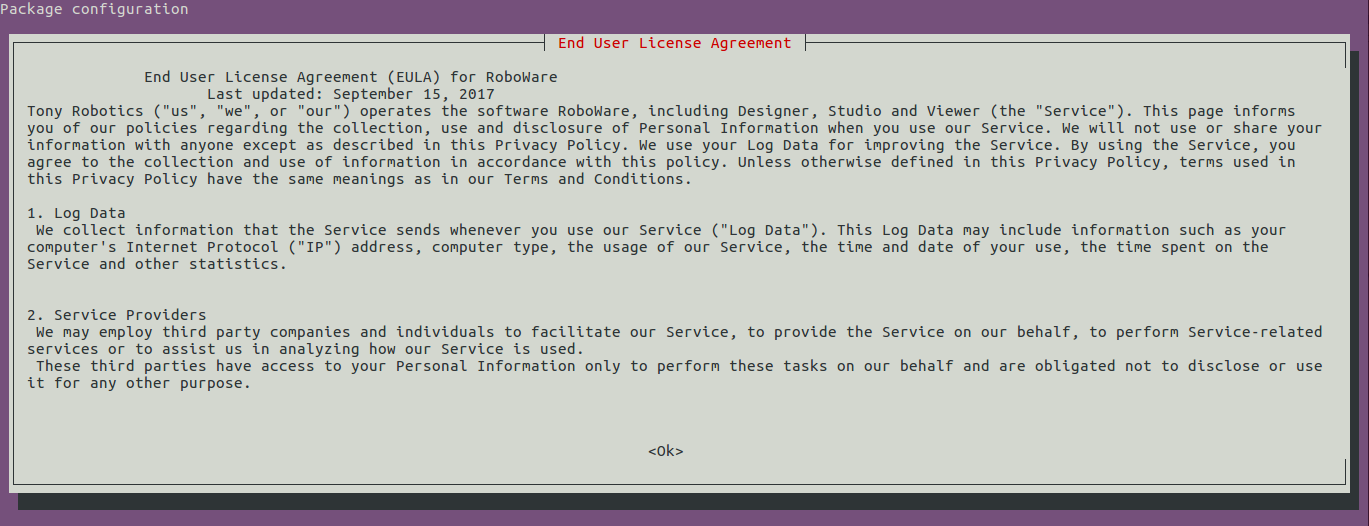
Push the Right arrow on your keyboard to select 'Ok' and then press enter. Then press enter again to confirm 'Yes' on the next dialog box.
- The installation is now complete. You can find Roboware by searching for "roboware" it in the application toolbar.
View on GitHub55/100

Security Score
Audited on Nov 3, 2022
No findings