<p align="center">
<img src="https://get-deck.com/wp-content/uploads/2022/01/app-logo.png" alt="Deck logo" height="100"/>
</p>
<h2 align="center">Modern & extendable local web development studio</h3>
DECK is powerful and high performant local web development studio unlike any other, install & try out more than 40+ open source stacks ☀️
- A local web development studio to spin up almost any development environment effortlessly
- Seamless GUI to create & manage multiple development environments
- Cross-platform. It runs on macOS, Windows & Ubuntu
- Automatic HTTPS, powered by LetsEncrypt
- Test your code by switching multiple PHP, Nodejs, Apache, Nginx versions
- A free & open-source marketplace to install, share local development environments
- It is highly extensible by modifying Docker & docker-compose files
- Create your own Docker projects as custom dev environment
- Native support for Docker, doesn't require Docker Desktop app
Roadmap 🌱🌱🌱
- Live reload for PHP, Javascript apps
- Automatic sync with remote server using rsync
- Share projects previews as public URLs
- 🚀 Deploy projects to AWS, Google cloud & DigitalOcean
<p align="center"><strong>Download DECK</strong></p>
<p align="center">
<a href="https://get-deck.com/download-macos/">macOS</a> / <a href="https://get-deck.com/download-ubuntu/">Ubuntu</a> / <a href="https://get-deck.com/download-windows/">Windows</a>
</p>
<p align="center">
<a href="https://github.com/sfx101/docker-stacks/issues"><img alt="GitHub issues" src="https://img.shields.io/github/issues/sfx101/docker-stacks?style=for-the-badge"></a>
<a href="https://github.com/sfx101/docker-stacks/stargazers"><img alt="GitHub stars" src="https://img.shields.io/github/stars/sfx101/docker-stacks?style=for-the-badge"></a>
<img alt="GitHub all releases" src="https://img.shields.io/github/downloads/sfx101/docker-stacks/total?style=for-the-badge">
<a href="https://github.com/sfx101/docker-stacks/blob/master/LICENSE"><img alt="GitHub license" src="https://img.shields.io/github/license/sfx101/docker-stacks?style=for-the-badge"></a>
</p>
<p align="center">
<img alt="GitHub Workflow Status" src="https://github.com/deck-app/lamp-stack/actions/workflows/docker-image.yml/badge.svg"> <img alt="GitHub Workflow Status" src="https://github.com/deck-app/lemp-stack/actions/workflows/docker-image.yml/badge.svg"> <img alt="GitHub Workflow Status" src="https://github.com/deck-app/nginx-stack/actions/workflows/docker-image.yml/badge.svg"> <img alt="GitHub Workflow Status" src="https://github.com/deck-app/apache-stack/actions/workflows/docker-image.yml/badge.svg"> <img alt="GitHub Workflow Status" src="https://github.com/deck-app/laravel/actions/workflows/docker-image.yml/badge.svg"> <img alt="GitHub Workflow Status" src="https://github.com/deck-app/Wordpress/actions/workflows/docker-image.yml/badge.svg"> <img alt="GitHub Workflow Status" src="https://github.com/deck-app/mysql/actions/workflows/docker-image.yml/badge.svg"> <img alt="GitHub Workflow Status" src="https://github.com/deck-app/mongodb/actions/workflows/docker-image.yml/badge.svg">
</p>
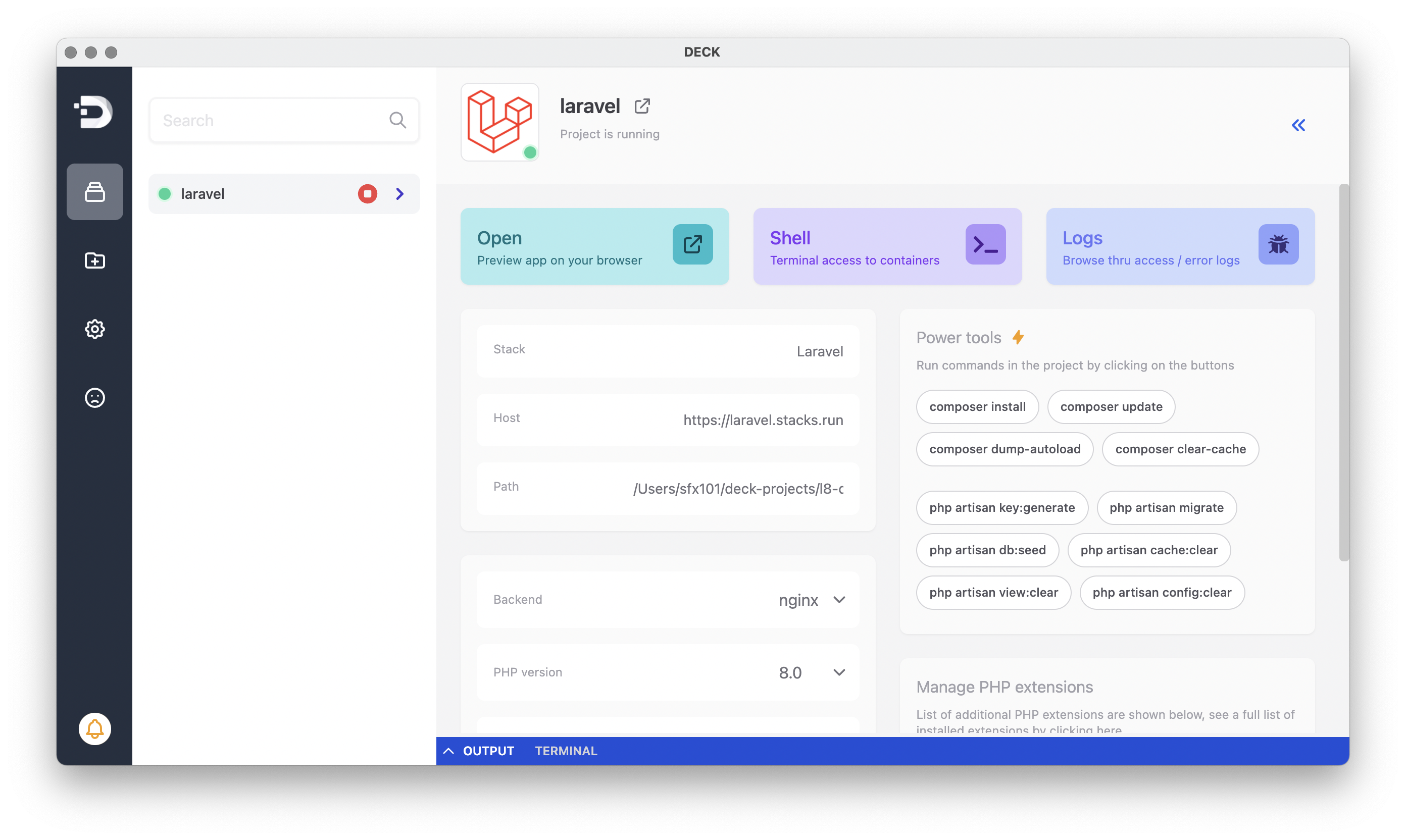
Automatic HTTPS
DECK's inbuilt SSL engine powered by LetsEncrypt and a supercharged proxy layer enables full HTTPS on localhost apps.
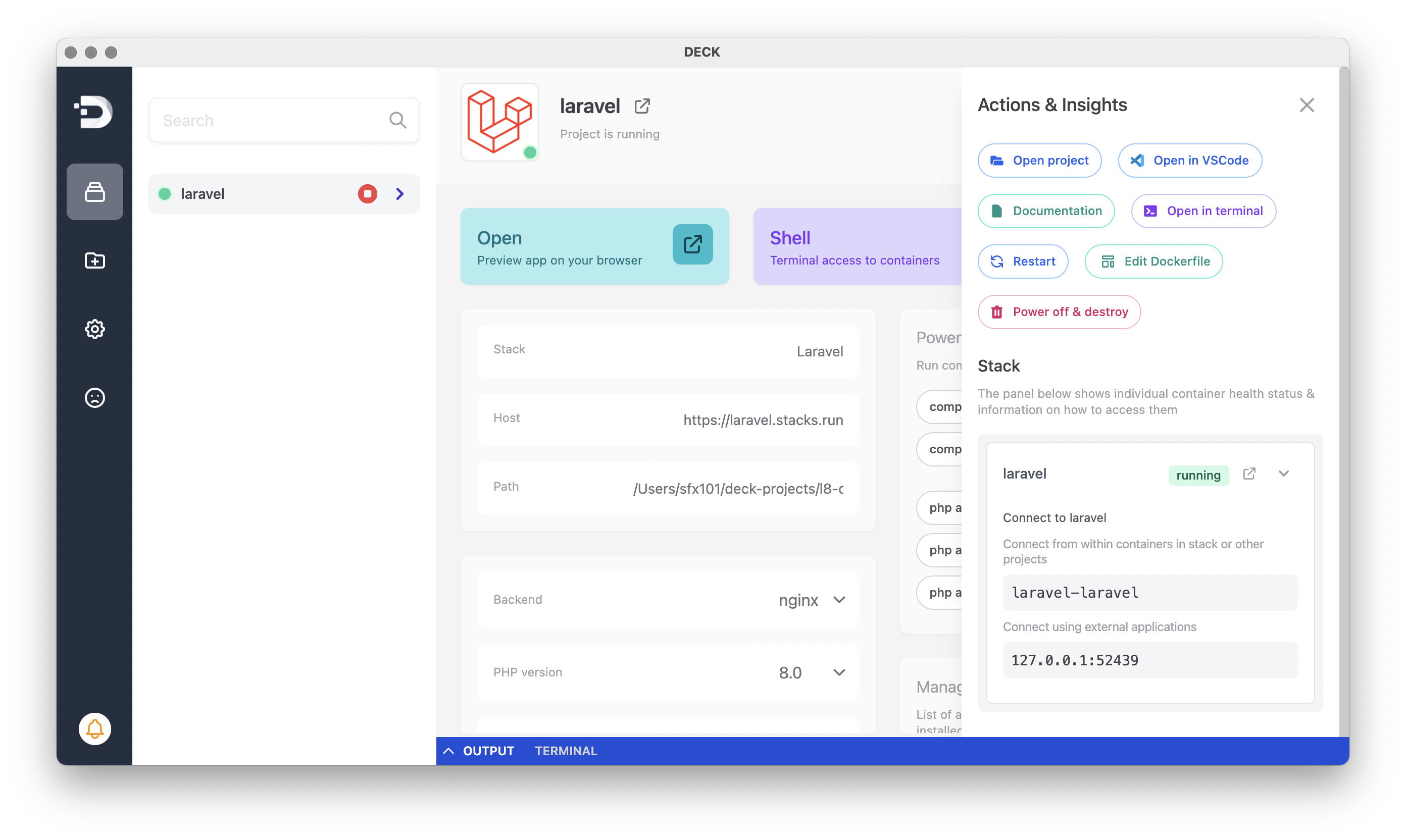
Unlimited projects, multiple server configurations
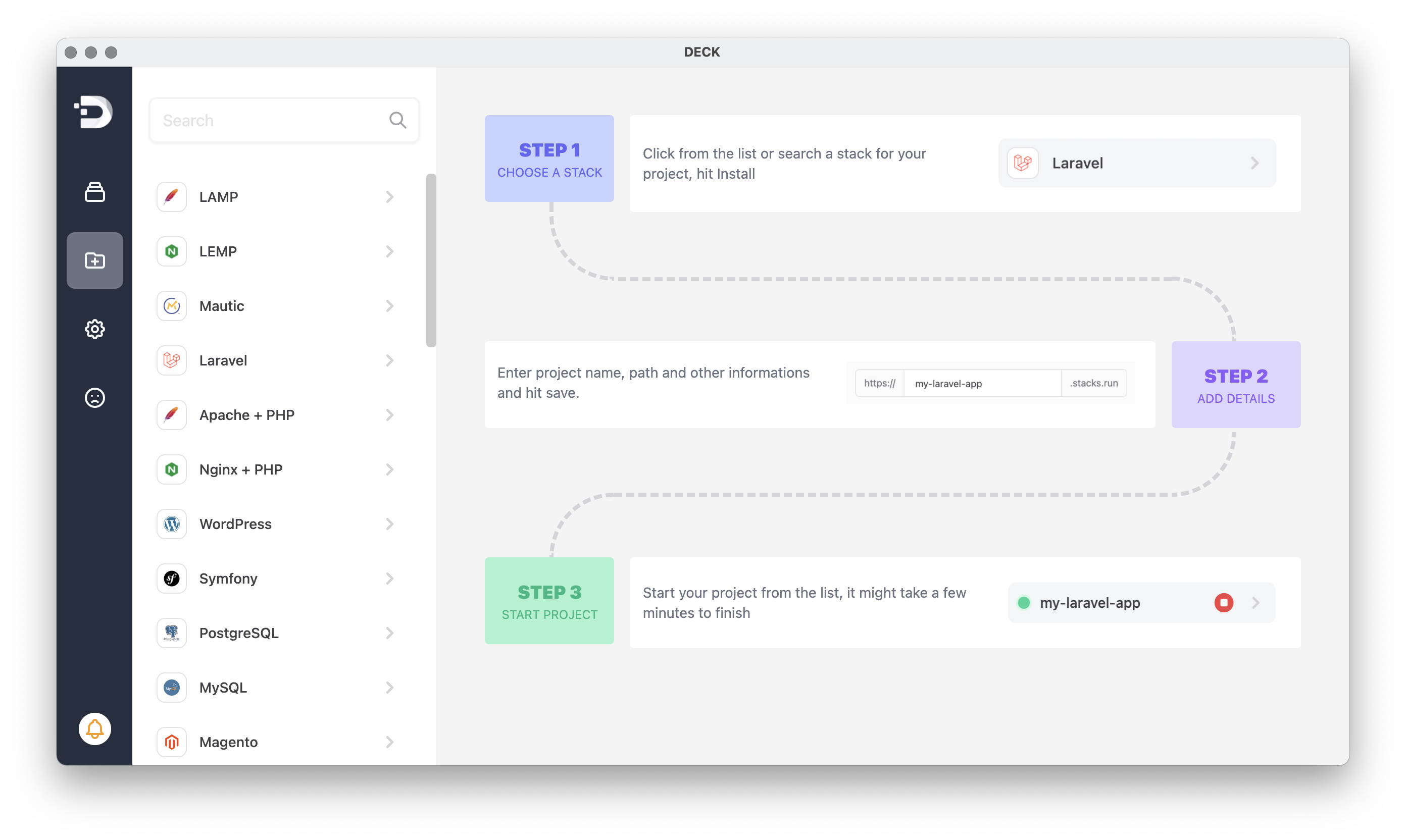
Create any number of development environments right from your localhost. DECK's integrated marketplace lets you spin up stacks with just a click of a button. Popular web technologies such as LAMP, LEMP, MERN, MEAN, Laravel, Symfony, WordPress, Magento & many more are available out of the box
Built-in Log output and Terminal
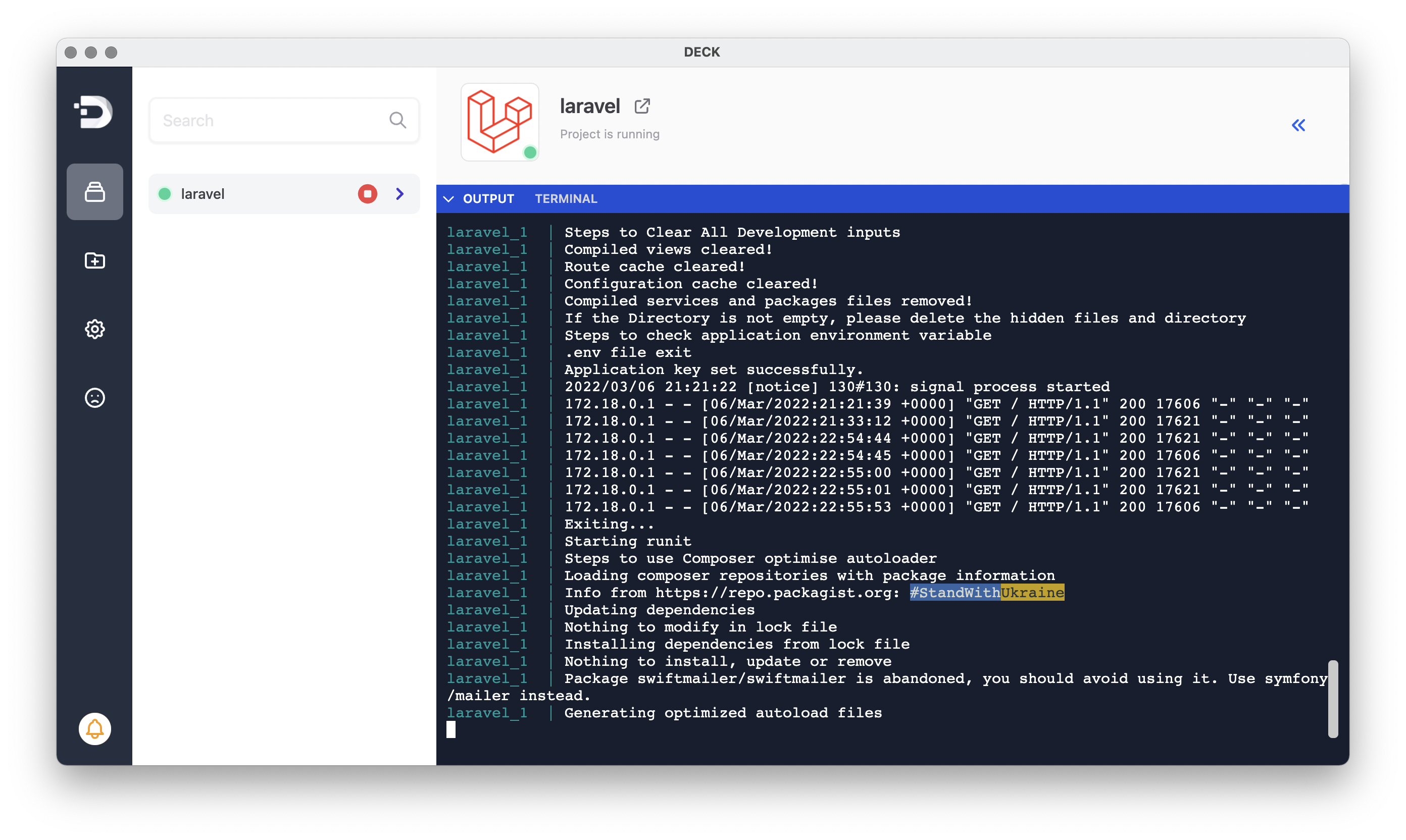
See real-time logs from your projects, access terminal to run shell commands, composer or npm
Native support for Docker without Docker Desktop
DECK has NO dependency on Docker Desktop app to run Docker containers. It just works out of the box with native support for Docker powered by Multipass on macOS & WSL 2 on Windows
Downloads
See a full list of downloads here: https://github.com/sfx101/deck/releases
Get started
1. Creating a project
2. Viewing project logs
3. Accessing project shell
Documentation
https://getdeck.io/docs/

