
InspiredGitHub.tmtheme
A color scheme for Sublime Text 3.
Install / Use
/learn @sethlopez/InspiredGitHub.tmthemeREADME
Inspired GitHub Color Scheme
This theme is not actively maintained, but PRs are still accepted.
Inspired GitHub is a color scheme for Sublime Text 3. It is, obviously, heavily inspired by the syntax highlighting found on GitHub, and not an exact representation. For readability, I've slightly cut down on the amount of color in the highlighting and I've introduced bolding for certain things, such as keywords.
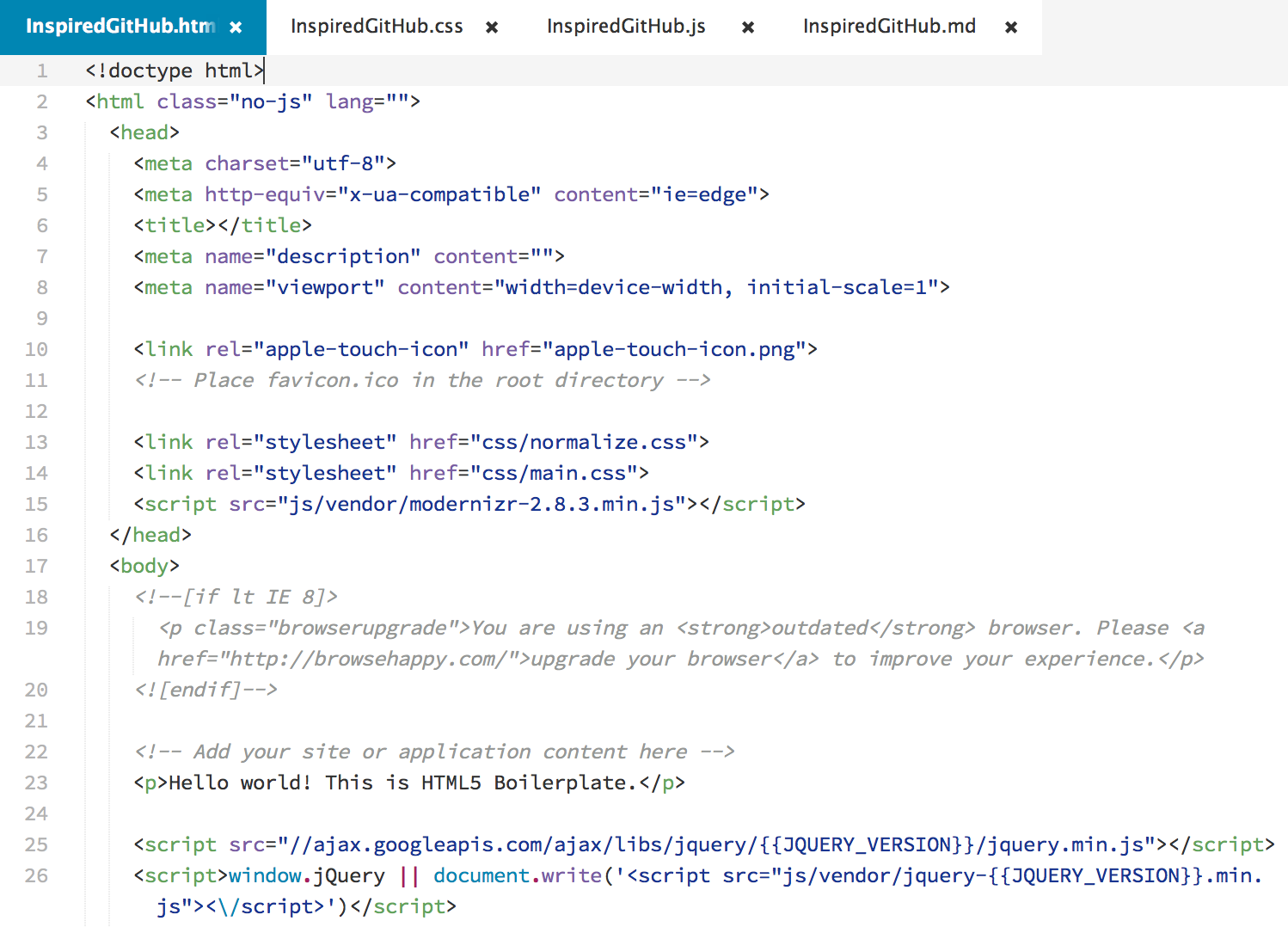
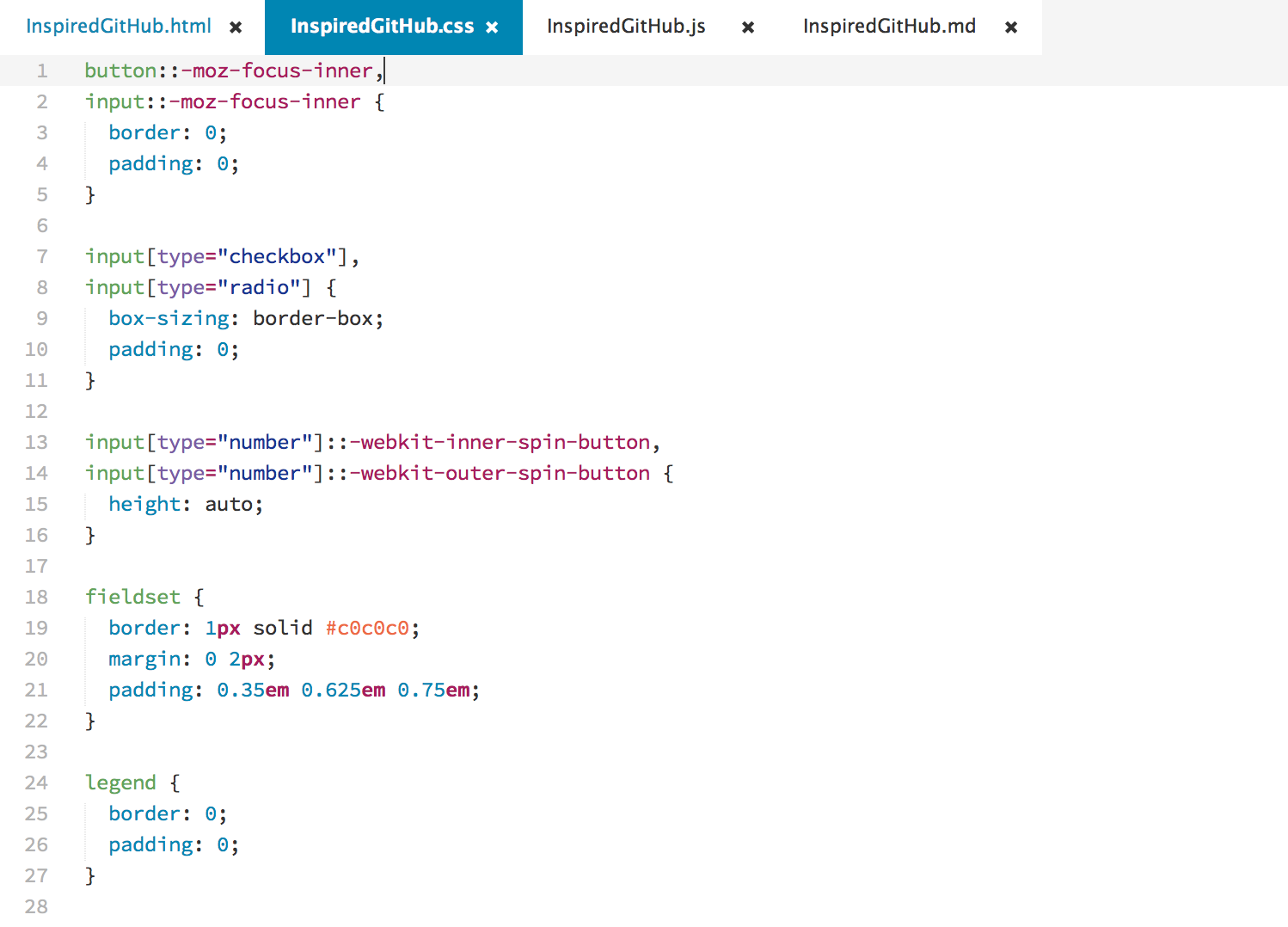
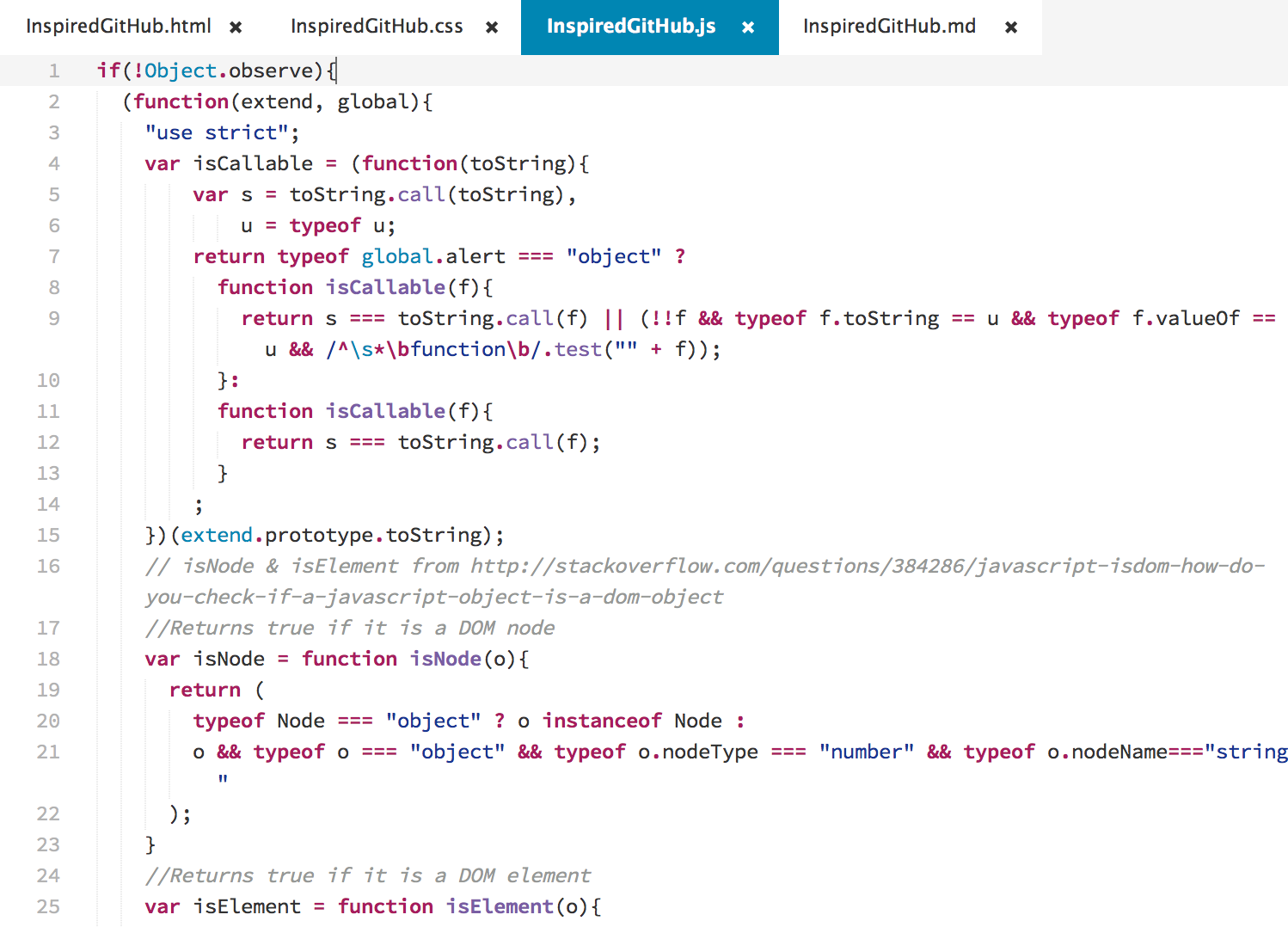
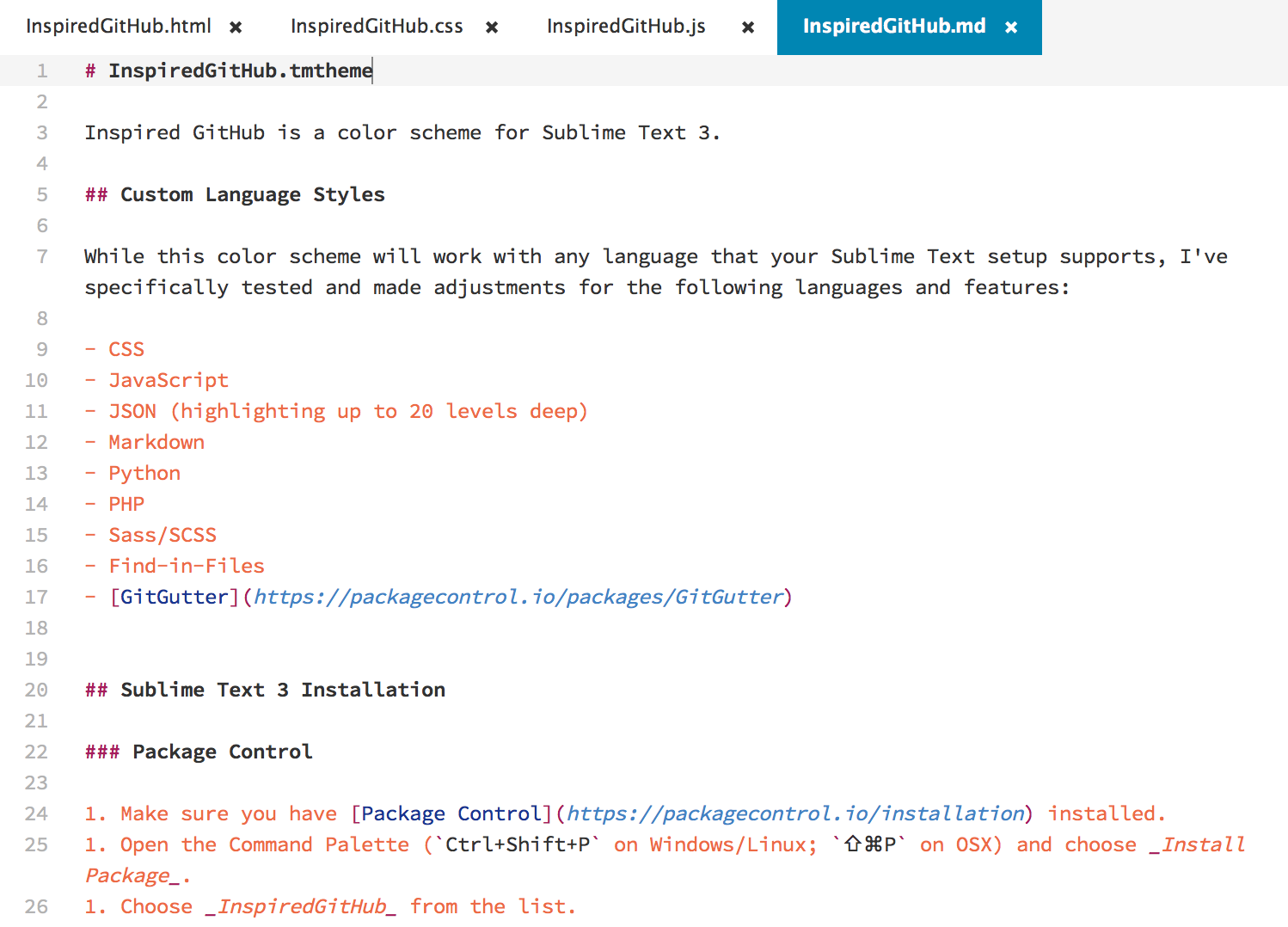
Screenshots
HTML
CSS
JavaScript
Markdown
Supported Languages
While this color scheme will work with any language that your Sublime Text installation supports, I've specifically tested and made adjustments for the following languages and features:
- CSS
- JavaScript
- JSON (highlighting up to 20 levels deep)
- Markdown
- Python
- PHP
- Ruby
- Sass/SCSS
- Diffs
- Find-in-Files
- GitGutter
Sublime Text 3 Installation
Package Control
- Make sure you have Package Control installed.
- Open the Command Palette (
Ctrl+Shift+Pon Windows/Linux;⌘⇧Pon OSX) and choose Install Package. - Choose Inspired GitHub Color Scheme from the list.
- Update the
color_schemesetting in your User Preferences to the path of the new theme.
Manual
- Download the InspiredGitHub.tmTheme file from GitHub.
- In Sublime Text, open the Command Palette (
Ctrl+Shift+Pon Windows/Linux;⇧⌘Pon OSX) and choose Browse Packages. - Place the InspiredGitHub.tmTheme file in the
Packagesdirectory. - Update the
color_schemesetting in your User Preferences to the path of the new theme.
About
Created by Seth Lopez. Copyright 2015. MIT Licensed.
Related Skills
node-connect
351.8kDiagnose OpenClaw node connection and pairing failures for Android, iOS, and macOS companion apps
frontend-design
110.9kCreate distinctive, production-grade frontend interfaces with high design quality. Use this skill when the user asks to build web components, pages, or applications. Generates creative, polished code that avoids generic AI aesthetics.
openai-whisper-api
351.8kTranscribe audio via OpenAI Audio Transcriptions API (Whisper).
qqbot-media
351.8kQQBot 富媒体收发能力。使用 <qqmedia> 标签,系统根据文件扩展名自动识别类型(图片/语音/视频/文件)。

Security Score
Audited on Mar 3, 2026