
Yart
RMarkdown Template for writing PDF reports
Install / Use
/learn @sebastiansauer/YartREADME


Yart: Yet another markdown report template
What is Yart?
It would be useful to have a RMarkdown template for typical (academic) reports such as class assignments and bachelor/master thesises. The LaTeX class "report" provides a suitable format for that. This package provides a simple wrapper around this class built on the standard pandoc template.
This package leans on earlier work by Aaron Wolen in his pandoc-letter repository, and extends it for use from R via the rmarkdown package. The structure of this package is heavily inspired by Dirk Eddelbuettel's nice template package linl.
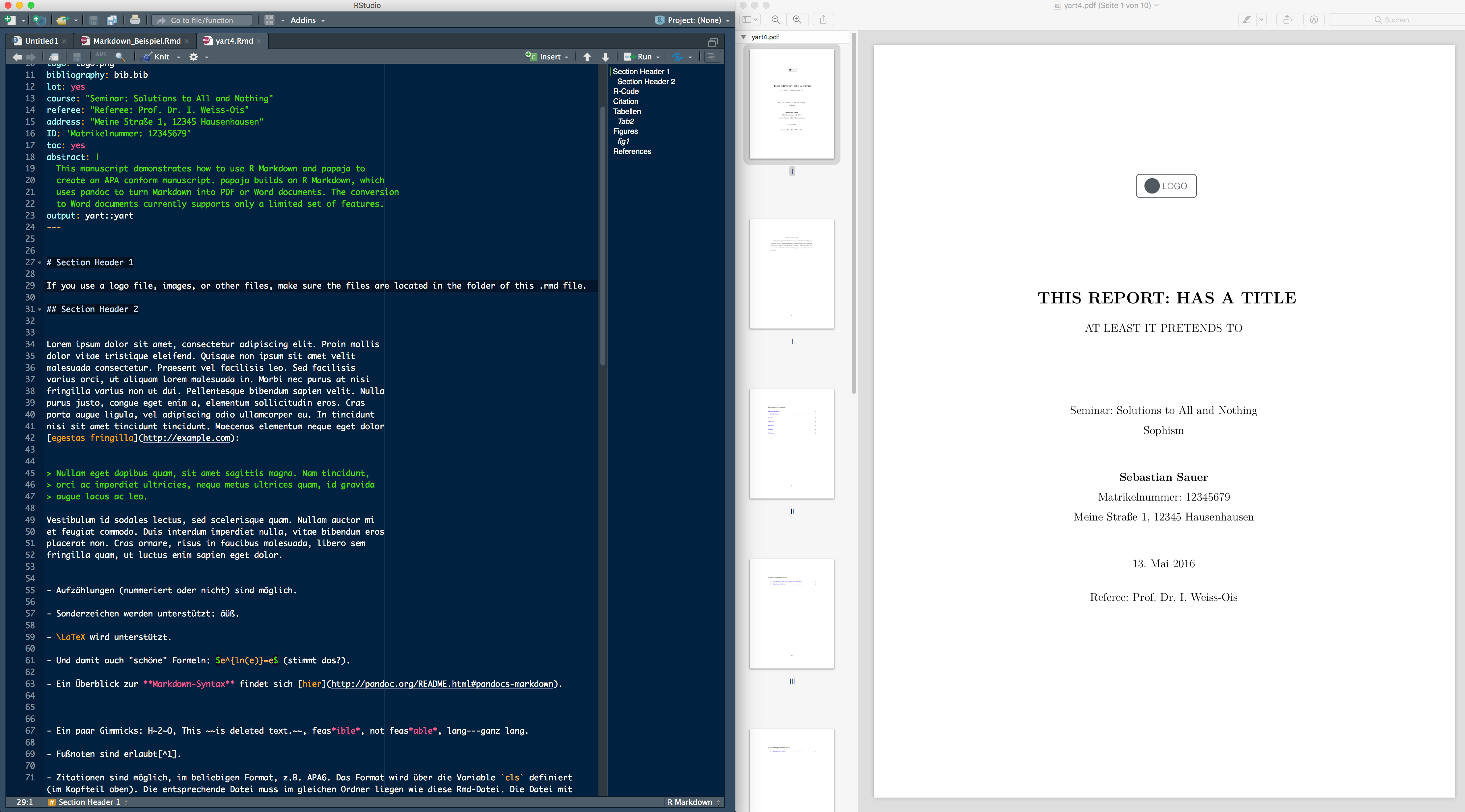
The following screenshot shows on the left hand side the raw markdown file and on the right hand side the compiled pdf paper.
Features
Being built on Pandoc, yart provides the typical features of Pandoc's Markdown, inculding citation, figures, tables and references thereto -- and basically, via a template, the fully featured LaTeX beauty. Being built on RMarkdown/knitr, R can be knitted into the text document.
The specific addon of this template is that it configurates a LaTeX template suitable for (academic) reports so that the user does not have to deal with the LaTeX peculiarities and can focus on writing/contents. There are a number of levers which can be adapted by the used in the yart template including author name, title, subtitle, address, date, referee's name, assignment name, school's name, due date.
Installation
Install via R from Github:
# install.packages("devtools", dependencies = TRUE)
devtools::install_github("sebastiansauer/yart")
Be careful with build_vignettes = TRUE as it may provoke errors. To build vignettes, I recommend the R function devtools::build_vignettes(). Per default, no vignettes are built by install_github(), malheuresement.
Dependencies
- R
- RStudio Desktop (not strictly necessary, but recommended)
- LaTeX
- packages: rmarkdown and its dependencies (to be installed via R)
Please use the most recent versions of each software.
Example
Skeleton
The skeleton creates a very simple letter.
Several formatting defaults are in use. See help(yart) for a
complete list and default values.
Vignette
You can download the vignette here.
Usage - as a RStudio template
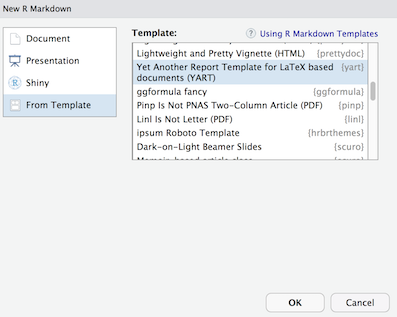
First, open as a Markdown template via RStudio via File > New File > RMarkdown > From Template > YART. The template list or Rmarkdown should feature the YART template upon the package installation:
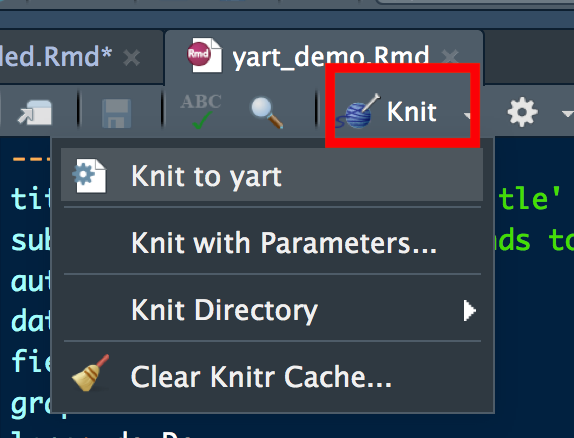
Second, "knit" to document to pdf:
or use code such as
library(rmarkdown)
draft("my_report.Rmd", template="pdf", package="yart", edit=FALSE)
render("my_report.Rmd")
to create a first draft of a new my_report.Rmd.
Usage - as a pandoc template
Open the file yart-via-template.Rmd, it calls the yart TeX template without reliance of the R package yart. Just adopt the content of this boilerplate file to you need. See this file to check the PDF output.
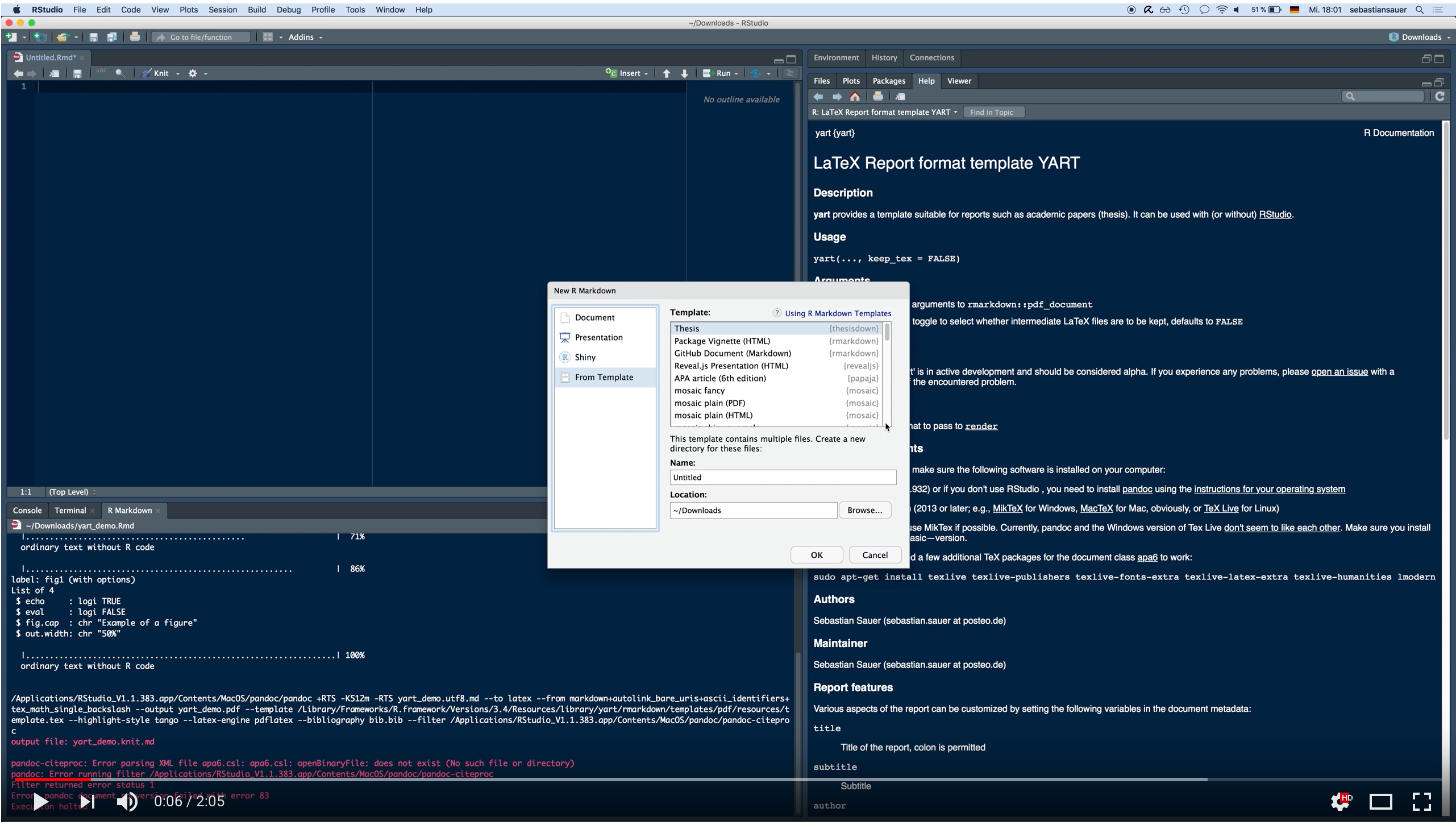
Demo video
Bugs, Feedback, Issues
Please report issues here along with a reproducible example if possible.
Related work
A number of R packages for RMarkdown templates for PDF documents are available including
Author
Sebastian Sauer
License
GPL-3 for this package, the work in pandoc-letter, as well as underlying Pandoc template.
Related Skills
bluebubbles
344.4kUse when you need to send or manage iMessages via BlueBubbles (recommended iMessage integration). Calls go through the generic message tool with channel="bluebubbles".
slack
344.4kUse when you need to control Slack from OpenClaw via the slack tool, including reacting to messages or pinning/unpinning items in Slack channels or DMs.
qqbot-channel
344.4kQQ 频道管理技能。查询频道列表、子频道、成员、发帖、公告、日程等操作。使用 qqbot_channel_api 工具代理 QQ 开放平台 HTTP 接口,自动处理 Token 鉴权。当用户需要查看频道、管理子频道、查询成员、发布帖子/公告/日程时使用。
frontend-design
99.2kCreate distinctive, production-grade frontend interfaces with high design quality. Use this skill when the user asks to build web components, pages, or applications. Generates creative, polished code that avoids generic AI aesthetics.
