
Video2Description
Video to Text: Natural language description generator for some given video. [Video Captioning]
Install / Use
/learn @scopeInfinity/Video2DescriptionREADME
Video Captioning 

Generate caption for the given video clip
Branch : VideoCaption (1a2124d), VideoCaption_catt (647e73b4)
Model
Model generates natural sentence word by word

| Audio SubModel | Video SubModel | Sentence Generation SubModel |
| :-------------: |:-------------:| :-----:|
|  |
|  |
| 
Context extraction for Temporal Attention Model, at i<sup>th</sup> word generation

Results - f5c22f7
Test videos with good results
| | | |
| :-------------: |:-------------:| :-----:|
| 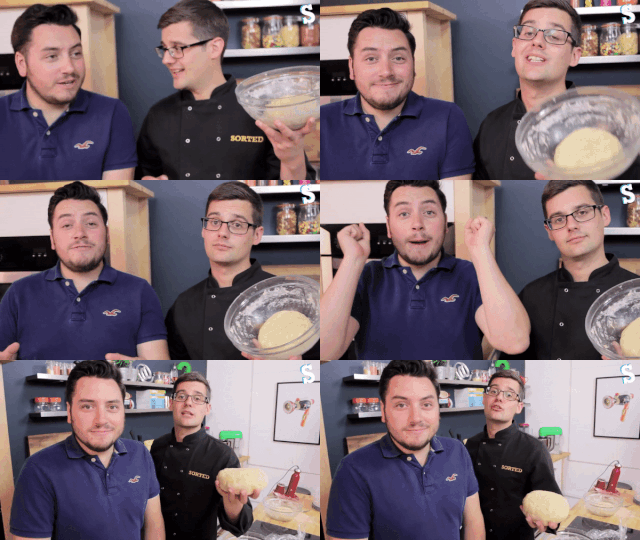 |
| 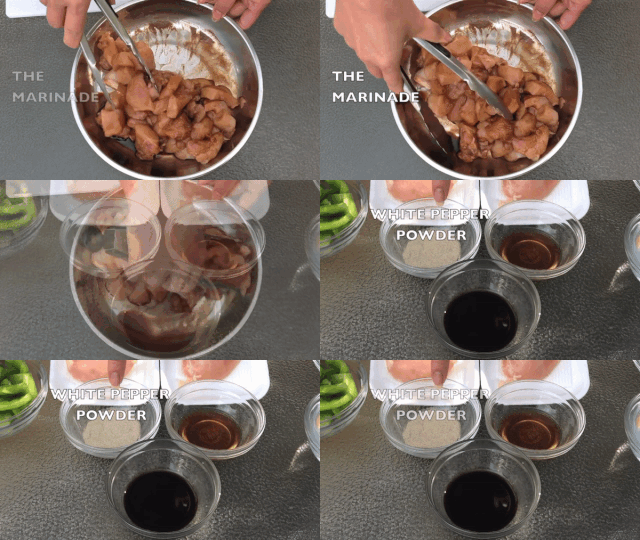 |
| 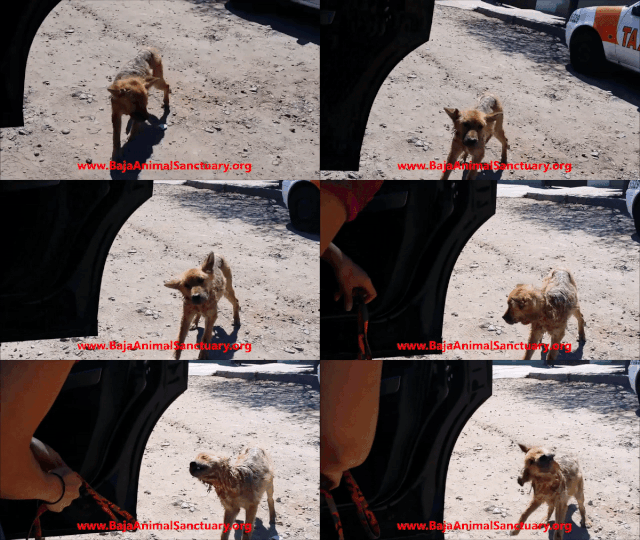 | two men are talking about a cooking show | a woman is cooking | a dog is running around a field |
|
| two men are talking about a cooking show | a woman is cooking | a dog is running around a field |
|  |
| 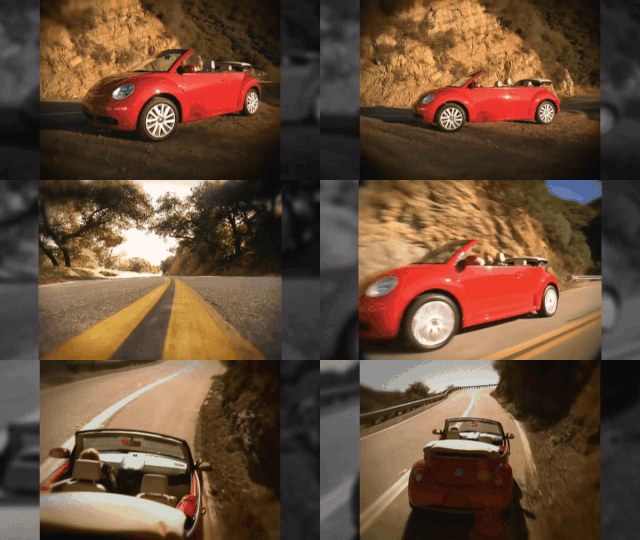 |
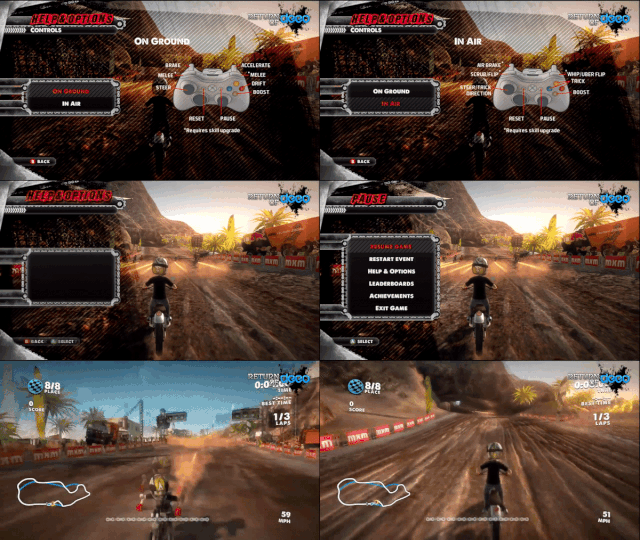
| 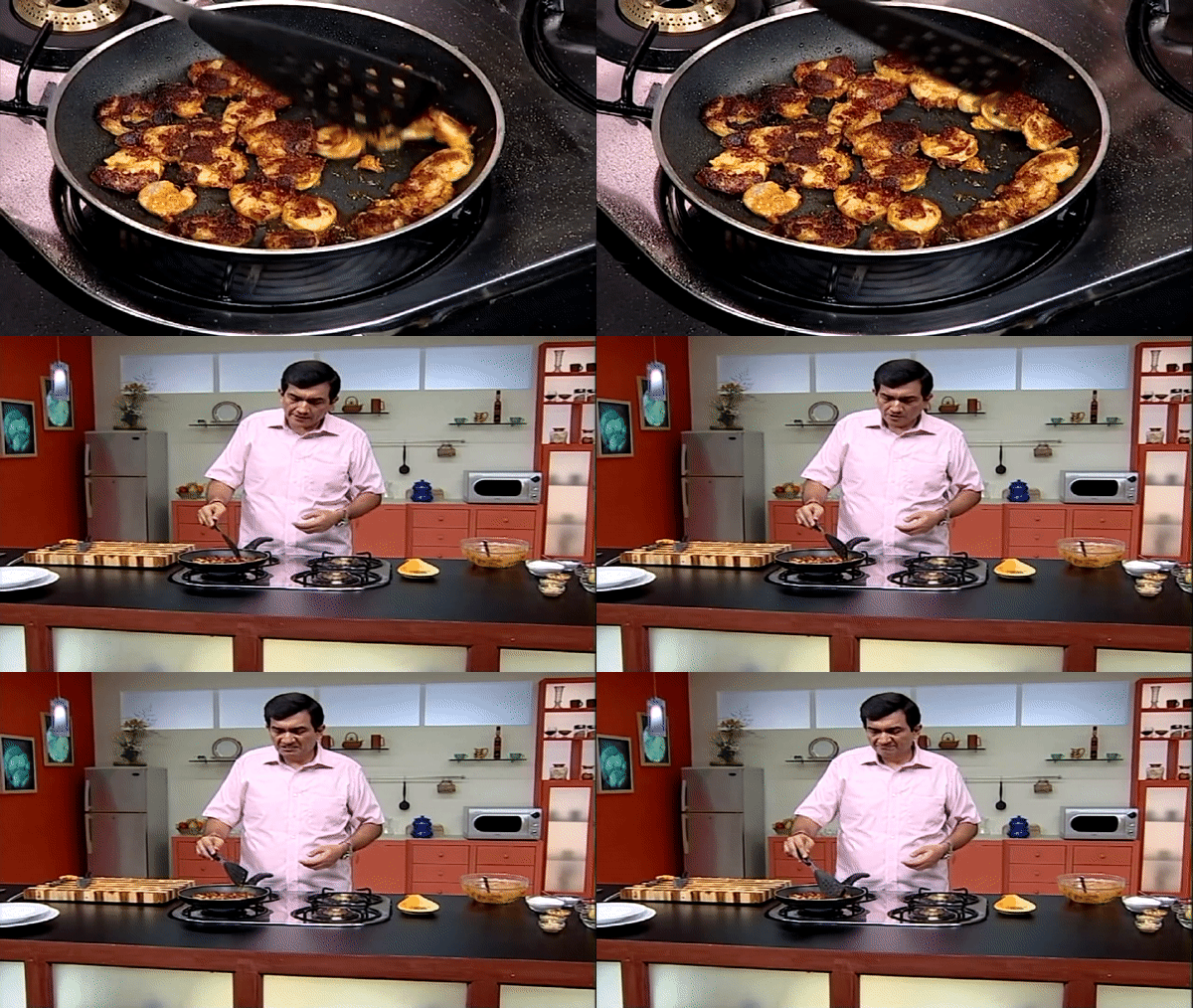 | a woman is talking about a makeup face | a man is driving a car down the road | a man is cooking in a kitchen
|
| a woman is talking about a makeup face | a man is driving a car down the road | a man is cooking in a kitchen
|  |
| 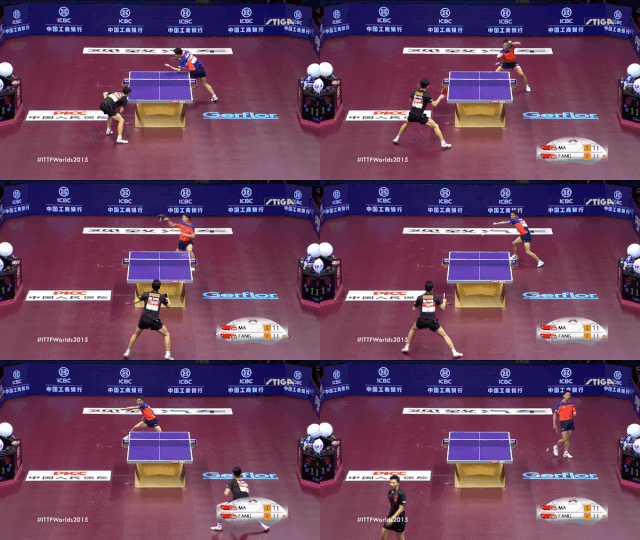 |
| 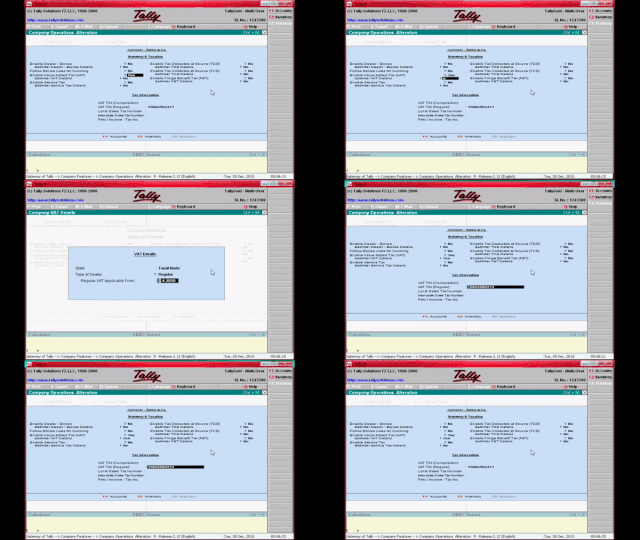 | a man is playing a video game | two men are playing table tennis in a stadium | a man is talking about a computer program
Test videos with poor results
| | | |
| :-------------: |:-------------:| :-----:|
|  |
| 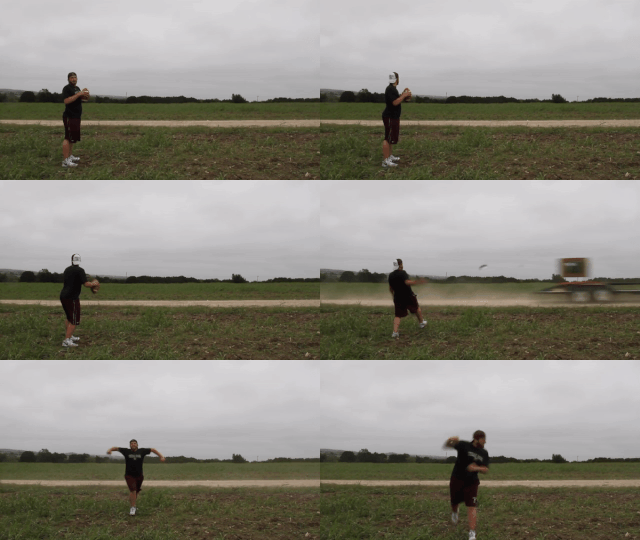 |
| 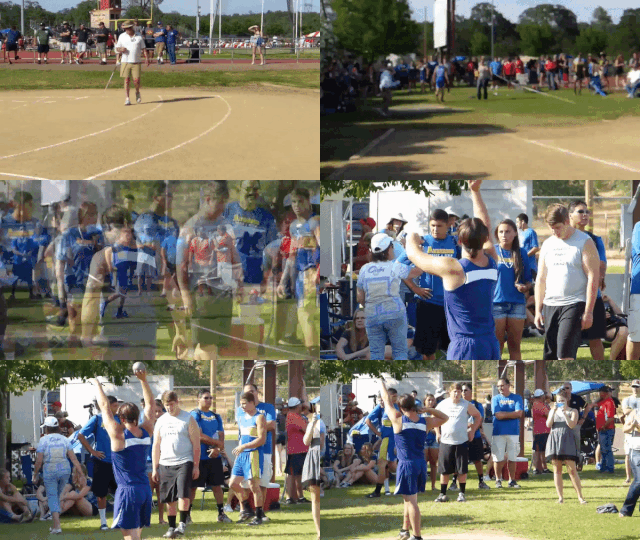 | a person is playing with a toy | a man is walking on the field | a man is standing in a gym |
Try it out!!!
-
Please feel free to raise PR with necessary suggestions.
-
Clone the repository`
git clone https://github.com/scopeInfinity/Video2Description.git
-
Install docker and docker-compose
- Current config has docker-compose file format '3.2'.
- https://github.com/docker/compose/releases
-
sudo apt-get install docker.io sudo curl -L "https://github.com/docker/compose/releases/download/1.25.4/docker-compose-$(uname -s)-$(uname -m)" -o /usr/local/bin/docker-compose sudo chmod +x /usr/local/bin/docker-compose - docs
- https://docs.docker.com/install/linux/docker-ce/ubuntu/
- https://docs.docker.com/compose/install/
- Current config has docker-compose file format '3.2'.
-
Pull the prebuild images and run the container
$ docker-compose pull
$ docker-compose up
- Browse to
http://localhost:8080/- backend might take few minutes to reach a stable stage.
Execution without Docker
- We can go always go through
backend.Dockerfileandfrontend.Dockerfileto understand better. - Update
src/config.jsonas per the requirement and use those path during upcoming steps.- To know more about any field, just search for the reference in the codebase.
- Install miniconda
- https://docs.conda.io/projects/conda/en/latest/user-guide/install/index.html
- Get
glove.6B.300d.txtfromhttps://nlp.stanford.edu/projects/glove/ - Install ffmpeg
- Configure, build and install ffmpeg from source with shared libraries
$ git clone 'https://github.com/FFmpeg/FFmpeg.git'
$ cd FFmpeg
$ ./configure --enable-shared  # Use --prefix if need to install in custom directory
$ make
# make install
- If required, use
https://github.com/tylin/coco-caption/for scoring the model. - Then create conda environment using
environment.yml$ conda env create -f environment.yml
- And activate the environment
$ conda activate .
- Turn up the backend
src$ python -m backend.parser server --start --model /path/to/model
- Turn up the web frontend
src$ python -m frontend.app
Info
Data Directory and Working Directory can be same as the project root directory.
Data Directory
File | Reference --- | --- /path/to/data_dir/VideoDataset/videodatainfo_2017.json | http://ms-multimedia-challenge.com/2017/dataset /path/to/data_dir/VideoDataset/videos/[0-9]+.mp4 | Download videos based on above dataset /path/to/data_dir/glove/glove.6B.300d.txt | https://nlp.stanford.edu/projects/glove/ /path/to/data_dir/VideoDataset/cache_40_224x224/[0-9]+.npy | Video cached files will be created on fly
Working Directory
File | Content --- | --- /path/to/working_dir/glove.dat | Pickle Dumped Glove Embedding /path/to/working_dir/vocab.dat | Pickle Dumped Vocabulary Words
Download Dataset
- Execute
python videohandler.pyfrom VideoDataset Directory
Execution
It currently supports train, predict and server mode. Please use the following command for better explanation.
src$ python -m backend.parse -h
Training Methods
- Try Iterative Learning
- Try Random Learning
Evaluation
Prerequisite
cd /path/to/eval_dir/
git clone 'https://github.com/tylin/coco-caption.git' cococaption
ln /path/to/working_dir/cocoeval.py cococaption/
Evaluate
# One can do changes in parser.py for numbers of test examples to be considered in evaluation
python parser.py predict save_all_test
python /path/to/eval_dir/cocoeval.py <results file>.txt
Sample Evaluation while training
Commit | Training | Total | CIDEr | Bleu_4 | ROUGE_L | METEOR | Model Filename --- | --- | --- | --- | --- | --- | --- | --- 647e73b4 | 10 epochs | 1.1642 | 0.1580 | 0.3090 | 0.4917 | 0.2055 | CAttention_ResNet_D512L512_G128G64_D1024D0.20BN_BDGRU1024_D0.2L1024DVS_model.dat_4990_loss_2.484_Cider0.360_Blue0.369_Rouge0.580_Meteor0.256 1a2124d | 17 epochs | 1.1599 | 0.1654 | 0.3022 | 0.4849 | 0.2074 | ResNet_D512L512_G128G64_D1024D0.20BN_BDLSTM1024_D0.2L1024DVS_model.dat_4987_loss_2.203_Cider0.342_Blue0.353_Rouge0.572_Meteor0.256 f5c22f7 | 17 epochs | 1.1559 | 0.1680 | 0.3000 | 0.4832 | 0.2047 | ResNet_D512L512_G128G64_D1024D0.20BN_BDGRU1024_D0.2L1024DVS_model.dat_4983_loss_2.350_Cider0.355_Blue0.353_Rouge0.571_Meteor0.247_TOTAL_1.558_BEST bd072ac | 11 CPUhrs with Multiprocessing (16 epochs) | 1.0736 | 0.1528 | 0.2597 | 0.4674 | 0.1936 | ResNet_D512L512_D1024D0.20BN_BDGRU1024_D0.2L1024DVS_model.dat_4986_loss_2.306_Cider0.347_Blue0.328_Rouge0.560_Meteor0.246 3ccf5d5 | 15 CPUhrs | 1.0307 | 0.1258 | 0.2535 | 0.4619 | 0.1895 | res_mcnn_rand_b100_s500_model.dat_model1_3ccf5d5
Check Specifications section for model comparision.
Temporal attention Model for is on VideoCaption_catt branch.
Pre-trained Models : https://drive.google.com/open?id=1gexBRQfrjfcs7N5UI5NtlLiIR_xa69tK
Web Server
- Start the server (S) for to compute predictions (Within conda environment)
python parser.py server -s -m <path/to/correct/model>
- Check
config.jsonfor configurations. - Execute
python app.pyfrom webserver (No need for conda environment)- Make sure, your the process is can new files inside
$UPLOAD_FOLDER
- Make sure, your the process is can new files inside
- Open
http://webserver:5000/to open Web Server for testing (under default configuration)
Specifications
Commit: 3ccf5d5
- ResNet over LSTM for feature extraction
- Word by Word generation based on last prediction for Sentence Generation using LSTM
- Random Dataset Learning of training data
- Vocab Size 9448
- Glove of 300 Dimension
Commit: bd072ac
- ResNet over BiDirection GRU for feature extraction
- Sequential Learning of training data
- Batch Normalization + Few more tweaks in Model
- Bleu, CIDEr, Rouge, Meteor score generation for validation
- Multiprocessing keras
Commit: f5c22f7
- Audio with BiDirection GRU
Commit: 1a2124d
- Audio with BiDirection LSTM
Commit: 647e73b
- Audio with BiDirection GRU using temporal attention for context
Image Captioning
Generate caption for the given images
Branch : onehot_gen
Commit : [898f15778d40
