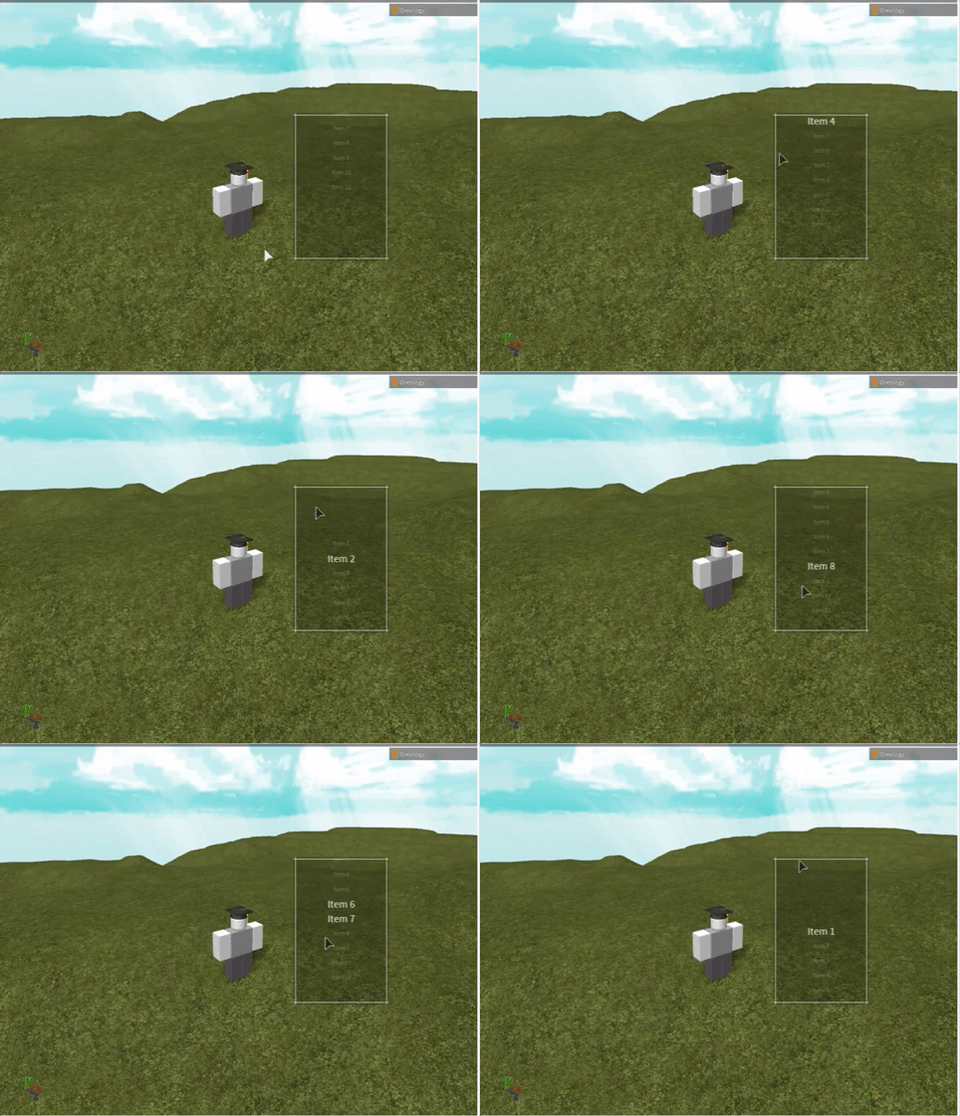
RblxGlassUI
IMO the best-looking UI library in Roblox
Install / Use
/learn @satyanto/RblxGlassUIREADME

rblxGlassUI
Glass is an all-in-one UI kit for Roblox, with a focus on modularity, scrolling menus, and efficiency. Scrolling is based on gesture of the mouse upwards/downwards, thus allowing for extremely large amounts of menu items in a relatively small, clean, minimalist user interface. To select an option, a player would click when the text is highlighted / enlarged.
(This was made pretty long ago... so looking back at the code, it is quite inefficient. Not sure if I will rewrite, but it still works.)
To use, simply insert the code in the Library_GlassUI text file into a ModuleScript on Roblox, and place ModuleScript under ServerStorage in the game. To use the library, simply require() the ModuleScript and then call the functions inside the library with the appropriate arguments.
Inside the Frame objects for each button, there should be a LocalScript that will be run when a player clicks on a menu item.
GlassUI = require(game.ServerStorage.Library_GlassUI)

GlassUI.Create_MenuBar("Example", Directory, Width, Menu_Table, Item_Script_Destinations, true)
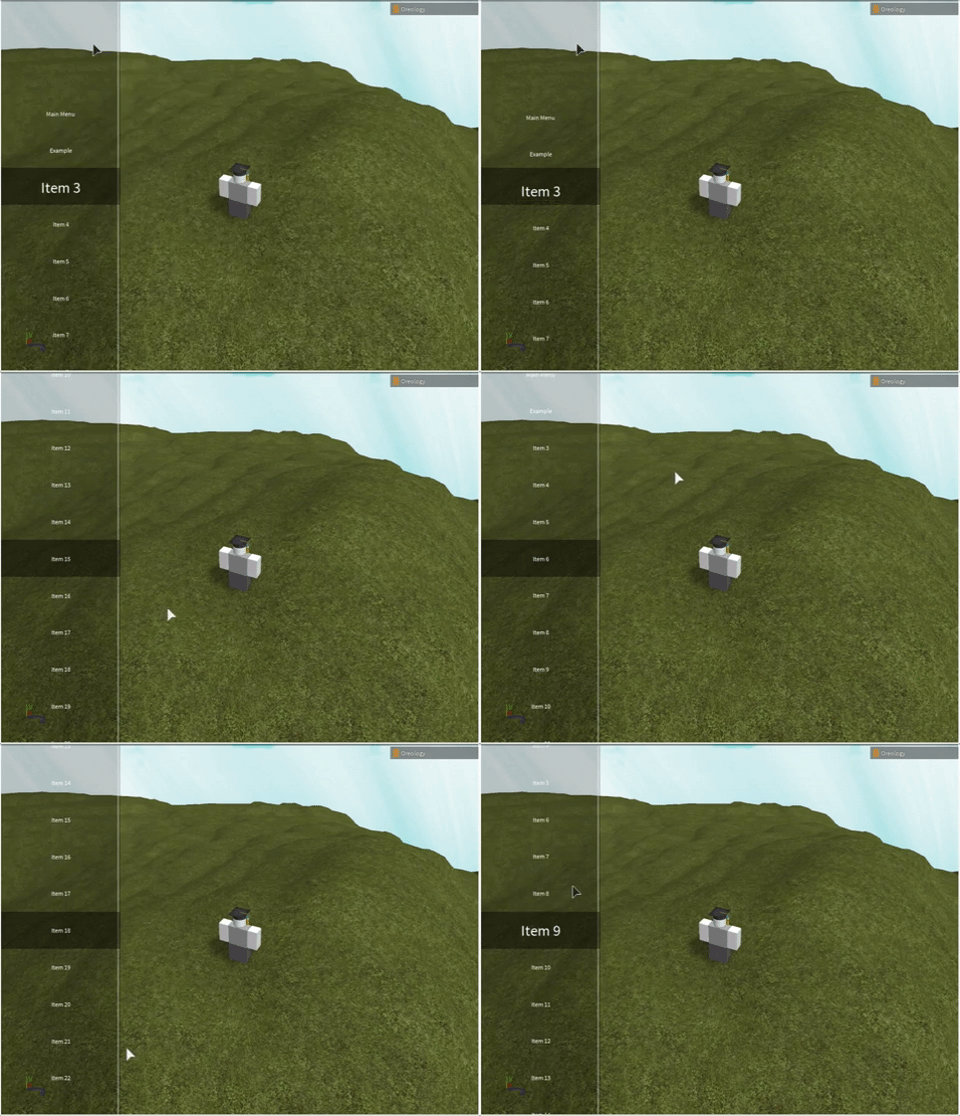
Menu Bar
User-interaction is based on scrolling on the frame and then clicking to select, instead of moving the mouse on top of a button. This allows for near-infinite customizability regarding the number of items in the menu bar and that all of the options would be formatted in a visually appealing way.
A lot of options:
Not a lot of options:
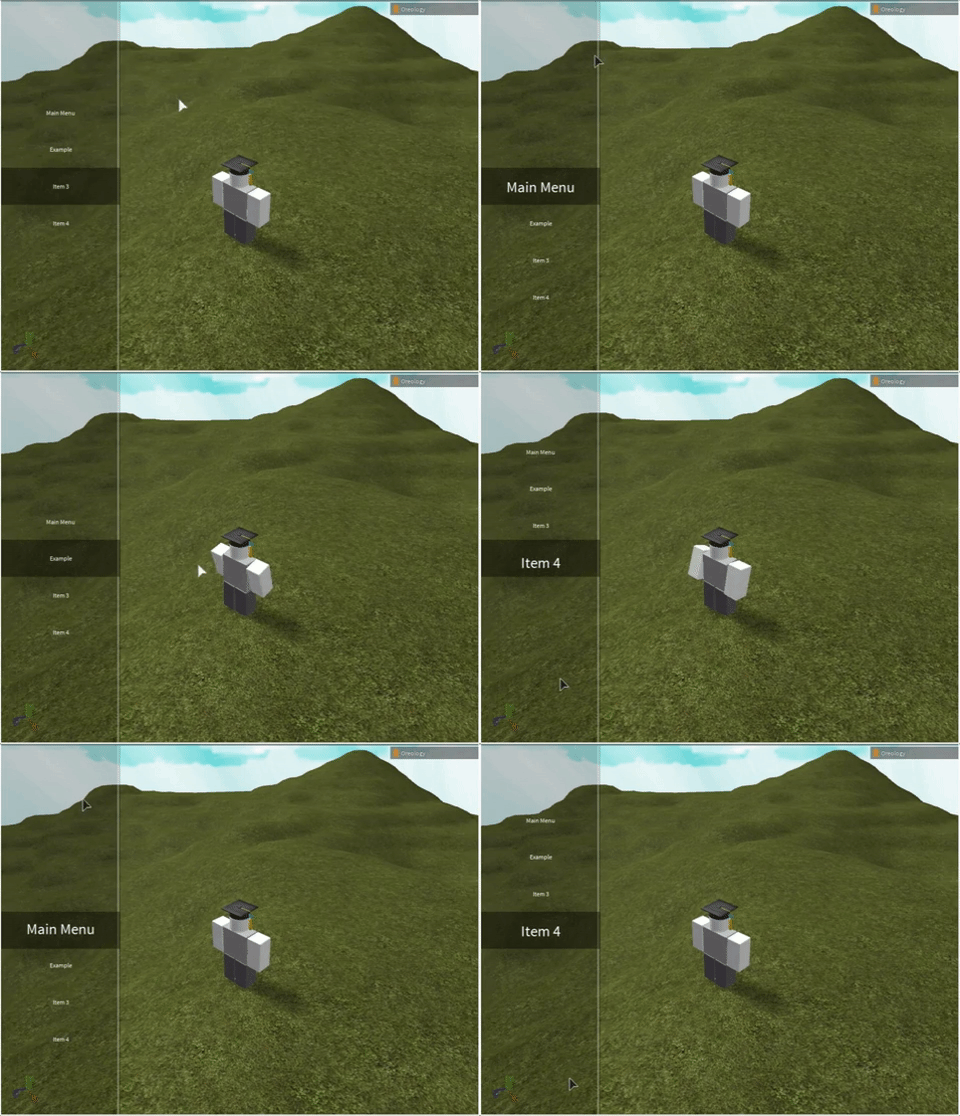
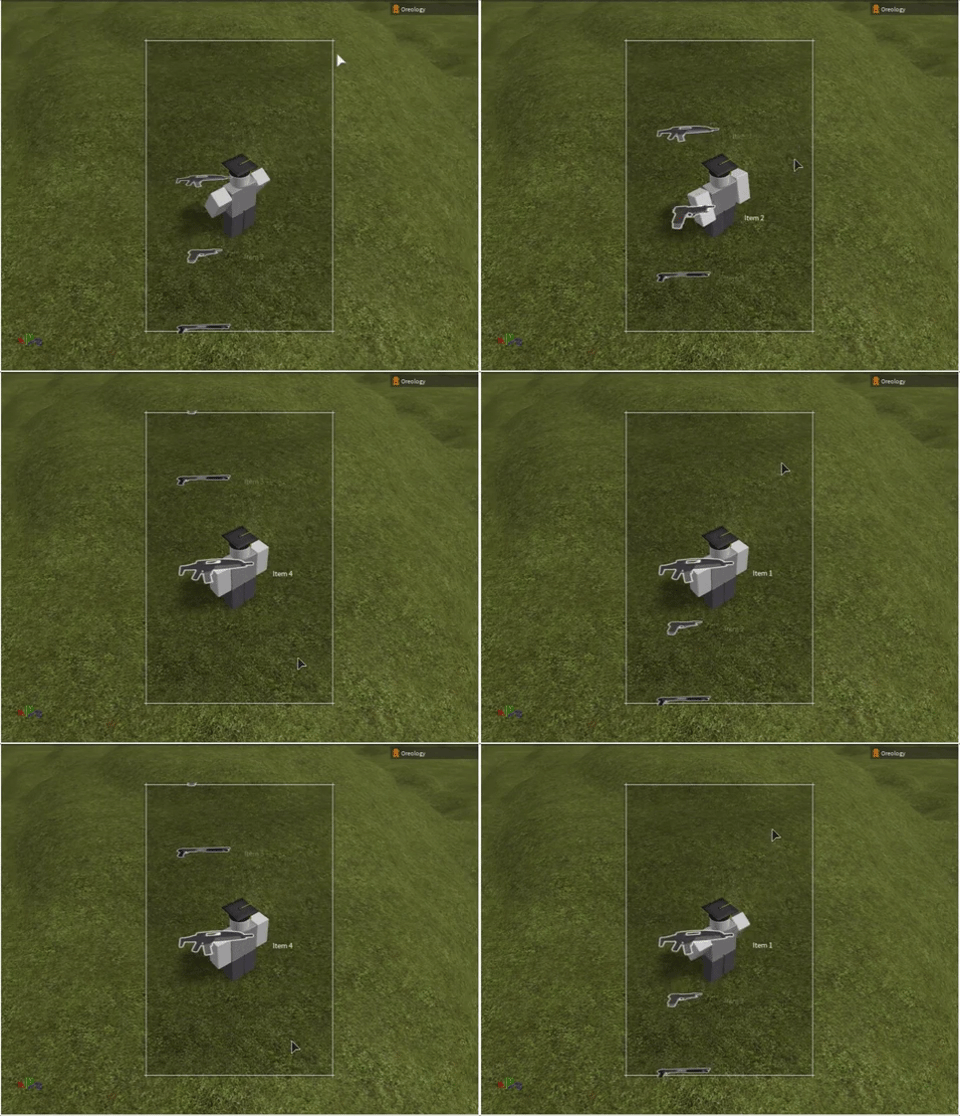
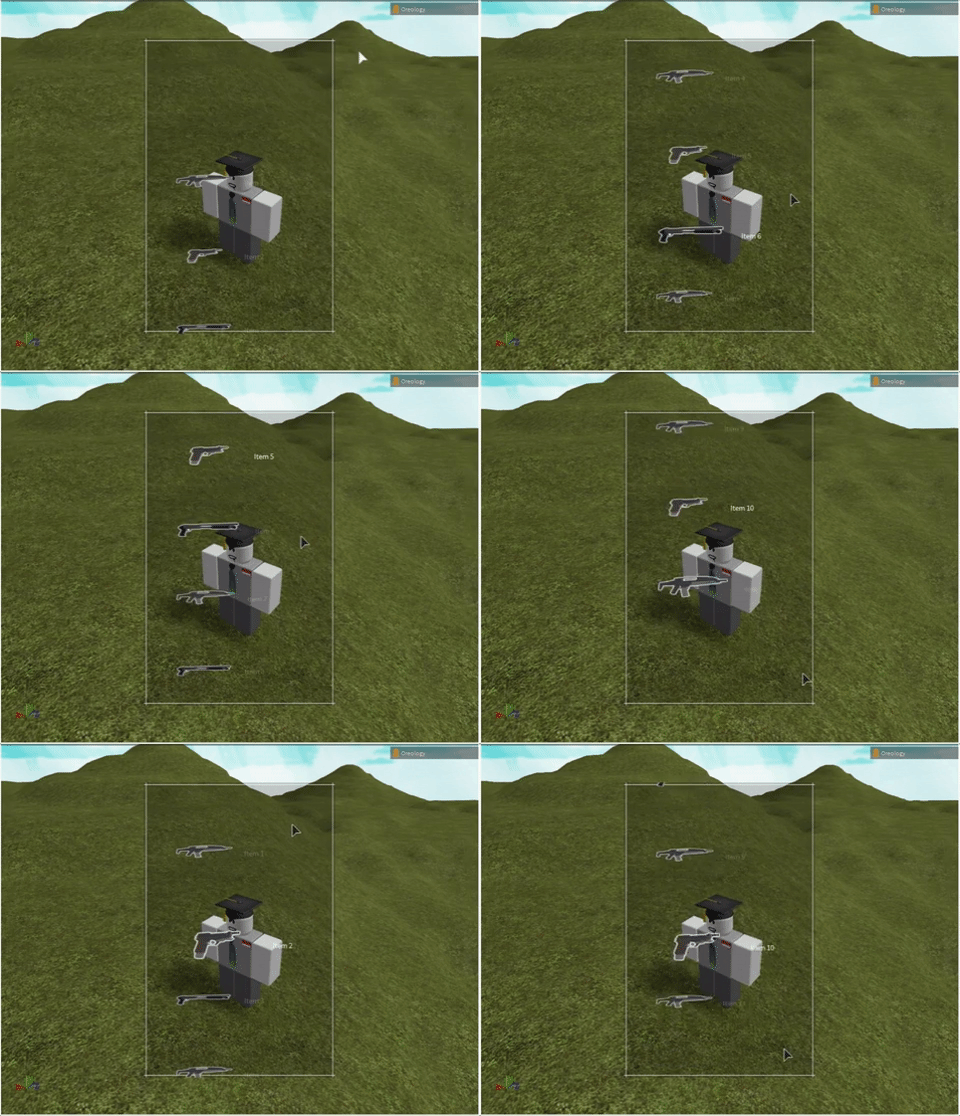
Image Menu List
Similar to the menu bar, except with images added.
Not a lot of options:
A lot of options:
Basic Menu List
Used as a pop-up for user interaction, comes in framed background and no background flavors.
No background:
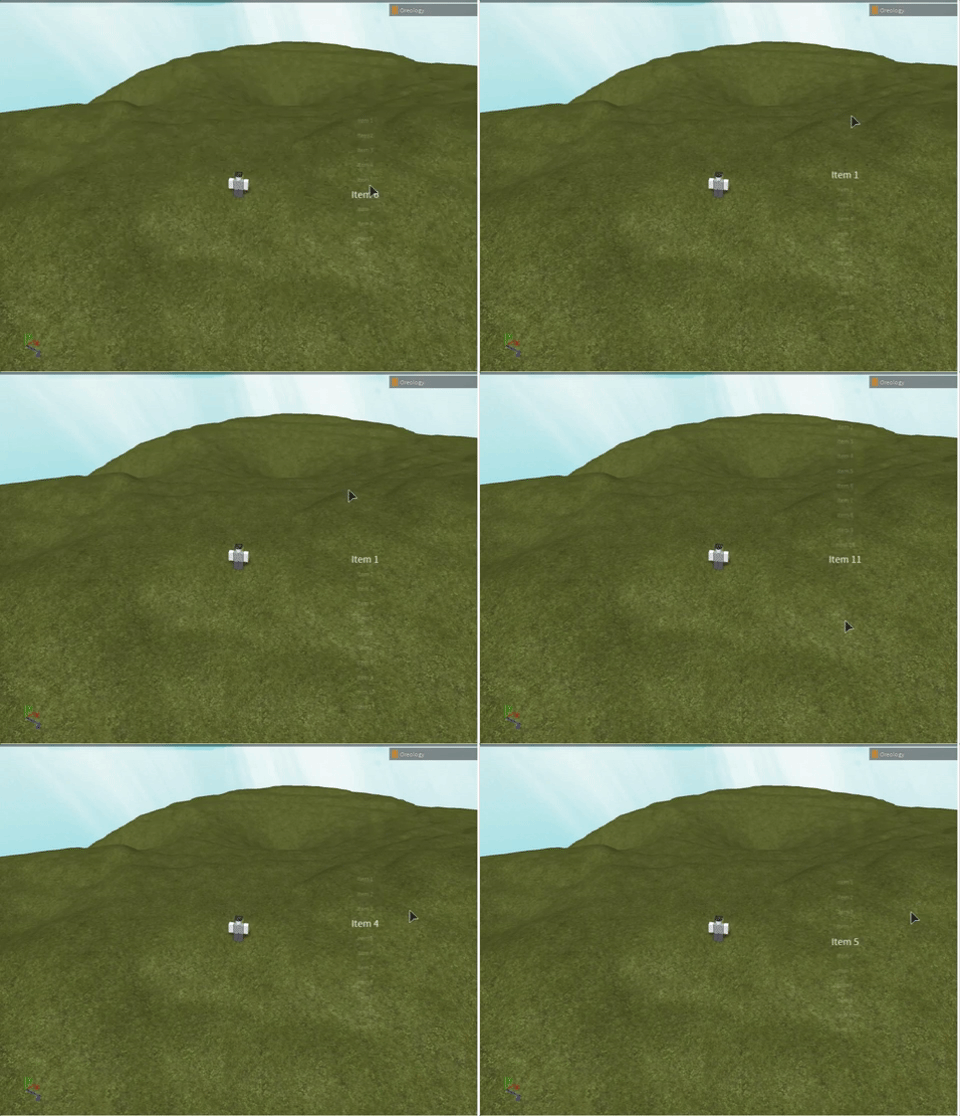
Framed background: