
Pcbasic
PC-BASIC - A free, cross-platform emulator for the GW-BASIC family of interpreters
Install / Use
/learn @robhagemans/PcbasicREADME
PC-BASIC
A free, cross-platform emulator for the GW-BASIC family of interpreters.
PC-BASIC is a free, cross-platform interpreter for GW-BASIC, Advanced BASIC (BASICA), PCjr Cartridge Basic and Tandy 1000 GWBASIC. It interprets these BASIC dialects with a high degree of accuracy, aiming for bug-for-bug compatibility. PC-BASIC emulates the most common video and audio hardware on which these BASICs used to run. PC-BASIC runs plain-text, tokenised and protected .BAS files. It implements floating-point arithmetic in the Microsoft Binary Format (MBF) and can therefore read and write binary data files created by GW-BASIC.
PC-BASIC is free and open source software released under the GPL version 3.
See also the PC-BASIC home page.
Quick Start Guide
This quick start guide covers installation and elementary use of PC-BASIC. For more information, please refer to the PC-BASIC documentation.
If you find bugs, please open an issue on GitHub. It would be most helpful if you could include a short bit of BASIC code that triggers the bug.
Installation
PC-BASIC desktop installers for Windows, Mac, and Linux can be downloaded from GitHub.
Python users can obtain the PC-BASIC package from PyPI through pip3 install pcbasic.
BASIC survival kit
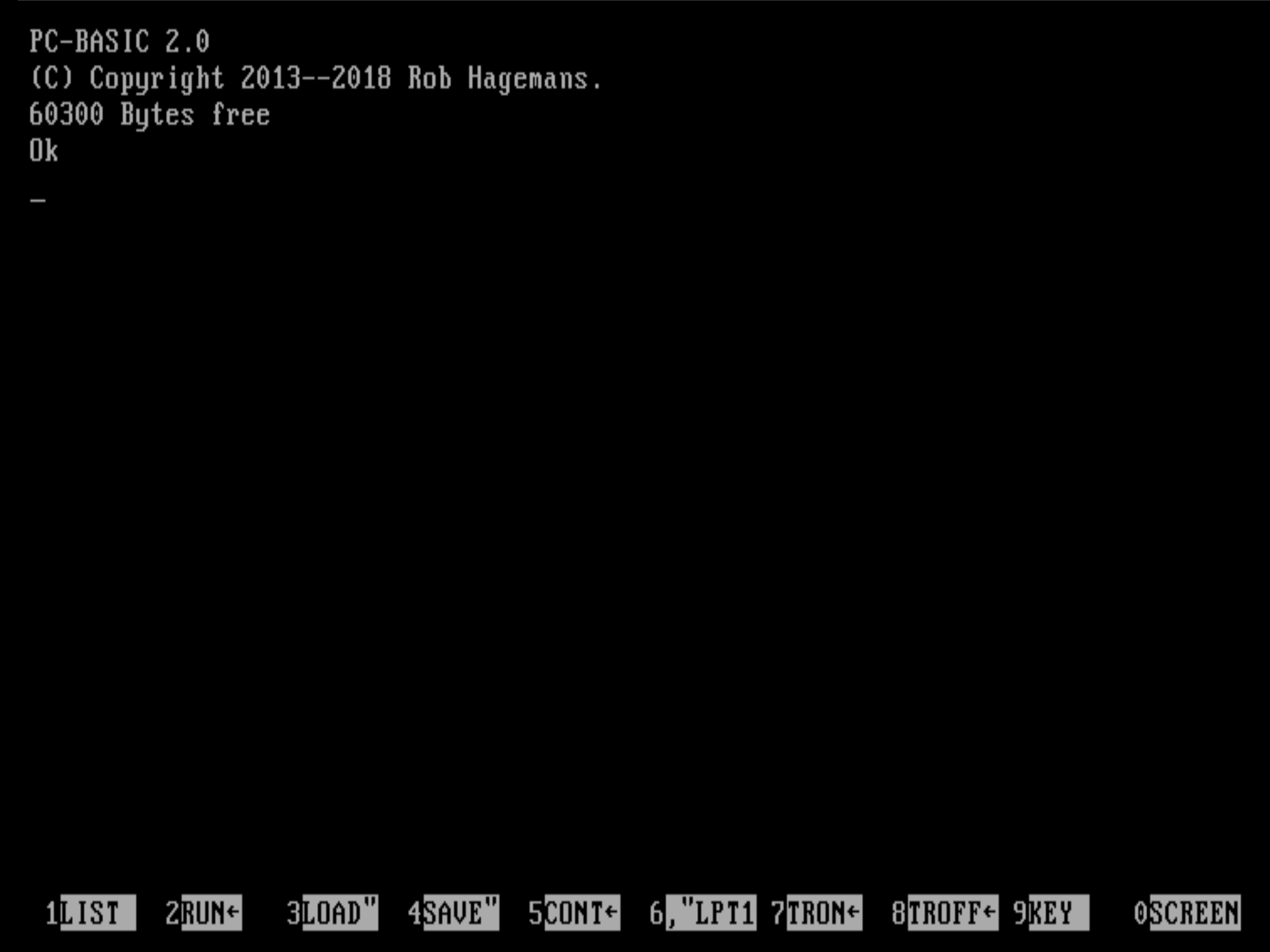
PC-BASIC has a 1980s-style interface operated by executing typed commands. There is no menu, nor are there any of the visual clues that we've come to expect of modern software.
A few essential commands to help you get around:
| Command | Effect |
|-----------------------|---------------------------------------------------------------|
| FILES | show current working directory and its contents |
| LOAD "PROGRAM" | loads the program file named PROGRAM.BAS into memory |
| LIST | displays the BASIC code of the current program |
| RUN | starts the current program |
| SAVE "PROGRAM",A | saves the current program to a text file named PROGRAM.BAS |
| NEW | immediately deletes the current program from memory |
| SYSTEM | exits PC-BASIC immediately, discarding any unsaved program |
Use one of the key combinations Ctrl+Break, Ctrl+Scroll Lock, Ctrl+C or F12+B
to interrupt a running program.
Program location
If started through the start-menu shortcut, PC-BASIC looks for programs in the shortcut's start-in folder.
- On Windows, this is your
Documentsfolder by default. - On Mac and Linux this is your home directory
~/by default.
If started from the command prompt, PC-BASIC looks for programs in the current working directory.
See the documentation on accessing your drives for more information.
External resources
Related Skills
node-connect
339.5kDiagnose OpenClaw node connection and pairing failures for Android, iOS, and macOS companion apps
claude-opus-4-5-migration
83.9kMigrate prompts and code from Claude Sonnet 4.0, Sonnet 4.5, or Opus 4.1 to Opus 4.5
frontend-design
83.9kCreate distinctive, production-grade frontend interfaces with high design quality. Use this skill when the user asks to build web components, pages, or applications. Generates creative, polished code that avoids generic AI aesthetics.
model-usage
339.5kUse CodexBar CLI local cost usage to summarize per-model usage for Codex or Claude, including the current (most recent) model or a full model breakdown. Trigger when asked for model-level usage/cost data from codexbar, or when you need a scriptable per-model summary from codexbar cost JSON.
