
FantasyMapGenerator
A fantasy map generator based on Martin O'Leary's "Generating fantasy map" notes
Install / Use
/learn @rlguy/FantasyMapGeneratorREADME
Fantasy Map Generator
This program is an implementation of a fantasy map generator written in C++ based on the methods described in Martin O'Leary's "Generating fantasy map" notes (https://mewo2.com/notes/terrain/).
This project uses jsoncons for parsing JSON data, Argtable3 for parsing command line arguments, Python and PyCairo for drawing, and data from GeoNames for city name data.
The project page and generation notes are also available here: http://rlguy.com/map_generation
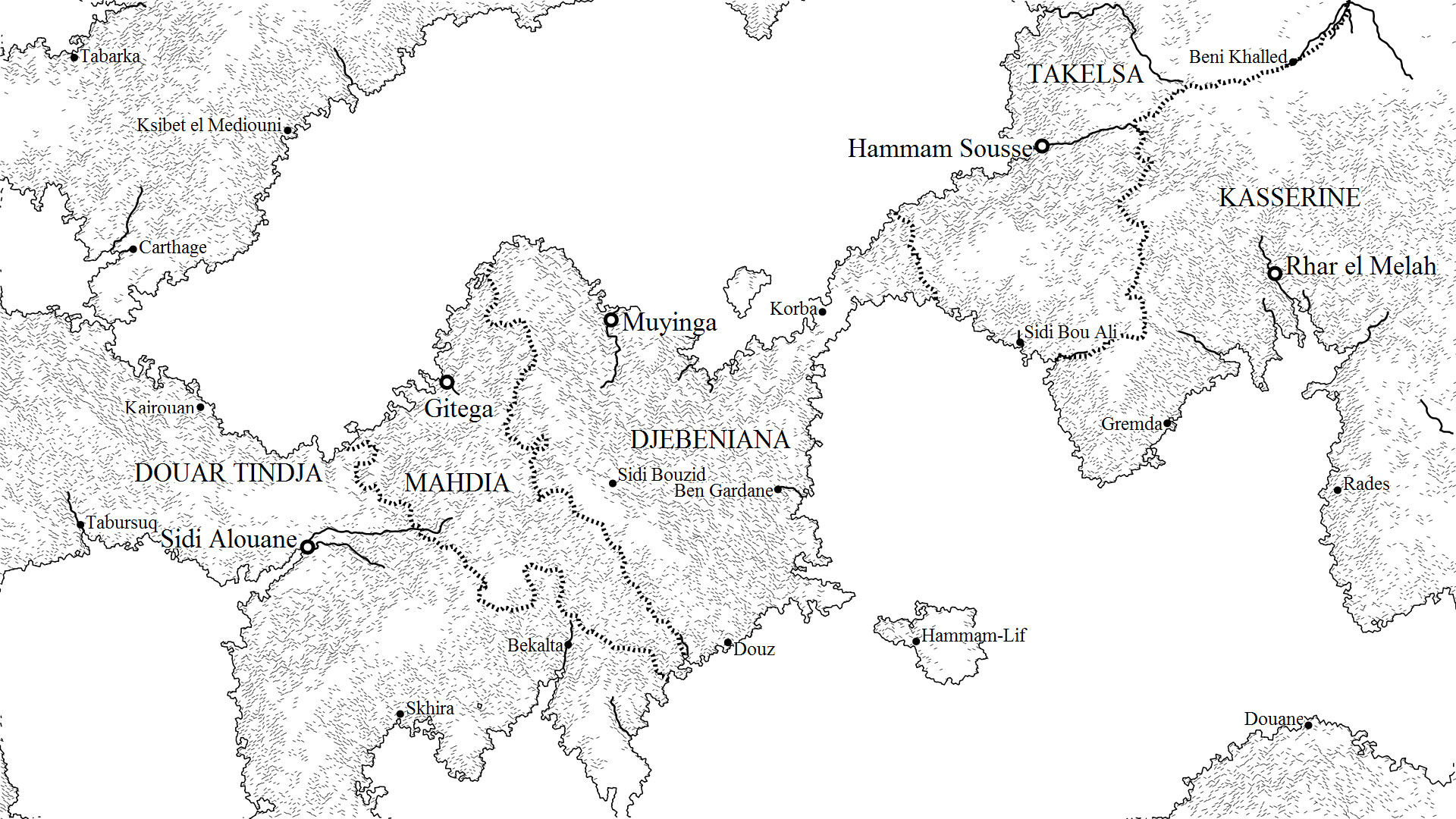

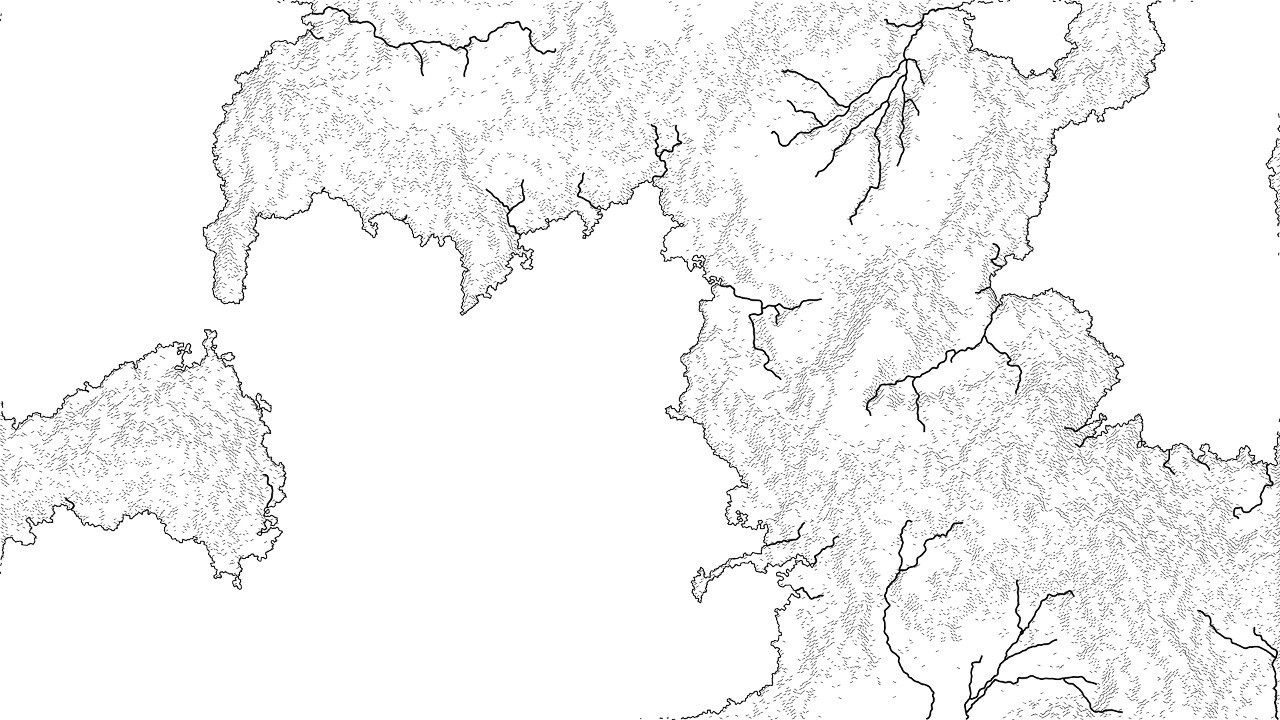
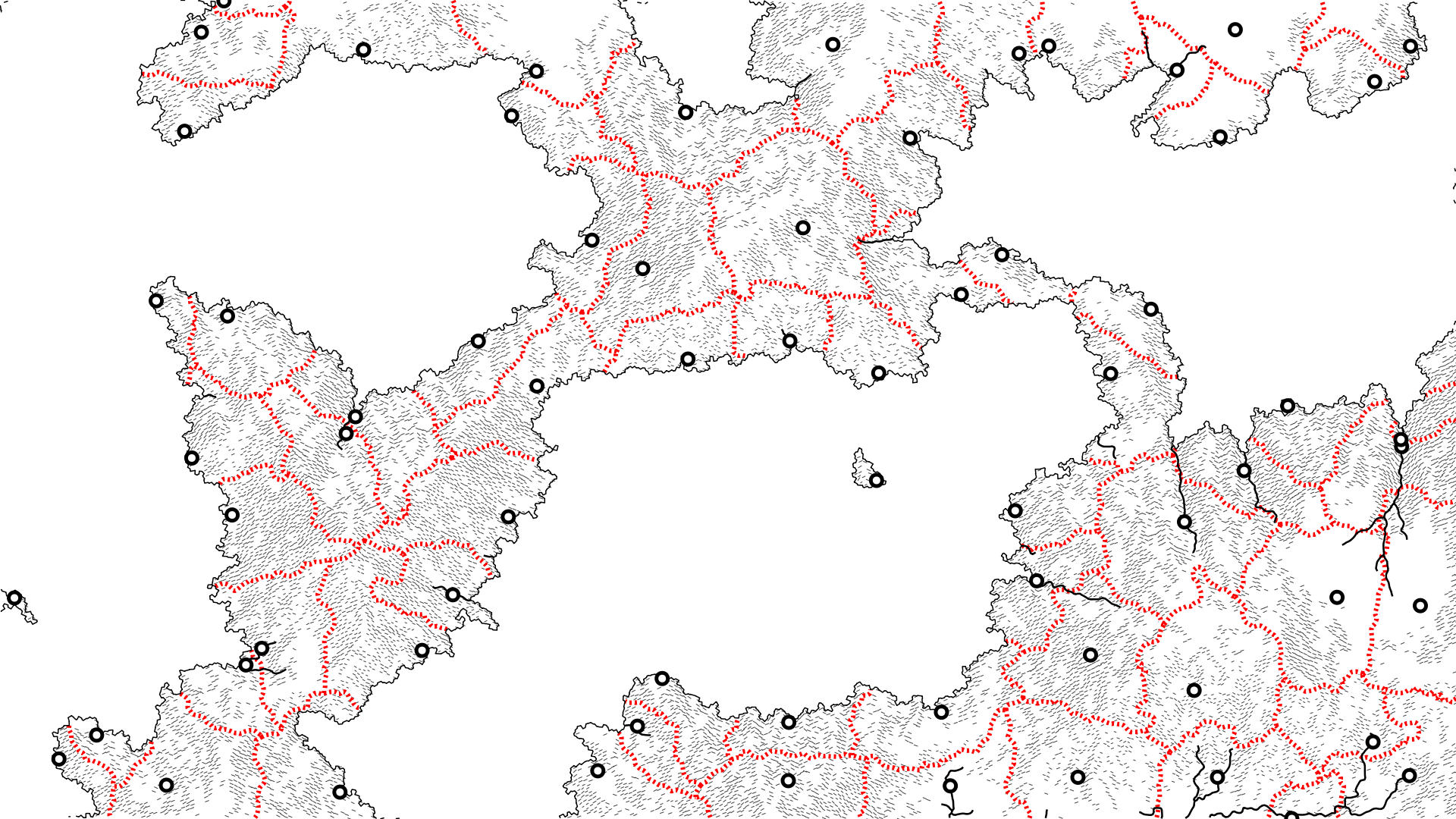
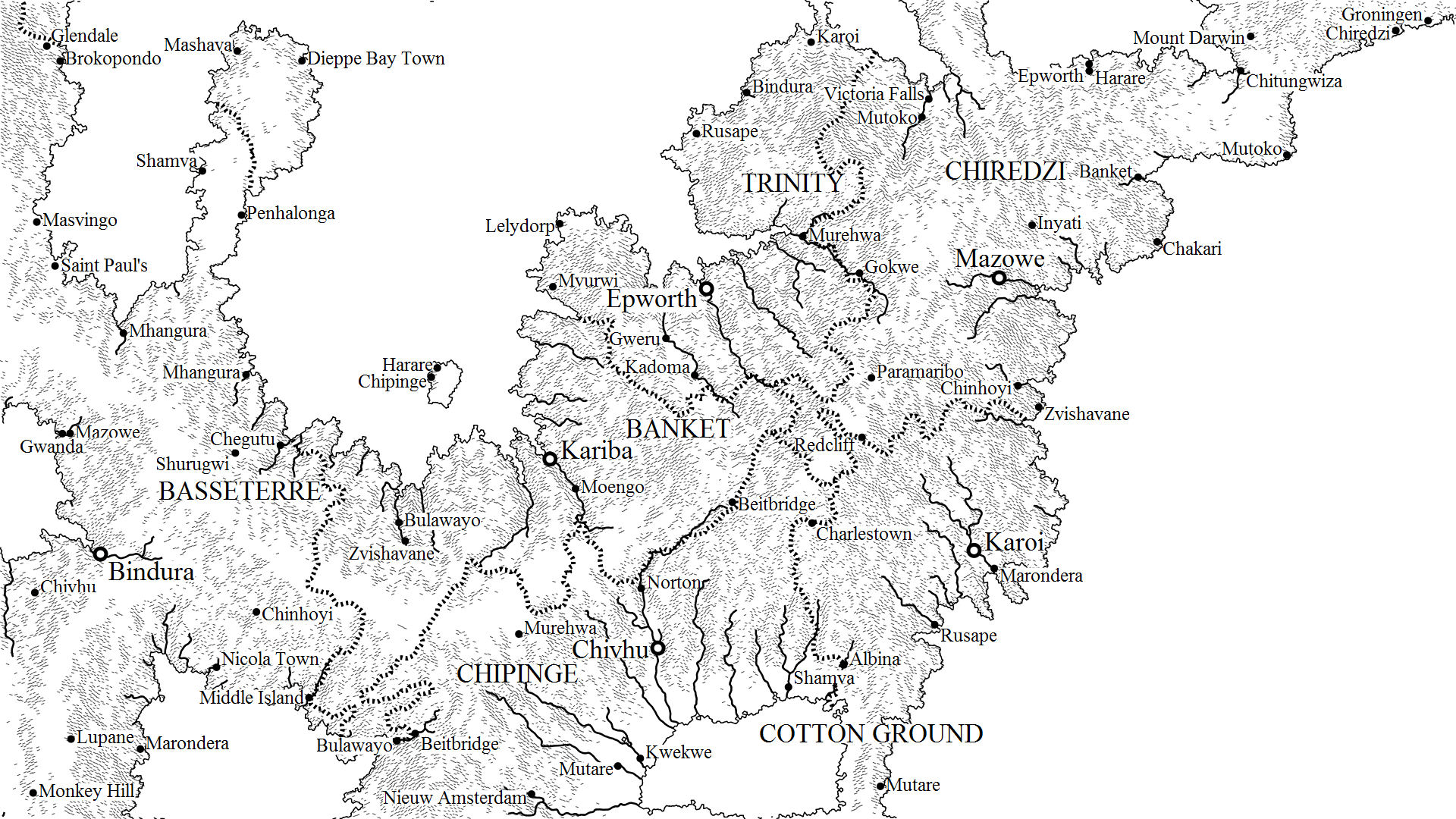
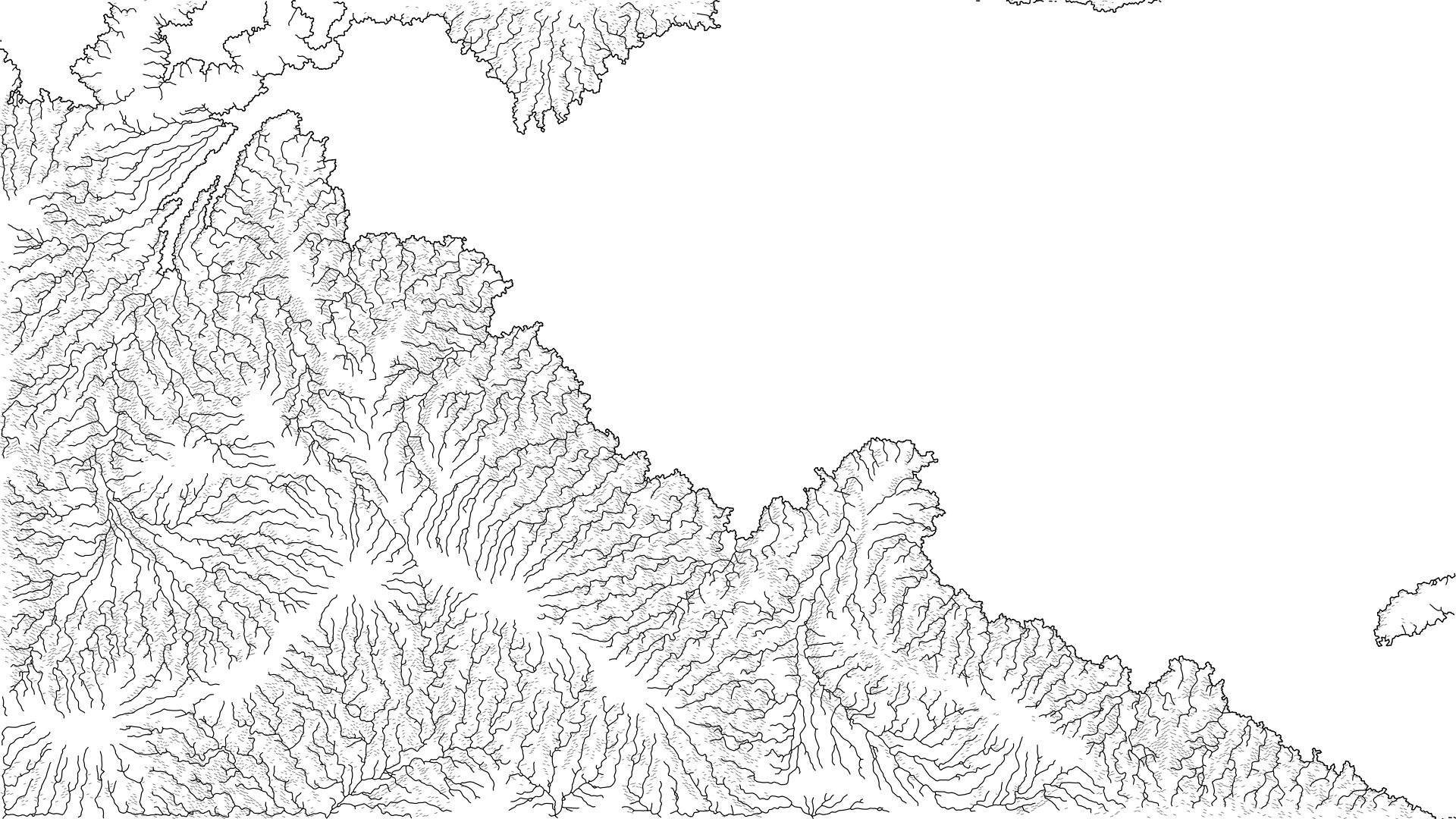
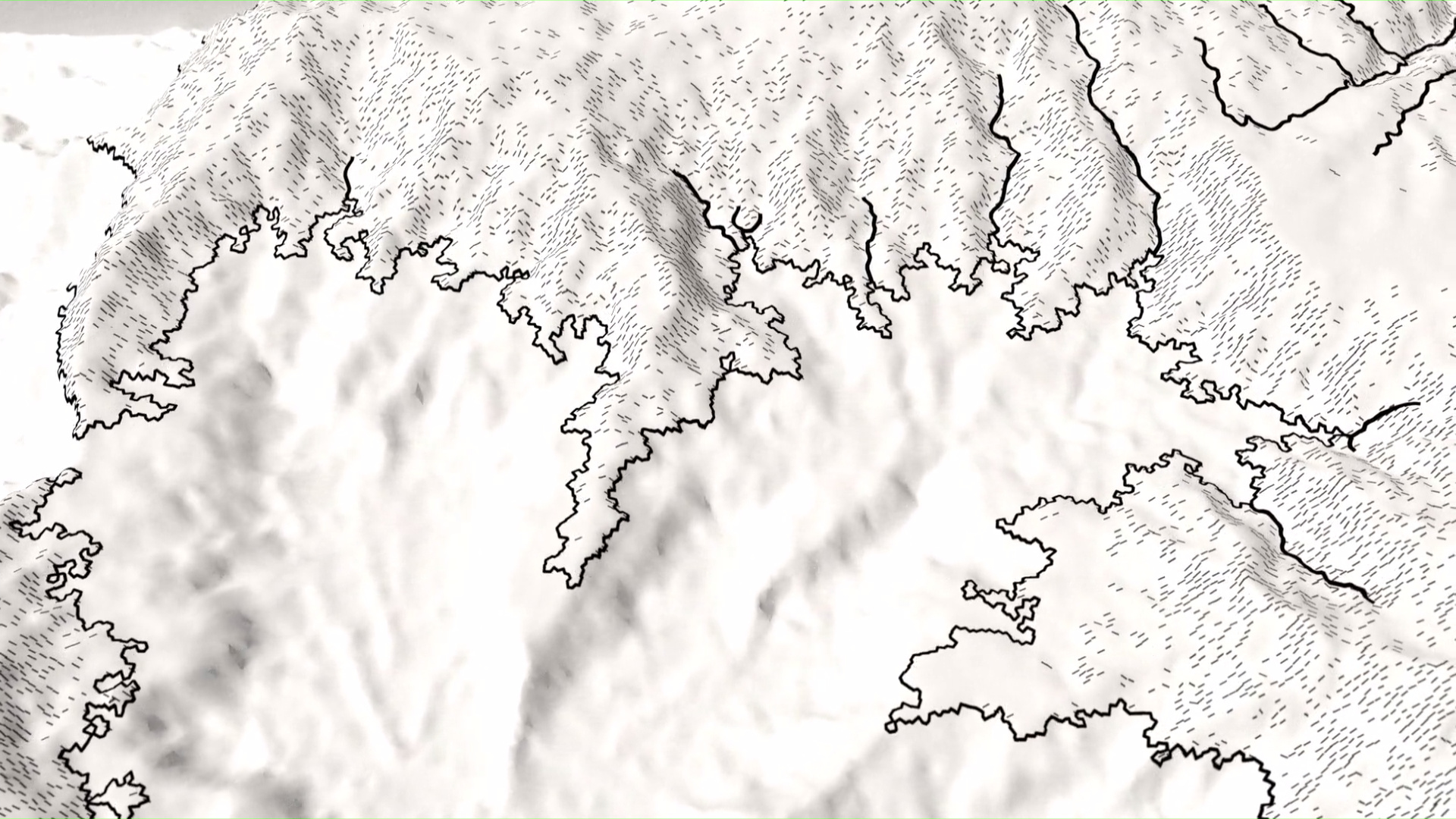
Dependencies
There are three dependencies that are required to build this program:
- Python 2.7+
- PyCairo graphics library (https://cairographics.org/pycairo/)
- A compiler that supports C++11
Installing PyCairo on Windows
Prebuilt Windows binaries for PyCairo and its dependencies can be obtained by following this guide on installing igraph, which uses PyCairo for drawing. The relevant section is titled "Graph plotting in igraph on Windows".
To check if PyCairo was installed correctly, try importing the module within the Python interpretor:
import cairo
Installation
This program uses the CMake utility to generate the appropriate solution, project, or Makefiles for your system. The following commands can be executed in the root directory of the project to generate a build system for your machine:
mkdir build && cd build
cmake ..
The first line creates a new directory named build and changes the working directory to the newly created build directory. The second line runs the CMake utility and passes it the parent directory which contains the CMakeLists.txt file.
The type of build system generated by CMake can be specified with the -G [generator] parameter. For example:
cmake .. -G "MinGW Makefiles"
will generate Makefiles for the MinGW compiler which can then be built using the GNU Make utility with the command make. A list of CMake generators can be found here.
Once successfully built, the program will be located in the build/ directory.
Running the Map Generator
The map generator is a command line tool and can be invoked with the command:
./map_generator [OPTIONS]
Leaving the options blank will generate a high quality map with resolution 1920x1080 to the file output.png.
A set of options can be displayed with the --help flag:
>>> ./map_generator --help

Usage: map_generation [-hv] [-s <uint>] [--timeseed] [-r <float>] [-o filename]
[<file>] [-e <float>] [--erosion-steps=<int>] [-c <int>] [-t <int>]
[--size=<widthpx:heightpx>] [--draw-scale=<float>] [--no-slopes] [--no-rivers]
[--no-contour] [--no-borders] [--no-cities] [--no-towns] [--no-labels]
[--no-arealabels] [--drawing-supported]

Options:

 -h, --help                     display this help and exit
 -s, --seed=<uint>              set random generator seed
 --timeseed                     set seed from system time
 -r, --resolution=<float>       level of map detail
 -o, --output=filename          output file
 <file>                         output file
 -e, --erosion-amount=<float>   erosion amount
 --erosion-steps=<int>          number of erosion iterations
 -c, --cities=<int>             number of generated cities
 -t, --towns=<int>              number of generated towns
 --size=<widthpx:heightpx>      set output image size
 --draw-scale=<float>           set scale of drawn lines/points
 --no-slopes                    disable slope drawing
 --no-rivers                    disable river drawing
 --no-contour                   disable contour drawing
 --no-borders                   disable border drawing
 --no-cities                    disable city drawing
 --no-towns                     disable town drawing
 --no-labels                    disable label drawing
 --no-arealabels                disable area label drawing
 --drawing-supported            display whether drawing is supported and exit
 -v, --verbose                  output additional information to stdout
Example:
The following command will output program information to the screen (-v), will set the random generator seed to your current system time (--timeseed), will set the resolution to 0.08 (-r 0.08), and write the generated map to the file fantasy_map.png (-o fantasy_map.png).
./map_generation.exe -v --timeseed -r 0.08 -o fantasy_map.png
Map Generation Process
The map generation process involves the generation of irregular grids, the generation of terrain, the generation of city/town locations and their borders, and the generation of label placements.
Generating Irregular Grids
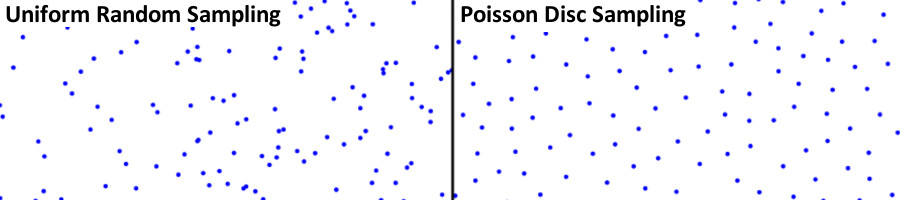
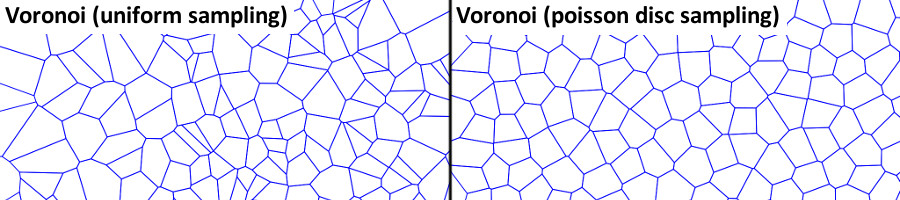
A Poisson disc sampler generates a set of random points with the property that no two points are within some set radius of eachother.
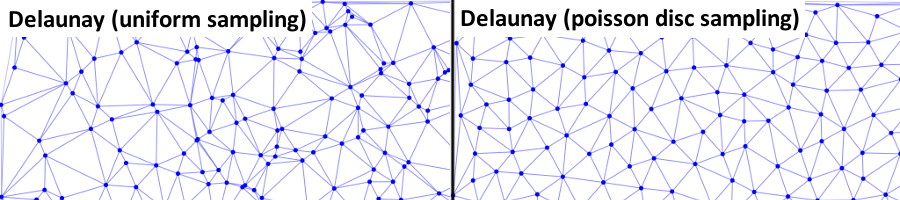
The set of points are triangulated in a Delaunay triangulation. The triangulation is stored in a doubly connected edge list (DCEL) data structure.
The dual of the Delaunay triangulation is computed to produce a Voronoi diagram, which is also stored as a DCEL.
Each vertex in the Delaunay triangulation becomes a face in the Voronoi diagram, and each triangle in the Delaunay triangulation becomes a vertex in the Voronoi diagram. A triangle is transformed into a vertex by fitting a circle to the three triangle vertices and setting the circle's center as the position of a Voronoi vertex. The following image displays the relationship between a Delaunay triangulation and a Voronoi diagram.
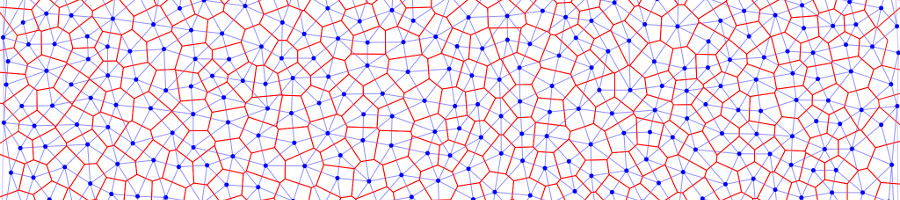
The vertices of the Voronoi diagram will be used as the nodes in an irregular grid. Note that each node has exactly three neighbours.
Generating Terrain
An initial height map is generated using a set of primitives:
- addHill - Create a rounded hill where height falls off smoothly
- addCone - Create a cone where height falls off linearly
- addSlope - Create a slope gradient that runs parallel to a line
and a set of operations:
- normalize - Normalize the height map values to [0,1]
- round - Round height map features by normalizing and taking the square root of the height values
- relax - Replace height values with the average of their neighbours
- setSeaLevel - Translate the height map so that the new sea level is at zero
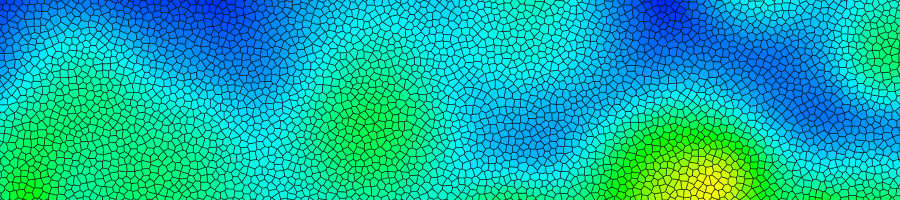
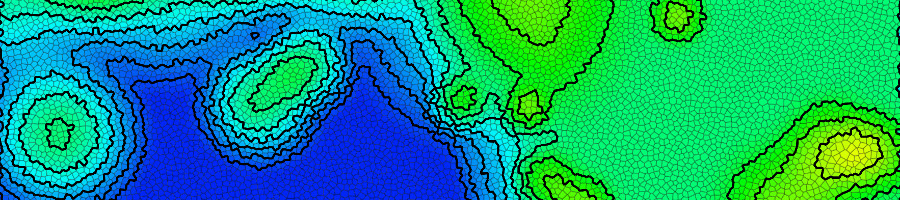
Contour lines are generated from the Voronoi edges. If a contour line is generated for some elevation h, a Voronoi edge will be included in the countour if one of its adjacent faces has a height less than h while the other has a height greater than or equal to h.
A flow map is generated by tracing the route that water would flow over the map. At each point on the grid, a path must be traced downhill to the edge of the map. This means that there can be no sinks or depressions within the height map. Depressions are filled by using the Planchon-Darboux Algorithm to ensure that a path to the edge of the map exists for all grid points.
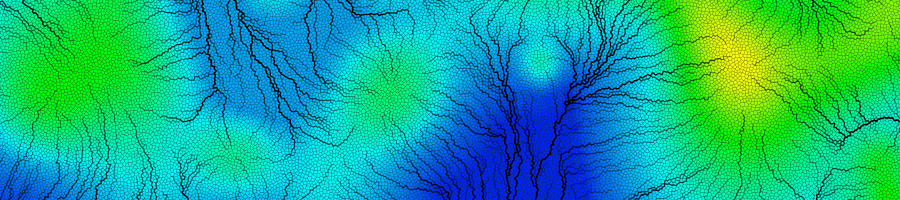
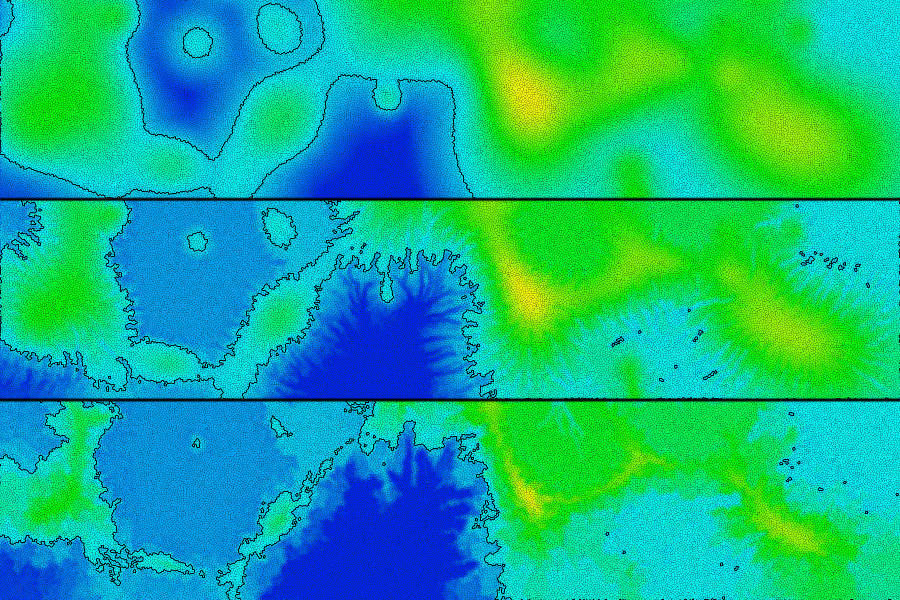
The height map is then eroded by using the flow map data and terrain slope data.
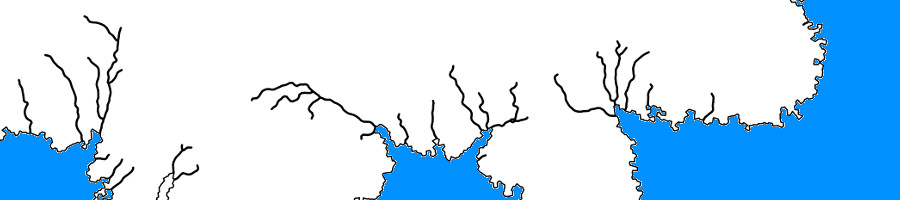
Paths representing rivers are generated at points where the amount of flux (river current) is above some threshold. The path of the river follows the flow map until it reaches a coastline or the edge of the map.
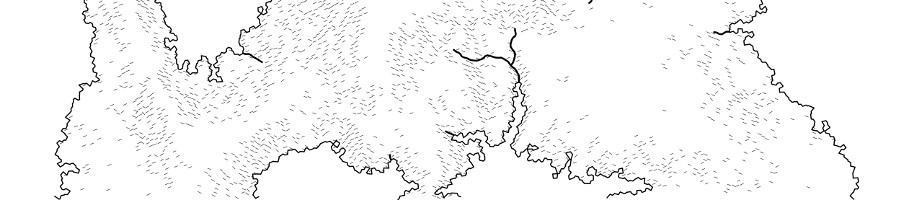
The height map is shaded based upon the horizontal component of the slope. Short strokes are drawn at faces where the slope is above some threshold. Strokes pointing upwards from left to right are drawn if the height map is sloping upward from left to right, and strokes pointing downward from left to right are drawn if the height map is sloping downward from left to right.
Generating Cities and Borders
City score values are computed to determine the location of a city and have a bonus at locations where there is a high flux value and a penalty at locations that are too close to other cities or too close to the edge of the map.
.
qqbot-media
342.5kQQBot 富媒体收发能力。使用 <qqmedia> 标签,系统根据文件扩展名自动识别类型(图片/语音/视频/文件)。
