
Fskube
Tool for Django Developers to setup full stack EKS Kubernetes with all necessary tools including DevSecOps in 40 minutes
Install / Use
/learn @rebataur/FskubeREADME
Table of Contents
<!-- ABOUT THE PROJECT -->About The Project

Built With
<!-- GETTING STARTED -->Getting Started
Please note the following
- Currently only runs on Windows
- Linux and Mac ports coming soon.
For Convenience Download single executable for Windows
https://github.com/rebataur/fskube/releases/download/v0.1.8/fskube.exe
Prerequisites
This is an example of how to list things you need to use the software and how to install them.
- Currently tested only on Windows
- Python 3.7+
Installation
- Clone the fskube
git clone https://github.com/rebataur/fskube.git
- Create virtualenv
cd fskube
virtualenv venv
venv\scripts\activate
- Install fskube
pip install -r requirements.txt
- Run the flask app
>set FLASK_APP=fskube.py
>set FLASK_DEBUG=FALSE
>set FLASK_RUN_PORT=5678
>flask run
- Launch http://localhost:5678 in your browser
Usage
KubeConfig file is stored in your YOUR_USER_DIRECTORY/.fskube/YOUR_CLUSTER_ID
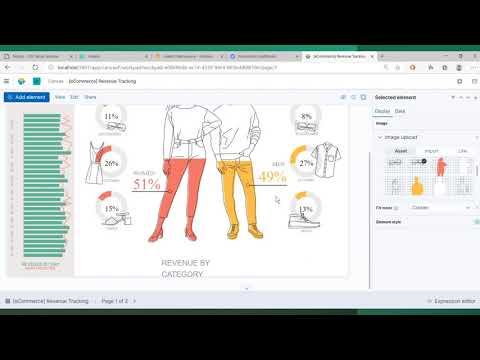
Please watch a detailed video of fskube below.
Roadmap
- Spot Instances
- AMD Based Instances
- Graviton based Instances
- AutoScaling Group
See the open issues for a list of proposed features (and known issues).
<!-- CONTRIBUTING -->Contributing
Contributions are what make the open source community such an amazing place to be learn, inspire, and create. Any contributions you make are greatly appreciated.
- Fork the Project
- Create your Feature Branch (
git checkout -b feature/AmazingFeature) - Commit your Changes (
git commit -m 'Add some AmazingFeature') - Push to the Branch (
git push origin feature/AmazingFeature) - Open a Pull Request
License
Distributed under the MIT License. See LICENSE for more information.
Contact
Your Name - @rebataur - hello@rebataur.com
Project Link: https://github.com/rebataur/fskube
<!-- ACKNOWLEDGEMENTS -->Acknowledgements
We stand on the shoulders of giants! This project would not have been possible without the following projects.
<!-- MARKDOWN LINKS & IMAGES --> <!-- https://www.markdownguide.org/basic-syntax/#reference-style-links -->