
Corrupter
Simple image glitcher suitable for producing nice looking lockscreens
Install / Use
/learn @r00tman/CorrupterREADME
corrupter
Simple image glitcher suitable for producing nice looking i3lock backgrounds
Getting Started
$ git clone https://github.com/r00tman/corrupter
$ cd corrupter && go build
$ ./corrupter -h
$ ./corrupter shots/example.png out.png && xdg-open out.png
Alternatively, you can use go get -u github.com/r00tman/corrupter to install. Then, the binary will be at ~/go/bin/corrupter ($GOPATH/bin/corrupter if $GOPATH is set).
If you're using an Arch-based distro, you can use one of the two AUR packages!
- corrupter-git maintained by alrayyes, for an automated build, and
- corrupter-bin maintained by marcospb19, for the pre-built binary.
- swaylock-corrupter maintained by slithery0, for corrupter pre-build binary along with swaylock intregation.
At the moment, you can only pass and output .png images. But that's enough to work well with scrot and i3lock.
Using with i3lock+scrot / swaylock+grim
As corrupter only glitches the image for a cool background, you'd have to set up a lock script.
Example screenshot lock script:
#!/usr/bin/env bash
tmpbg="/tmp/screen.png"
scrot "$tmpbg"; corrupter "$tmpbg" "$tmpbg"
i3lock -i "$tmpbg"; rm "$tmpbg"
The script above takes a screenshot with scrot, distorts it with corrupter, and then locks the screen using i3lock.
If you're using i3, you can create the script at ~/.lock, and then add a lock bindsym.
bindsym $mod+Control+l exec --no-startup-id bash ./.lock
Using pre-corrupted images
Alternatively, you can pre-corrupt an image and always use it (which is faster):
$ ./corrupter shots/example.png ~/.wallpaper.png
and then, in your ~/.config/i3/config:
bindsym $mod+Control+l exec --no-startup-id i3lock -i ./.wallpaper.png
This method is slightly faster since the image processing has been done beforehand.
Less distorted image
Default config is pretty heavy-handed. To get less disrupted images you may want to reduce blur and distortion:
$ ./corrupter -mag 1 -boffset 2 shots/example.png out.png && xdg-open out.png
Examples
Images using the default parameters:
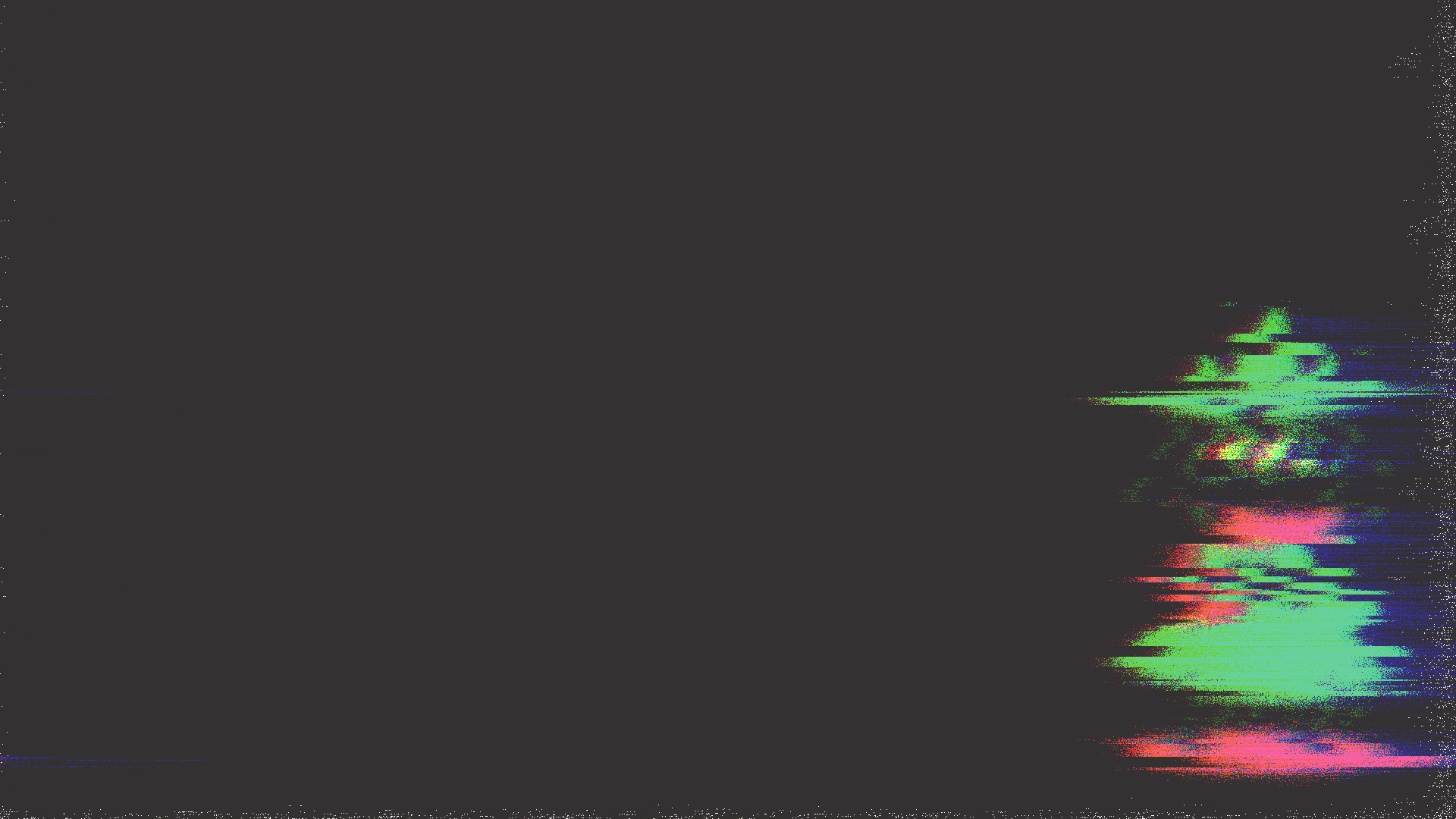
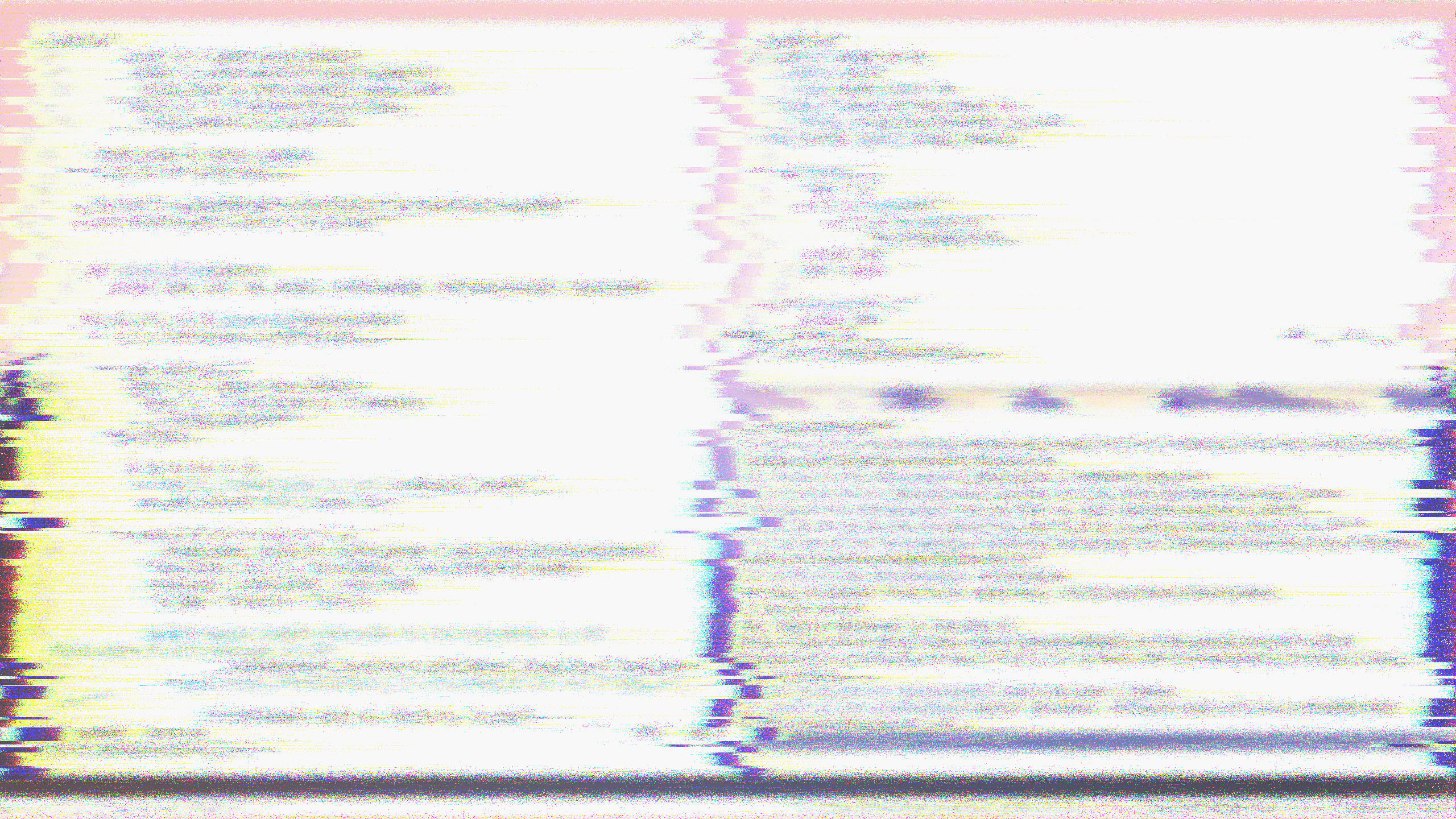
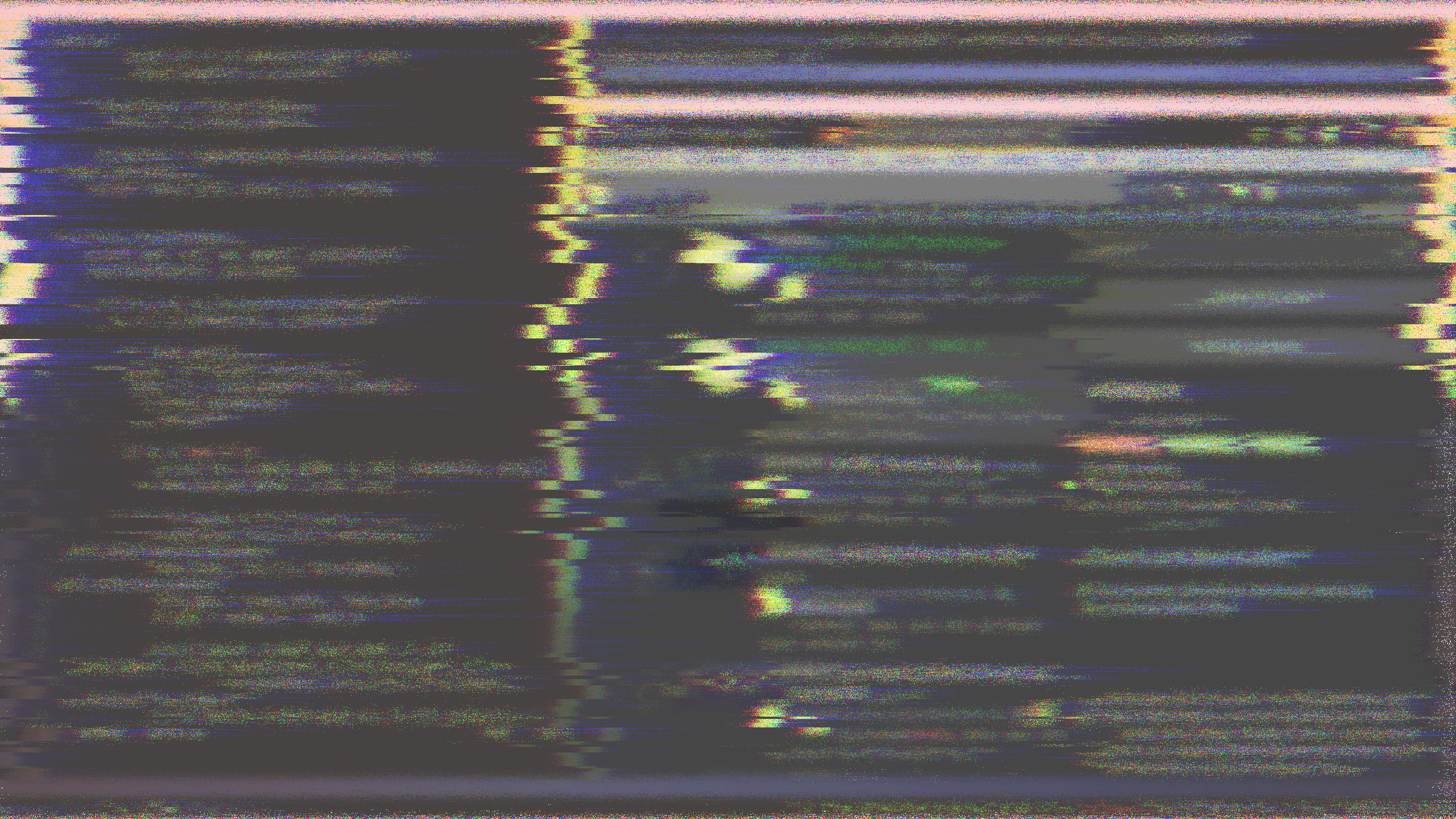
With custom parameters:
Before:
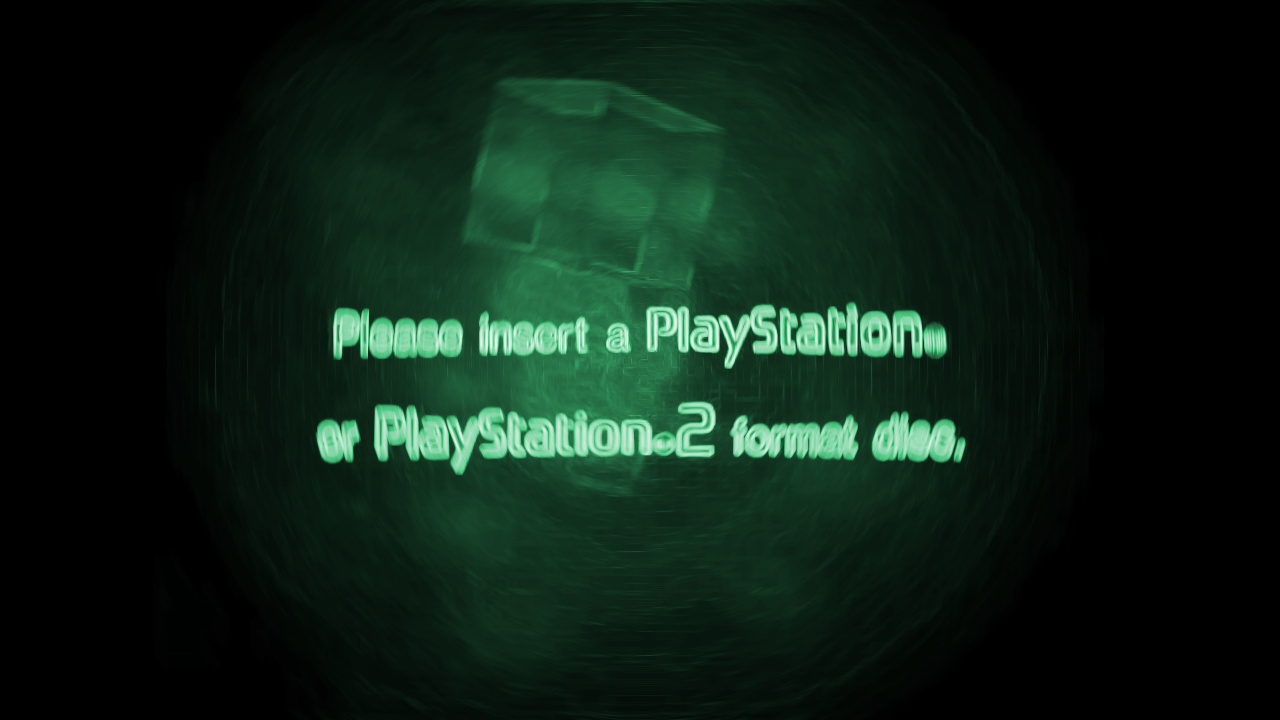
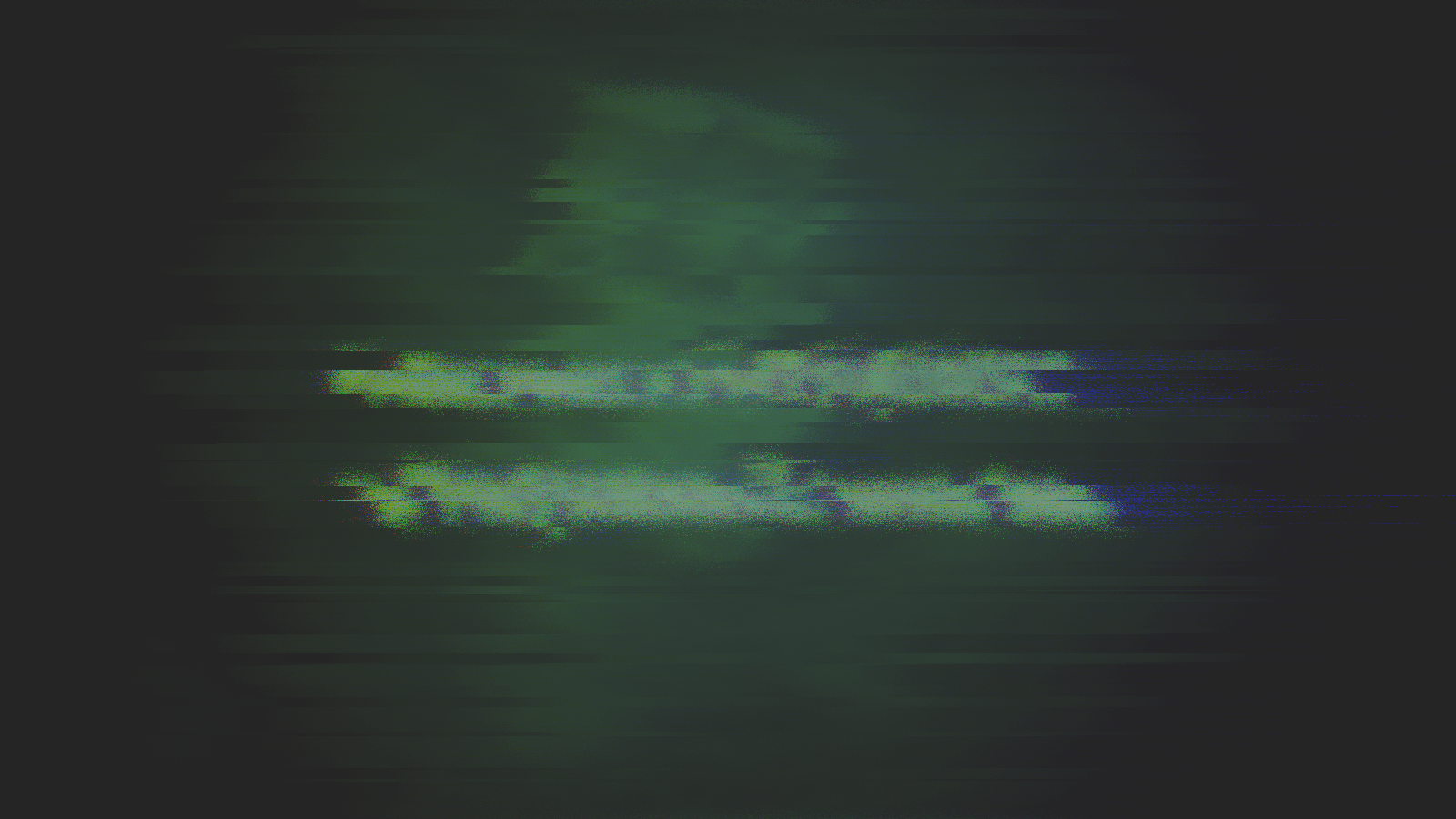
After (custom parameters and ImageMagick dim):
Related Skills
node-connect
344.1kDiagnose OpenClaw node connection and pairing failures for Android, iOS, and macOS companion apps
xurl
344.1kA CLI tool for making authenticated requests to the X (Twitter) API. Use this skill when you need to post tweets, reply, quote, search, read posts, manage followers, send DMs, upload media, or interact with any X API v2 endpoint.
frontend-design
96.8kCreate distinctive, production-grade frontend interfaces with high design quality. Use this skill when the user asks to build web components, pages, or applications. Generates creative, polished code that avoids generic AI aesthetics.
openai-whisper-api
344.1kTranscribe audio via OpenAI Audio Transcriptions API (Whisper).
