
RestClient
🦄 A Promise based REST and HTTP client for Unity 🎮
Install / Use
/learn @proyecto26/RestClientREADME




RestClient for Unity 🤘
This HTTP/REST Client is based on Promises to avoid the Callback Hell ☠️ and the Pyramid of doom 💩 working with Coroutines in Unity 🎮, example:
var api = "https://jsonplaceholder.typicode.com";
RestClient.GetArray<Post>(api + "/posts", (err, res) => {
  RestClient.GetArray<Todo>(api + "/todos", (errTodos, resTodos) => {
    RestClient.GetArray<User>(api + "/users", (errUsers, resUsers) => {
      //Missing validations to catch errors!
    });
  });
});
But working with Promises we can improve our code, yay! 👏
RestClient.GetArray<Post>(api + "/posts").Then(response => {
  EditorUtility.DisplayDialog ("Success", JsonHelper.ArrayToJson<Post>(response, true), "Ok");
  return RestClient.GetArray<Todo>(api + "/todos");
}).Then(response => {
  EditorUtility.DisplayDialog ("Success", JsonHelper.ArrayToJson<Todo>(response, true), "Ok");
  return RestClient.GetArray<User>(api + "/users");
}).Then(response => {
  EditorUtility.DisplayDialog ("Success", JsonHelper.ArrayToJson<User>(response, true), "Ok");
}).Catch(err => EditorUtility.DisplayDialog ("Error", err.Message, "Ok"));
Features 🎮
- Works out of the box 🎉
- Make HTTP requests from Unity
- Supports HTTPS/SSL
- Built on top of UnityWebRequest system
- Transform request and response data (JSON serialization with JsonUtility or other tools)
- Automatic transforms for JSON Arrays.
- Supports default HTTP Methods (GET, POST, PUT, DELETE, HEAD, PATCH)
- Generic REQUEST method to create any http request
- Based on Promises for a better asynchronous programming. Learn about Promises here!
- Utility to work during scene transition
- Handle HTTP exceptions and retry requests easily
- Open Source 🦄
Supported platforms 📱 🖥
The UnityWebRequest system supports most Unity platforms:
- All versions of the Editor and Standalone players
- WebGL
- Mobile platforms: iOS, Android
- Universal Windows Platform
- PS4 and PSVita
- XboxOne
- HoloLens
- Nintendo Switch
Demo ⏯
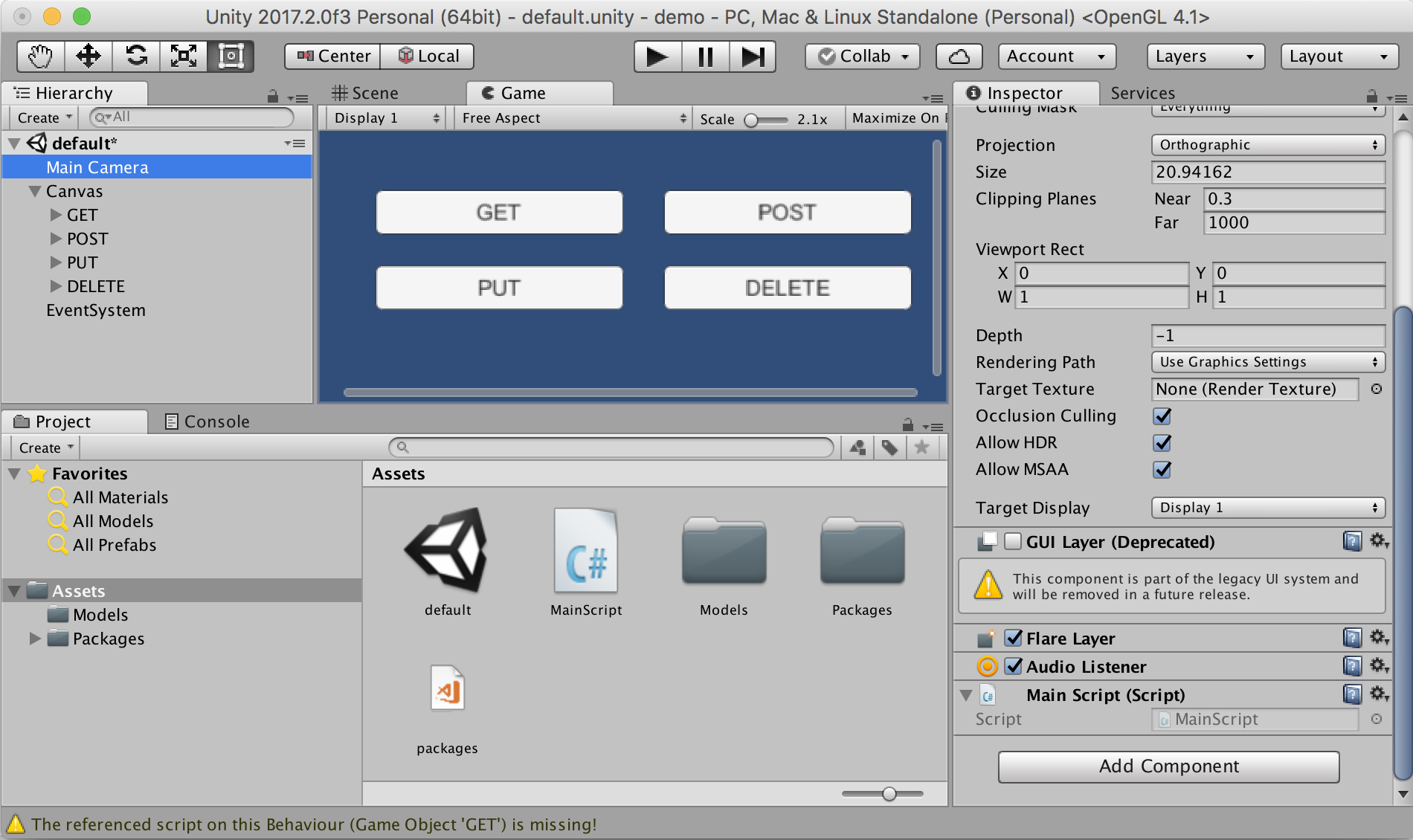
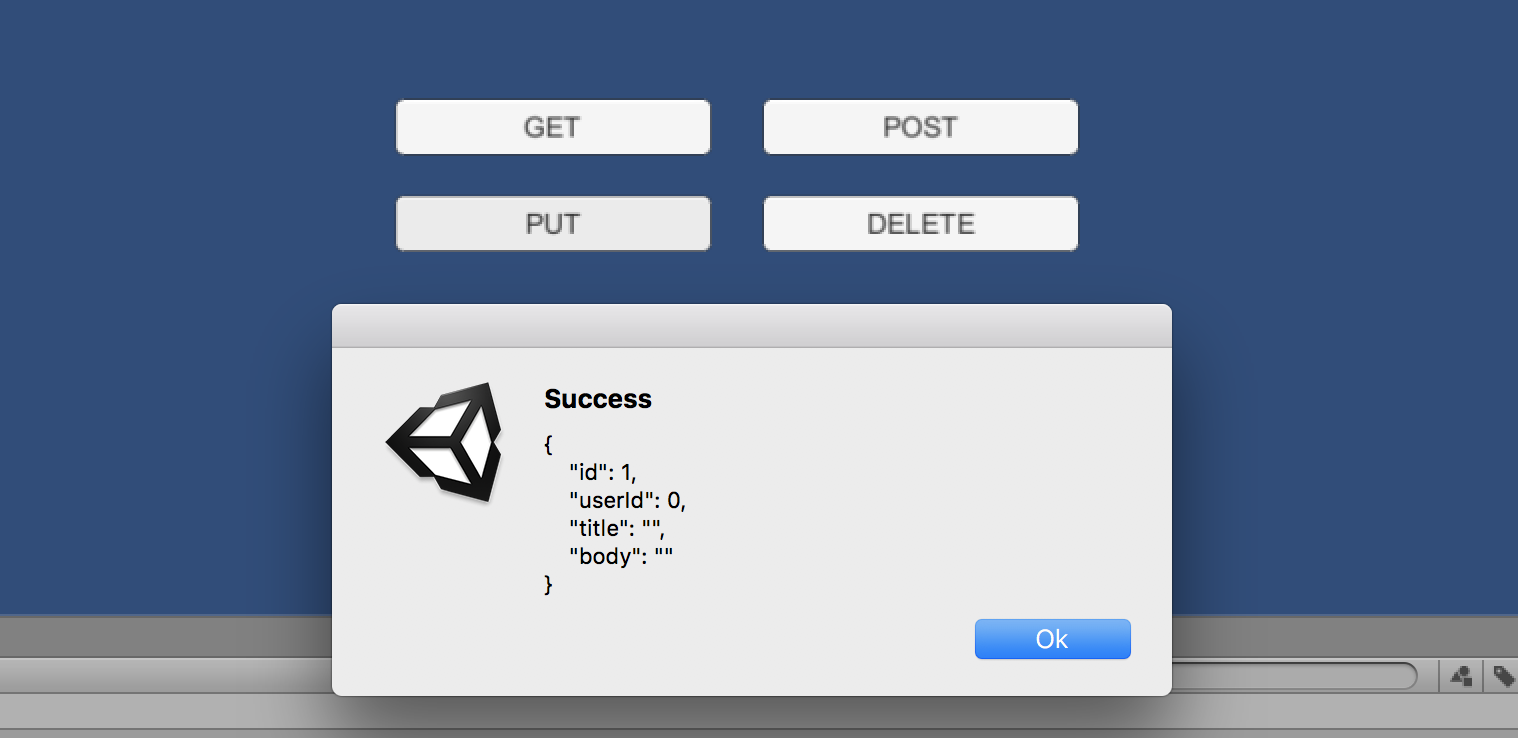
Do you want to see this beautiful package in action? Download the demo here
Installation 👨💻
Unity package
Download and install the .unitypackage file of the latest release published here.
UPM package
Make sure you had installed C# Promise package or at least have it in your openupm scope registry. Then install RestClient package using this URL from Package Manager: https://github.com/proyecto26/RestClient.git#upm
NuGet package
Other option is download this package from NuGet with Visual Studio or using the nuget-cli, a NuGet.config file is required at the root of your Unity Project, for example:
<?xml version="1.0" encoding="utf-8"?>
<configuration>
  <config>
    <add key="repositoryPath" value="./Assets/Packages" />
  </config>
</configuration>
The package to search for is Proyecto26.RestClient.
Getting Started 📚
The default methods (GET, POST, PUT, DELETE, HEAD) are:
RestClient.Get("https://jsonplaceholder.typicode.com/posts/1").Then(response => {
  EditorUtility.DisplayDialog("Response", response.Text, "Ok");
});
RestClient.Post("https://jsonplaceholder.typicode.com/posts", newPost).Then(response => {
  EditorUtility.DisplayDialog("Status", response.StatusCode.ToString(), "Ok");
});
RestClient.Put("https://jsonplaceholder.typicode.com/posts/1", updatedPost).Then(response => {
  EditorUtility.DisplayDialog("Status", response.StatusCode.ToString(), "Ok");
});
RestClient.Delete("https://jsonplaceholder.typicode.com/posts/1").Then(response => {
  EditorUtility.DisplayDialog("Status", response.StatusCode.ToString(), "Ok");
});
RestClient.Head("https://jsonplaceholder.typicode.com/posts").Then(response => {
  EditorUtility.DisplayDialog("Status", response.StatusCode.ToString(), "Ok");
});
Handling during scene transition
ExecuteOnMainThread.RunOnMainThread.Enqueue(() => {
  //Any API call using RestClient
});
Generic Request Method
And we have a generic method to create any type of request:
RestClient.Request(new RequestHelper {
  Uri = "https://jsonplaceholder.typicode.com/photos",
  Method = "POST",
  Timeout = 10,
  Params = new Dictionary<string, string> {
    { "param1", "Query string param..." }
  },
  Headers = new Dictionary<string, string> {
    { "Authorization", "Bearer JWT_token..." }
  },
  Body = newPhoto, //Serialize object using JsonUtility by default
  BodyString = SerializeObject(newPhoto), //Use it instead of 'Body' to serialize using other tools
  BodyRaw = CompressToRawData(newPhoto), //Use it instead of 'Body' to send raw data directly
  FormData = new WWWForm(), //Send files, etc with POST requests
  SimpleForm = new Dictionary<string, string> {}, //Content-Type: application/x-www-form-urlencoded
  FormSections = new List<IMultipartFormSection>() {}, //Content-Type: multipart/form-data
  CertificateHandler = new CustomCertificateHandler(), //Create custom certificates
  UploadHandler = new UploadHandlerRaw(bytes), //Send bytes directly if it's required
  DownloadHandler = new DownloadHandlerFile(destPah), //Download large files
  ContentType = "application/json", //JSON is used by default
  Retries = 3, //Number of retries
  RetrySecondsDelay = 2, //Seconds of delay to make a retry
  RetryCallbackOnlyOnNetworkErrors = true, //Invoke RetryCallack only when the retry is provoked by a network error
  RetryCallback = (err, retries) => {}, //See the error before retrying the request
  ProgressCallback = (percent) => {}, //Reports progress of the request from 0 to 1
  EnableDebug = true, //See logs of the requests for debug mode
  IgnoreHttpException = true, //Prevent to catch http exceptions
  ChunkedTransfer = false,
  UseHttpContinue = true,
  RedirectLimit = 32,
  DefaultContentType = false, //Disable JSON content type by default
  ParseResponseBody = false //Don't encode and parse downloaded data as JSON
}).Then(response => {
  //Get resources via downloadHandler to get more control!
  Texture texture = ((DownloadHandlerTexture)response.Request.downloadHandler).texture;
  AudioClip audioClip = ((DownloadHandlerAudioClip)response.Request.downloadHandler).audioClip;
  AssetBundle assetBundle = ((DownloadHandlerAssetBundle)response.Request.downloadHandler).assetBundle;

  EditorUtility.DisplayDialog("Status", response.StatusCode.ToString(), "Ok");
}).Catch(err => {
  var error = err as RequestException;
  EditorUtility.DisplayDialog("Error Response", error.Response, "Ok");
});
- Example downloading an audio file:
var fileUrl = "https://raw.githubusercontent.com/IonDen/ion.sound/master/sounds/bell_ring.ogg";
var fileType = AudioType.OGGVORBIS;

RestClient.Get(new RequestHelper {
  Uri = fileUrl,
  DownloadHandler = new DownloadHandlerAudioClip(fileUrl, fileType)
}).Then(res => {
  AudioSource audio = GetComponent<AudioSource>();
  audio.clip = ((DownloadHandlerAudioClip)res.Request.downloadHandler).audioClip;
  audio.Play();
}).Catch(err => {
  EditorUtility.DisplayDialog ("Error", err.Message, "Ok");
});
With all the methods we have the possibility to indicate the type of response, in the following example we're going to create a class and the HTTP requests to load JSON data easily:
[Serializable]
public class User
{
  public int id;
  public string name;
  public string username;
  public string email;
  public string phone;
  public string website;
}
- GET JSON
var usersRoute = "https://jsonplaceholder.typicode.com/users";
RestClient.Get<User>(usersRoute + "/1").Then(firstUser => {
  EditorUtility.DisplayDialog("JSON", JsonUtility.ToJson(firstUser, true), "Ok");
});
- GET Array (JsonHelper is an extension to manage arrays)
RestClient.GetArray<User>(usersRoute).Then(allUsers => {
  EditorUtility.DisplayDialog("JSON Array", JsonHelper.ArrayToJsonString<User>(allUsers, true), "Ok");
});
Also we can create different classes for custo
