
Sevastolink
:alien: A color theme based on Sevastolink, Sevastopol's desktop OS presented in SEGA's "Alien: Isolation"
Install / Use
/learn @paulopacitti/SevastolinkREADME
sevastolink :alien:


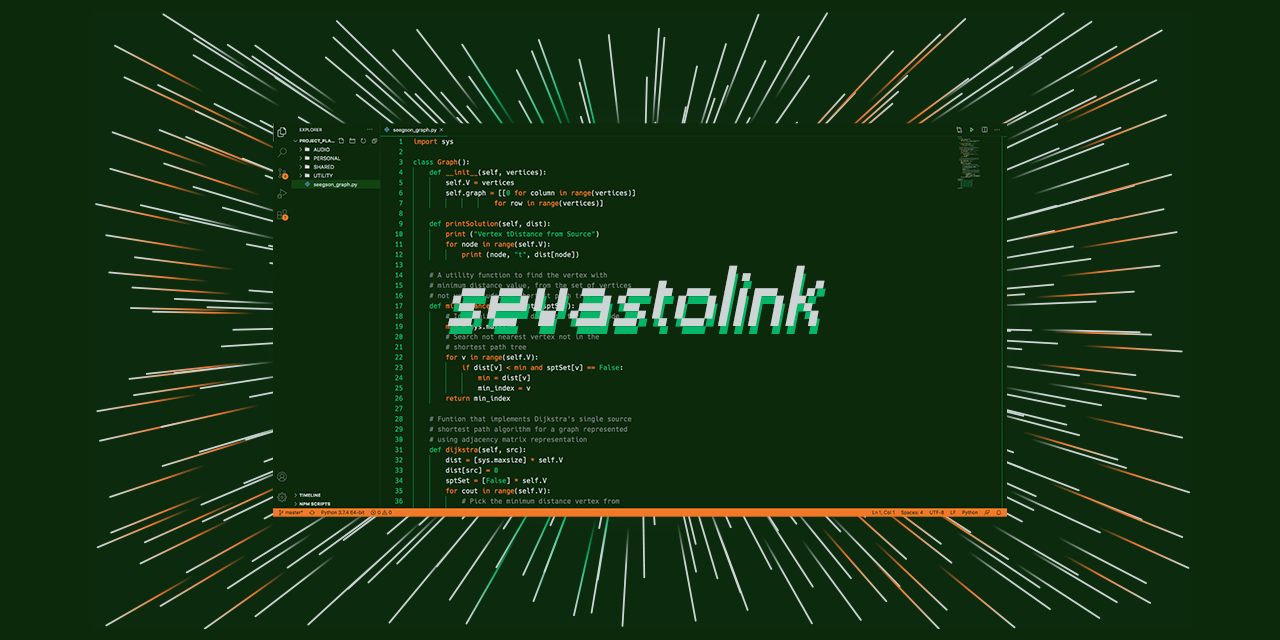
- A color theme based on Sevastolink, Sevastopol's desktop OS presented in SEGA's "Alien: Isolation" :alien:
Color Palette :art:
Name | Hex | RGB | |
--- | --- | --- | --- |
Xenomorph Skin |#0c290c | rgb(12,41,12) |  Terminal Green |
#134213 | rgb(19,66,19) | Seegson Green |
#05b669 | rgb(5, 182, 105) |  Acid Blood |
#f07826 | rgb(240, 120, 38) |  Hypersleep White |
#ccd5d4 | rgb(204, 213, 212) |  Synthetic Skin |
#7a807f | rgb(122, 128, 127) | 
Supported Apps :floppy_disk:
-
iTerm:

-
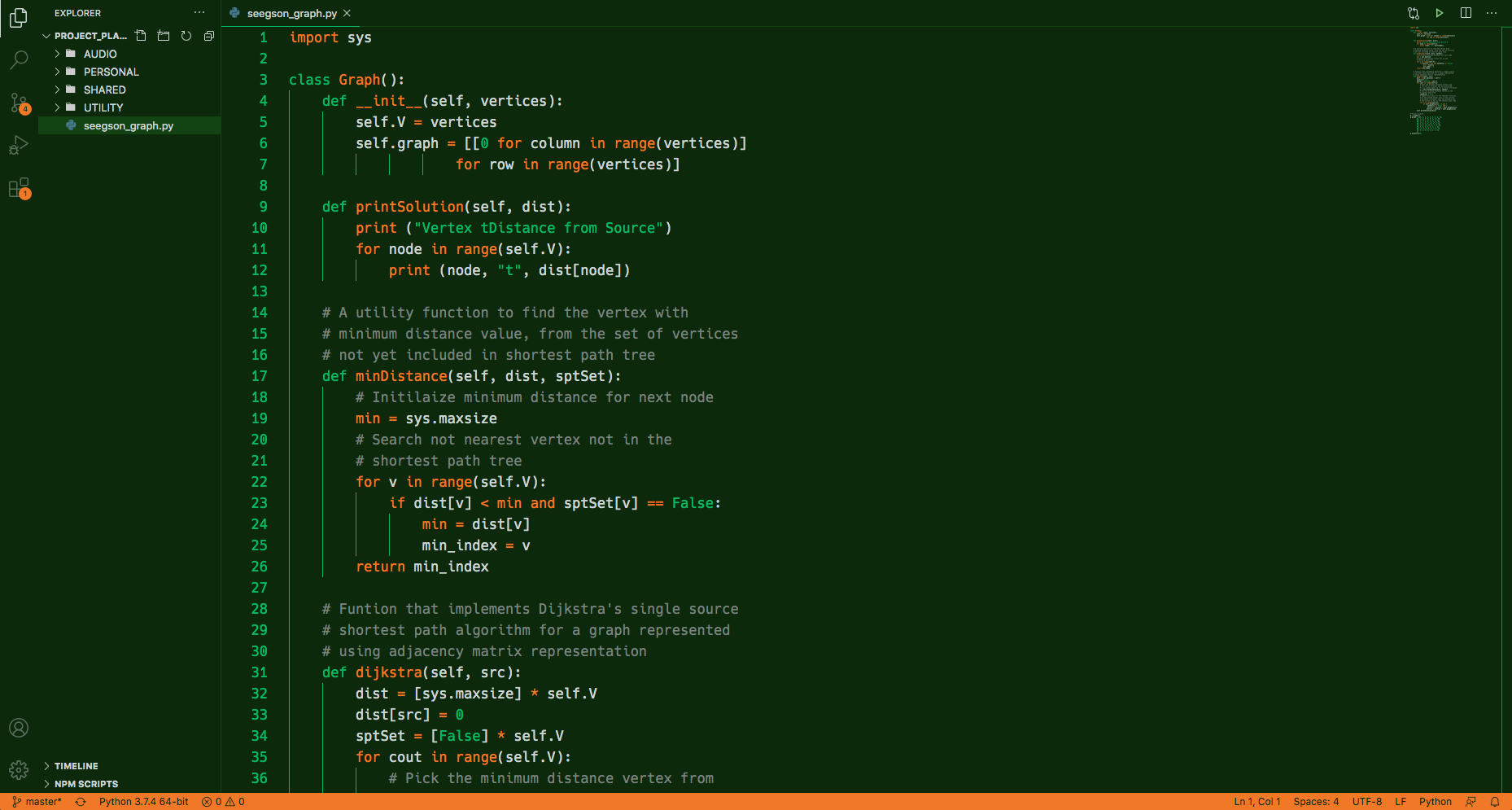
Visual Studio Code:
Install :arrow_down:
iTerm2
- Download in the releases section of this repo!
Visual Studio Code
- Open the extensions sidebar on Visual Studio Code;
- Search for
Sevastolink; - Click
Installto install it; - Rate five-stars if you like it :sparkles:
Credits :movie_camera:
- Project started with themer, if you want to create a color theme, this is a grat tool to start!
- Artwork made with Sevastol Interface and themer wallpaper generator;
Contributing :two_hearts:
- If you like it, leave your star in this project :star2:
- If you would like to complain/suggest/contribute to this project, feel free to open a issue :heart_decoration:
