
Canidev.tools
It is like @CanIUse but for the browser devtools. Created by @pankajparashar & curated by community.
Install / Use
/learn @pankajparashar/Canidev.toolsREADME
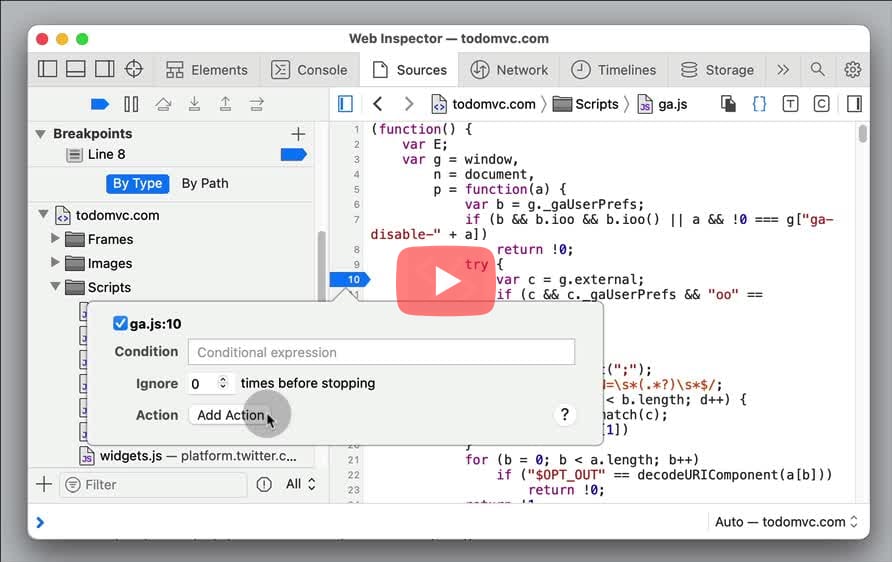
Add audio breakpoint
Can I add an audio breakpoint for debugging the source code?
- In Sources > Add a breakpoint by clicking the line number > Right click and select "Edit Breakpoint...".
- Click Add Action > Select "Play Sound" to hear a beep sound each time the statement is executed.
Add class to element
Can I add an existing CSS class to an HTML element?
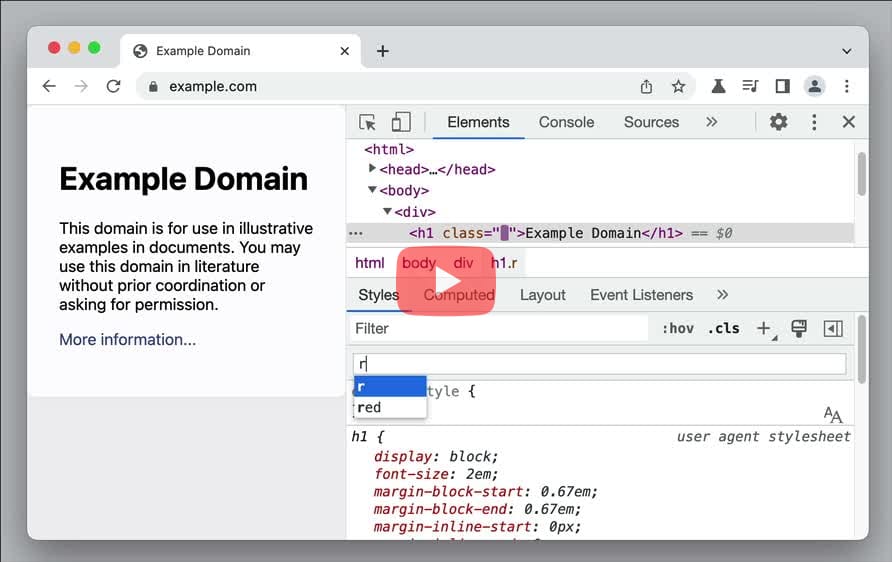
- Inspect the element > Look for ".cls" button in the Styles pane next to the Filter field.
- Click the button and search for the existing class names to add to the element.
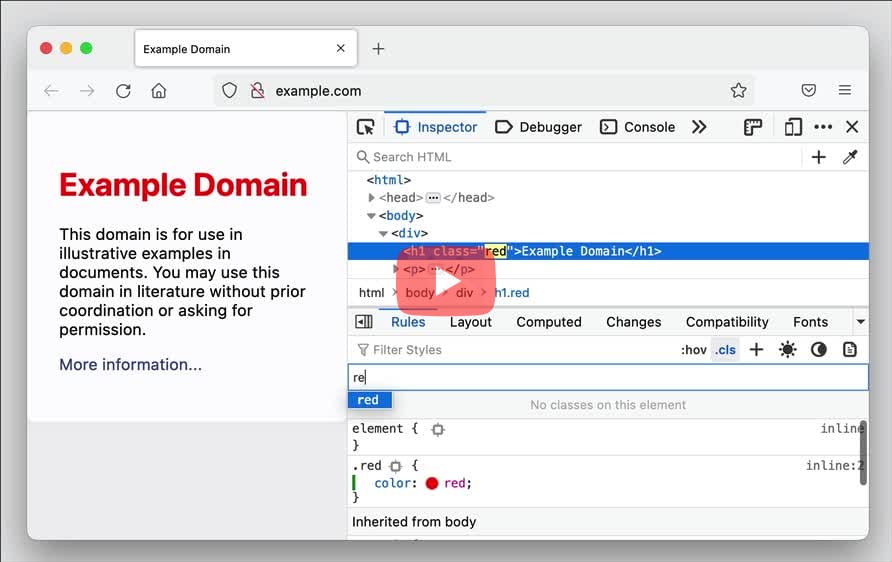
- Inspect the element > Look for ".cls" button in the styles section next to the Filter Styles field.
- Click the button and search for the existing class names to add to the element.
Edge:
- Select the element in the DOM tree. In the Styles pane, click .cls and search from the list of available class names in the Add new class textbox. Press
Enterto add the class to the element.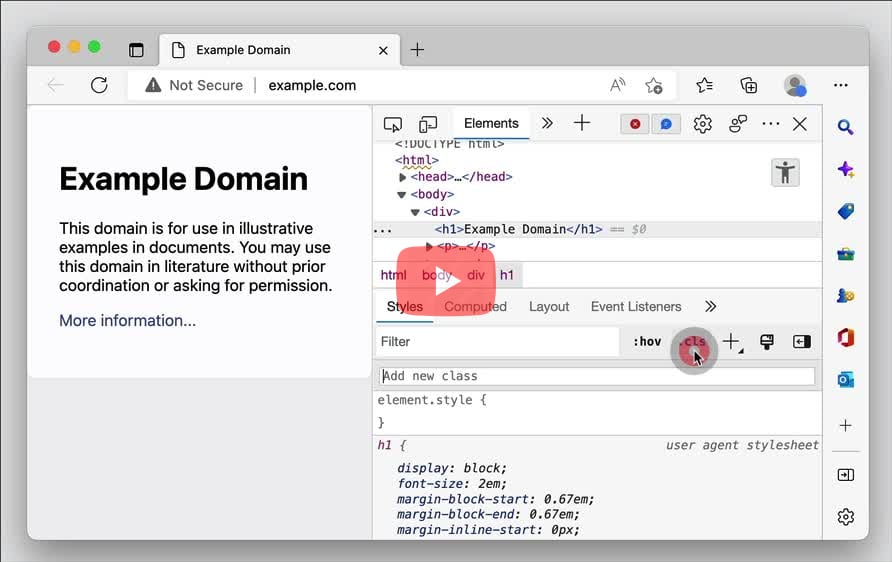
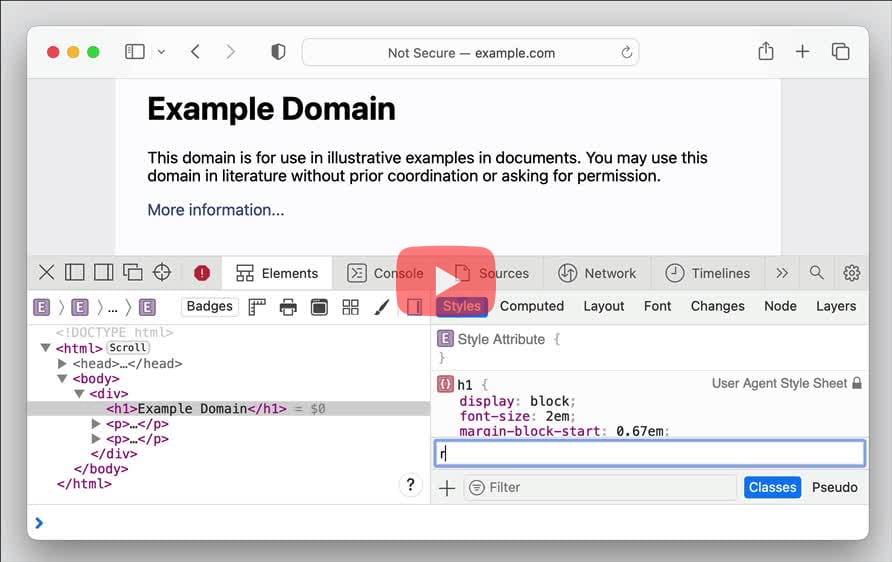
- Inspect the element > Look for "Classes" button in bottom row of the styles section next to the Filter field.
- Click the button and search for the existing class names to add to the element.
- Inspect the element > Open the "attributes" tab
- Add a new class into the class field, known classes from the page and CSS will automatically be suggested.
- If there is no class attribute yet, add it as a new attribute and known classes will also be automatically suggested.
Add conditional breakpoint
Can I set a conditional breakpoint for debugging?
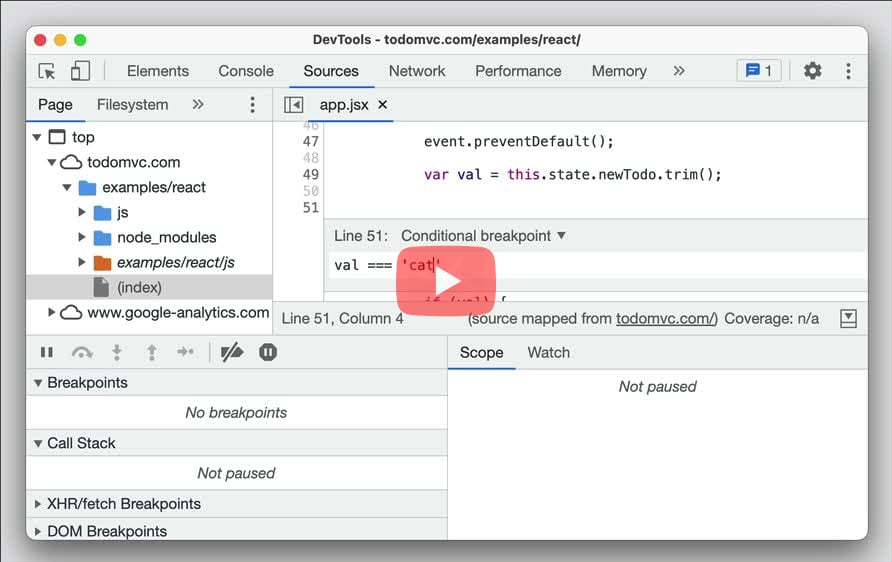
- In Sources, right click the line number and select "Add a conditional breakpoint..."
- Input the conditional expression on which the execution should pause, and press
Enter.
- In Debugger, right click the line number and select "Add condition"
- Input the conditional expression on which the execution should pause, and press
Enter.
Edge:
- In the Sources panel, right click on the line number and select Add conditional breakpoint.... Enter the conditional expression and press
Enter.
Add custom device
Can I add a custom device for a responsive design mode?
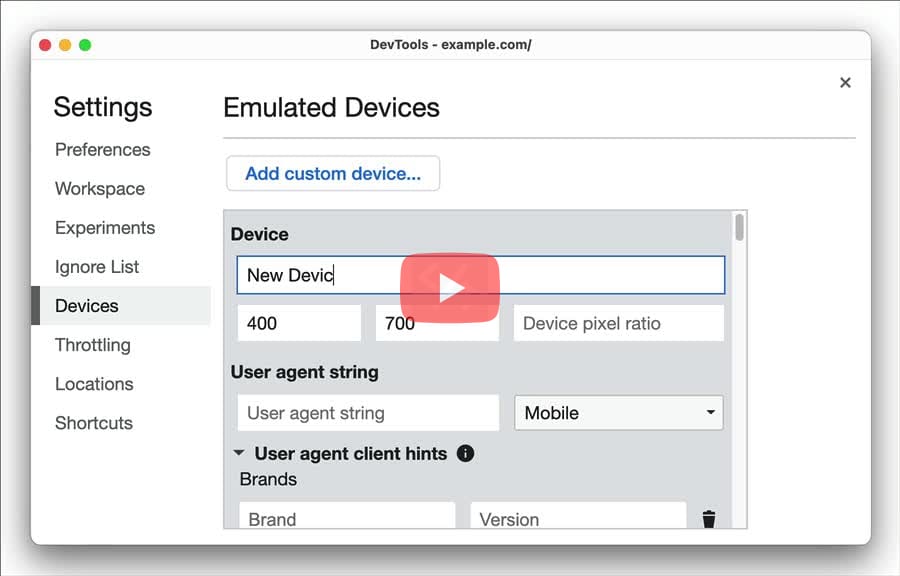
- Open Settings (
F1orShift+?) > Devices > Click "Add custom device...". - Enter the "Device Name" and other details associated with the device. Click the "Add" button.
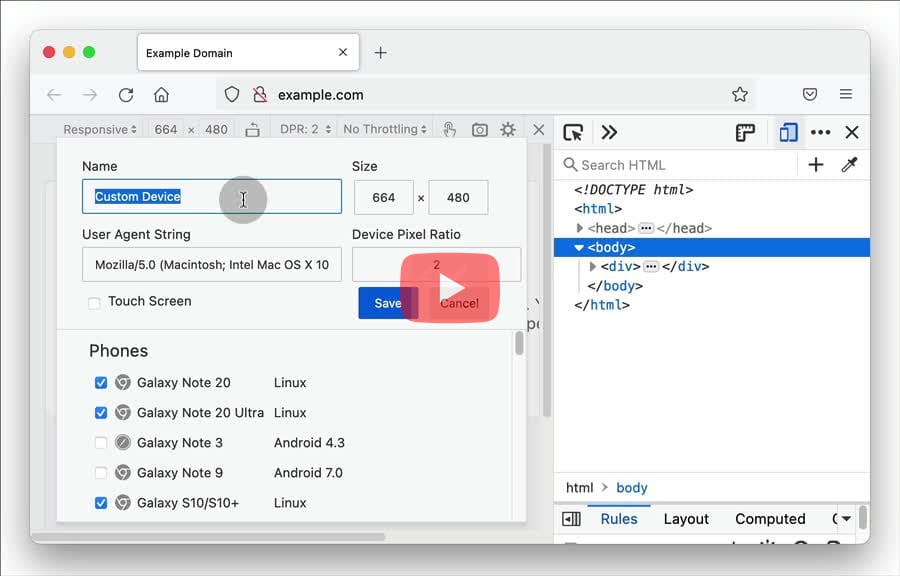
- Open Responsive Design Mode (
Cmd+Opt+MorCtrl+Shift+M) > Select "Edit List..." from the list of devices. - In Device Settings, click "Add Custom Device..." > Enter the Name and other related details > Click "Save".
Edge:
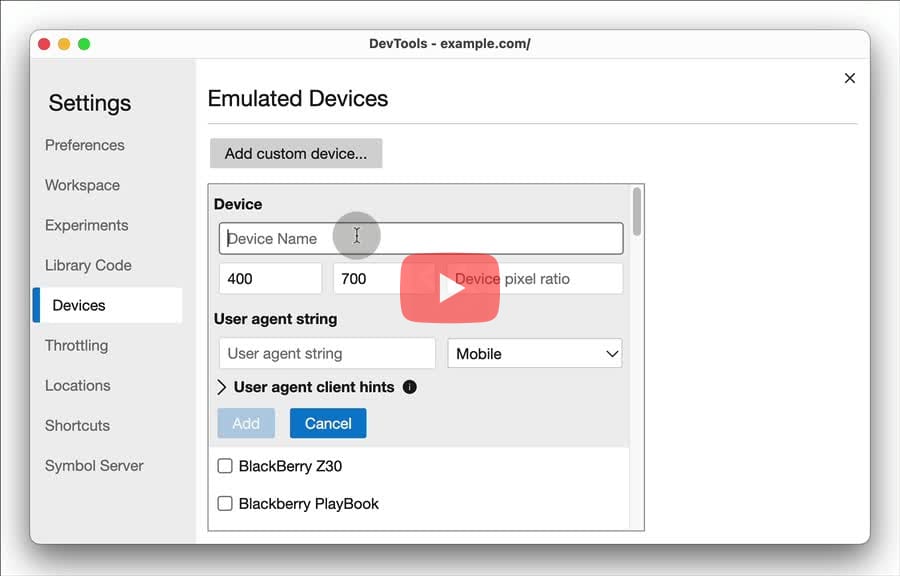
- Open Settings (
F1orShift+?) > Devices > Click Add custom device.... - Enter the Device Name and other details associated with the device. Click Add to add the custom device.
- Click the "+" button in the workspace, double-click anywhere in the free space, or press
Ctrl/Cmd+N - Once the new device is added you can resize it manually and set the device and emulation options with the Emulation settings.
Add columns for response headers
Can I add custom header columns to the Network requests table?
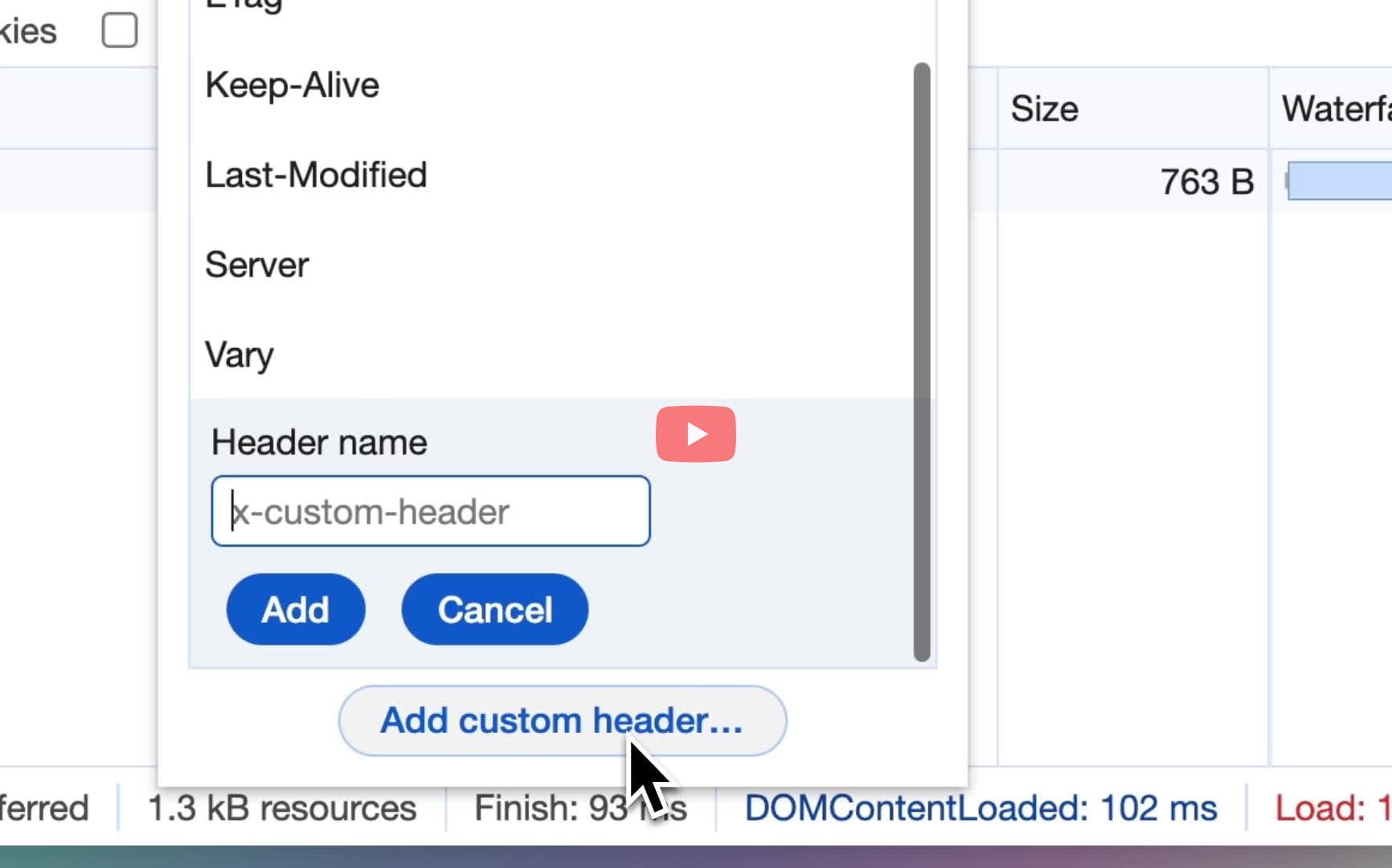
- In the Network panel, right click on the column headers > Response Headers > Manage Header Columns.
- In the Manage Header Columns popup window, click "Add Custom Header". Enter the custom header name, and click Add to add a new column to the Network requests table.
Edge:
- In the Network panel, right click on the column headers > Response Headers > Manage Header Columns.
- In the Manage Header Columns popup window, click "Add Custom Header". Enter the custom header name, and click Add to add a new column to the Network requests table.
Add inline styles
Can I add inline styles to an HTML element?
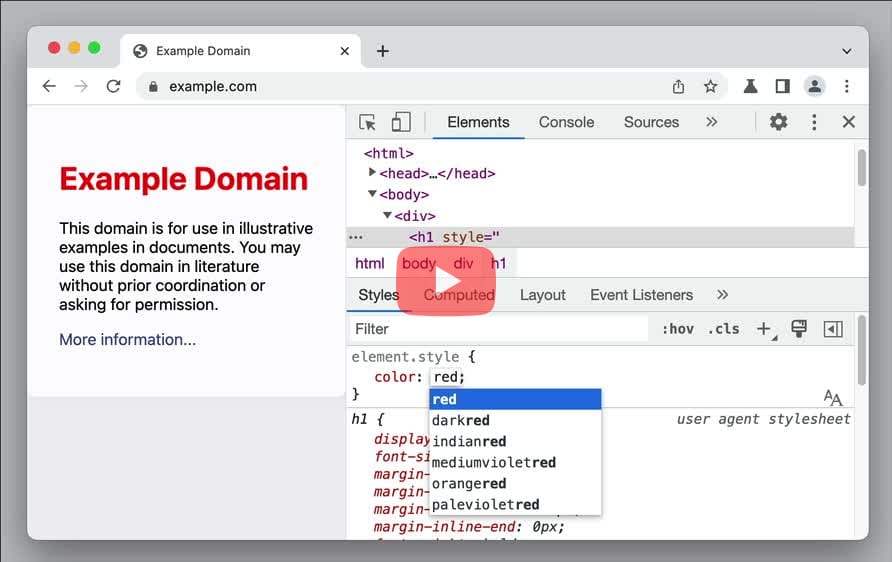
- Inspect element > In the Styles pane, click "element.style" to input the inline style.
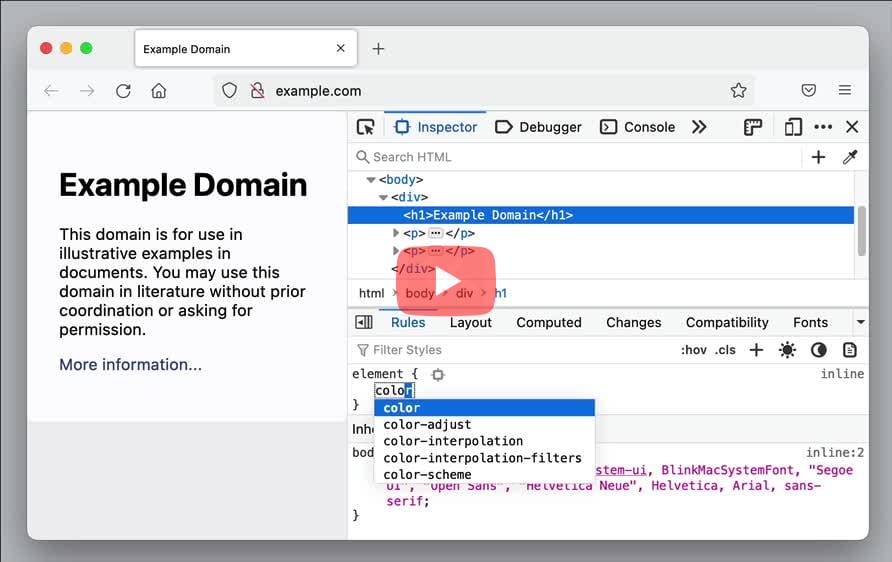
- Inspect element > In the Rules pane, click "element" to input the inline style.
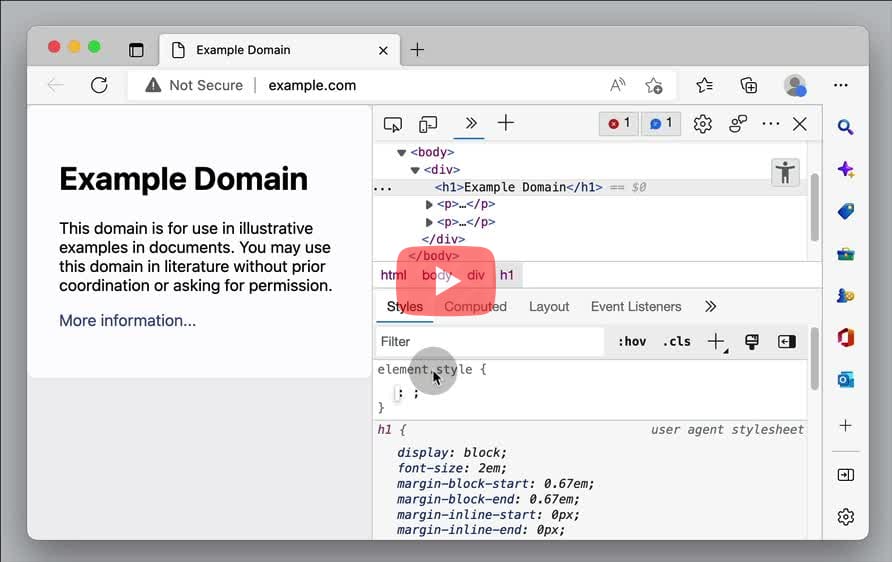
Edge:
- Select the element in the DOM tree > In the Styles pane, click element.style and add the property: value declaration.
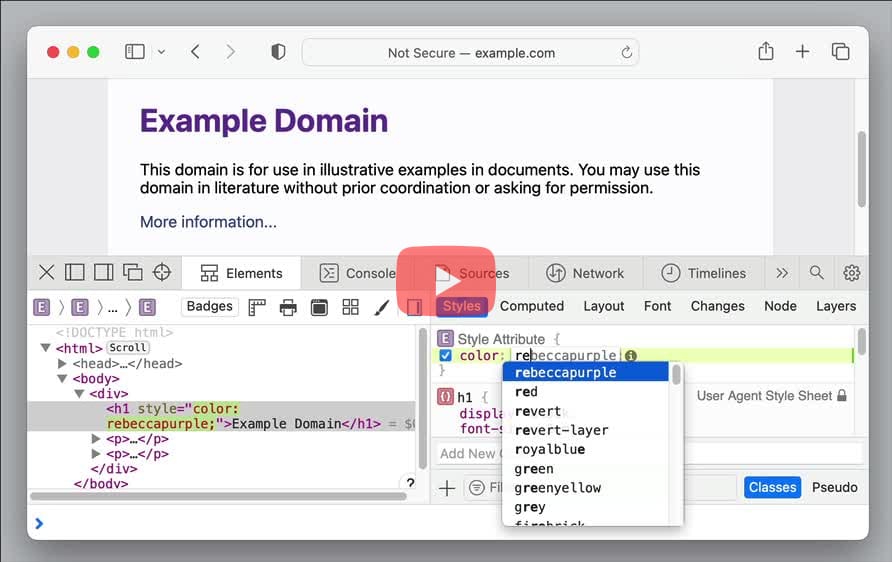
- Inspect element > In the Styles pane, click inside "Style Attribute" braces to input the inline style.
- Inspect element > In the Styles pane, click "property" under "element.style" to input the inline style.
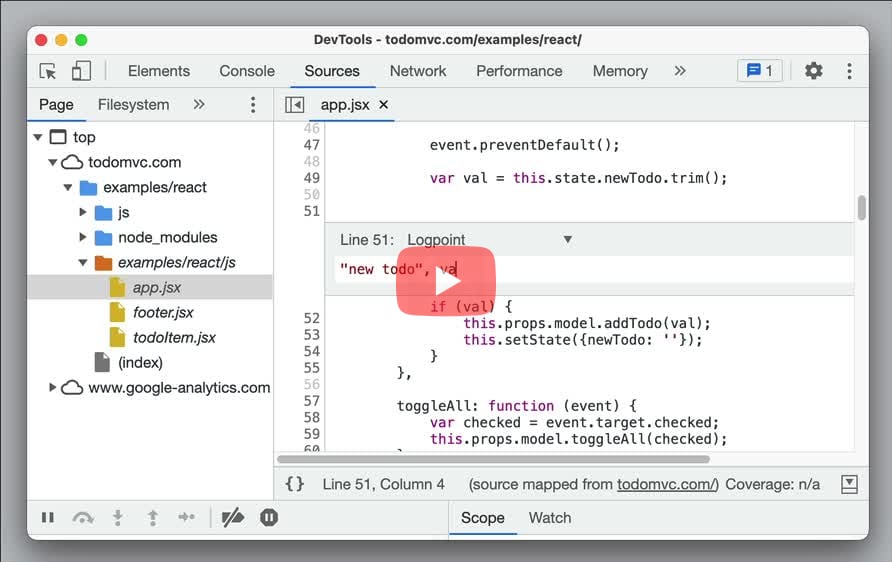
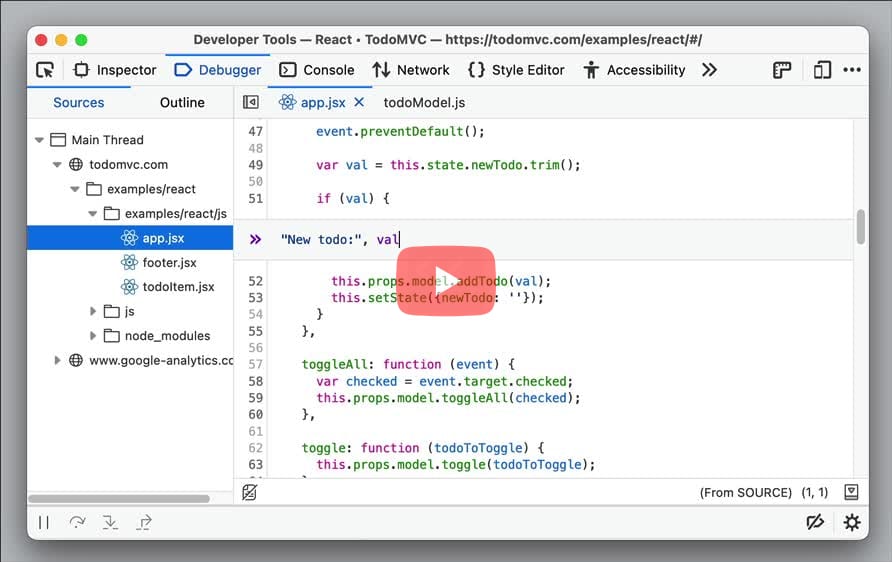
Add logpoint
Can I add log points to source code for debugging?
- In Sources > Right click on the line number and select "Add logpoint..." > Input the log statement to print in the Console without actually writing
console.logstatements.
- In Debugger > Right click on the line number and select "Add log" > Input the log statement to print in the Console without actually writing
console.logstatements.
[Edge
