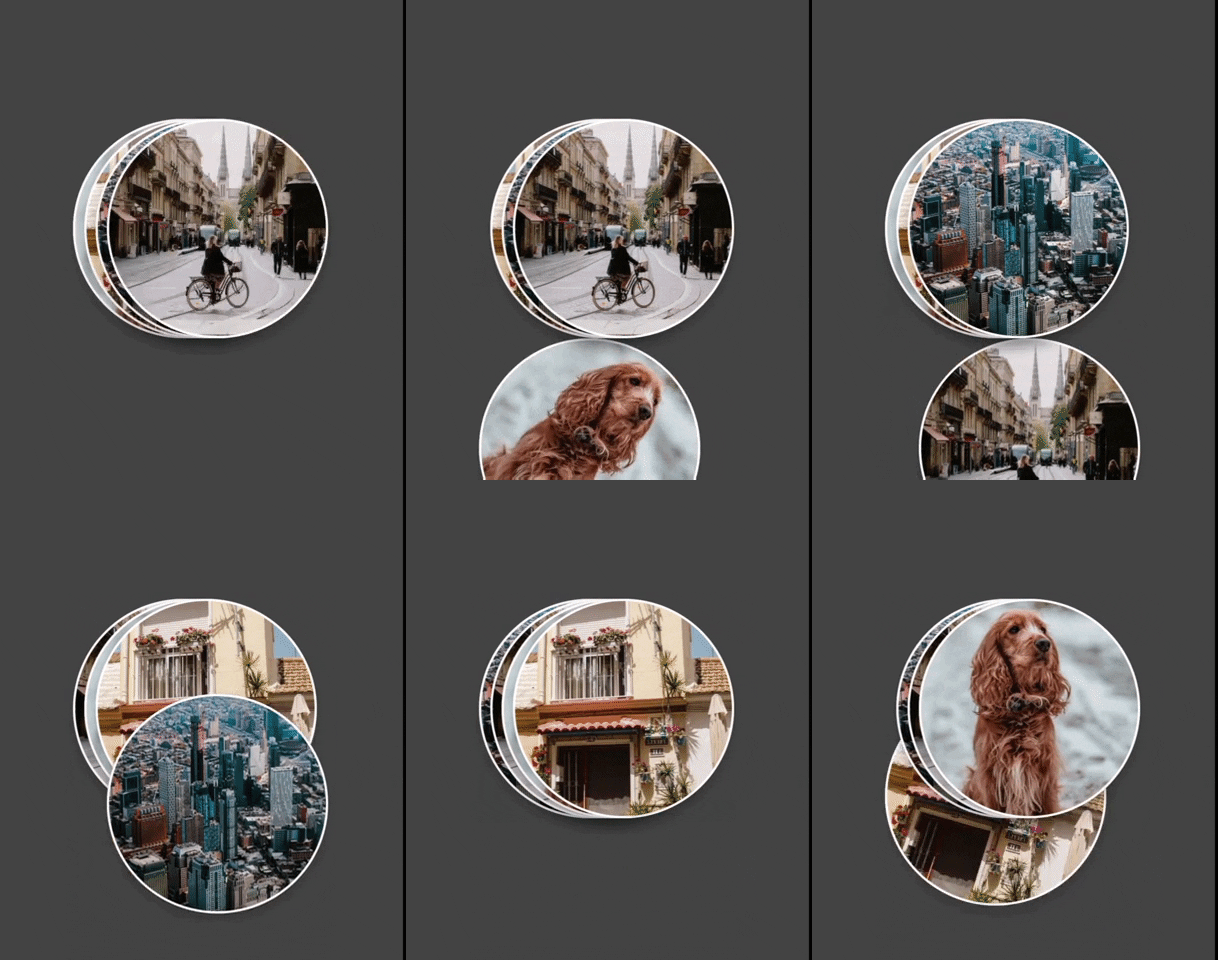
CardStack
Jetpack Compose CardStack
Install / Use
/learn @omercemcicekli/CardStackREADME
CardStack

A hobby project of mine needed Jetpack Compose Cards stacked on top of another. As I finished up the code, I decided to polish and release it as a library so here it is.
Usage
You can define a composable and create as many cards as you want by giving a card count.
val drawables = listOf(R.drawable.first, R.drawable.second, R.drawable.third, R.drawable.fourth)

CardStack(
    { index ->
        Image(
            painterResource(id = drawables[index]),
            contentDescription = "Same Card Type with Different Image",
            contentScale = ContentScale.Crop,
            modifier = Modifier.size(196.dp, 196.dp)
        )
    },
    cardCount = drawables.size
)
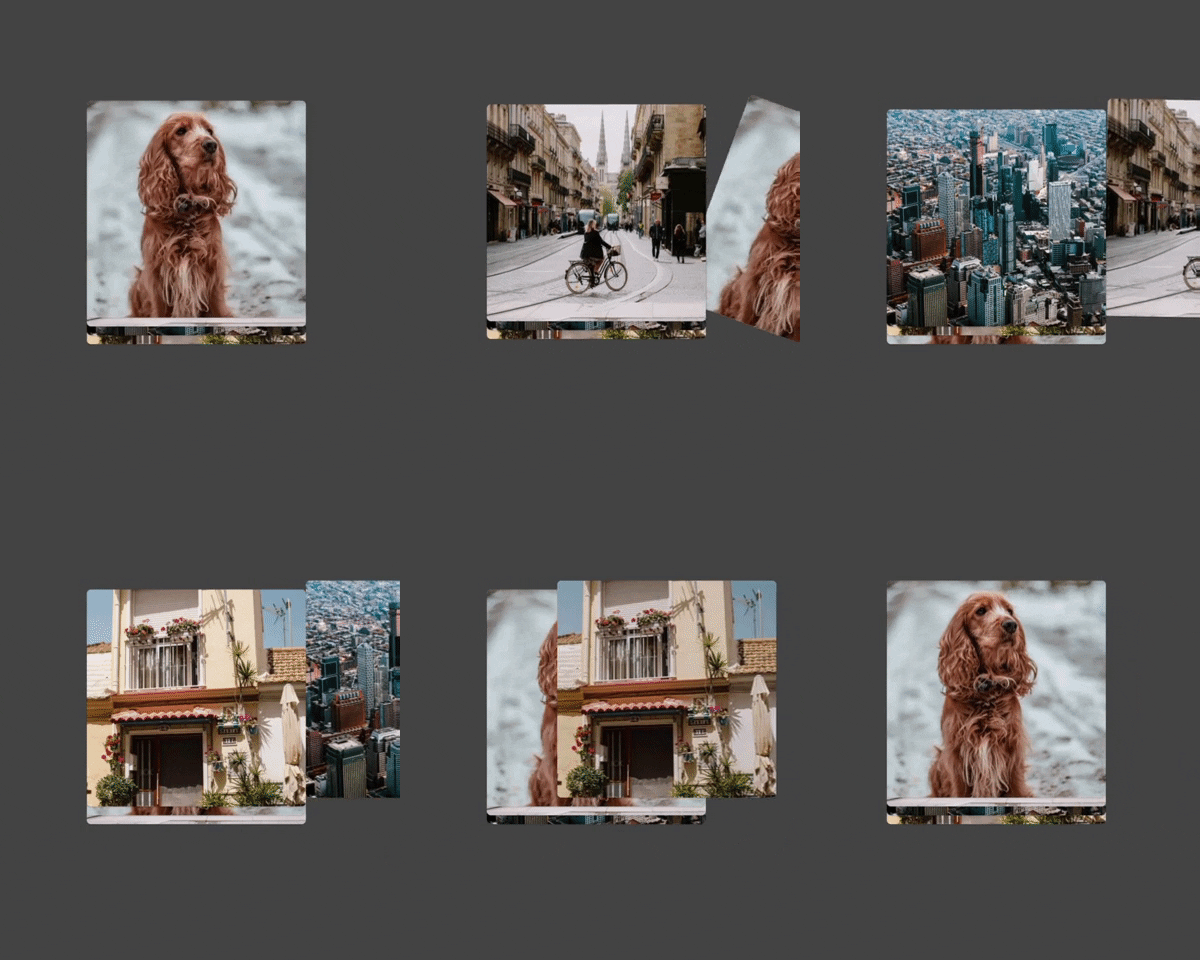
You can also define list of composables and create different card layouts.
CardStack(
    listOf(
        {
            Text(
                text = "First Card",
                textAlign = TextAlign.Center,
                modifier = Modifier.size(196.dp)
            )
        },
        {
            Image(
                painterResource(id = R.drawable.second),
                contentDescription = "Second Card Image",
                contentScale = ContentScale.Crop,
                modifier = Modifier.size(196.dp)
            )
        },
        {
            Column(
                horizontalAlignment = Alignment.CenterHorizontally,
                modifier = Modifier.size(196.dp)
            ) {
                Text(
                    text = "Third Card With Button",
                    textAlign = TextAlign.Center
                )
                Button(onClick = {}) { Text(text = "Button Text") }
            }
        },
        {
            Image(
                painterResource(id = R.drawable.fourth),
                contentDescription = "Fourth Card Image",
                contentScale = ContentScale.Crop,
                modifier = Modifier.size(196.dp)
            )
        })
)

Customization
You can define;
- Card shape
- Card border
- Card elevation
- Padding between cards
- Animation duration
- Orientation
CardStack(
	..,
	cardCount = drawables.size,
	cardShape = CircleShape,
	cardBorder = BorderStroke(2.dp, Color.White),
	cardElevation = 10.dp,
	paddingBetweenCards = 10.dp,
	animationDuration = 250,
	orientation = Orientation.Horizontal(
	    alignment = HorizontalAlignment.EndToStart,
	    animationStyle = HorizontalAnimationStyle.FromBottom
	)
)