
Vfiler.vim
:file_folder: File explorer plugin for Neovim/Vim
Install / Use
/learn @obaland/Vfiler.vimREADME
File explorer plugin for Neovim/Vim


Description
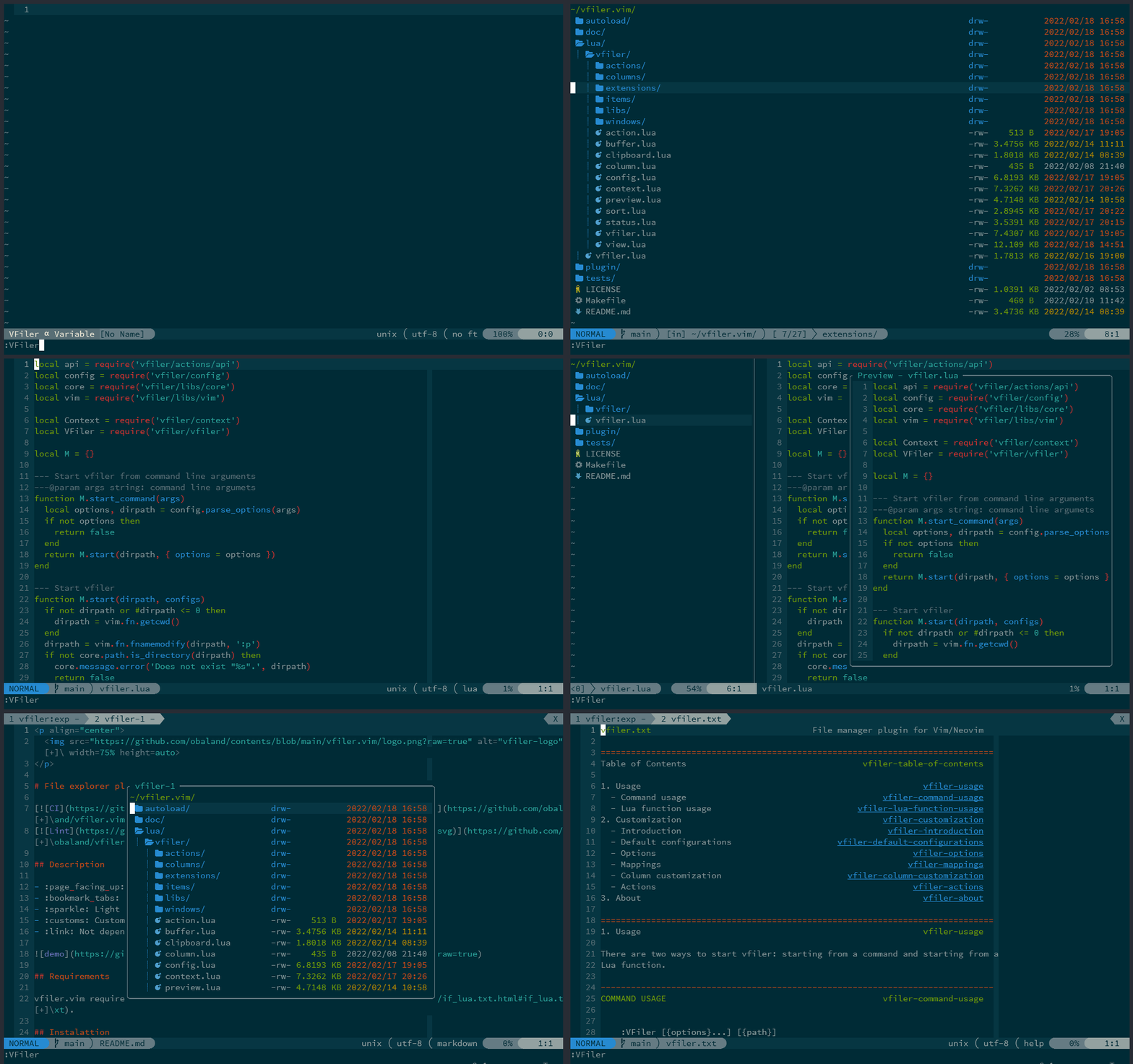
- :page_facing_up: Performing basic file operations.
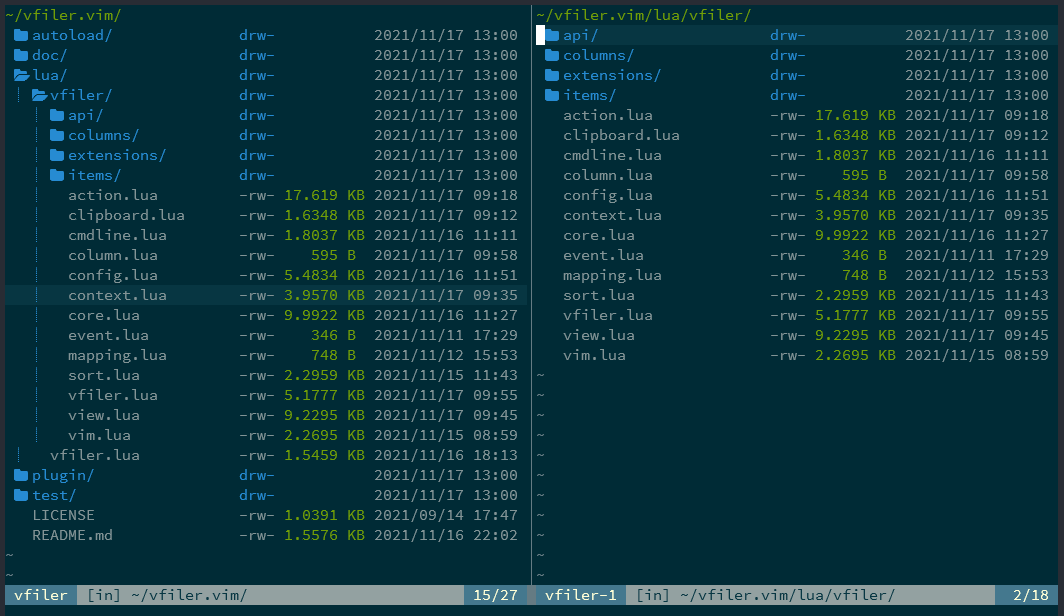
- :bookmark_tabs: Supports easy-to-use 2-window filer.
- :sparkle: Light operability.
- :customs: Customizable to your liking.
- :link: Not depends on other plugins or external.
Requirements
vfiler.vim requires Neovim(0.8.0+) or Vim8.2+ with if_lua.
Installation
Using vim-plug
Plug 'obaland/vfiler.vim'
Using dein.vim
call dein#add('obaland/vfiler.vim')
Using packer.nvim
use {
  'obaland/vfiler.vim',
}
Usage
Quick Start
Basically, after installing in any way, start with the VFiler command. The vfiler.vim will start in the current directory.
:VFiler
You can do various things with options.<br>
See command usage for details.
Start by Lua function
vfiler.vim can also be started by calling a require'vfiler'.start().
require('vfiler').start({path})
You can do various things with configs.<br>
See Lua function usage for details.
More details
- Please see more details: Usage
Customization
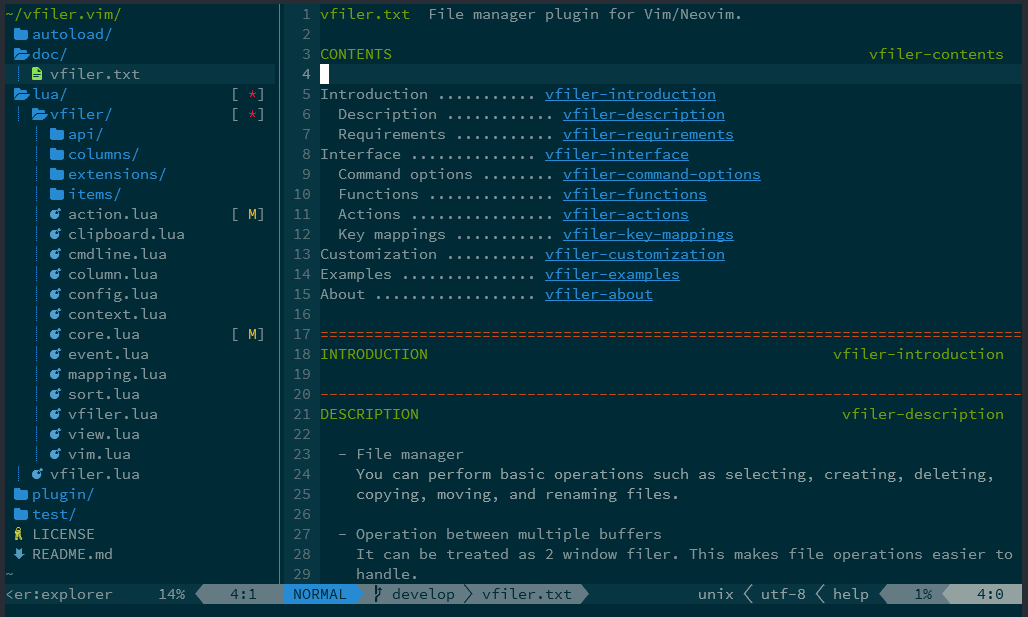
vfiler.vim can be customized to your liking.<br> The following is an example.
Explorer style
Start by command:
:VFiler -auto-cd -auto-resize -keep -layout=left -name=explorer -width=30 -columns=indent,icon,name
Start by Lua script:
require('vfiler/config').setup {
  options = {
    auto_cd = true,
    auto_resize = true,
    keep = true,
    layout = 'left',
    name = 'explorer',
    width = 30,
    columns = 'indent,icon,name',
  },
}

require('vfiler').start()
Start by vim script:
let cfg = ":lua require('vfiler/config').setup {\n" .
            \   "options = {\n" .
            \     "auto_cd = true,\n" .
            \     "auto_resize = true,\n" .
            \     "keep = true,\n" .
            \     "layout = 'left',\n" .
            \     "name = 'explorer',\n" .
            \     "width = 30,\n" .
            \     "columns = 'indent,icon,name',\n" .
            \   "},\n" .
            \ "}\n"
call execute(cfg)

:VFiler
or
lua << EOF
require('vfiler/config').setup {
  options = {
    auto_cd = true,
    auto_resize = true,
    keep = true,
    layout = 'left',
    name = 'explorer',
    width = 30,
    columns = 'indent,icon,name',
  },
}
EOF

:VFiler
Note: For Vim users, if you are using vim-plug, the setup scrpt should be put after "plug#end()"
call plug#begin()
Plug 'obaland/vfiler.vim'
call plug#end()
"setup begin here
lua << EOF
require('vfiler/config').setup {
-- ...
}
EOF
More details
vfiler.vim has various other customization mechanisms.<br>
- Please see more details: Customization
Extension plugins
There are also some extension plugins for vfiler.vim.<br> Please use it as you like.
Screenshots
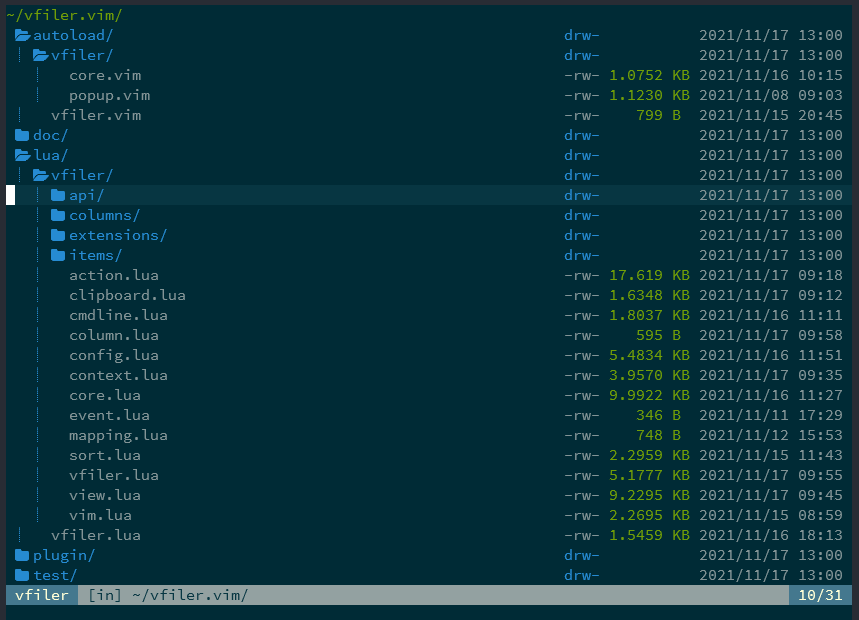
Basic (with devicons)
Operation with two buffers
Explorer style (with devicons)
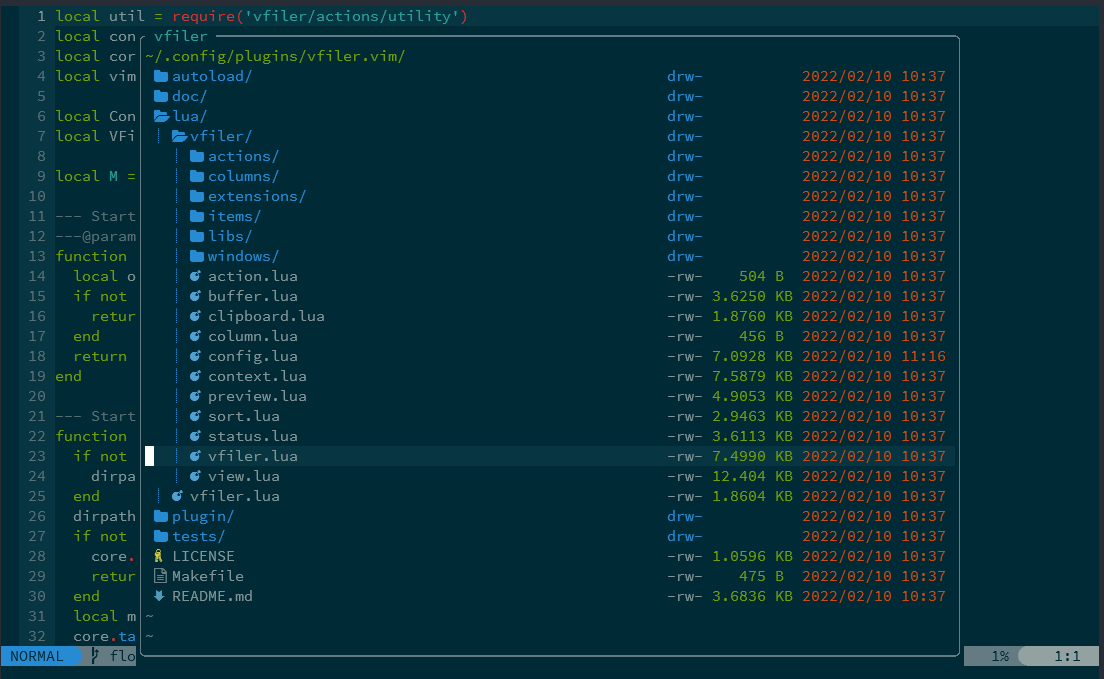
Floating window style (only Neovim)
Feedback
I am hoping to continually improve it as far as time permits.<br> Welcome your requests and suggestions, so please create an issue.
License
vfiler.vim is licensed under the MIT license.<br>
Copyright © 2018, obaland
