
Sanitypress
Fully customizable Sanity.io starter template with Next.js 15 and Tailwind 4
Install / Use
/learn @nuotsu/SanitypressREADME
[!NOTE] 🆕 Try the new SanityPress with TypeGen! ♣️
🖤 SanityPress
Ready, Set, Impress.
An opinionated, fully customizable Next.js (App Router) and Sanity starter template with Tailwind CSS and pre-built schema for rapid website development.
Demo | Docs | Blog | Modules | Studio screenshots | Sanity.io
npm create sanity@latest -- --template nuotsu/sanitypress

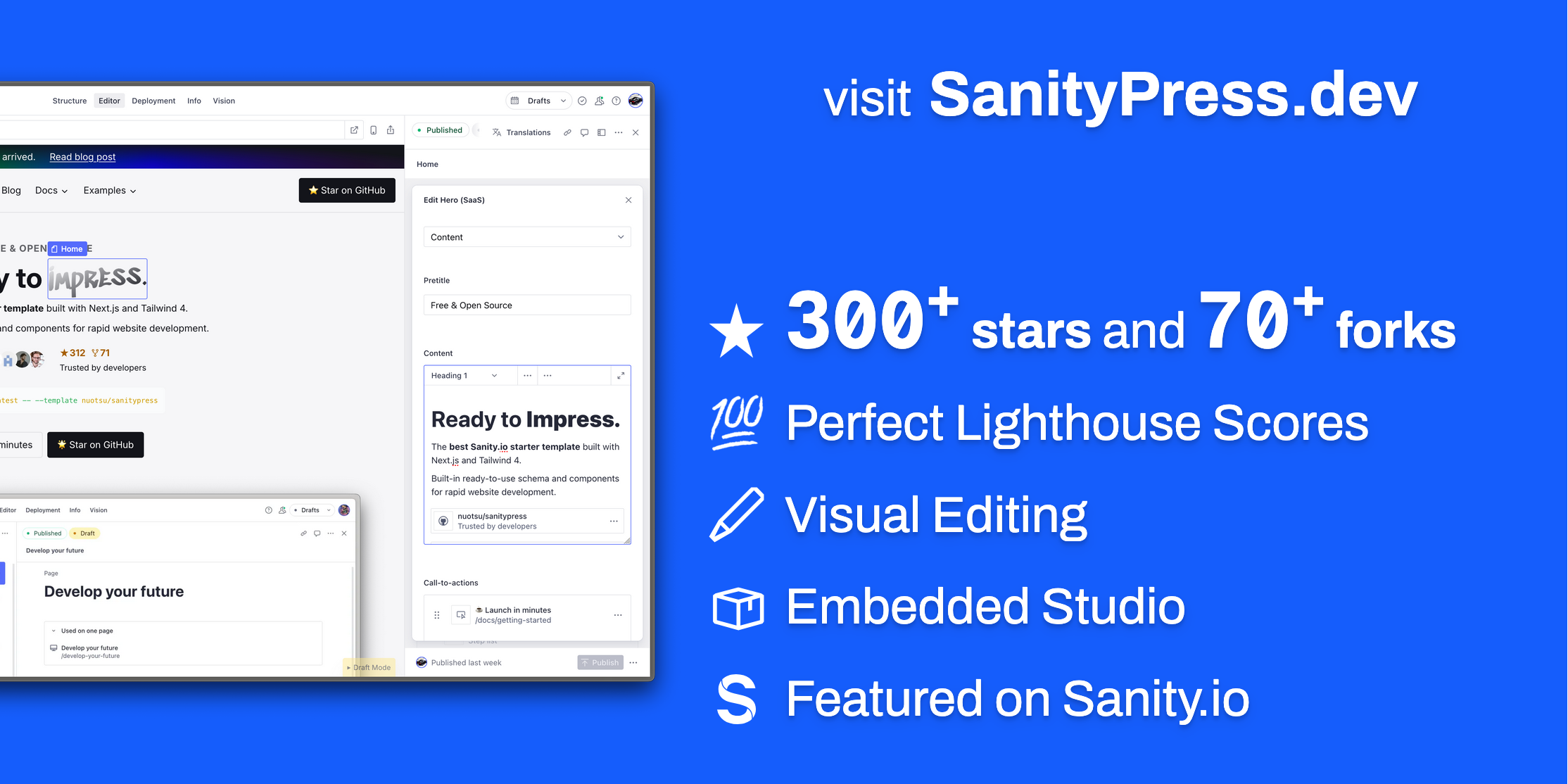
Key Features
- [x] ✨ Next.js 16 (App Router, RSC, Typescript) with Tailwind 4
- [x] 📕 Pre-configured Sanity schema & frontend components
- [x] ✏️ Visual editing in an embedded Sanity Studio
- [x] ⌨️ Auto-generated sitemap + Blog RSS feed
- [x] ⚡ Perfect Lighthouse scores on desktop and mobile.
Getting Started
Full instructions on the docs.
1. Install with the Sanity CLI
Run the following command to initialize this template on your local computer.
npm create sanity@latest -- --template nuotsu/sanitypress
See the documentation if you are having issues with the CLI.
Alternatively, you can also clone or fork the GitHub template to set up manually.
2. Start local server
Run the following command to start the development server:
- Website: http://localhost:3000
- Sanity Studio: http://localhost:3000/admin
npm run dev
3. Add content
In your new Sanity Studio, publish the required site and page documents.
| Document | Slug | Use | Required? | Notes |
| --------------- | -------------- | --------------- | :-------: | ---------------------------------------------------------------------------------------------- |
| site | | Global settings | ✅ | |
| page | index | Homepage | ✅ | |
| page | 404 | Page not found | | |
| page | blog | Blog listing | | Add the Blog frontpage module |
| global-module | blog/ (path) | Blog post | | Add the Blog post content module |
Read the Getting Started docs for more information.
Alternatively, you can import the demo site dataset:
sanity dataset import src/sanity/demo.tar.gz
4. Set up deployments
1. Create a GitHub repository
Create a GitHub repository from this project. Learn more.
2. Set up deployments
Create a new Vercel / Netlify / etc project, connecting it to your Github repository
Set up your deployment settings, such as the Root Directory to your Next.js app.
3. Set environment variables
Configure your Environment Variables in Vercel / Netlify / etc.
NEXT_PUBLIC_BASE_URL="" # https://sanitypress.dev

NEXT_PUBLIC_SANITY_PROJECT_ID="" # abcdefgh
NEXT_PUBLIC_SANITY_DATASET="" # production
SANITY_API_READ_TOKEN="" # "Viewer" token from https://sanity.io/manage

NEXT_PUBLIC_GITHUB_TOKEN="" # recommended to add to display GitHub stars & forks
4. Add a deployment widget to enable deployments directly from the Studio.
- Vercel:
vercel-dashboard-widget - Netlify:
sanity-plugin-dashboard-widget-netlify
5. Customize
Adjust frontend styles, edit/add Sanity schema and modules, and more.
How to Support
Related Skills
node-connect
353.1kDiagnose OpenClaw node connection and pairing failures for Android, iOS, and macOS companion apps
frontend-design
111.6kCreate distinctive, production-grade frontend interfaces with high design quality. Use this skill when the user asks to build web components, pages, or applications. Generates creative, polished code that avoids generic AI aesthetics.
openai-whisper-api
353.1kTranscribe audio via OpenAI Audio Transcriptions API (Whisper).
qqbot-media
353.1kQQBot 富媒体收发能力。使用 <qqmedia> 标签,系统根据文件扩展名自动识别类型(图片/语音/视频/文件)。
