
HubGraph
Grab the latest events from the boring GitHub's API and build an entertaining graph upon them!
Install / Use
/learn @nmaggioni/HubGraphREADME


Grab the latest events from the boring GitHub's API and build an entertaining graph upon them!
Table of Contents
Install
Packaged releases
Check out the releases section for ready-to-run binaries, with all the needed dependencies already embedded. Here's the latest one!
From source
Please ensure that you have go.rice installed. See here for the official commands.
Given that your $PATH already has $GOPATH/bin in it, get the package and install it with these commands:
$ go get github.com/nmaggioni/hubgraph
$ cd $GOPATH/src/github.com/nmaggioni/hubgraph
Now use the build.sh script if you want to cross-compile, or just run the following to build a binary for your system:
rice append --exec $(go build -v 2>&1 | cut -d/ -f3)
The last step is to install the binary to the $GOPATH/bin directory:
$ go install
Usage
HubGraph has some useful command line options, you can check them by using the help flag:
$ ./hubgraph -h
Examples
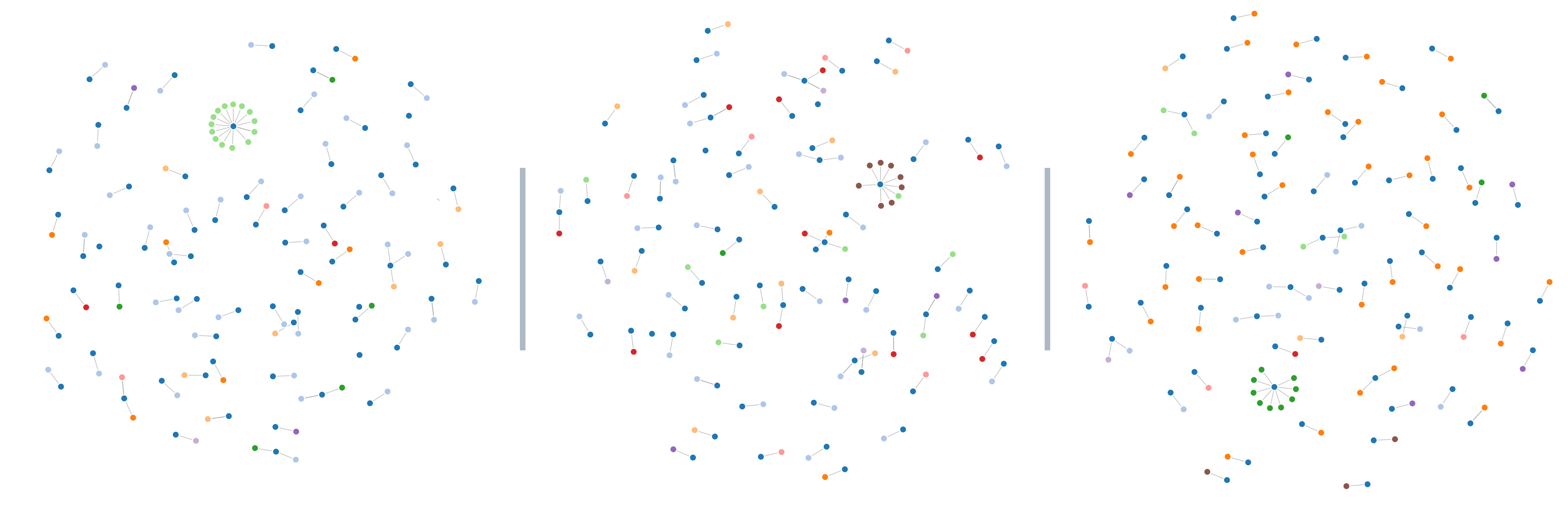
Here are three examples of what HubGraph will produce: the blue points are repositories, and other coloured nodes linked to them are related events. Dark green, for example, is for when an issue has been commented, yellow for a new commit pushed, light blue for new PRs submitted, and so on... Place the mouse over a node to read its description!
Contribute
PRs gladly accepted! Basing them on a new feature/fix branch would help in reviewing.
Small note: If editing the Readme, consider conforming to the standard-readme specification.
License
Related Skills
node-connect
346.8kDiagnose OpenClaw node connection and pairing failures for Android, iOS, and macOS companion apps
frontend-design
107.6kCreate distinctive, production-grade frontend interfaces with high design quality. Use this skill when the user asks to build web components, pages, or applications. Generates creative, polished code that avoids generic AI aesthetics.
openai-whisper-api
346.8kTranscribe audio via OpenAI Audio Transcriptions API (Whisper).
qqbot-media
346.8kQQBot 富媒体收发能力。使用 <qqmedia> 标签,系统根据文件扩展名自动识别类型(图片/语音/视频/文件)。
