
Dextop
Unlock the full potential of your Android device and transform it into a Linux-based workstation in minutes with Dextop! No tech expertise needed - it's user-friendly and hassle-free!
Install / Use
/learn @nathaneltitane/DextopREADME


[ Dextop // Project Page ] [ Version // 09-19-2025 ]
NOTICE
03-16-2025 ↴
- Fix 'container-session' application/focus mode:
- Show default if application not found or empty
- Prettify prompt messaging for connect/disconnect
03-15-2025 ↴
- Fix legacy groups override breaking proot container package installs
- Now using docker.io stock minimal images for proot deployments
- WIP: reimplement VNC functionality
01-07-2025 ↴
- Fix environment options being passed and wrap setup to handle option delegations
01-03-2025 ↴
- Fix debian images not being found:
- Image archives now available through get.trmnl.me
Welcome to Dextop
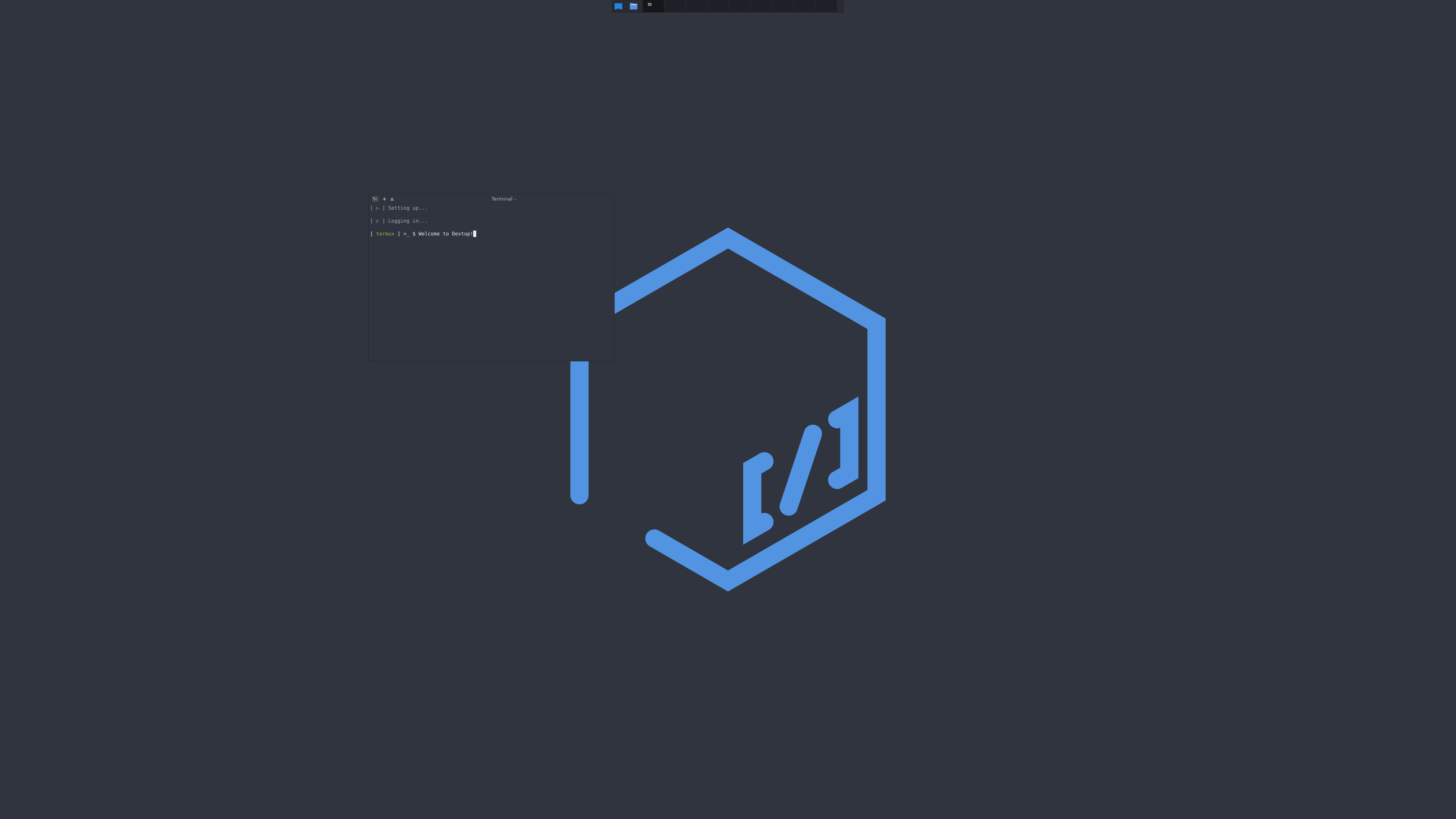
Dextop turns most modern Android devices into a complete Linux distribution workstation in a matter of minutes! No hassle or deep technical know-how required: Dextop is easy and user friendly.
It is highly recommended to install Dextop on a fresh Termux instance or profile to benefit from a clean slate and a snappy experience, although deploying it on an already existing setup is also possible.
All utilities created for, loaded, and used by Dextop contain a help argument: please refer to the help dialogs while setting things up or before opening a bug report.
TL;DR
-
Prepare ↴
- Google Play Store Termux packages have been deprecated since November 2020: DO NOT INSTALL THEM!
- Have Termux APK + Termux:X11 APK installed on your Android device - Termux:API APK is optional but recommended.
- Google Play Store Termux packages have been deprecated since November 2020: DO NOT INSTALL THEM!
-
Link storage ↴
- Identify directory or any other storage location for home usage - 'cd' into directory - paste or type:
echo 'Home' > .storage -
Install ↴
- Launch Dextop setup - paste or type:
curl -s -L run.dxtp.app > dextop && bash dextop- Approve/Deny Termux addons installation request
- Approve/Deny storage permission request
- Wait for automated installation and configuration process to finish (approximately 10 minutes)
-
Use [ post-install ] ↴
- Termux system [ green 'termux' prompt ] ↴
- Start graphical interface [ Termux ]- paste or type:
container-session -o - Container system [ fuschia 'termux' prompt ] ↴
- log into container instance - paste or type:
container-session -d- Start graphical interface [ Container ] - paste or type:
container-session -o- Logout [ fuschia 'termux' prompt ] ↴
- Use Ctrl + D or type 'exit':
-
Closes container-side graphical session
-
Exits one level up to Termux System [ green 'termux' prompt ]
- Logout [ green 'termux' prompt ] ↴
- Use Ctrl + D or type 'exit':
- Terminates background processes
- Closes Termux session
- Exits application
- Use Ctrl + D or type 'exit':
- Logout [ green 'termux' prompt ] ↴
-
- Use Ctrl + D or type 'exit':
- Termux system [ green 'termux' prompt ] ↴
-
Use [ general ] ↴
-
Open Termux application:
- Automtic login enabled by default ↴
- BASH profile configured to bring up graphical session automatically:
- Termux System [ green 'termux' prompt ]
- BASH profile configured to bring up graphical session automatically:
- Automtic login enabled by default ↴
-
Container system [ fuschia 'termux' prompt ] ↴
- log into container instance - paste or type:
container-session -d- Start graphical interface [ Container ] - paste or type:
container-session -oEnjoy!
-
Contents
To run the way it does and transition seamlessly in between Termux and the chosen container instance, Dextop is built a certain way: it loads and links scripts, configuration files and utilities to enhance the Android-based workstation experience as follows:
- Dextop installs certain core utilities to load and use a custom scripting library to make the overall command line interface more pleasant and informative:
- ~/.local/bin/frobulator
- Dextop sets up all required items for it to function, aside from the container, under the home directory
- Dextop looks and behaves the way it does because it loads/links a specific set of Termux preferences and properties:
- ~/.termux/colors.properties → ~/.local/bin/termux-colors
- ~/.termux/font.ttf → ~/.local/bin/termux-font
- ~/.termux/termux.properties → ~/.local/bin/termux-properties
- Dextop is BASH-centric and and may not play well with other shell setups and loads/links its own set of BASH configurations:
- ~/.bashrc → ~/.local/bin/bash-configuration
- ~/.bash_aliases → ~/.local/bin/bash-aliases
- ~/.bash_functions → ~/.local/bin/bash-functions
- ~/.bash_login → ~/.local/bin/bash-login
- ~/.bash_logout → ~/.local/bin/bash-logout
- ~/.bash_profile → ~/.local/bin/bash-profile
Customization:
All of the above files can be changed or customized and serve as a good base to start if there are no configurations or preferences already set.
All other scripts and utilities can also be edited or modified to benefit from a more customized experience.
The Dextop project releases itself from any responibility regarding hardware failure or loss of data when doing so!
Any modification of the Dextop setup routine, scripts or utilities implies the user is fully aware of potential hardware failure or breakage and/or loss of data, including the consequences of doing so: Any bug report that stems from such action will not be acknowledged and will be closed immediately!
Architecture:
Dextop is developed using a Samsung Galaxy Note 20 Ultra, a Samsung Galaxy Tab S7+ and an Intel NUC running Chrome OS with ASL (Android subsystem for Linux) enabled.
Dextop has been primarily optimized to run within/alongside Samsung's DeX, on mobile devices.
Given the devices Dextop was developped on and made for, the ARM64 V8a architecture is the base for all compiled objects, binaries, libraries, utilities and all other installed or required packages for the project and is the implied architecture reference when stating 'modern android device'.
Back. It. Up.
Backing up your existing setup by following the Termux backup recommendations is a must.
Final warning: the Dextop project will not be held responsible for any overrides, file corruptions or deletions caused by the installation and configuration process - You Have Been Warned.
A backup routine has also been built that archives the user's home directory before proceeding, regardless, to ensure some kind of safety.
Once generated, it can be found under the user's home directory with the corresponding stamp as 'dextop-backup-MM-DD-YYYY-HH-MM-SS.tar.gz'
What it does:
Dextop can be compared to other very similar projects, though:
- It provides a selection of the Debian and Ubunut distribution base images: known to be stable, popular and has tons of user-friendly knowledge bases.
- It expands the installed base image to run just like a normal PC!
- It generates an actual user profile and prepares a functional home directory for the user to work in, easily and securely.
- It installs all the necessary applications and utilities to provide the user with the right experience.
- It sets up the internal (and external, when available) storage media for flexible, system-wide access.
- It handles all the technical intricacies related to a container installation (chroot/proot) so that the user does not have to bother with them and get right to work.
- It is configured as a transient container system: it talks to Android via the Termux shell to access Android and launch relevant viewers and applications as needed.
What it doesn't:
Power users be warned!
- Dextop does not root the host device!
- Dextop does not load any services or backends!
- Dextop does not install or configure advanced system services!
Applications that require backend services (i.e.: Ubuntu Snap/snapd), standalone services, hardware probes and other advanced features that require access to restricted core system directories will not function: the device must be rooted to remove those limitations and gain full access to all system hardware and virtual devices.
Dextop links some of the modified utilities that have been patched under Termux for an attempt at limited access to whatever the Android user space runtime policy permits (htop, kill, pgrep, pkill, ps, top).
General requirements:
Do not install Google Play Store Packages: thay have not been maintained and are deprecated since November 2020.
For the best possible experience, use the offical GitHub Termux project released packages, follow the links and recommendations below and make sure to have:
- A modern Android device equipped with a 64 bit ARM processor (Android 7.0 or above: Termux limitation - Avoid Android 11/12/13 when and if possible: read more regarding the Phantom Process Killer)
- Medium to high speed internet connectivity (wifi or other: for setup, updates and additional package downloads)
- Approximately 4GB in free storage on the device for symmetric setup (Termux and distribution container)
- A mouse (bluetooth or other)
- A keyboard (bluetooth or other)
- A power source (other than the battery,
Related Skills
node-connect
341.6kDiagnose OpenClaw node connection and pairing failures for Android, iOS, and macOS companion apps
frontend-design
84.6kCreate distinctive, production-grade frontend interfaces with high design quality. Use this skill when the user asks to build web components, pages, or applications. Generates creative, polished code that avoids generic AI aesthetics.
openai-whisper-api
341.6kTranscribe audio via OpenAI Audio Transcriptions API (Whisper).
commit-push-pr
84.6kCommit, push, and open a PR
