Mkchromecast
Cast macOS and Linux Audio/Video to your Google Cast and Sonos Devices
Install / Use
/learn @muammar/MkchromecastREADME
Looking for help!
I don't have too much time recently to take care of the project. If you would be interested in helping, please comment on https://github.com/muammar/mkchromecast/issues/398
Mkchromecast





This is a program to cast your macOS audio, or Linux audio to your Google Cast devices or Sonos speakers. It can also cast video files.
It is written for Python3, and it can stream via node.js, parec (Linux),
or ffmpeg. Mkchromecast is capable of using lossy and lossless audio
formats provided that ffmpeg or parec (Linux) are installed. It also
supports Multi-room group
playback, and
24-bit/96kHz high audio resolution.
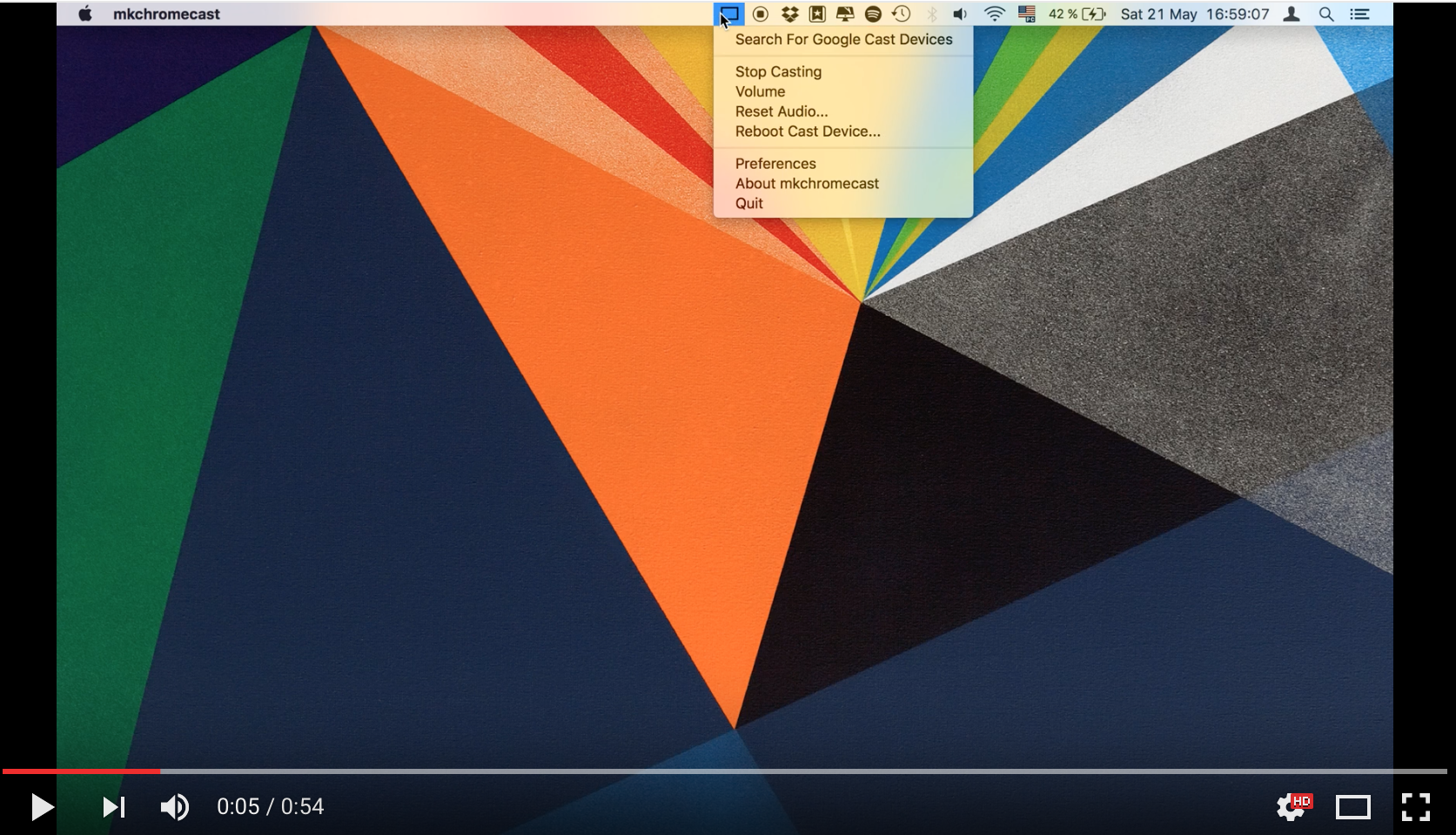
Additionally, a system tray menu is available.
By default, Mkchromecast streams with node.js (or parec in Linux)
together with mp3 audio coding format at a sample rate of 44100Hz and
average bitrate of 192k. These defaults can be changed using the
--sample-rate and -b flags. It is useful to modify these parameters when
your wireless router is not very powerful, or in the case you don't want to
degrade the sound quality. For more information visit the
wiki, and the
FAQ.
You can optionally install ffmpeg more information
here).
Linux users also can configure ALSA to capture
audio. Note that sometimes
the lag between playing a song and hearing may be up to 8 seconds for certain
backends.
Tell me more about it
To have an idea of using Mkchromecast from console check this gif.
Mkchromecast provides a beta system tray menu. It requires you to
install PyQt5. For more information check the
Requirements and
Install sections.
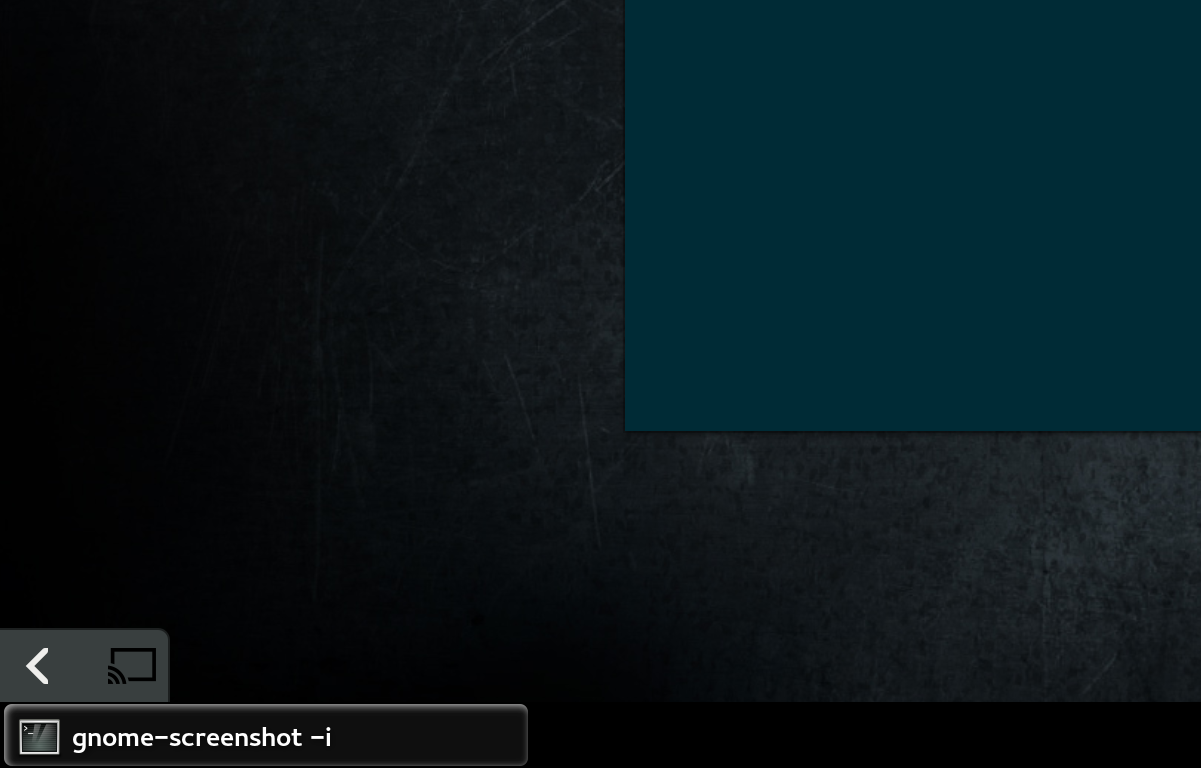
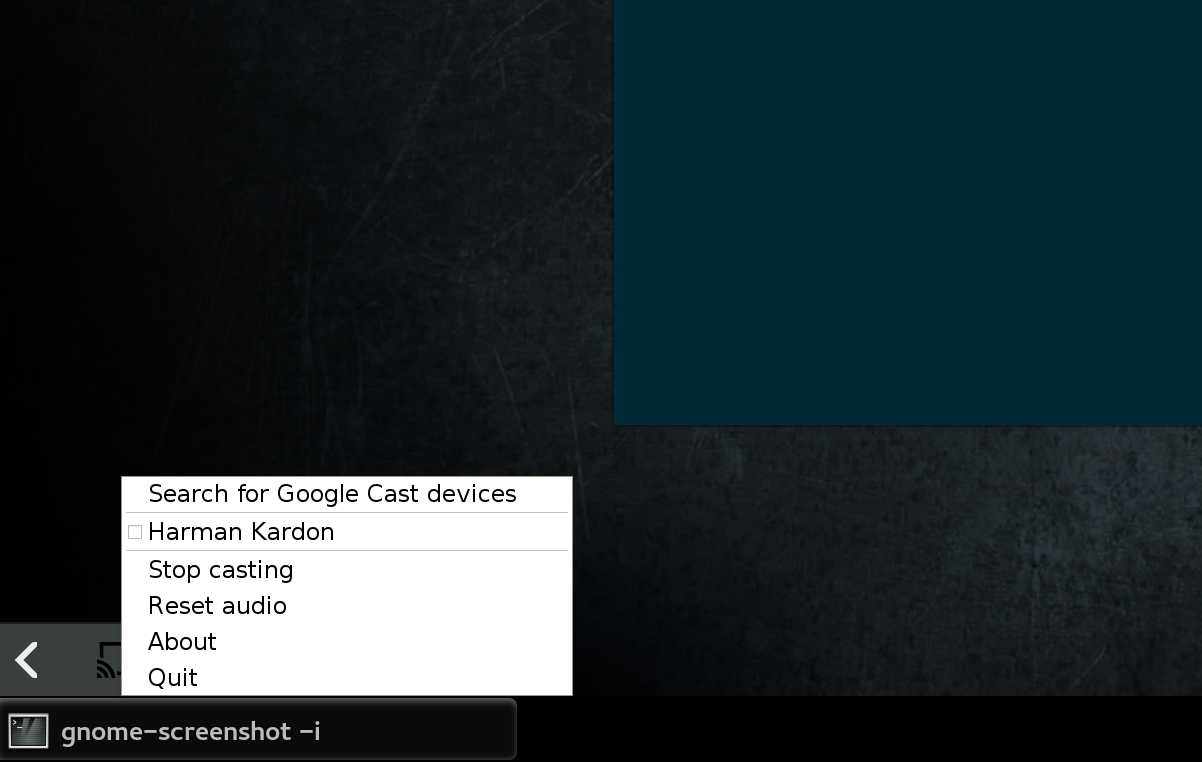
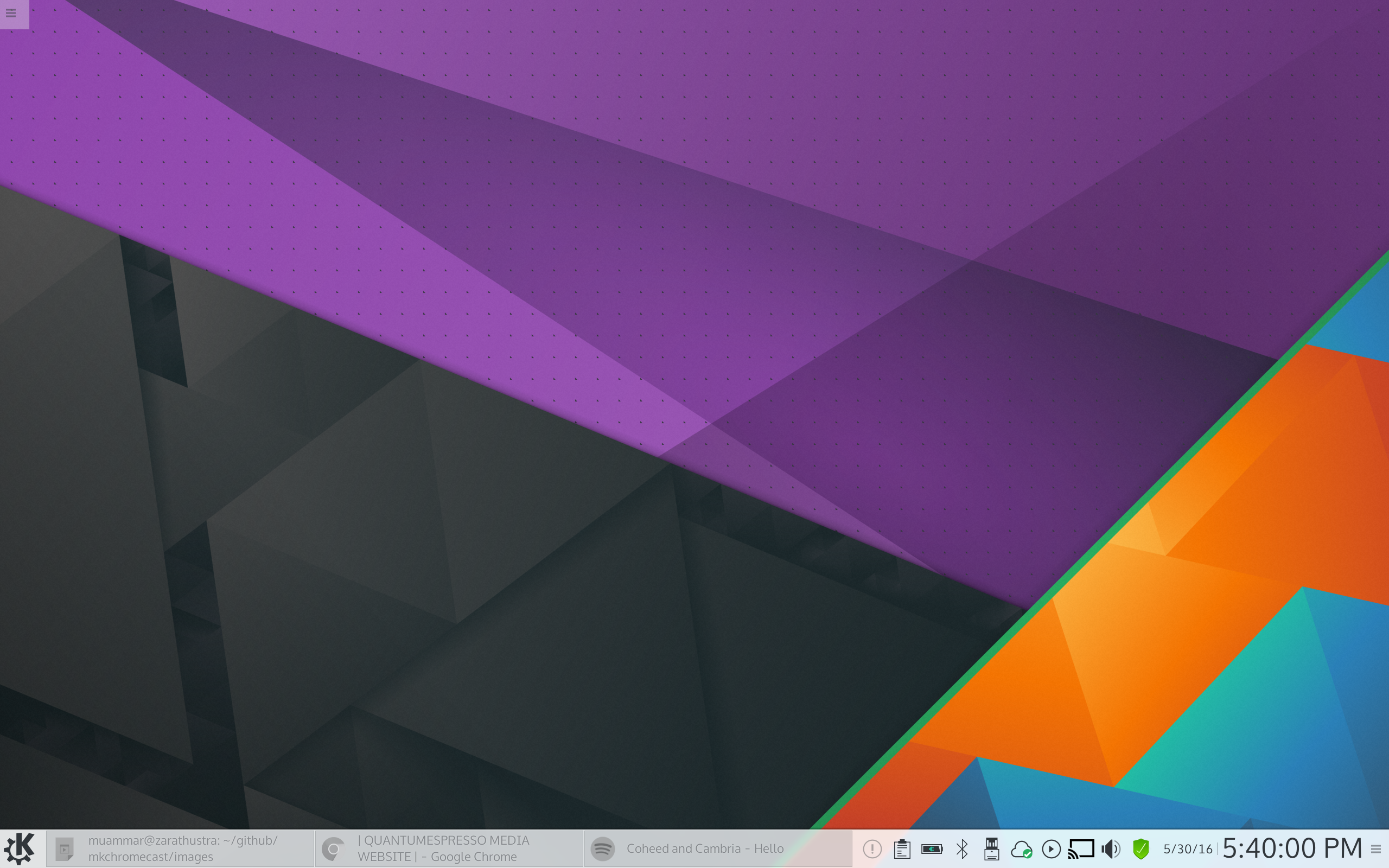
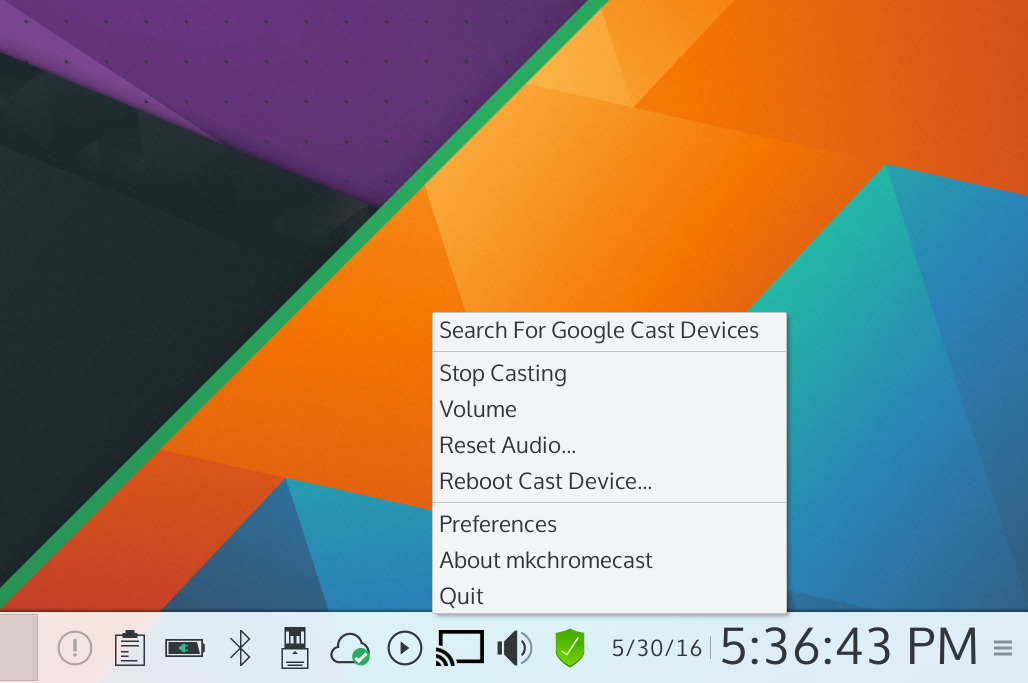
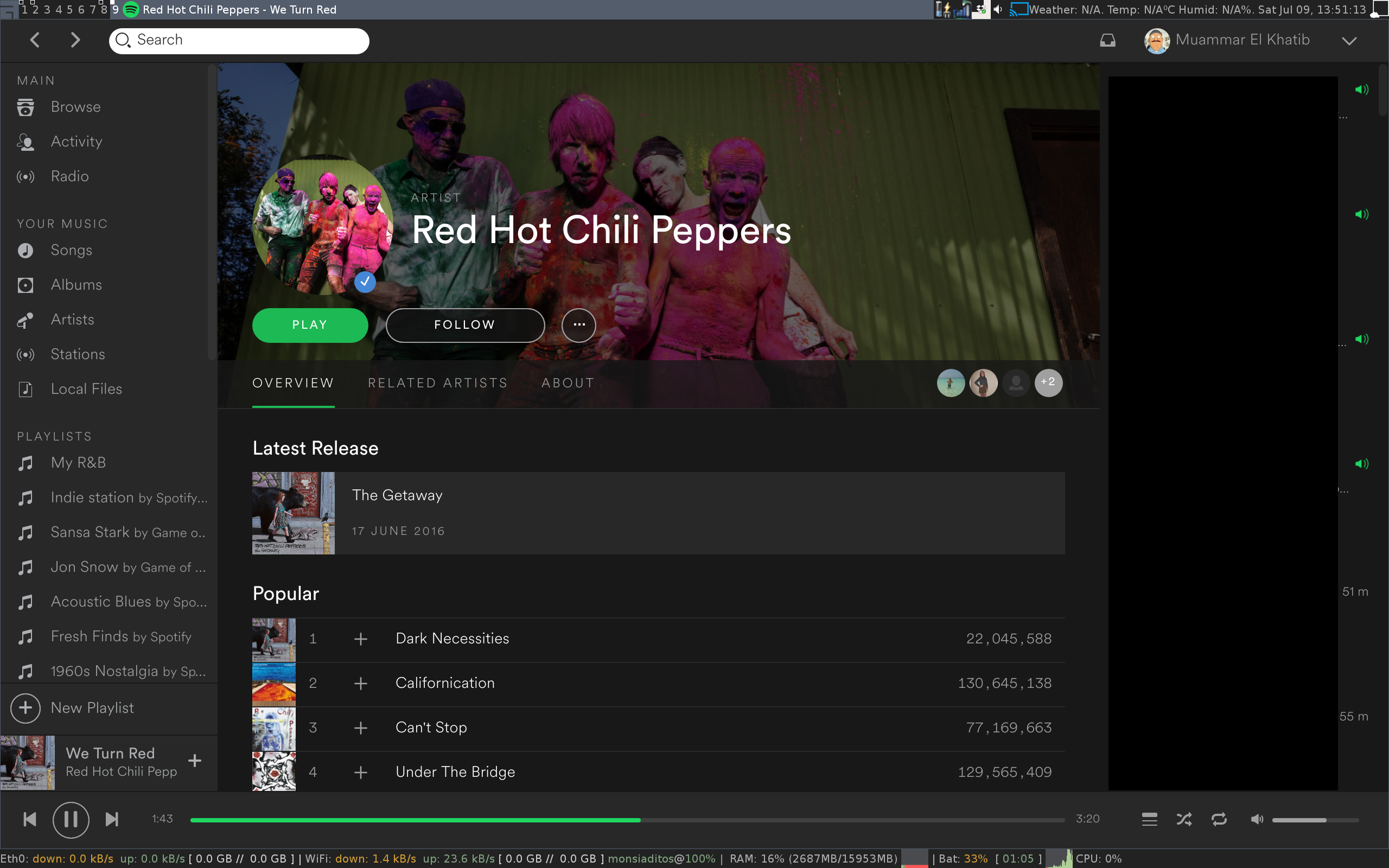
This is what the system tray menu looks like:
macOS
Linux
Check these images:
Sonos support
If you have Sonos speakers, you can play whatever you are listening to in your
computer with Mkchromecast. To add Sonos support, install the soco python
module:
pip3 install soco
Contribute
If you want to contribute, you can help by reporting issues or by creating pull requests with your developments/improvements. If your case is the latter, visit Development section in the Wiki.
Requirements:
macOS
In order to use Mkchromecast you need the following software to stream with
node.js:
- Python3.
- pychromecast.
- psutil.
- mutagen.
- BlackHole
- PyQt5 (optional if you want to use the system tray menu).
For more control, you need ffmpeg as backend. In that case install the
following:
- flask (optional).
- ffmpeg (optional).
- yt-dlp (option if you plan to cast youtube URLs or supported websites).
Linux
- Pulseaudio.
- Pavucontrol.
- Python3 (if using the official debian package).
- pychromecast.
- psutil.
- mutagen.
- flask.
- vorbis-tools.
- sox.
- lame.
- flac.
- faac.
- ffmpeg (optional).
- PyQt5 (optional if you want to use the system tray menu).
- yt-dlp (option if you plan to cast youtube URLs or supported websites).
- soco (this module adds Sonos support to Mkchromecast).
For those who don't like Pulseaudio, it is possible to cast using ALSA. In that case the requirements are:
- alsa-base
- alsa-utils
- alsa-utils
- Python3 (if using the official debian package).
- pychromecast.
- psutil.
- mutagen.
- flask.
- vorbis-tools.
- sox.
- lame.
- flac.
- faac.
- ffmpeg.
- PyQt5 (optional if you want to use the system tray menu).
- yt-dlp (option if you plan to cast youtube URLs or supported websites).
- soco (this module adds Sonos support to Mkchromecast).
Install
There are two ways of installing this application:
Binaries
macOS
There is a standalone application for macOS users. You need to drag it to your
/Applications/ folder.
Download the latest dmg here. You need also to install BlackHole.
Homebrew Cask
If you are using homebrew, it is possible to install the binary as follows:
brew install --cask mkchromecast
If you find any problem with the application, please report it here.
Linux
- Debian (.deb): https://packages.debian.org/mkchromecast.
- Ubuntu (.deb): http://packages.ubuntu.com/search?keywords=mkchromecast.
Mkchromecast is available in the official Debian repositories. To install it, just do:
apt install mkchromecast
Download the latest deb package here, and install it as follows:
sudo apt -f install ./mkchromecast_$VERSION_all.deb
where $VERSION = X.Y.Z-Rev, e.g.: 0.2.6-1.
This should work in Debian Unstable and Testing. I would appreciate Ubuntu testers as well. If you find any problems, please report it here.
If you experience other problems related to dependencies, please discuss them here or open a new issue.
Additionally, there are two dependency packages for pulling pulseaudio or ALSA dependencies:
apt-get install mkchromecast-alsa (ALSA users)
or
apt-get install mkchromecast-pulseaudio (Pulseaudio users)
From sources
To install Mkchromecast, clone this repository:
git clone https://github.com/muammar/mkchromecast.git --depth 1
Or you may download one of the stable releases here, and unzip the file.
Arch Linux
Mkchromecast is available at the AUR :
- Release version: https://aur.archlinux.org/packages/mkchromecast/.
- Development version: https://aur.archlinux.org/packages/mkchromecast-git/.
#install with aurman
aurman -S mkchromecast
#install with aurutils
aur sync mkchromecast
If you get the error cannot import name 'DependencyWarning' in Arch Linux,
please check issue #31.
Python
To install python requirements use the requirements.txt file shipped in
this repository:
pip install -r requirements.txt
Note: if this step fails, maybe you need to run the installation with
sudo as shown below. However, before installing using this method verify why
a regular user cannot install these requirements.
sudo pip install -r requirements.txt
Linux users can try to install these python requirements using the package managers coming with their distributions.
Example for Debian based distros:
sudo apt-get install python3.6 python3-pip python3-pychromecast python3-flask python3-psutil python3-setuptools python3-mutagen python3-gi vorbis-tools sox lame flac faac opus-tools
Note: if python3-pychromecast is not available in your repository,
follow instructions in #9.
BlackHole (macOS users only)
For installing BlackHole you can check https://github.com/ExistentialAudio/BlackHole and just download the latest dmg file.
If you have [Homebrew](http://
Related Skills
openai-image-gen
329.0kBatch-generate images via OpenAI Images API. Random prompt sampler + `index.html` gallery.
claude-opus-4-5-migration
81.1kMigrate prompts and code from Claude Sonnet 4.0, Sonnet 4.5, or Opus 4.1 to Opus 4.5
docs-writer
98.6k`docs-writer` skill instructions As an expert technical writer and editor for the Gemini CLI project, you produce accurate, clear, and consistent documentation. When asked to write, edit, or revie
model-usage
329.0kUse CodexBar CLI local cost usage to summarize per-model usage for Codex or Claude, including the current (most recent) model or a full model breakdown. Trigger when asked for model-level usage/cost data from codexbar, or when you need a scriptable per-model summary from codexbar cost JSON.